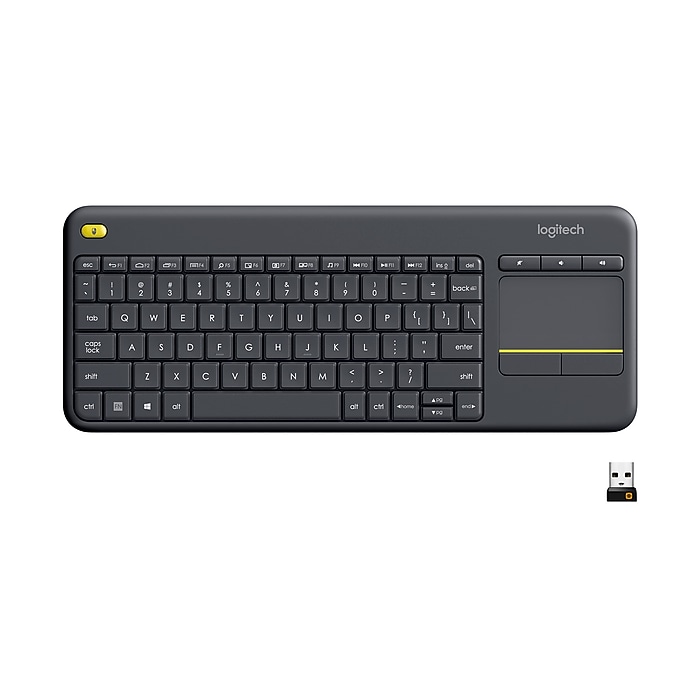
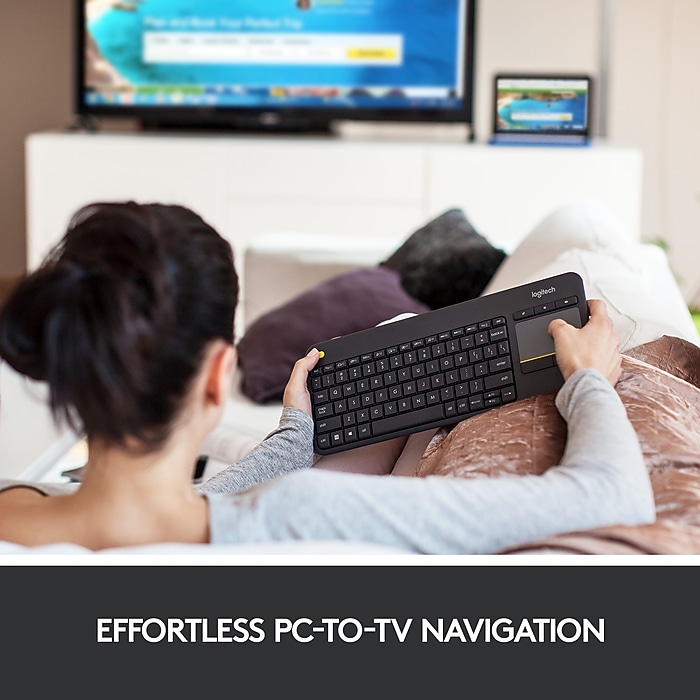
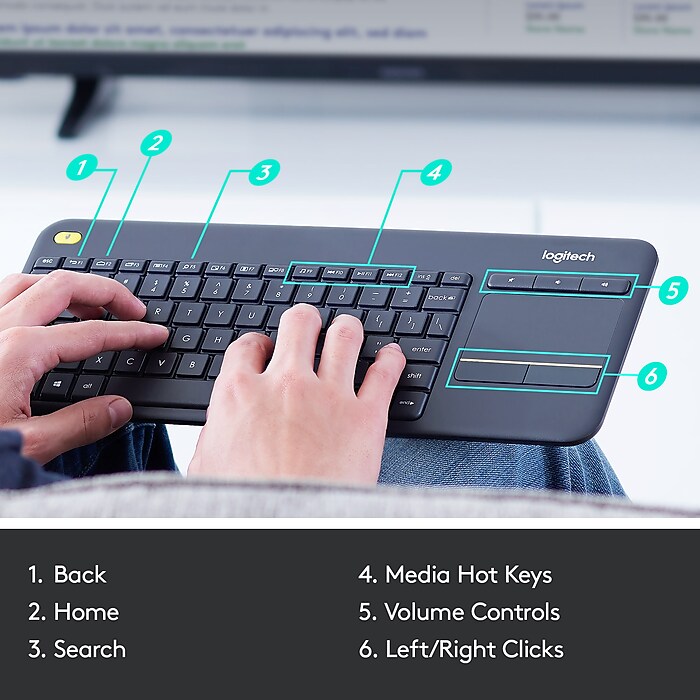
- Media-Friendly: The K400 Plus wireless touch TV keyboard gives you integrated, comfortable control of your PC-to-TV entertainment, eliminating the clutter of a separate keyboard and mouse
- Plug-and-Play: Simply plug the Unifying receiver into a USB port and the wireless touchpad keyboard is ready to go; adjust controls using the Logitech Options Software to save preferred settings
- Power-Packed: Built with laid-back control in mind, this wireless TV keyboard has a reliable and long battery life of up to 18 months**, including an on/off button to help it go even longer
Logitech K400 Plus Wireless Touch Keyboard, Dark Gray (920-007119)
Free Returns
Online. In store. Always free.
Learn More

Consider this similar product


About this product
The Logitech® Wireless Touch Keyboard K400 Plus lets you experience PC-to-TV entertainment the way you Watch video, browse the web, chat with friends and much more. The all-in-one keyboard with touchpad ends the hassle—and clutter—of multiple devices. And a 10-meter (33-foot)¹ wireless range ensures your fun won’t be interrupted. Comfortable, quiet keys and a large (3.5-inch) touchpad make navigating entertainment effortless. Even setup is a snap thanks to the tiny, plug-and-play Unifying receiver. The 18-month² battery life means you might even forget the keyboard needs batteries. 1 Wireless range may vary depending on operating environment and computer setup. ² Assumes up to two hours typing per day. Actual battery life will vary with use, settings and environmental conditions.
- Media-Friendly: The K400 Plus wireless touch TV keyboard gives you integrated, comfortable control of your PC-to-TV entertainment, eliminating the clutter of a separate keyboard and mouse
- Plug-and-Play: Simply plug the Unifying receiver into a USB port and the wireless touchpad keyboard is ready to go; adjust controls using the Logitech Options Software to save preferred settings
- Power-Packed: Built with laid-back control in mind, this wireless TV keyboard has a reliable and long battery life of up to 18 months**, including an on/off button to help it go even longer
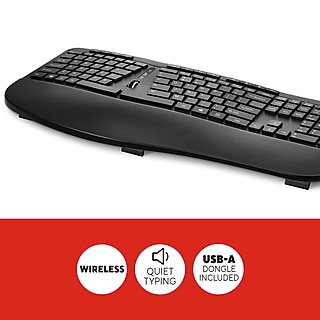
- Wireless Freedom: Designed for seamless comfort and control, this HTPC keyboard boasts a range of up to 33 ft* wireless connectivity, with quiet keys and a large touchpad for easy navigation
- Broad Compatibility: Designed for use with Windows 7, Windows 8, Windows 10 and later, Android 7 or later, and Chrome OS
- Durable and Reliable: The spill-resistant design*** and long-lasting keys keep you on-track despite any mishaps
- Upgrade to Logitech K830 Keyboard: For increased comfort, illuminated keys, USB/Bluetooth connectivity and a rechargeable battery try the K830 wireless keyboard
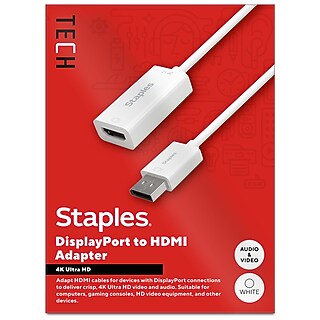
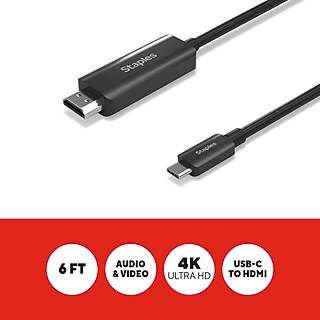
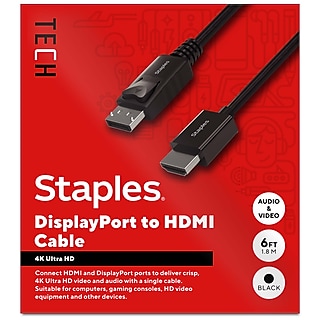
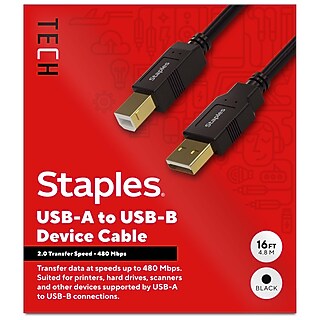
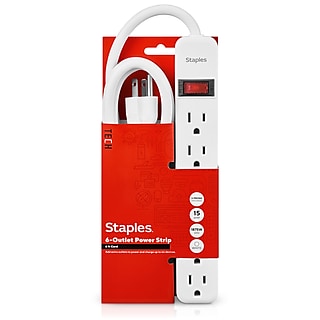
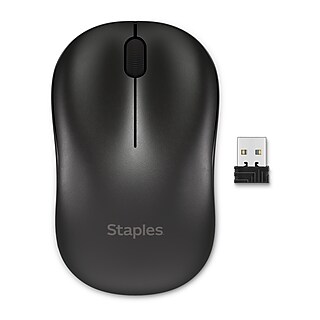
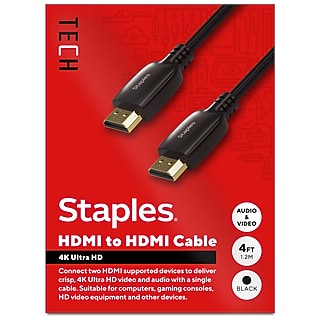
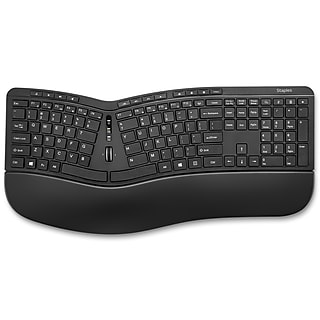
Staples TECH - exceptional performance at unmatched value
















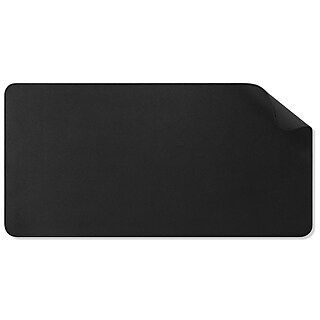


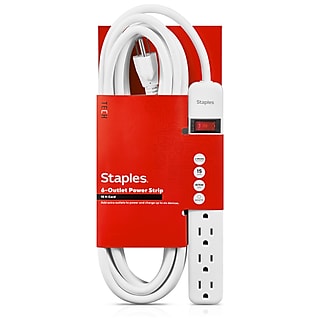

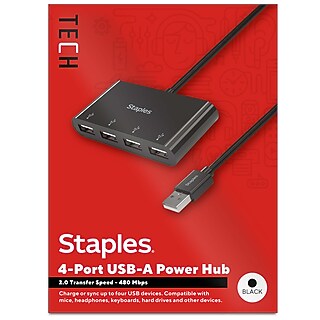

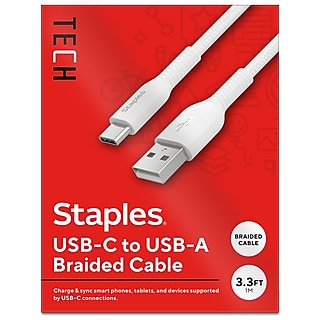




From the manufacturer
Compare similar items
| Attributes | Logitech K400 Plus Wireless Touch Keyboard, Dark Gray (920-007119) | Adesso SlimTouch Wireless Keyboard, Black (WKB-4050UB) | Logitech K270 USB Wireless Keyboard, Black (920-003051) | Logitech POP Icon Keys Wireless Keyboard, Graphite/Green (920-013143) | Logitech Alto Keys K98M Wireless Mechanical Keyboard, Graphite (920-013575) |
|---|---|---|---|---|---|
Your product Logitech K400 Plus Wireless Touch Keyboard, Dark Gray (920-007119) Price is $29.99, Regular Price was $34.99, You save 14% |  Price is $38.62 |  Price is $24.99 |  Price is $50.09 |  Price is $109.99, Regular Price was $120.08, You save 8% | |
| Reviews | |||||
| Delivery Information | Next-Day Delivery by tomorrow | Free delivery by Thu, Jun 11 | Next-Day Delivery by tomorrow | Free delivery by Thu, Jun 11 | Free delivery by Thu, Jun 11 |
| Available in my store | Yes | No | No | No | No |
| Wireless or Wired | Wireless | Wireless | Wireless | Wireless | Wireless |
| Touch Capability | Yes | Yes | No | No | No |
| True Color | Dark Gray | Black | Black | Graphite & Green | Graphite |
| Multi-Device Support Type | Multi-Device | Single Device | Multi-Device | Single Device | Multi-Device |
| Bluetooth | No | No | No | Yes | Yes |
| Computer Keyboard Type | Keyboard | Keyboard | Keyboard | Keyboard | Mechanical Keyboard |
| Height in Inches | 0.93 | 0.73 | 0.8 | 0.9 | 1.56 |
| Depth in Inches | 5.51 | 4.76 | 5.8 | 5.39 | 5.79 |
| Width in Inches | 13.95 | 13.25 | 17.2 | 12.78 | 15.79 |
| Weight (lbs.) | 0.86 | 0.6 | 3 | 1.61 | 2.43 |
| Interface Type | Radio Frequency | USB | Bluetooth & USB | USB | Bluetooth & USB |
| Ergonomic Design | No | No | No | No | Yes |
| Numeric Keypad | No | Data not available | Yes | Data not available | Yes |
| Designed for Gaming | No | No | No | No | No |
| Warranty Information | 1 Year | Data not available | 3 Year | 1 Year | 1 Year |
| Battery Requirements | 2 x AA Batteries | Data not available | 2 x AAA Batteries | AA | Rechargeable |
| OS Compatibility | Windows 10, 11 or later, Chrome OS, Android 7 or later | Data not available | Data not available | Data not available | Windows 10 Windows 11 Mac OS X 11.0 Big Sur Linux ChromeOS iPadOS 14 iOS 14 Android 9.0 |
| Add To Cart | Add To Cart | Add To Cart | Add To Cart |
Featured Products