


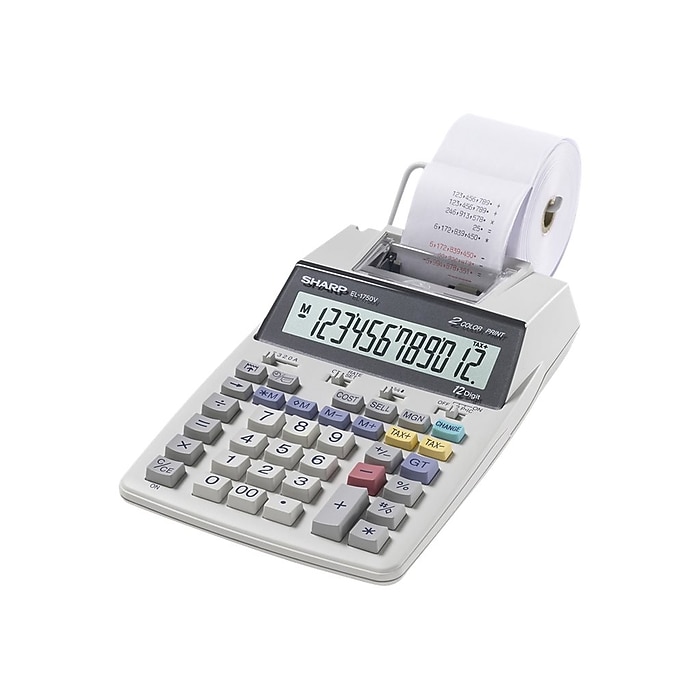
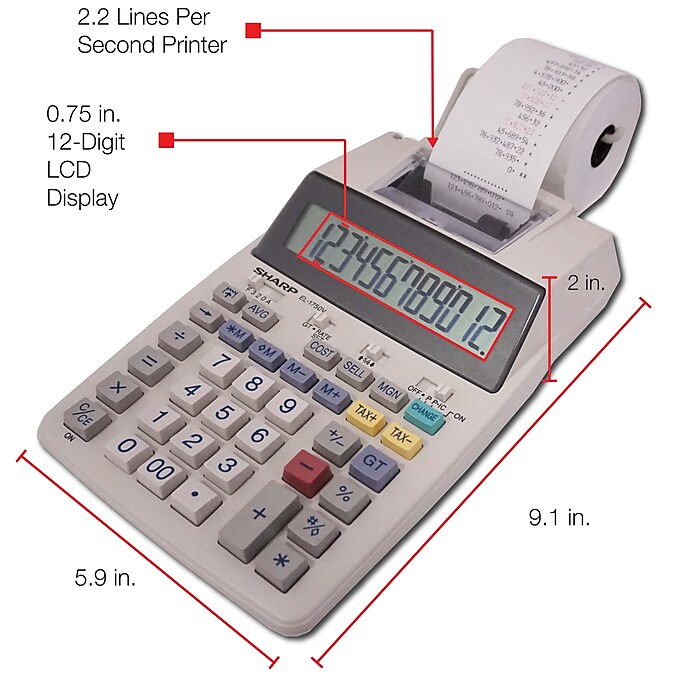
- Printing calculator offers 12-digit LCD display for convenient viewing
- Prints up to two lines per second for quick, clear documentation
- Dimensions: 2.03"H x 5.91"W x 9.06"D
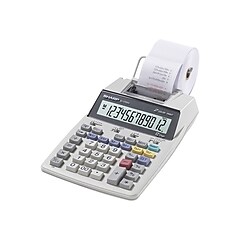
Sharp EL-1750V 12-Digit Desktop Printing Calculator, White
Free Returns
Online. In store. Always free.
Learn More

About this product
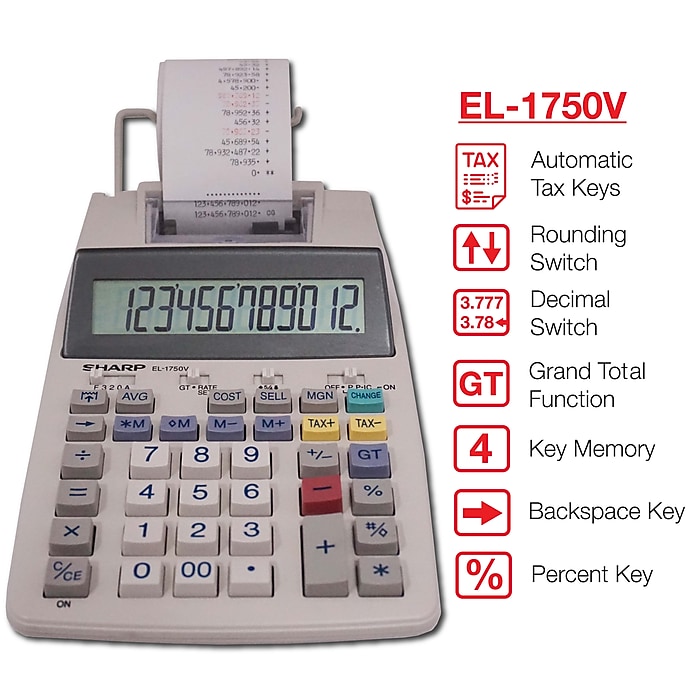
Increase calculation speed with this printing calculator. A 12-digit LCD allows for the use of large numbers, while two-color printing makes it easy to tell the difference between positive and negative values. Built-in calendar and clock functionality displays the time and date at a glance. A professional keyboard layout lets you enter numbers quickly for increased efficiency. Cost, sell, and margin keys make determining profit margins simple, while four-key memory delivers the ability to save commonly used numbers for faster input. A built-in grand total key makes it possible to add the results of multiple calculations at the push of a button. This Sharp printing calculator is both battery and AC-powered for added flexibility.
- Printing calculator offers 12-digit LCD display for convenient viewing
- Prints up to two lines per second for quick, clear documentation
- Dimensions: 2.03"H x 5.91"W x 9.06"D
- Powered by AC adapter or four AA batteries
- 4-key memory keeps often-used figures accessible for faster calculations
- Package content: AC adapter
- Streamline financial calculations with tax calculation, cost, sell, margin, mark-up, and item counter functions
- Decimal switch, rounding switch, percent, sign change, constant calculation, double zero, grand total, and more functions help you solve a variety of mathematical problems
- Prints positive numbers in black and negative numbers in red, eliminating misreads
- Angled display is easy on the eyes
- Comes in white
- 6-month manufacturer limited warranty
- Safety Data Sheet
Frequently bought together







Compare similar items
| Attributes | Sharp EL-1750V 12-Digit Desktop Printing Calculator, White | Sharp (EL1801V) 12-Digit Printing Calculator, White | Casio (HR-170RC) 12-Digit Printing Calculator, Black | Casio (HR-200RC)12-Digit Printing Calculator, Black | Victor 1208-2 12-Digit Desktop Calculator, White |
|---|---|---|---|---|---|
Your product Sharp EL-1750V 12-Digit Desktop Printing Calculator, White Price is $85.99 | 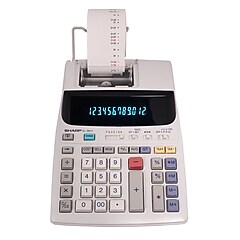 Price is $89.99 | 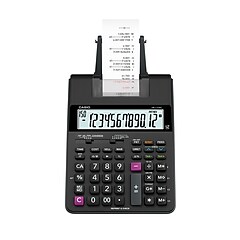 Price is $40.49 | 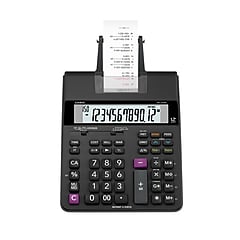 Price is $62.99 |  Price is $56.99 | |
| Reviews | |||||
| Delivery Information | Free delivery by Tue, Jun 09 | Free delivery by Tue, Jun 09 | Free delivery by Tue, Jun 09 | Free delivery by Tue, Jun 09 | Free delivery by Tue, Jun 09 |
| Available in my store | No | No | Yes | Yes | No |
| Height in Inches | 2.03 | 2.5 | 2.54 | 2.54 | 1.5 |
| Pack Qty | 1 | 1 | 1 | 1 | 1 |
| Width in Inches | 5.91 | 7.6 | 6.49 | 7.67 | 6 |
| # of Colors | 2 | 2 | 2 | 2 | 2 |
| # of Memory Keys | 4 | 4 | 4 | 4 | 4 |
| Powered | Battery / AC Powered | Battery / AC Powered | Battery / AC Powered | Battery / AC Powered | AC Powered |
| Color Family | White | White | Black | Black | White |
| Warranty Information | 180 Day | 180 Day | 1 Year | 1 Year | 2 Year |
| Calculator Type | Desktop | Desktop | Desktop | Desktop | Desktop |
| Weight (lbs.) | 1.18 | 2.2 | 1.26 | 1.25 | 1 |
| Printing Calculator Speed | 0 - 2 Lines per Second | 2 - 3 Lines per Second | 0 - 2 Lines per Second | 2 - 3 Lines per Second | 2 - 3 Lines per Second |
| Printing Calculator Display | LCD | VFD | LCD | LCD | LCD |
| Number of Digits Displayed | 12 | 12 | 12 | 12 | 12 |
| True Color | White | White | Black | Black | White |
| Printing Color Options | Black & Red | Black & Red | Black & Red | Black & Red | Black & Red |
| Depth in Inches | 9.06 | 10.1 | 11.61 | 12.3 | 7.5 |
| Roll Width (In.) | 2.25 | Data not available | 2.25 | 2.25 | 2.25 |
| Add To Cart | Add To Cart | Add To Cart | Add To Cart |
Featured Products


