5-Port Switch

50 results
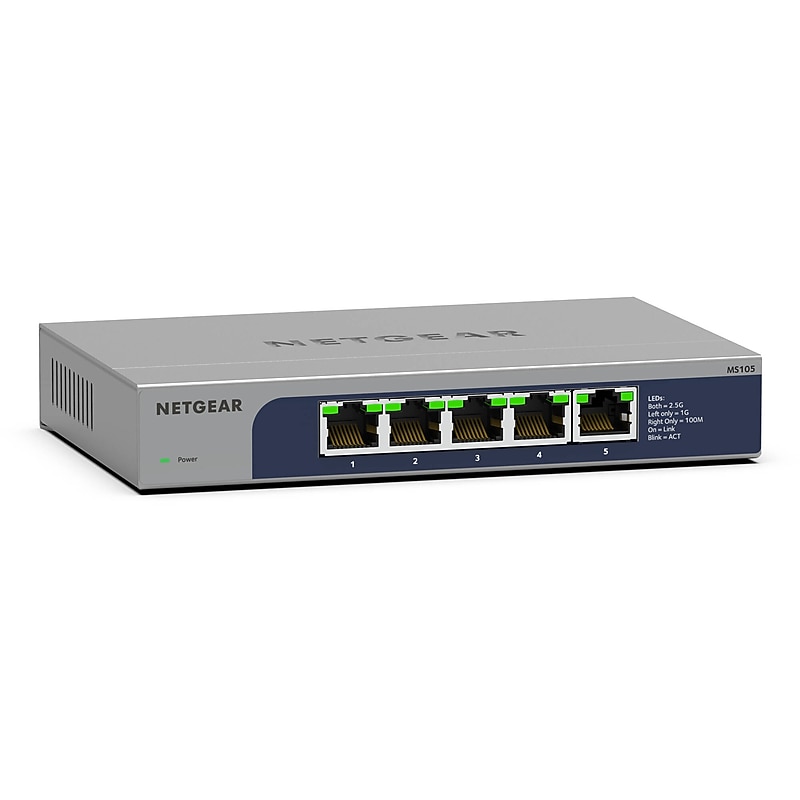
Netgear 5 Ethernet Ports Multi-Gigabit Unmanaged, 25 Gbps, Grey (MS105-100NAS) image 1
Item: IM109TC00
Model: MS105-100NAS

Quickly and easily expand your business's network capacity to support additional computers, servers, access points, and other devices with the Netgear MS105 5-Port 2.5G Unmanaged Network Switch. Featuring five 2.5G speed Ethernet ports with a 25 Gb/s switching capacity 3.72 Mpps forwarding rate, this unmanaged switch is designed to deliver fast and smooth data transfers. Simply connect the switch to your network to get started. No complicated setup or configuration is required..Equipped with 5 Ethernet ports, supports Multi-Gigabit Ethernet speeds, and operates as an Unmanaged Switch.Each port on the device delivers data transfer speeds of up to 2.5 Gbps.Compact desktop form factor with optional wall-mounting capability.Total switching throughput of 25 Gbps and operates in a non-blocking, full-duplex mode for optimal performance.Supports cost-efficient twisted pair cables for high-speed data transfer up to 100 meters.Simple set up with no software or configuration needed.Easy monitoring through per port LEDs for port activity and speed.Energy Efficient Ethernet (IEEE 802.3az) support for maxium power savings.Non-blocking switching architecture for maximum throughput at wire speed.Limited Lifetime Hardware Warranty
Price is  $151.55
1
2
3
4
5
6
7
8
9
10
11
12
13
14
15
16
17
18
19
20
21
22
23
24
25
26
27
28
29
30
Over 30
Add to list
1
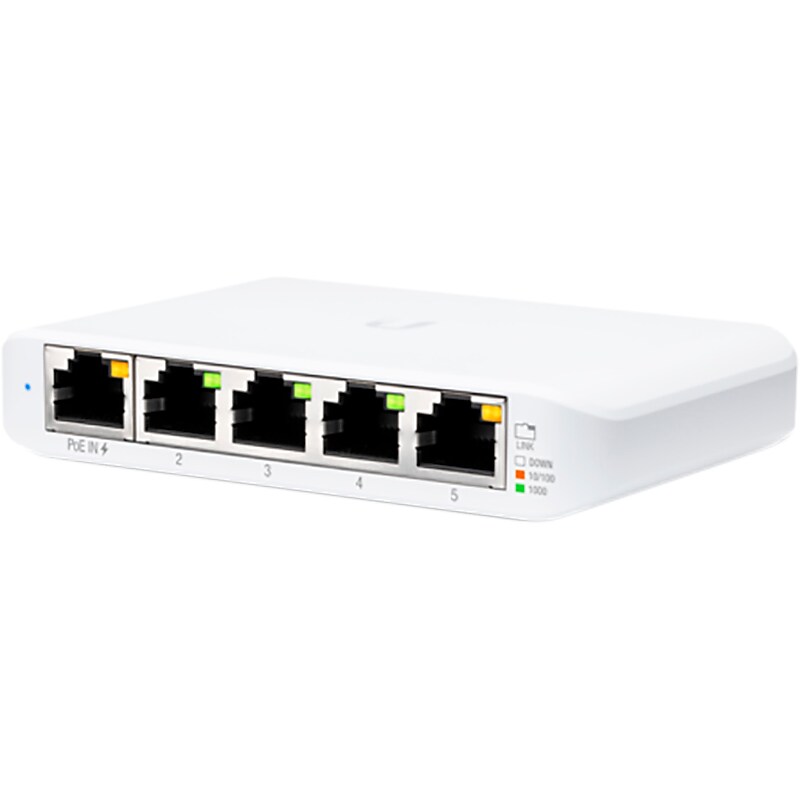
Ubiquiti UniFi Flex Mini Switch, 3/Pack (USW-Flex-Mini-3) image 1
Item: IM18LR063
Model: USW-FLEX-MINI-3

The Ubiquiti UniFi Switch, model USW-Flex-Mini, is a smart managed Gigabit switch. It offers five RJ45 Ethernet ports, providing 1 Gigabit links to your devices. Power up the USW-Flex-Mini with the included USB Type-C power adapter or with 802.3af PoE Ethernet in port 1. Managed with UniFi Network Application Version: 5.12.5 or higher..Smart managed Gigabit switch.Dimensions: 0.83"H x 4.22"W x 2.76"D.Comes in white.Networking interfaces: five 10/100/1000Mbps RJ45 ports.Power method: USB Type-C, 5V 802.3af/at PoE (44-57VDC, 0.05-0.04A).Three switches per pack

Price is  $92.99
1
2
3
4
5
6
7
8
9
10
11
12
13
14
15
16
17
18
19
20
21
22
23
24
25
26
27
28
29
30
Over 30
Add to list
No reviews yet

About 5-Port Switch

A 5-port switch is a networking device that allows multiple devices to connect and communicate within a local area network (LAN). It serves as a central hub, enabling efficient data transfer between computers, printers, and other networked devices, making it essential for both home and office environments.

These switches are designed to enhance network performance by managing data traffic effectively. With five ports available, users can easily expand their network without the need for additional hardware, ensuring seamless connectivity for various devices.

When choosing a 5-port switch, consider features such as data transfer speed, which typically ranges from 10/100 Mbps to 1 Gbps, depending on the model. Additionally, look for options that support plug-and-play functionality for easy setup, as well as features like auto-negotiation for optimal performance across connected devices.

Power over Ethernet (PoE) capability is another important feature to consider, as it allows devices to receive power and data through the same cable, reducing clutter and simplifying installations. With these features, a 5-port switch can significantly improve your network's efficiency and reliability.

What is a 5-port switch used for?

  • A 5-port switch is used to connect multiple devices within a local area network, allowing them to communicate and share resources efficiently. It is ideal for home networks, small offices, and workgroups.

How does a 5-port switch work?

  • A 5-port switch operates by receiving data packets from one device and forwarding them to the appropriate destination device within the network. It uses MAC addresses to determine where to send the data, ensuring efficient communication.

What is the difference between a switch and a router?

  • A switch connects devices within a local network, while a router connects different networks, such as a home network to the internet. Switches operate at the data link layer, whereas routers function at the network layer.

Can a 5-port switch be used to expand an existing network?

  • Yes, a 5-port switch can be used to expand an existing network by providing additional ports for connecting more devices. It is a simple and effective way to increase network capacity without replacing existing equipment.

Do I need a special cable to connect devices to a 5-port switch?

  • Standard Ethernet cables (Cat5e or Cat6) are typically used to connect devices to a 5-port switch. These cables are widely available and support the necessary data transfer speeds for most networking needs.

Is a 5-port switch easy to set up?

  • Yes, most 5-port switches are designed for easy setup, often featuring plug-and-play functionality. Simply connect your devices using Ethernet cables, and the switch will automatically configure itself for optimal performance.