USB-C Alt Mode Adapters
200 results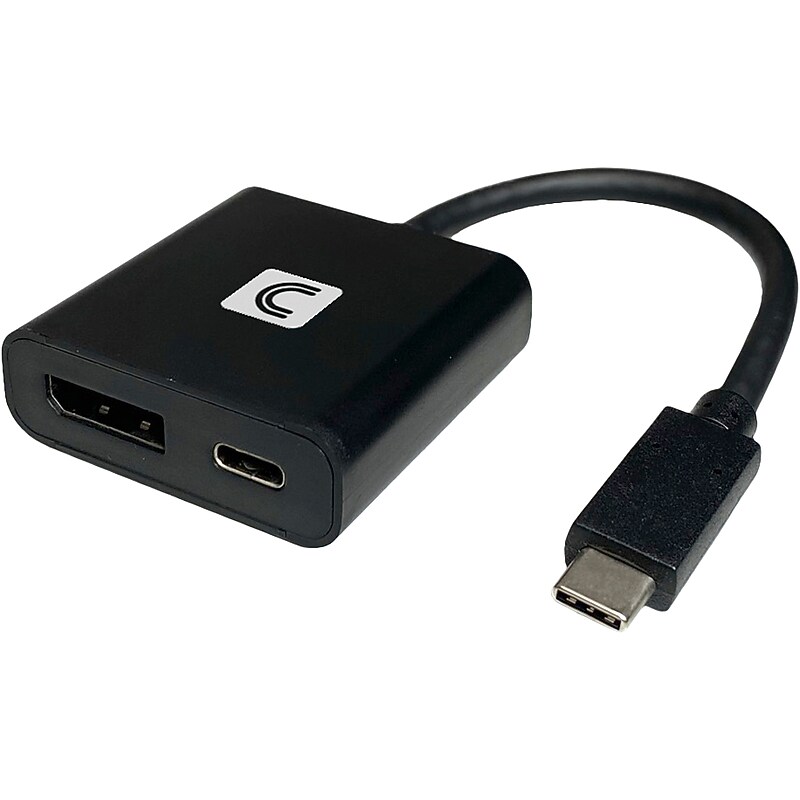
Comprehensive's Ultra HD 4K active DP video adapter is the perfect solution for connecting your USB-C source from a Chromebook, MacBook, iPad Pro, PC or laptop to any UHD 4K 60Hz HDMI display such as a monitor or projector. It supports full 4K@60 with 4:4:4 color space and features USB power delivery up to 60W. You can charge your laptop or mobile device while connected to a video display simultaneously. The ultra-durable ABS housing design makes it perfectly suited for professional applications. This adapter/converter is covered under Comprehensive's worry-free lifetime warranty..Ultra HD 4K active DisplayPort video adapter is the perfect solution for connecting your USB Type-C source to any UHD 4K 60Hz HDMI device, such as a monitor or projector.Dimensions: 0.5"H x 1.75"W x 1.75"D.Plug-and-play with no driver or software installation required.Supports up to 60W Power Delivery (PD) pass-through charging.Features a built-in 6" USB Type-C cable to be connected directly to your source device.Supports UHD video resolutions up to 3840 x 2160 at 60Hz.Works with most operating systems, including Windows, macOS, Android, iPadOS, and Chrome.Backward compatible with 1080p displays.Ultradurable ABS housing ensures years of reliable use.Compatible with Thunderbolt 3.Meets or exceeds FCC, CE, RoHS standards.Lifetime manufacturer limited warranty
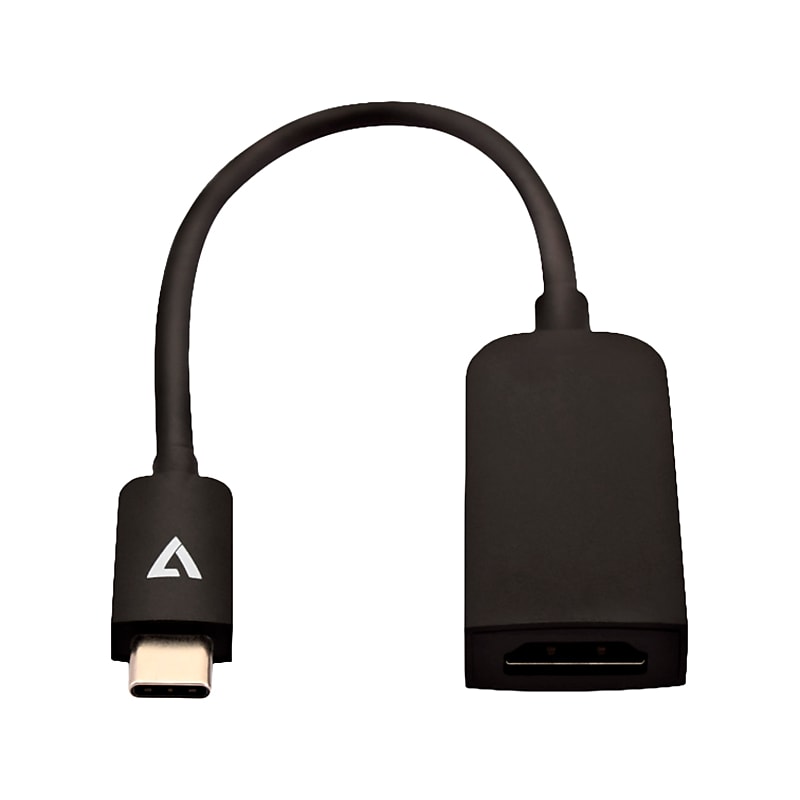
The V7 USB Type C to HDMI adapter lets you connect your MacBook or PC with a USB-C port to an HDMI display. This adapter allows you to mirror your MacBook display with your secondary display and supports resolutions up to 4K UHD - 3840x2160 at the 32-bit color at 60Hz. It also outputs video content like movies and captured video. Simply connect the adapter to the USB-C port on your MacBook or PC to your HDMI monitor or TV. Plug and Play operation means no software drivers to install..USB Type-C to HDMI adapter lets you connect your macOS or Windows computer with a USB Type-C port to an HDMI display.Input: USB Type-C.Output: Slim HDMI.Male to female connector.Supports resolutions up to 4K UHD: 3840 x 2160 32-bit color at 60Hz.Built with corrosion-resistant connectors and strain relief for optimal signal transfer, fit, and durability.High-grade shielding resistant to EMI and RF.Plug-and-play operation means no software drivers to install.Simply connect the adapter to a USB Type-C port on your macOS or Windows computer to your HDMI monitor or a TV.2-year manufacturer limited warranty
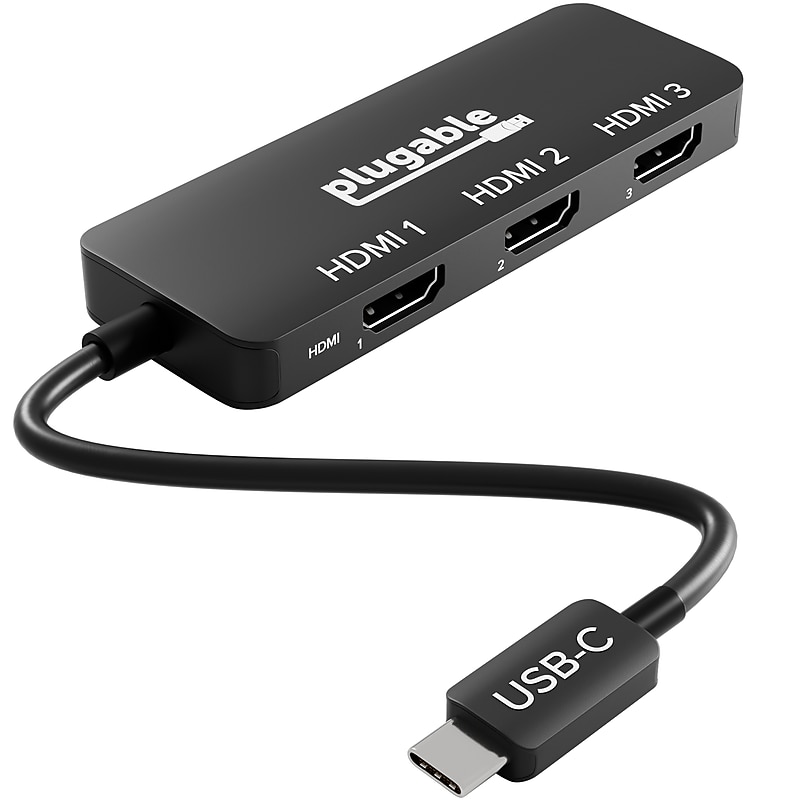
It's time to change the way you see your workspace with the USB-C to HDMI Triple Display Adapter. This high-performance multi-monitor adapter connects up to three high-resolution displays from a single USB-C port..Adapter used for video output via USB-C to HDMI.Adapter Type USB-C to dual HDMI adapter.Input USB-C for connecting devices like laptops or smartphones.Output 3x HDMI for connecting to monitors or displays.Cable Length 6.7 inches (17 cm).Connector Gender Male to female, connectors USB-C male to HDMI female.Supports dual HDMI outputs, up to 4K video resolution.Certified with CE, FCC, and RoHS compliance for safety and quality
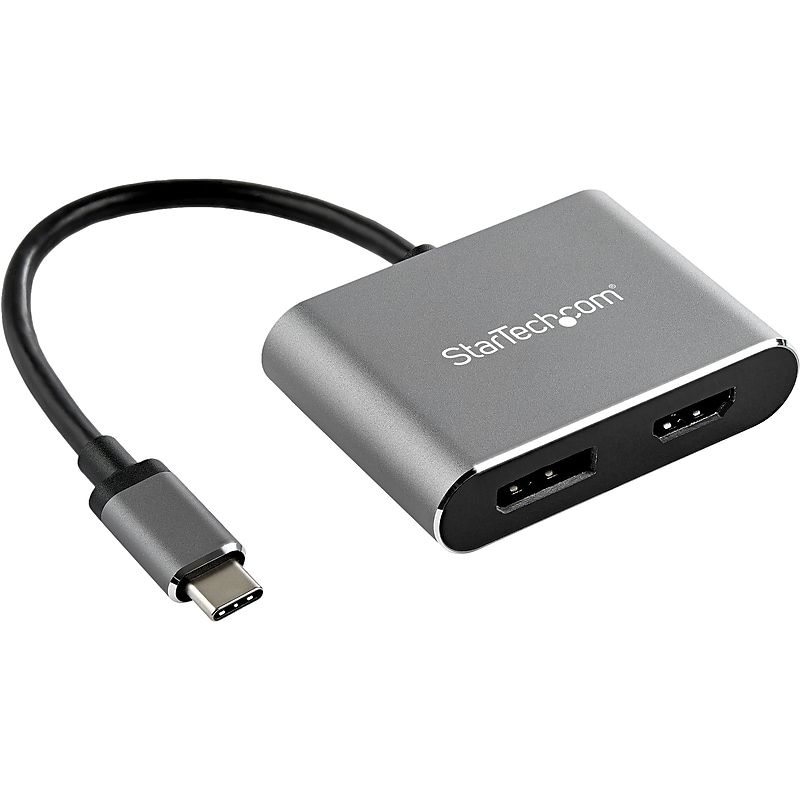
This StarTech USB-C multiport video adapter offers a portable solution for connecting your USB Type-C laptop to an HDMI or DisplayPort display. The adapter supports High Dynamic Range (HDR) and provides sharper images with enhanced video. Avoid the hassle of carrying different adapters, with a 2-in-1 USB-C monitor adapter. The multiport adapter features both HDMI and DisplayPort outputs, so you can conveniently connect your laptop to any HDMI or DP-equipped display, using this multiport adapter. The adapter features a durable aluminum enclosure and can withstand being carried in your travel bag..USB Type-C multiport video adapter offers a portable solution for connecting your USB Type-C laptop to an HDMI or DisplayPort display.Input details: USB Type-C (24-pin), DisplayPort Alt Mode.Output details: HDMI and DisplayPort.Cable length is 6".Tested for peak performance at 4K/60Hz to ensure compatibility with a range of projectors/displays, including such brands as Samsung, Dell, HP, Lenovo, Asus, Acer, LG, Sharp, Sony.Compatible with Dell XPS/Precision/Latitude, Lenovo ThinkPad X1 Carbon/Extreme, Surface Pro 7/Surface Laptop 3, MacBook Pro/Air, HP Elite/EliteBook/Spectre/ZBook, Chromebook.Supports any TB3/USB Type C laptop/tablet/smartphone & supports driverless setup of Windows, macOS, iPadOS, ChromeOS Linux; works with 1080p, HDMI 1.4.With HDR support, you can enjoy lifelike images with increased contrast, brightness, colors, and greater luminosity than standard digital imaging.Features housing in space gray and built-in USB Type-C cable.3-year manufacturer limited warranty
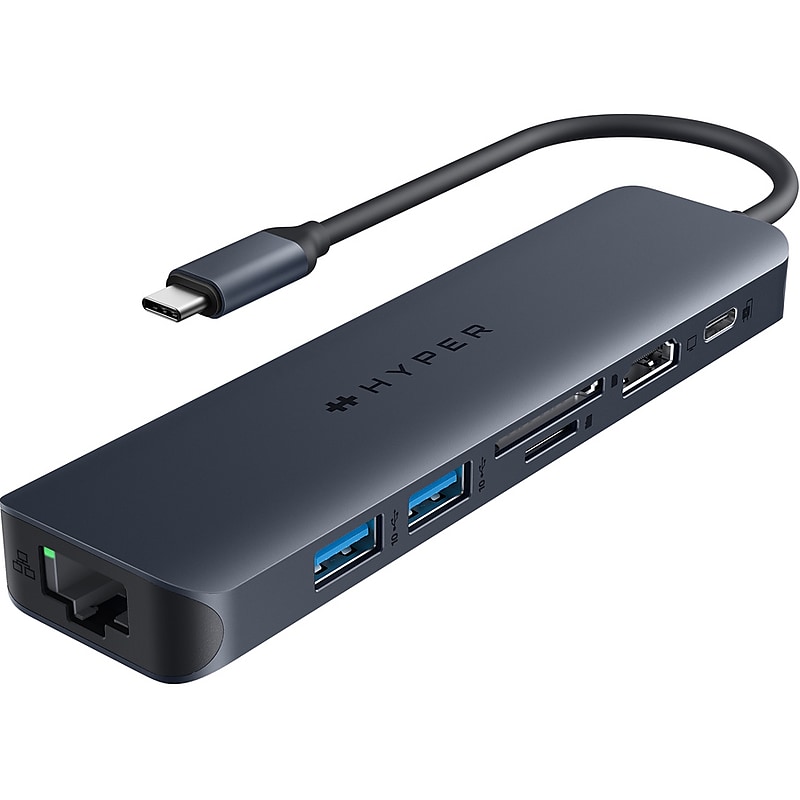
The Targus HyperDrive Next USB Type-C hub is a perfect connectivity solution for creators, editors, photographers, and more. With extended (4K at 60Hz) monitor support for macOS, Windows, and ChromeOS, seven ultrafast ports, and lightning-fast data transfers, unleash your creative potential anywhere. Experience twice faster file transfers using the 10Gbps USB ports and three times faster photo and video transfers with SD 4.0. Charge your device with 100W pass-through power, and make a sustainable choice with EcoSmart technology..Seven-in-one multiport hub compatible with USB Type-C devices.Dimensions: 1.46"H x 4.52"W x 0.59"D.Connects through a tethered USB Type-C cable.Equipped with 1 x HDMI, 1 x USB Type-C 3.1 with Power Delivery 3.0, 2 x USB Type-A, and 1 x Ethernet RJ45 ports and 1 x SD and 1 x microSD slots.Data transfer speeds up to 10Gbps.Supports video resolutions up to 4K at 60Hz.Provides up to 100W to power/charge laptops, notebooks, and other peripheral devices.2-year manufacturer limited warranty
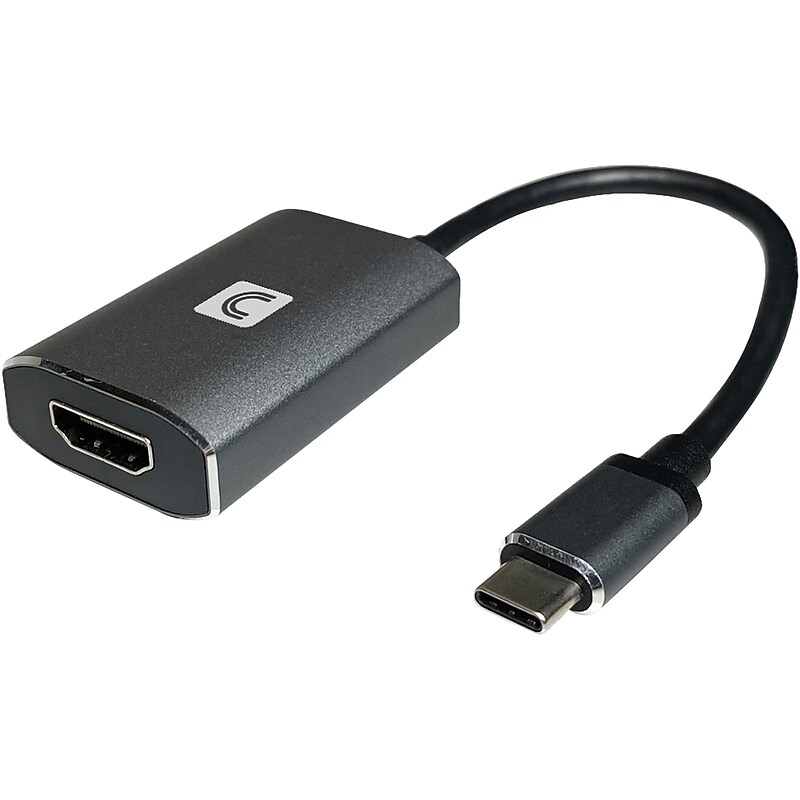
Comprehensive's Ultra HD 4K active video adapter is the perfect solution for connecting your USB-C source from a Chromebook, MacBook, iPad Pro, PC or laptop to any UHD 4K 60Hz HDMI display such as a monitor or projector. It supports full 4K@60 18G bandwidth with 4:4:4 color space and features USB power delivery up to 60 watts. You can charge your laptop or mobile device while connected to a video display simultaneously. The ultra-durable ABS housing design makes it perfectly suited for professional applications. This adapter/converter is covered under Comprehensive's worry-free lifetime warranty..Ultra HD 4K active video adapter is the perfect solution for connecting your USB Type-C source to any UHD 4K 60Hz HDMI device, such as a monitor or projector.Dimensions: 0.5"H x 1.75"W x 1.45"D.Plug-and-play with no driver or software installation required.Supports up to 60W Power Delivery (PD) pass-through charging.Features a built-in 6" USB Type-C cable to be connected directly to your source device.Supports UHD video resolutions up to 3840 x 2160 at 60Hz.Works with most operating systems, including Windows, macOS, Android, iPadOS, and Chrome.Backward compatible with 1080p displays.Ultradurable ABS housing ensures years of reliable use.Compatible with Thunderbolt 3.Meets or exceeds FCC, CE, RoHS standards.Lifetime manufacturer limited warranty
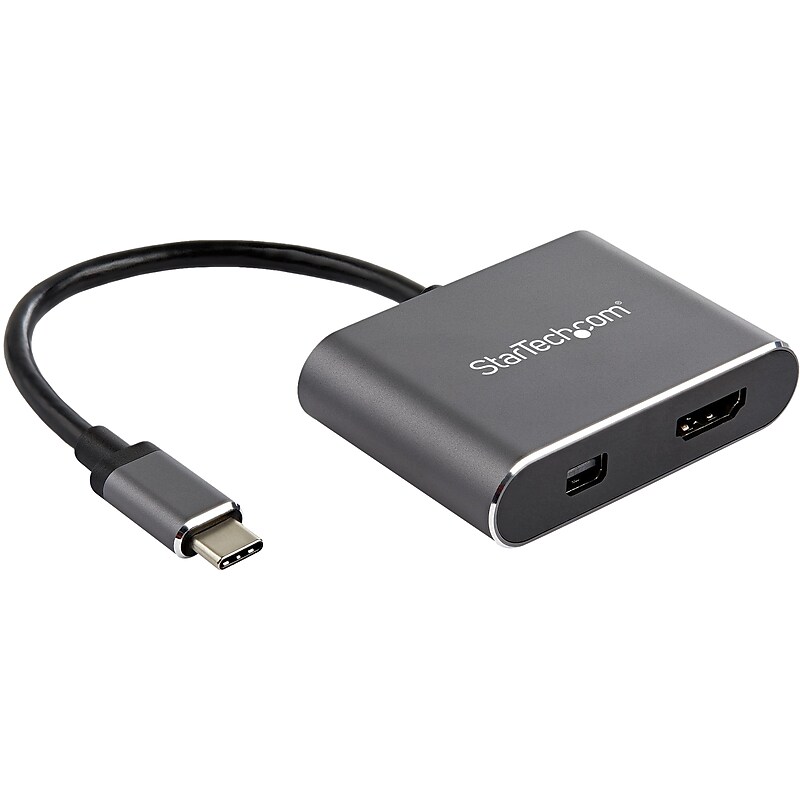
This StarTech USB-C multiport video adapter offers a portable solution for connecting your USB Type-C laptop to an HDMI or Mini DisplayPort display. The adapter supports High Dynamic Range (HDR) and provides sharper images with enhanced video. Avoid the hassle of carrying different adapters, with a 2-in-1 USB-C monitor adapter. The multiport adapter features both HDMI and Mini DP outputs, so you can conveniently connect your laptop to any HDMI or mDP-equipped display. The adapter features a durable aluminum enclosure and can withstand being carried in your travel bag..USB Type-C multiport video adapter offers a portable solution for connecting your USB Type-C laptop to an HDMI or Mini DisplayPort display.Input details: USB Type-C (24-pin), DisplayPort Alt Mode.Output details: HDMI and Mini DisplayPort.Cable length is 6".Tested for peak performance at 4K/60Hz to ensure compatibility with a range of projectors/displays, including such brands as Samsung, Dell, HP, Lenovo, Asus, Acer, LG, Sharp, Sony.Compatible with Dell XPS/Precision/Latitude, Lenovo ThinkPad X1 Carbon/Extreme, Surface Pro 7/Surface Laptop 3, MacBook Pro/Air, HP Elite/EliteBook/Spectre/ZBook, Chromebook.Supports any TB3/USB Type C laptop/tablet/smartphone & supports driverless setup of Windows, macOS, iPadOS, ChromeOS Linux; works with 1080p, HDMI 1.4.With HDR support, you can enjoy lifelike images with increased contrast, brightness, colors, and greater luminosity than standard digital imaging.Features housing in space gray and built-in USB Type-C cable.3-year manufacturer limited warranty
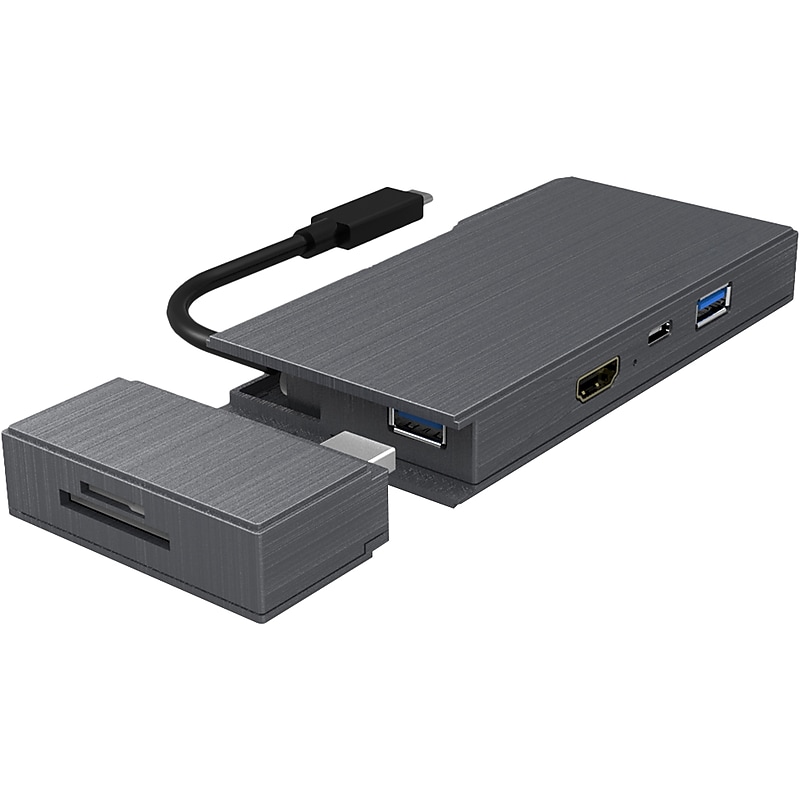
4XEM's USB-C mini dock sports a portable design that fits nicely into your travel bag to support multiple laptop operating systems. Its compact size makes it perfect for travel, the home office or environments where a clean desk policy exists. There is no loss of quality with its size. This device still supports 4K video resolution and high-speed data transferring via the USB-C 3.0 ports. Additionally, this station is able to charge your devices while offering all of these functions. Keep connected on the go with 4XEM's USB-C Mini docking station..USB Type-C mini dock sports a portable design that fits nicely into your travel bag to support multiple laptop operating systems.Built-in USB 3.1 Type-C port.Contains 1 x HDMI 1.4, 2 x USB 3.0 Type-A, 1 x USB 3.1 Gen 1 Type-C, 1 x RJ45, 1 x SD card reader, 1 x microSD card reader.HDMI 1.4 port supports 4K UHD video resolution (3840 x 2160 at 30Hz).Removable SD and microSD card readers for extra functionality without adding to permanent size.Made of plastic in gray.2-year manufacturer limited warranty
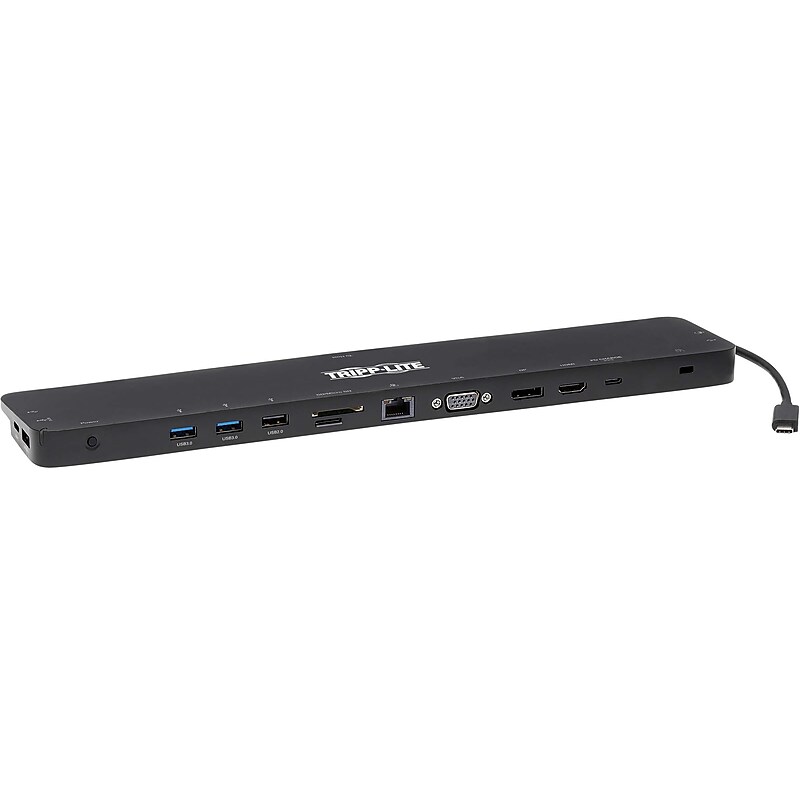
This universal USB-C dock with PD Charging expands the potential of your Windows laptop, Chromebook, smartphone, or PC's USB-C or Thunderbolt 3 port. USB-C docking station with 14 ports lets you mirror or extend video from your laptop or PC across as many as three different displays. By connecting the detachable USB-C cable to a source device that supports USB DisplayPort Alt Mode, you can output 4K video and digital audio to a compatible monitor, television, or projector without installing special software drivers. It requires no extra software to be downloaded or installed. Its compact footprint fits easily into your desk space without taking up much valuable room..Universal USB Type-C dock with PD charging expands the potential of a USB Type-C or Thunderbolt 3 port on your device.Dimensions: 0.74"H x 13.78"W x 2.91"D.Connect to the docking station using the included USB Type-C cable.Equipped with a 1' male to male USB Type-C cable.Contains two USB Type-C, USB Type-C PD charging, two USB Type-A 3.0, USB Type-A 3.0 BC 1.2, two USB Type-A 2.0, HDMI, DisplayPort, VGA, RJ45, microSD, SD, and 3.5mm mini stereo jack ports.Extends 720p video across HDMI, DisplayPort, and VGA monitors simultaneously.Mirrors 1080p video across HDMI, DisplayPort, and VGA monitors simultaneously.Supports 20V 5A (100W) power output for fast-charging mobile devices with large capacity.Connects you to a wired 10/100/1000 Ethernet network when no Wi-Fi is available.USB Type-C, USB Type-A, and memory card ports allow connection of flash drives and other peripherals.USB Type-C docking station features a convenient 3.5mm mini stereo jack for connecting speakers, headphones, or a microphone to your workstation.Plug-and-play USB Type-C dock is specifically designed for use with Windows laptops and other notebooks, smartphones, tablets, and devices equipped with a USB Type-C or a Thunderbolt 3 port.Requires no extra software to be downloaded or installed.Connect a user-supplied computer/laptop security cable lock to this port to protect your source device against theft.Meets or exceeds CE, FCC, RoHS, REACH standards.3-year manufacturer limited warranty

No more carrying around separate adapters for various monitors, projectors and televisions. The U444-06N-HDV4K USB-C to HDMI/DVI/VGA All-in-One Converter Adapter connects your laptop or tablet's USB Type-C or Thunderbolt 3 port to an HDMI, DVI or VGA display. The simple all-in-one solution for displaying content on a larger screen, the U444-06N-HDV4K is ideal for use in trade shows, conference rooms, classrooms, lecture halls and anywhere else you might give a presentation. The all-in-one unit contains separate female HDMI, DVI and HD15 ports. USB DisplayPort Alternate Mode allows audio/video signals to pass through your source device's USB-C or Thunderbolt 3 port. It supports video resolutions up to 3840 x 2160 (4K x 2K) at 30 Hz (HDMI); 1920 x 1080 (1080p) at 60 Hz (DVI); and 1920 x 1200, including 1080p (HD15) at 60 Hz. It also supports 36-bit Deep Color (12 bits per channel), 7.1-channel surround sound audio (HDMI) and HDCP 1.4. The U444-06N-HDV4K is specifically designed for use with MacBook, Google Chromebook Pixel and all other laptops, tablets and devices equipped with a female USB-C or Thunderbolt 3 port. It's completely plug-and-play with no software, drivers or external power supply required. With its small size and built-in cable, the U444-06N-HDV4K is recommended for stowing in your laptop bag and carrying to school, the office or the latest trade show..HDMI port supports 4K x 2K video resolutions @ 30 Hz.Supports USB DisplayPort Alternate Mode.Plug and play-no software, drivers or power supply needed.Low-profile design for easy carrying in laptop bag or briefcase.Certifications and standards: CE, FCC, RoHS, REACH
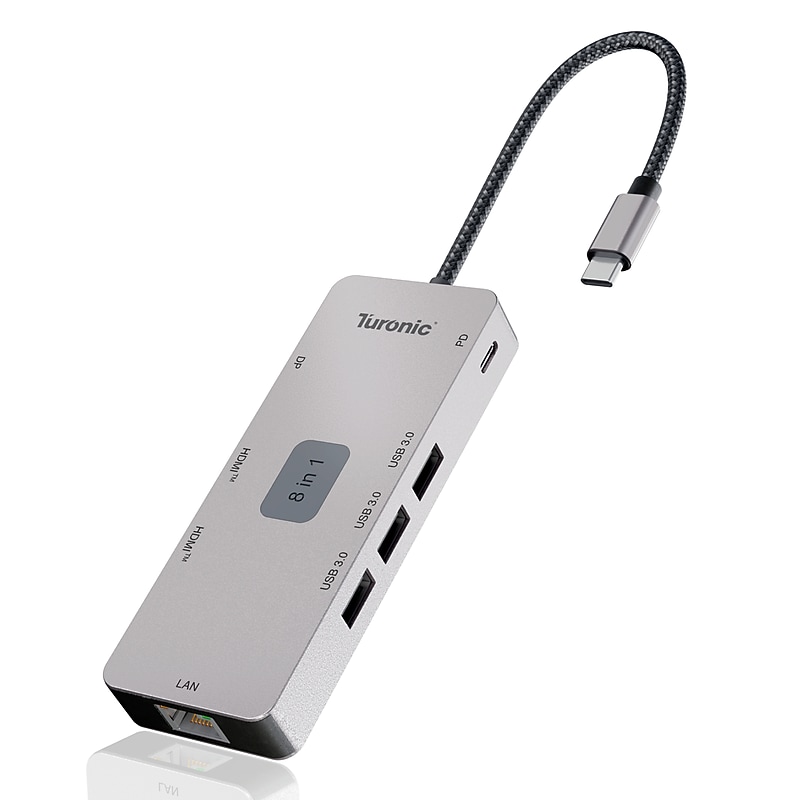
8-in-1 USB-C Expansion with Power Delivery: Expand a single USB-C port into 8 essential connections including dual HDMI™, DisplayPort, Gigabit Ethernet, three USB-A ports and 100W Power Delivery, creating a full desktop setup through one compact hub. Dual Display Support with HDMI™ & DisplayPort: Supports two HDMI™ ports and one DisplayPort with resolutions up to 4K@60Hz, enabling extended or mirrored multi-monitor configurations for efficient multitasking and professional workflows. High-Speed Data & Stable Wired Networking: Includes three USB-A 3.0 ports with up to 5Gbps data transfer and a Gigabit Ethernet port, ensuring fast peripheral connectivity and reliable wired internet performance. 100W USB-C Pass-Through Charging: USB-C Power Delivery supports up to 100W (20V/5A) pass-through charging, allowing laptops to stay powered while running multiple displays and connected devices. Durable Aluminum Housing with Integrated Cable: Features an aluminum and plastic housing for heat dissipation and durability, plus a 143 mm integrated cable designed to reduce strain and improve everyday usability..USB-C docking station expands one USB-C port into 8 essential connections including HDMI™, DP, Ethernet, USB-A and 100W PD, delivering reliable performance for daily work, travels and home..Computer docking station dual monitor supports dual HDMI™ plus DisplayPort output, enabling smooth extended or mirrored displays with up to 4K@60Hz for productivity, multitasking and presentations..Laptop docking station USB-C delivers up to 100W pass-through charging while transferring data at 5Gbps via three USB-A ports, keeping laptops powered, connected and clutter-free during work sessions..Dual HDMI™ docking station provides stable video output with HDMI™ and DP 1.2, supporting 4K@60Hz and high-refresh modes for sharp visuals and smooth motion..Compact aluminum housing with 143 mm integrated cable, built for efficient heat dissipation, reduced cable strain, and reliable long-term everyday use..Gigabit Ethernet, 3 USB-A 5Gbps, Aluminum Housing
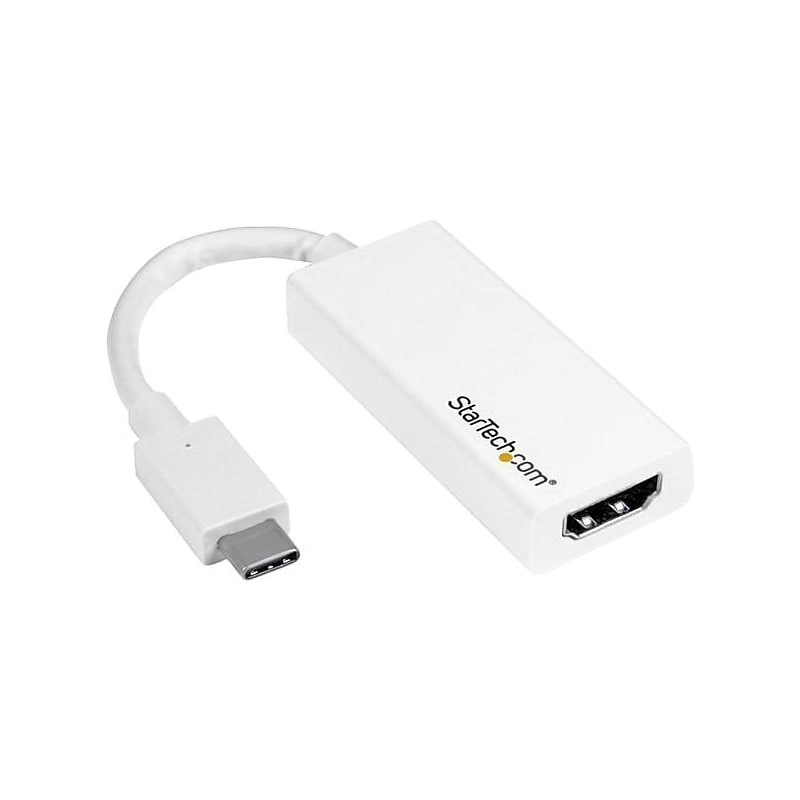
The StarTech.com® CDP2HD4K60W USB-C to HDMI adapter allows you to output HDMI video and audio from a USB Type-C™ device. This compact device in white, provides astonishing picture quality for resource-demanding applications that require 4K resolution up to 60 Hz. It is compatible with Thunderbolt 3 ports..HDMI adapter is compatible with monitor, TV, projector, chromebook, Macbook, laptop.Dimensions: 0.4"H x 1"W x 5.9"D.Connectors: 1 x 24-pin USB type-C male on first end, 1 x 19-pin HDMI digital audio/video female on second end.Supports 7.1 surround sound, 1024 x 768, 1280 x 720, 1920 x 1080, 1920 x 1200, 2560 x 1440, 2560 x 1600, 3840 x 2160 at 60 Hz max resolutions.Comes in white color.Adapter is the perfect accessory for new slim USB-C device, fitting easily into laptop bag or carrying case, which is great for BYOD applications.Adapter lets harness the video capabilities that are built into USB Type-C connection, to deliver the astonishing quality of UHD to 4K 60 Hz display.USB type-C video adapter features a sleek design that looks great with USB type-C enabled MacBook or HP ENVY 13.Adapter works with USB-C devices that pass a DisplayPort video signal and is also compatible with Thunderbolt 3 ports.This makes it easier for you to multitask while working on the most resource-demanding applications imaginable
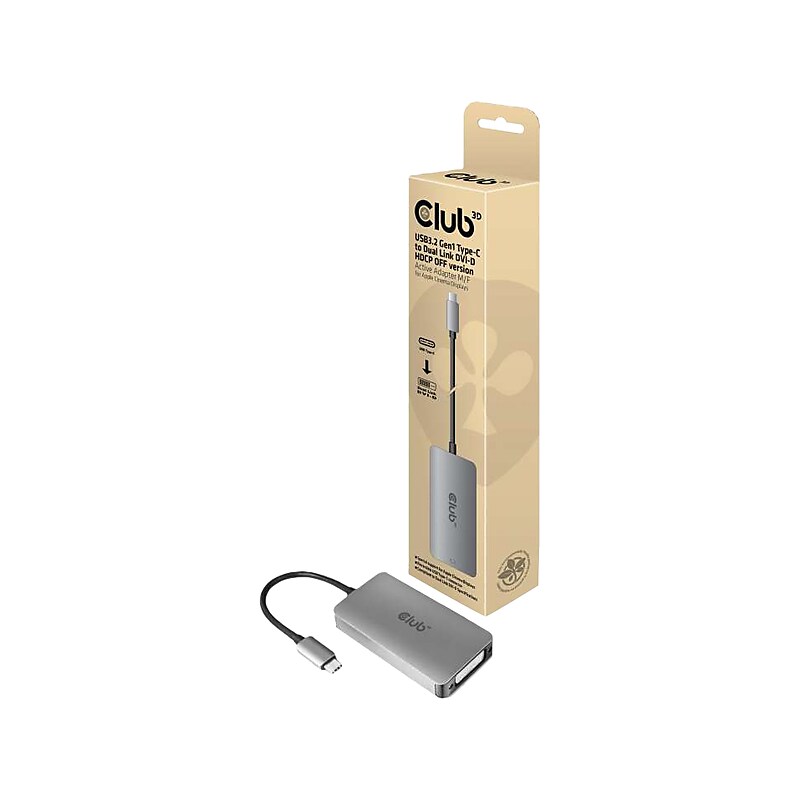
The Club 3D USB3.2 Gen1 Type-C input to dual link DVI-D or single link DVI output adapter HDCP OFF version for Apple Cinema Displays or other displays which do not support HDCP. The USB3.2 Gen1 Type-C to Dual Link DVI or Single Link DVI Adapter is the easiest solution for connecting your USB3.2 Gen1 Type-C source device featuring DisplayPort Alternate Mode to a DVI enabled monitor or projector. This adapter is compact and highly portable. Powered by the USB C port, the adapter requires no external power and is perfect for use with the latest notebooks and Ultrabooks..USB 3.2 Gen 1 Type-C input to dual-link DVI-D or single-link DVI output adapter (HDCP off version) for Apple Cinema Displays or other displays that do not support HDCP.Supports dual-link DVI-D (highest resolution of 3840 x 2160 at 30Hz).Supports deep color (12-bit, 268.5MHz).Compatible with Apple MacBook Pro, MacBook, and other USB 3.2 Gen 1 Type-C supported devices with support for DisplayPort Alternate Mode over USB Type-C.Meets or exceeds ROHS, FCC, and CE EMI standards
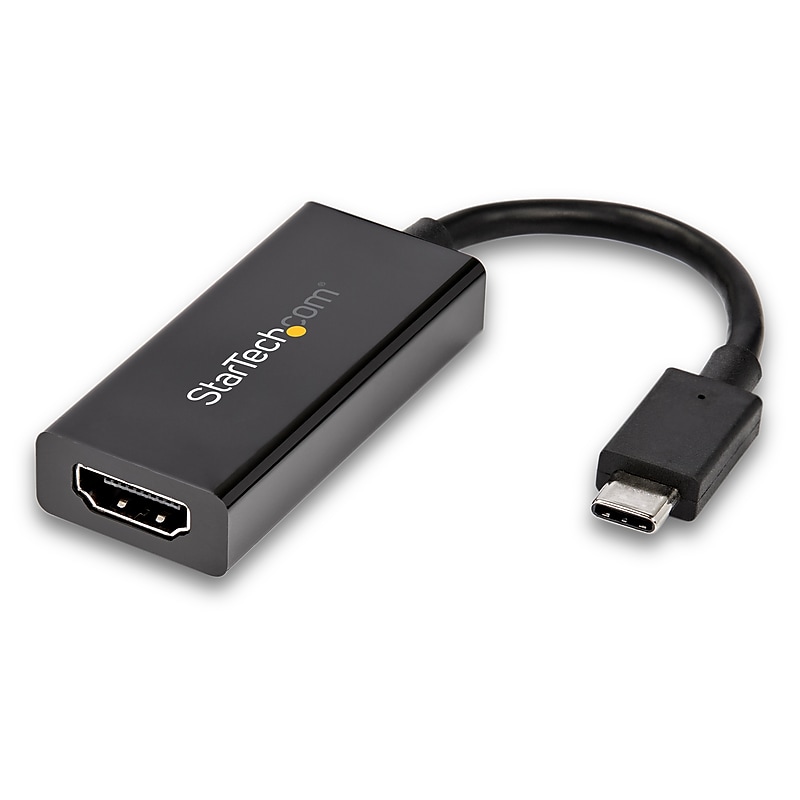
Achieve High Dynamic Range (HDR) for an eye-catching visual experience with this USB-C to HDMI Adapter - USB C video adapter delivers astonishing picture quality supporting UHD 4K 60Hz resolutions on the HDMI output - This lightweight USB Type C to HDMI Adapter is ideal for travel, enabling you to connect your BYOD USB 3.1 laptop to an HDMI display while you're on the go - This 4K adapter is Thunderbolt 3 compatible and works with your USB-C Windows or Mac device.Astonishing picture quality with support for UHD video resolutions up to 4K 60Hz.Supports HDR for expanded contrast ratio and color accuracy.Features an electromagnetic interference (EMI) shielding cage to ensure reliable and consistent audio-video signal.Maximum portability with a small footprint and lightweight design.Hassle-free connection with the reversible USB-C connector.USB Type-C™ Video Adapter | Ultra HD | Up to 18Gbps | Thunderbolt™ 3 Compatible
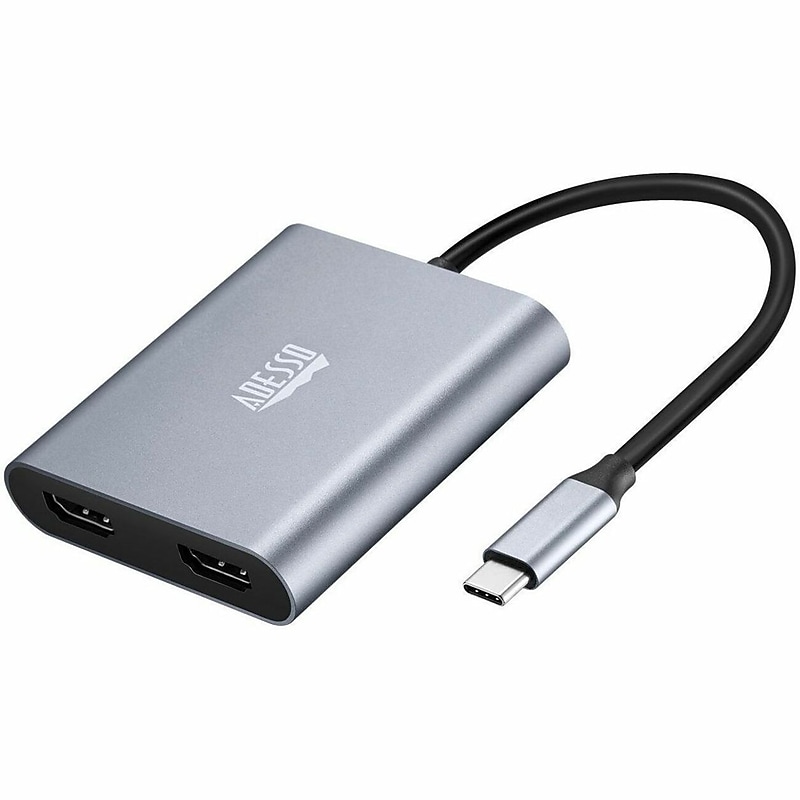
Expand your desktop experience with the CyberHub 5020 USB-C to dual-HDMI adapter, which delivers 4K UHD video and full-spectrum audio to multiple displays. It supports MST and SST modes for Windows users, facilitating complex display setups and ensuring flicker-free 4K video at 60Hz on two displays. The adapter’s USB-Type C connection ensures blistering performance and plug-and-play simplicity. Compatible with both desktop and mobile devices across all OS platforms, the CyberHub 5020 effortlessly connects to HDMI-equipped TVs, projectors, and monitors. It’s the ideal solution for sharing and expanding your screen with unparalleled ease and quality..Digital Audio/Video USB-C to Dual Adapter.Plug & Play.2 x HDMI Digital Audio/Video Female.Cable Length Approximately 6".HDMI Digital Audio/Video Female, USB Type C Male.Maximum Resolution Supported 3840 x 2160.Product Material Aluminum, Aluminum Alloy.Environmental Compliance Restriction of Hazardous Substances (RoHS), Waste Electrical and Electronic Equipment Directive (WEEE).WARNING: Cancer and Reproductive Harm - www.P65Warnings.ca.gov
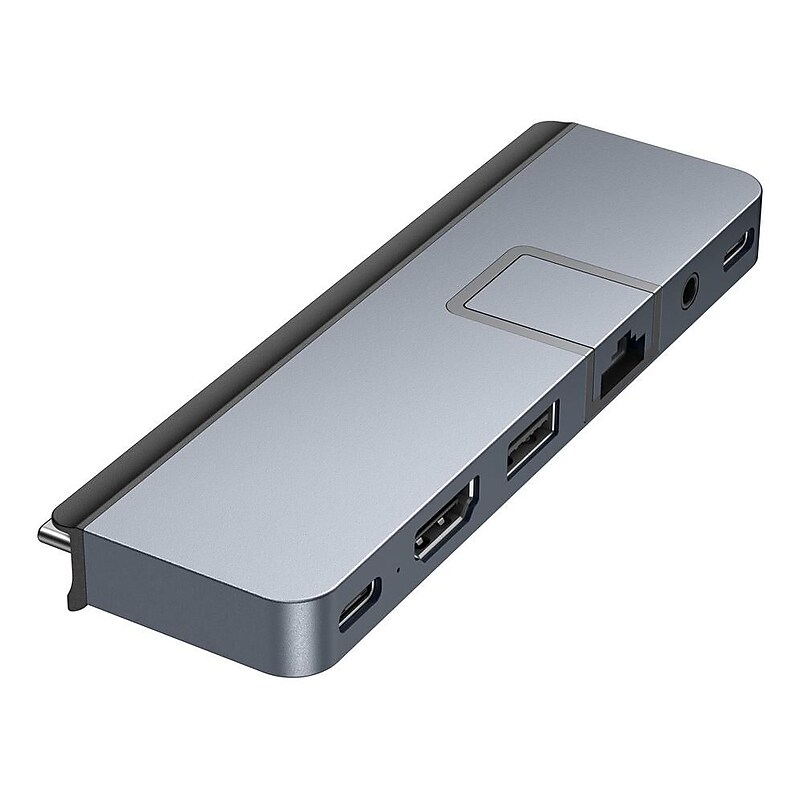
Hyper Products HyperDrive Duo Pro is a seven-port, form-fitting USB Type-C hub designed for the 14" and 16" MacBook Pro that also works with any 2016-2020 MacBook. This form-fit hub instantly provides Gigabit Ethernet, USB Type-A (5Gbps), USB Type-C (5Gbps), microSD (104MB/s), and 3.5mm audio combo jack connectivity. It also features HDMI 4K at 60Hz display support and a Thunderbolt 4/USB4 compatible port (40Gbps, 100W PD, 6K at 60Hz video). Additionally, the universal USB Type-C adapter provides compatibility with Chromebook, PC or USB Type-C iPad, and the extended USB Type-C connectors allow use with or without a protective case..This seven-port, form-fitting USB Type-C hub is designed for the 14" and 16" MacBook Pro that also works with any 2016-2020 MacBook.Dimensions: 0.43"H x 1.47"W x 4.7"D.Provides data transfer speeds of up to 5Gbps (USB Type-A and USB Type-C), 104MB/s (microSD), and 40Gbps (Thunderbolt 4/USB4).Enjoy powering up your MacBook or any compatible USB Type-C device in a flash with the 100W USB Type-C Power Delivery pass-through charging port.Extended USB Type-C connectors allow for compatibility even if you're using the hub with a MacBook protective case.Magnetic grip allows the hub to securely attach to your MacBook.Compatible with Chromebook, PC, or USB Type-C iPad
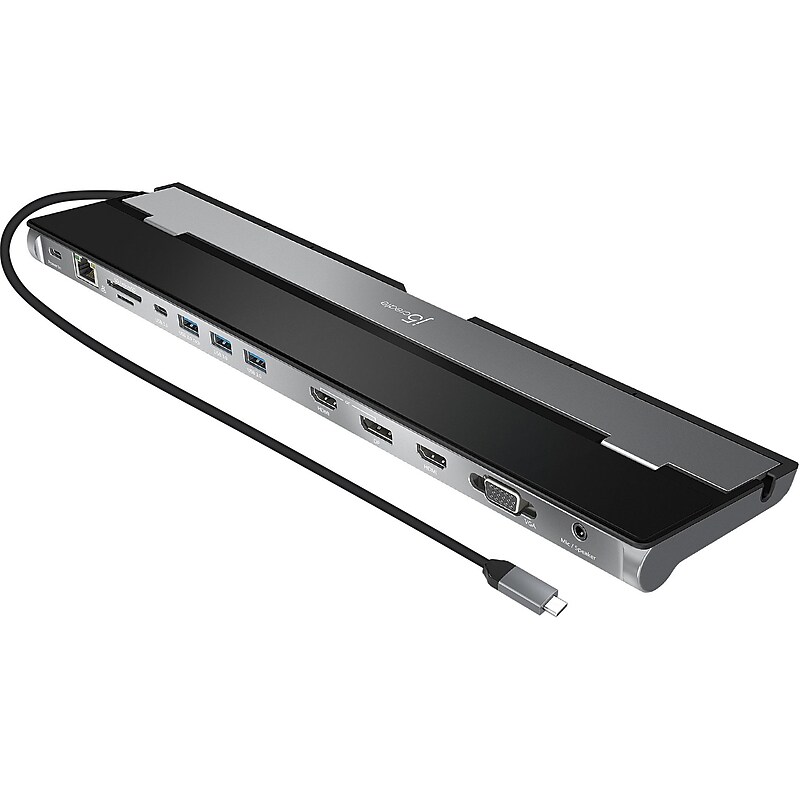
The j5create USB Type-C triple-monitor docking station provides extra connectivity from your computer. Extend up to three monitors through HDMI, VGA, and DisplayPort. This docking station is designed to be used as a notebook stand, which assists with heat dissipation. With its flexible USB Type-C cord, it keeps in mind the location of the USB Type-C port on your device, ensuring an easy connection. This multi-adapter allows you to add an additional USB 3.1/SD/microSD computer peripheral, HDMI/DisplayPort/VGA monitor, and Gigabit Ethernet through your USB port. One of the USB Type-A ports supports fast charging for a smartphone, tablet, or iPad. The USB Type-C port supports Power Delivery 3.0, allowing you to keep charging your notebook or smartphone while using the adapter..Triple-monitor docking station for USB Type-C enabled Apple MacBook and Windows laptops.Dimensions: 0.92"H x 13.78"W x 3.24"D.2 x HDMI, 1 x DisplayPort, 1 x VGA, 1 x USB Type-C downstream, 1 x USB Type-C power-in, 3 x USB Type-A 3.1 (5Gbps), 1 x Gigabit Ethernet, 1 x SD 3.0, 1 x microSD 3.0, and 1 x combo audio jack.Tethered 1.5' USB Type-C cable included.Supports mirror mode and extended mode on both MacBook and Windows laptops with up to three video interfaces.Screen resolution: 4K at 30Hz for DisplayPort Alt Mode for HDMI or DisplayPort; 4K at 30Hz for HDMI; 1920 x 1080 for VGA via dual output.Charge your laptop using the 100W USB Type-C Power Delivery pass-through.Easily manage and back up your data from your camera, video recorder, and more with SD and microSD card readers.Place the cable anyway you like using the double-sided cable storage compartment.Advanced heat-eliminating design helps avoid overheating.System requirements: USB Type-C port; USB-C DisplayPort Alt Mode support; Power Delivery over USB Type-C support for upstream charging; 4K capable graphics card; Microsoft Windows 10 (32-/64-bit)/macOS 10.8 or later.Meets or exceeds FCC standard.2-year manufacturer limited warranty
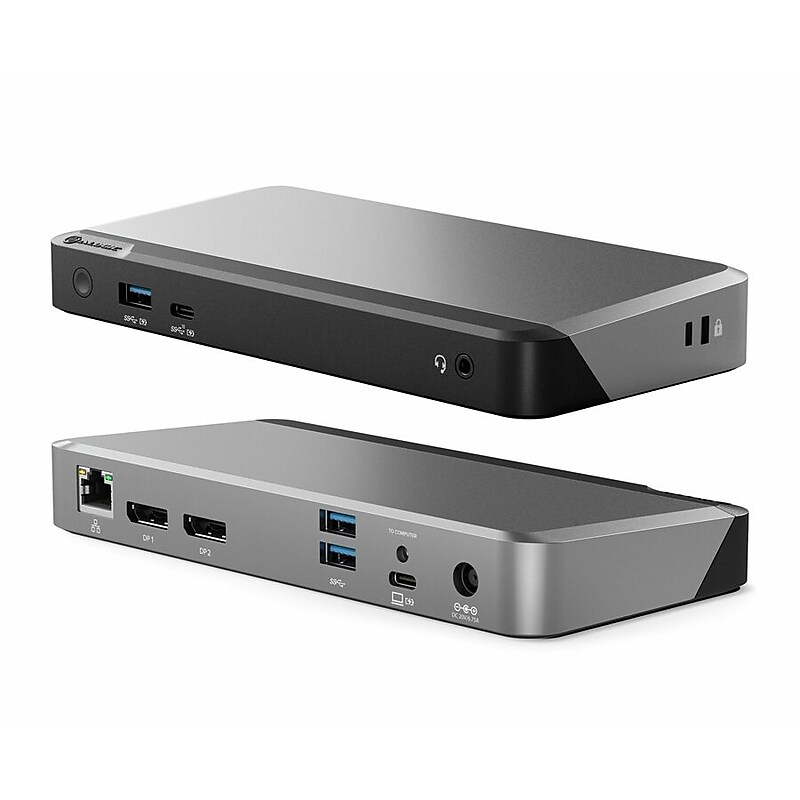
he MX3 is a powerful docking station for Mac users seeking to add a dazzling, ultra-high resolution display for their desk set up. Windows users can plug into the MX3 to run up to three ultra-high resolution external displays. The MX3 makes multi-display set ups simple. Featuring DP Alt Mode technology, it connects directly with up to three displays and multiple other accessories. No need to install drivers or software. Plug in and go..Package Includes: Dock, USB-C Cable with USB-A adapter for connection to computer, 135W AC Power Adapter, US;UK;EU;AU Power Cord, User Manual.Video Resolution: Up to 2 x 4K UHD 60Hz or 3 x 4K UHD 30Hz with DP 1.4 HBR3 DSC enabled host*.3 x DisplayPort (DP1.4/DP++).Product Dimensions: 190 x 90 x 6.5mm (W x D x H) | Color: Space Grey and Black | Weight: 535g | Materials: ABS
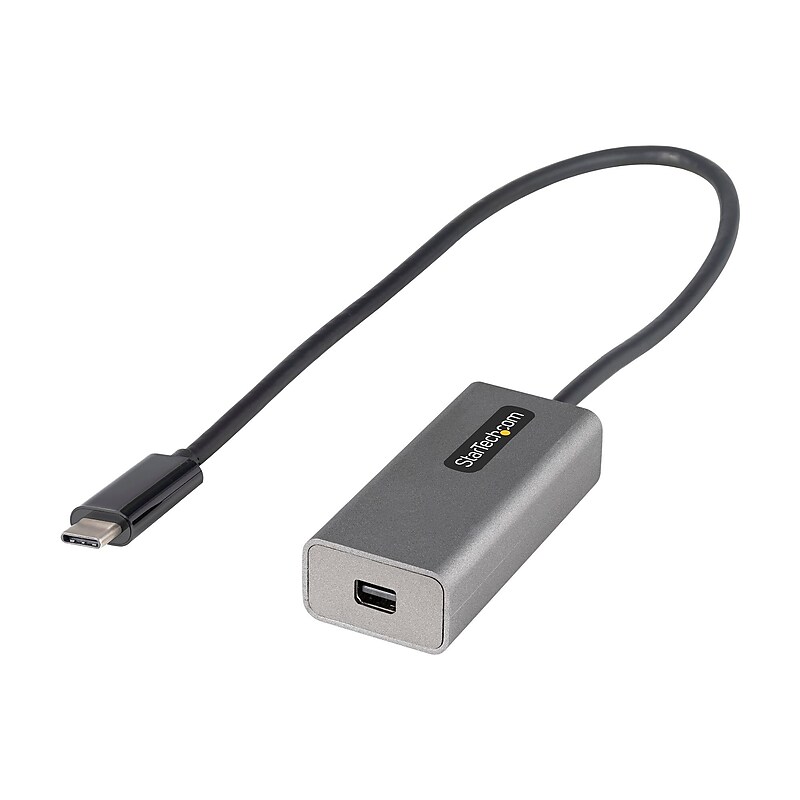
USB C to Mini DisplayPort Adapter, 4K 60Hz USB-C to mDP Adapter Dongle, USB Type-C to Mini DP Video Converter, w/ 12" Cable.USB-C to Mini DisplayPort adapter dongle connects to mDP display supporting up to 4K 60Hz UHD | DP Alt Mode | mDP 1.2 HBR2 | 2ch Audio | HDCP 2.2/1.4 | Works w/1080p.Works w/USB Type-C and Thunderbolt 3 hosts | Dell XPS Precision Latitude/Lenovo ThinkPad/Surface Laptop 3 Pro 7/MacBook Pro Air (Intel and M1)/HP EliteBook/Chromebook.Tested at 4K 60Hz video w/Dell/Samsung/Acer/LG mDP monitors.12" cable.New Upgraded CDP2MDP USB C to mini DP display converter w/12" cable for extended reach.Extended Cable | DP 1.2 | HBR2 | Thunderbolt 3 Compatible

This j5create 8K USB Type-C to dual HDMI display adapter allows you to conveniently connect your gaming laptop, Chromebook, or tablet to dual 4K at 60Hz monitors or one 8K at 60Hz UHD/4K at 144Hz external monitor, 8K UHDTV, projector and other display devices using an HDMI input. This adapter offers USB Type-C to HDMI connection, letting you connect up to two HDMI displays. Also works with Thunderbolt 4 and USB4 devices..This USB Type-C to dual HDMI adapter allows for resolutions up to single 8K or dual 4K: great for gamers and professionals that need the highest resolution.Cable length: 0.66'.Compatible with a Windows gaming laptop/macOS device/Chrome OS device/tablet for connection to dual monitors/UHDTV/projector/other display device with an HDMI input.Audio channel via HDMI 2.1 port.Supports up to 3840 x 2160 at 144Hz or 7680 x 4320 at 60Hz display resolutions.No driver installation required.Comes in space gray with black.3-year manufacturer limited warranty.WARNING: Cancer and Reproductive Harm - www.P65Warnings.ca.gov
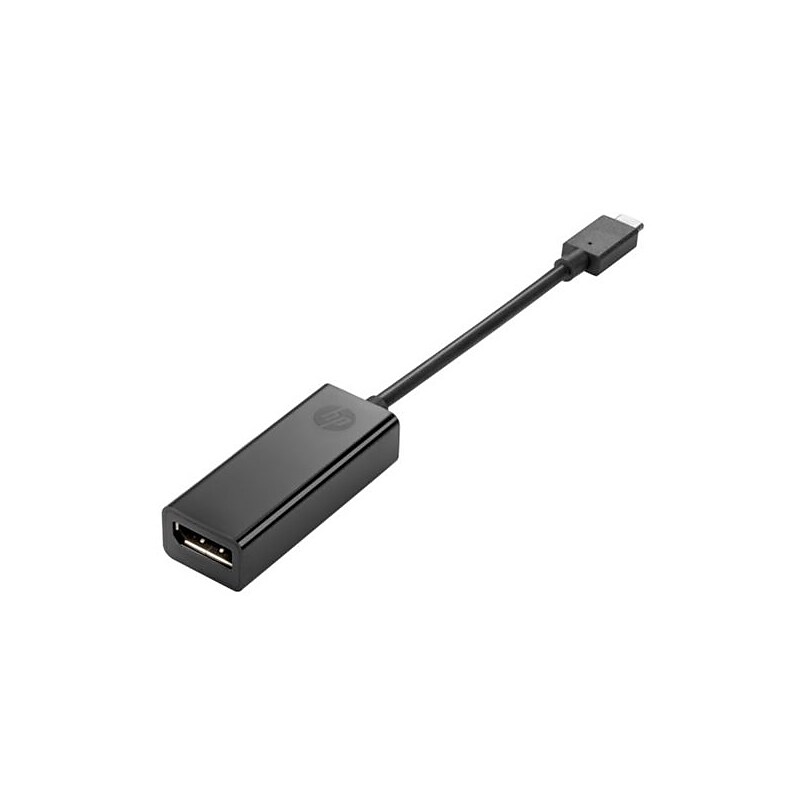
The HP® N9K78UT#ABA adapter allows you to display your notebook or tablets high-definition video content on a big screen. This adapter has USB-C to Display Port connecting ends. The small and portable adapter helps you in quick presentations..USB-C to DisplayPort adapter enables connection to an external display, TV or projector.Connections type: Video output: DisplayPort female connecter, host input: USB Type-C™ male connecter.Dimensions: 7.09"H x 0.6"W x 0.93"D.Compatible with HP Elite x2 1012 G1, HP Pro Tablet 608 G1.Minimum system requirements: Microsoft Windows 7 with service pack 1 (32-bit or 64-bit), Windows 8, Windows 10.Includes adapter, documentation.Weight: 1.14 oz..Comes with 1 year limited warranty
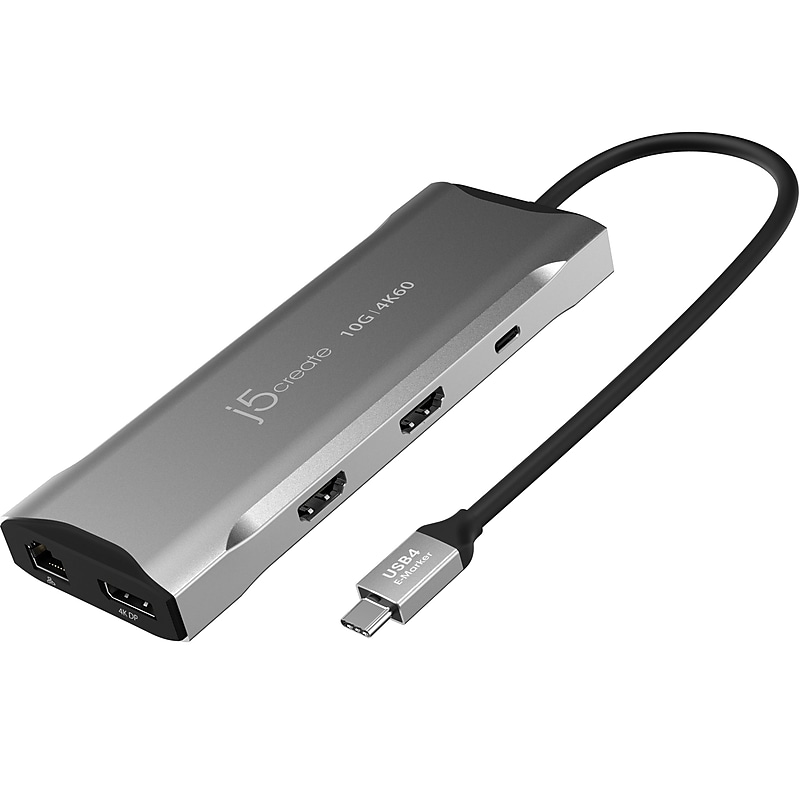
Equipped with an advanced USB Type-C E-Mark chip, this j5create 4K60 Elite multi-monitor mini dock is compatible with USB4 hosts and devices. It features everything you need, from triple video outputs to 10Gbps USB ports, as well as 100W Power Delivery pass-through charging. This USB Type-C mini dock supports DisplayPort 1.4 and Multi-Stream Transport (MST), giving you the ability to create a dual- or triple-4K workstation with two HDMI and a DisplayPort outputs. It provides three USB SuperSpeed 10Gbps ports (one USB Type-C and two USB Type-A) for peripheral connectivity or downstream charging, an SD/microSD 4.0 memory card reader and writer to manage your media files, and a Gigabit Ethernet port to access a wired network. It also supports Power Delivery 3.0, providing up to 100W pass-through charging to power the connected peripherals and charge your host laptop with a USB Type-C power adapter..Triple-monitor mini docking station compatible with USB4 devices.Dimensions: 0.67"H x 2.17"W x 5.8"D.Three USB SuperSpeed 10Gbps downstream ports (one USB Type-C and two USB Type-A) to connect peripherals.Package includes mini docking station and quick installation guide.Contains 1 x USB Type-C (10Gbps), 1 x USB 3.0 Type-C (5Gbps with Power Delivery), 2 x USB Type-A (10Gbps), 1 x USB 3.0 Type-C (Power Delivery), 2 x 4K HDMI, 1 x DisplayPort, 1 x SD/microSD 4.0 memory card reader and writer, and 1 x RJ45 Gigabit Ethernet ports.Built-in advanced USB Type-C E-Mark integrates USB4, Thunderbolt 3, and Thunderbolt 4 compatibility; backward compatible with USB 3.2/3.1.Easily add a wired network connectivity with the Gigabit Ethernet port.Extending one display up to 3840 x 2160 at 60Hz, easily switch to a higher refresh rate of 2560 x 1440 at 144Hz via HDMI or 1920 x 1080 at 240Hz via DisplayPort to enjoy your gaming on Windows.Supports dual 4K (60Hz) or triple 4K (30Hz, two HDMI and one DisplayPort) monitors on compatible USB Type-C laptops with DisplayPort 1.4 Alt Mode with MST support.Charge and power connected laptop and peripherals with 100W Power Delivery.Plug-and-play, no driver installation required.2-year manufacturer limited warranty.WARNING: Cancer and Reproductive Harm - www.P65Warnings.ca.gov
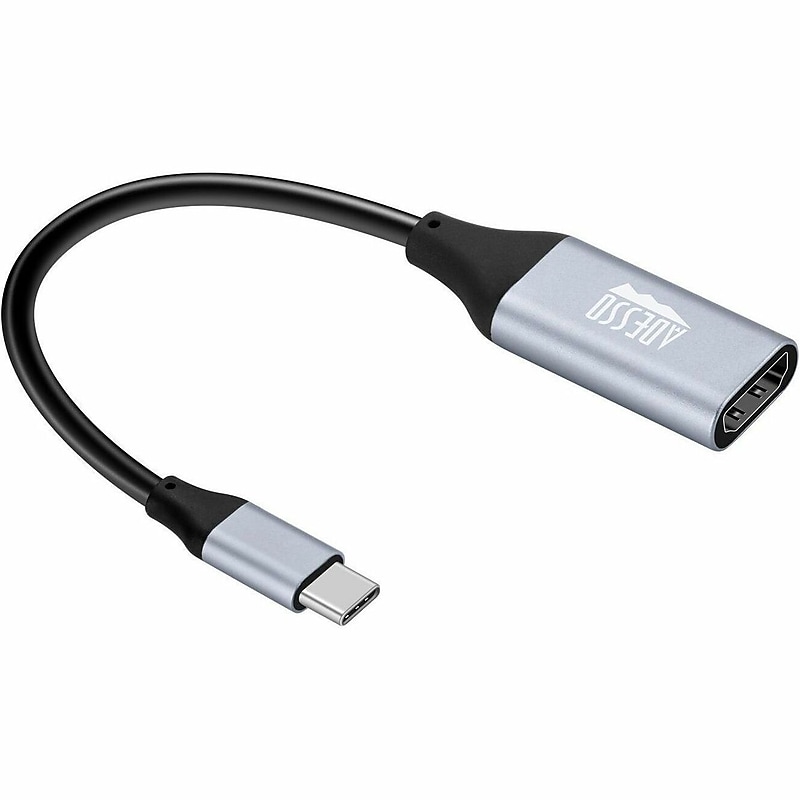
Experience ultra-high-definition 4K UHD video and full-spectrum audio with the compact yet capable AUH-5010 USB-C to HDMI adapter. Designed for today’s demanding audio-video devices, the AUH-5010 outputs stunning 4K UHD (3840 × 2160) resolution at a swift 60Hz refresh rate. Built on the USB-Type C standard, the AUH-5010 is self-powered, ensuring easy, plug-and-play simplicity. Compatible with desktop computers, laptops, and mobile devices that support a USB-C connection, it connects seamlessly to most TVs, projectors, and computer displays with an HDMI input. The AUH-5010 is the ideal solution for sharing videos, presentations, and photos on large screens, delivering crisp, clear video and audio..USB C To HDMI Adapter Digital Audio/Video.Plug & Play.4K Resolution, 60Hz Refresh Rate.Cable Length Approximately 6".HDMI Digital Audio/Video Female, USB Type C Male.Maximum Resolution Supported 3840 x 2160.Product Material Aluminum, Aluminum Alloy.Environmental Compliance Restriction of Hazardous Substances (RoHS), Waste Electrical and Electronic Equipment Directive (WEEE).WARNING: Cancer and Reproductive Harm - www.P65Warnings.ca.gov
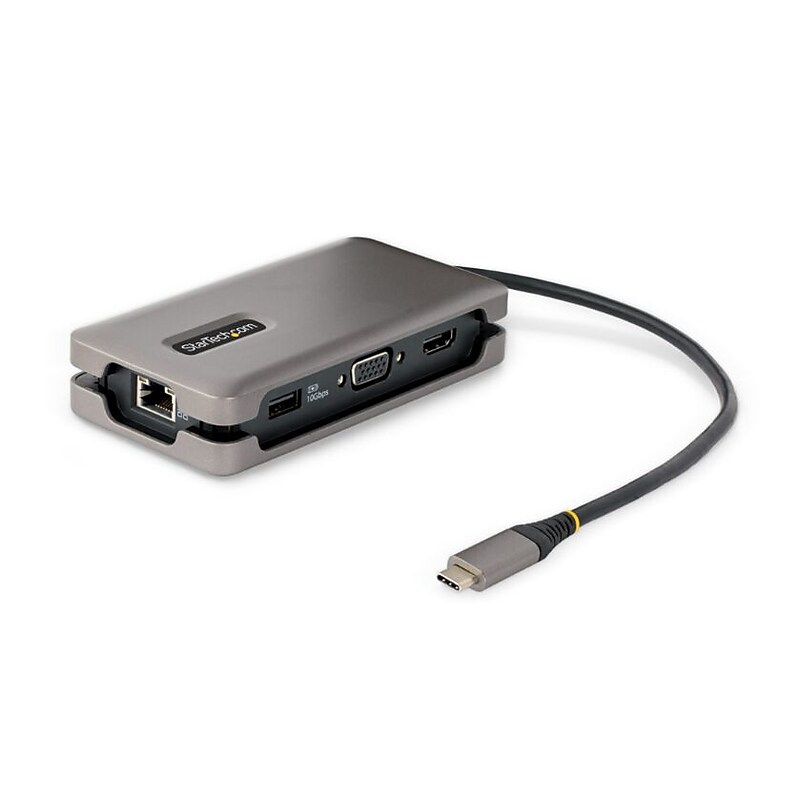
Connect this USB Type-C Multiport Adapter to a USB-C, USB4, or Thunderbolt 3/4™ laptop to enable single-display 4K 60Hz HDMI 2.0b or 1080p 60Hz VGA video output via DP Alt Mode. The USB-C dock works with USB Type-C laptops or tablets, such as a Chromebook, Dell XPS, or MacBook. It features a 3-Port USB 3.2 Gen 2 (10Gbps) Hub (2x USB-A, 1x USB-C), and Gigabit Ethernet. Connect the laptop USB-C power supply to the dedicated USB Power Delivery (PD) 3.0 port, to charge the laptop..Thoughtful hideaway tethered design prevents cable clutter; The attached 1ft / 32cm long cable reduces strain on the USB-C laptop connector, while shorter cables common in other adapters create strain on the laptop USB-C connector.Prevent device dropouts, video flickering, and power overdraw common in other mini docks; Up to 100W PD Pass-Through with 84W for the laptop while reserving 16W for the adapter and attached devices.USB-C MINI DOCKING STATION: USB-C to HDMI 2.0b (4K 60Hz) or VGA 1080p for connectivity to a monitor or display, 100W Power Delivery Pass-Through, 3-Port USB 3.2 (10Gbps) hub (2x USB-A, 1x USB-C); Gigabit Ethernet Port (PXE boot/WoL).Works with all major operating systems (Windows, ChromeOS, macOS, Linux), and all hardware platforms including Intel, Apple M1 / M2, and AMD; Works with USB-C, USB4, Thunderbolt 3 & 4.Includes Network MAC Address Pass-Through, Wi-Fi Auto Switching, USB Event Monitoring, and Windows Layout Utilities for IT Pro's and IT help-desk support teams; These tools are not included with docks from consumer brands.Connect one USB-C and two USB-A peripherals to the USB 3.2 Gen 2 (10Gbps) ports..The Gigabit Ethernet port ensures reliable wired network access, with support for PXE Boot and Wake-on-LAN (WoL)..Advanced Windows Layout Utility: Setup and save custom windows layouts..MAC Address Pass-Through Utility: Improve network security..USB Event Monitoring Utility: Track and log connected USB devices..Wi-Fi Auto Switch Utility: Enable quick access to wired LAN.
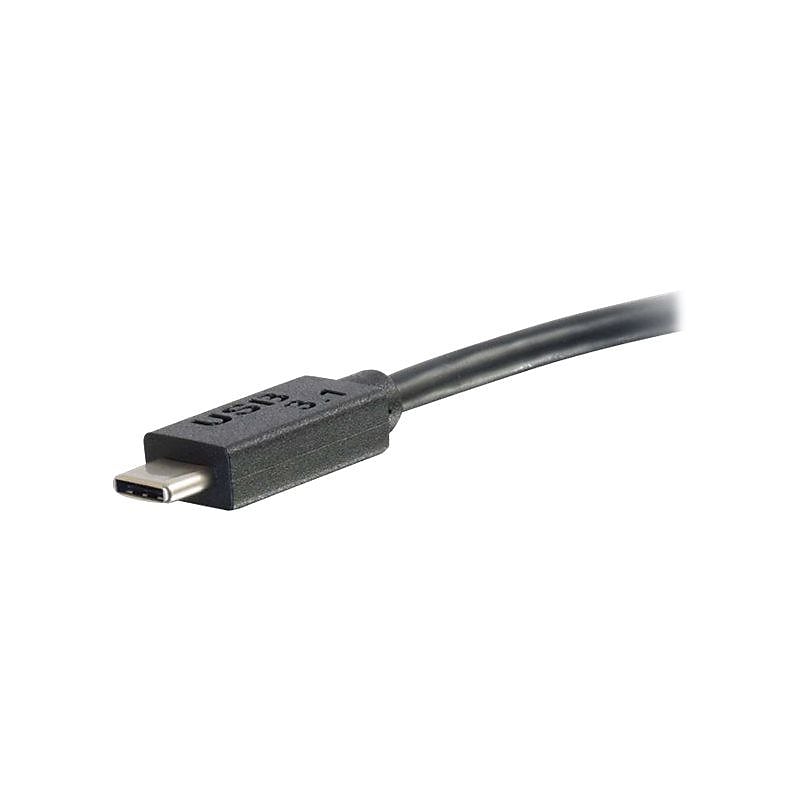
The C2G ® black USB 3.1 USB-C to HDMI audio/video adapter supports up to 4k resolution by delivering a high quality video image to the connected display. This 32 AWG adapter with compact design, is great for BYOD applications in education or corporate environments. This plug and play adapter with HD-PE insulation, has a voltage rating of 30 V and insulation resistance of 10 mega Ohms/km..Comes in black color and this audio/video adapter supports up to a 4k resolution allowing it to deliver a high quality video image.Connections: USB to HDMI.Interface: USB 3.1.First end connection: one reversible, symmetrical type-C USB male.Second end connection: one HDMI female.Compatible with audio/video device, HDTV and projector.Insulation resistance: 10 Mega ohm/km, Voltage rating: 30 V.Braid and aluminum mylar shielding for added protection.Outer diameter: 5.2 +/-0.2 mm, Conductor size: 32 AWG, 28 AWG.Plug-and-play installation for instant as well easy operation and supports 3D video, HDCP 2.0.Compact design of this adapter, makes it a suitable solution for BYOD applications in education or corporate environments.Temperature: 0 - 50 deg C (operation), -25 - 70 deg C (storage).Weight:0.07 lbs..Comes with 3 years warranty
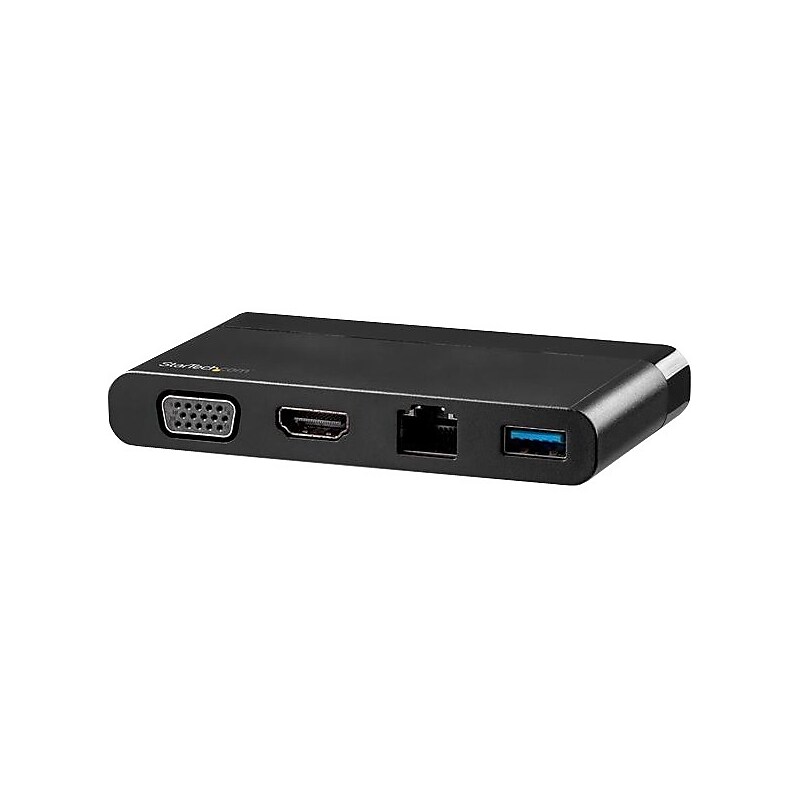
Ideal for mobile workers, this USB-C multiport adapter with HDMI and VGA gives you flexible video output. It's like four adapters in one, with HDMI or VGA connections, a Gigabit Ethernet port and a USB 3.0 port, all through one connection to your laptop's USB-C port. Plus, it features a hideaway cable for better cable management and easier travel. With easy plug-and-play installation on most operating systems, the USB-C adapter doesn't require additional drivers or software. It's the perfect accessory for MacBook Pro, Dell XPS, Chromebook or other USB-C laptops. Connect a UHD 4K HDMI or VGA Monitor The USB Type-C multiport adapter keeps you prepared for business travel. You can extend your laptop's display by connecting to a 4K HDMI (4096x2160 or 3840 x 2160p) or VGA (1920 x 1200p) monitor or projector, to make presentations or set up a workstation. Convenient Cable Management With multiple ports and an easily accessible hideaway cable, the USB-C all-in-one adapter makes an ideal travel dock, for easy connections on the go. Plus, the USB Type-C adapter is bus powered, so there's no need to carry around a separate power adapter. Enhance Productivity Connect a flash drive, mouse or other peripheral to your USB-C or Thunderbolt 3 laptop using the USB 3.0 Type-A port. The USB-C adapter adds wired network connectivity with the GbE port, making it ideal in areas without Wi-Fi. DKT30CHVCM is backed by a StarTech 3-year warranty and free lifetime technical support..Connect your laptop to an external HDMI or VGA monitor with this USB-C multiport adapter.Add?a USB 3.0?Type-A device, like a flash drive?or?mouse.Convenient hideaway cable attached, for enhanced cable management and portability.Add wired network connectivity with the Gigabit Ethernet RJ45 port.Bus-powered for easy portability
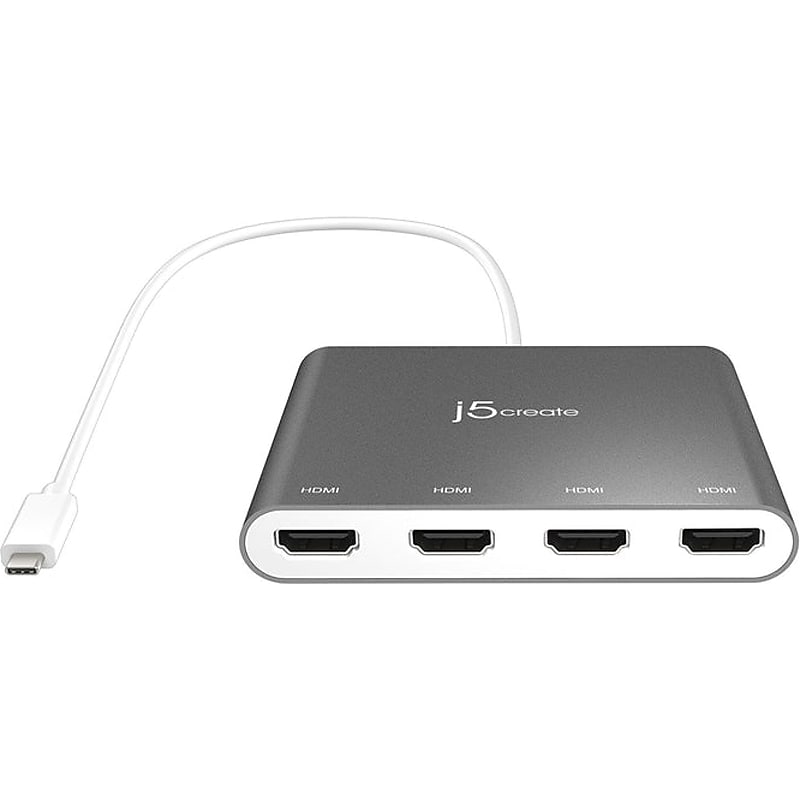
The USB Type-C to four-port HDMI multi-monitor adapter functions as an external video card for your MacBook or personal computer. The adapter allows you to add four additional monitors/displays through your USB Type-C port. This is the perfect alternative to a costly video card. With the JCA366, you can quickly install the driver with a simple USB Type-C plug-in. Afterward, connect your device to your monitors using HDMI cables, and you create a new visual environment in seconds..USB Type-C to four-port HDMI multi-monitor adapter allows you to add four additional monitors/displays through your USB Type-C port.Input: USB Type-C.Output connector: HDMI.Cable length is 19.69".Cable connectors: USB Type-C 3.1 and HDMI (male to female).Maximum resolution of 1920 x 1080 at 60Hz with 1080p video playback.Move and view your large programs across four screens without overlapping windows.Perfect for viewing multiple windows at the same time to enhance productivity for standard business applications.HDMI ports support 48 kHz embedded audio.USB-powered with SuperSpeed USB 3.0 at 5Gbps, no external power required.Simply install the driver, and plug in the USB Type-C, then it's ready to go.Enable additional features with the multi-monitor assistant application for your Windows devices.Compatible with Windows 10/8.1/7 (32-bit or 64-bit) and macOS X 10.8 or later.Package contents: USB Type-C to four-port HDMI multi-monitor adapter and quick installation guide.2-year manufacturer limited warranty
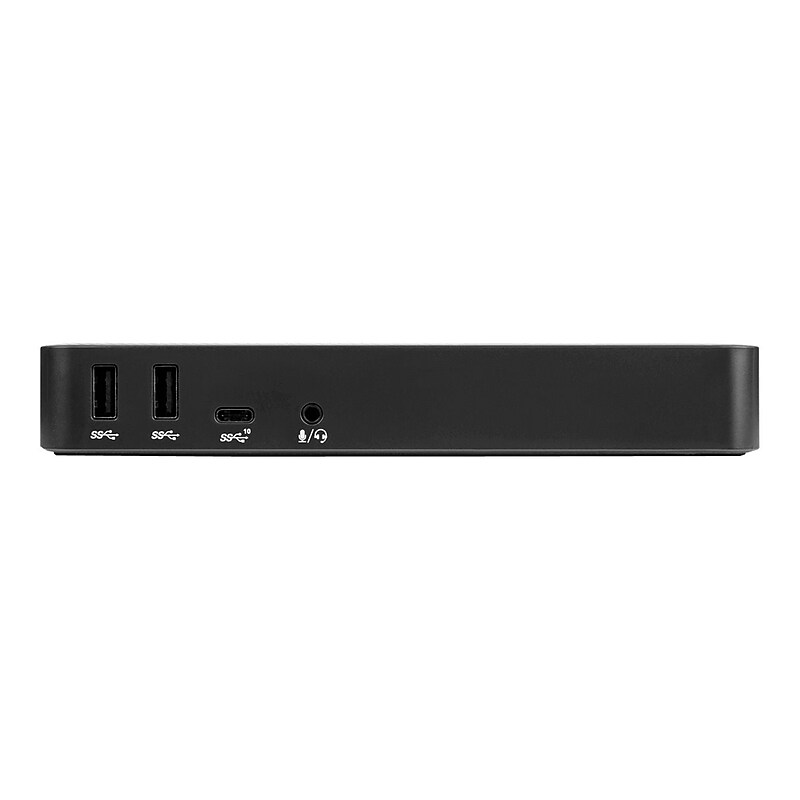
Create a more powerful, productive workstation with the Targus USB-C DisplayPort Alt. Mode Docking Station with 85W Power. Sleek and powerful this Alternate Mode hosts packs all of the ports and power you need in one dock. Designed to support a wide variety of laptop brands and operating systems, offers broad compatibility for a range of hosts, devices, and peripherals..Create a more powerful, productive workstation with this docking station; sleek and powerful, this Alternate Mode hosts packs of all the ports and power you need in one dock.Dimensions: 3.25"H x 7.1"W x 1.1"D.Connect up to three monitors, plus connect all your favorite accessories with a combination of USB Type-A (four USB 3.2 Gen 1 ports and one fast charging) and USB Type-C (one USB 3.2 Gen 2), Ethernet, and audio ports.Package contents: user guide, dock, cable (input US AC cable cord set, three-pin, 1.8m, C5 connector), USB Type-C male (screwed) to Type-C male (normal) cable (1m, 5A, 10Gbps), and adapter (AC to DC; output: 20V, 6.75A, 135W).With two DisplayPort 1.4 ports and one HDMI 2.0 port, you're able to support three monitors (1920 x 1080 60p), two monitors (2560 x 1440 60p), or one monitor (3840 x 2160 60p), and various lower resolutions.USB Type-C DisplayPort Alternate Mode docking station provides up to 85W of USB Type-C Power Delivery at all popular voltages, including 5, 9, 12, 15, and 20VDC; dock will negotiate a Type-C Power Delivery contract with multiple platforms, including PC, MacBook, Chromebook, and even popular Android phones.Multiple onboard USB ports make it easy to customize workspaces with the latest keyboards, external drives, and other essential peripherals; efficient charging is close at hand with one powered USB 3.2 Gen 1 port for keeping smartphone, tablet, or other devices powered up and ready to go.Comes in black.Integrated lock slot accommodates standard security locks to safeguard equipment.TAA compliant.3-year manufacturer limited warranty
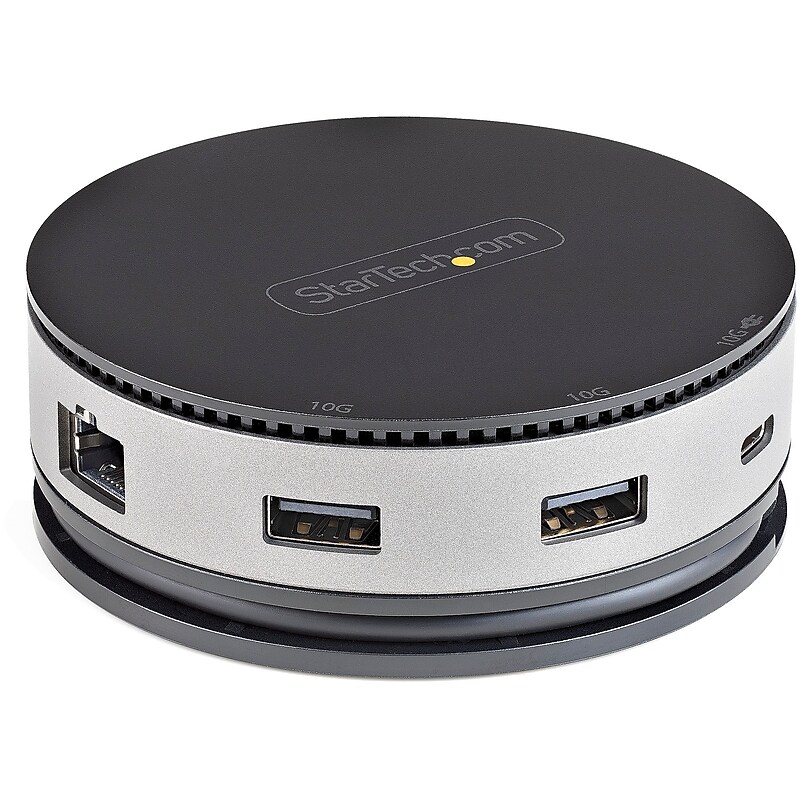
The StarTech DKT31CHDVCM USB‑C Gen 2 10Gbps multiport adapter is a compact, travel‑ready mini docking station that transforms any USB‑C or Thunderbolt 3 laptop, tablet, or Chromebook into a full workstation, delivering flexible single‑display output through HDMI or DisplayPort up to 4K 60Hz (DP 1.4/HDMI 2.0 HDR) or 1080p via VGA, while adding essential connectivity including two USB‑A ports, one USB‑C port (all 10Gbps), and Gigabit Ethernet for fast wired networking; its extended 24 cm attached cable reduces port strain and supports 75W Power Delivery passthrough (60W for charging, 15W reserved for stable dock performance), making it an ideal all‑in‑one solution for productivity at home, in the office, or on the go..7-IN-1 MINI DOCK: Compact USB-C mobile adapter (USB 3.2/3.1 Gen 2 10Gbps) w/ a single display up to 4K 60Hz DisplayPort/HDMI or 1080p VGA video ports, USB Hub (2x USB-A, 1x USB-C) & Gigabit Ethernet.EXTRA LONG CABLE: 10" (25.4cm) attached cable for extended reach to reduce port strain on 2-in-1's like iPad Pro & Surface Pro 7; USB C multiport adapter w/ wraparound cable for office, travel & home.FLEXIBLE VIDEO OUTPUT: Drive 4K 60Hz video w/ a DisplayPort 1.4 host (DP/HDMI 2.0 HDR) or 4K 30Hz with DP 1.2 host, or 1080p VGA display outputs, adding flexibility for mixed monitor type deployments.POWER FLEXIBILITY: USB bus powered or you can use your external USB-C laptop power adapter supporting up to 75W Power Delivery (PD) pass through (15W for docking station & up to 60W for charging).WIDE COMPATIBILITY: Portable dock for USB-C ultrabooks, Chromebooks, tablets & Thunderbolt 3 laptops like HP, Dell, Lenovo, MacBooks, iPad Pro; works w/ Windows, macOS, iPadOS, Chrome OS, Android.USB-C Docking Station | USB 3.1 Gen 2 | 4K 60Hz HDMI or DisplayPort | 1080p VGA | 75W PD Pass Through | 3 Port USB Hub
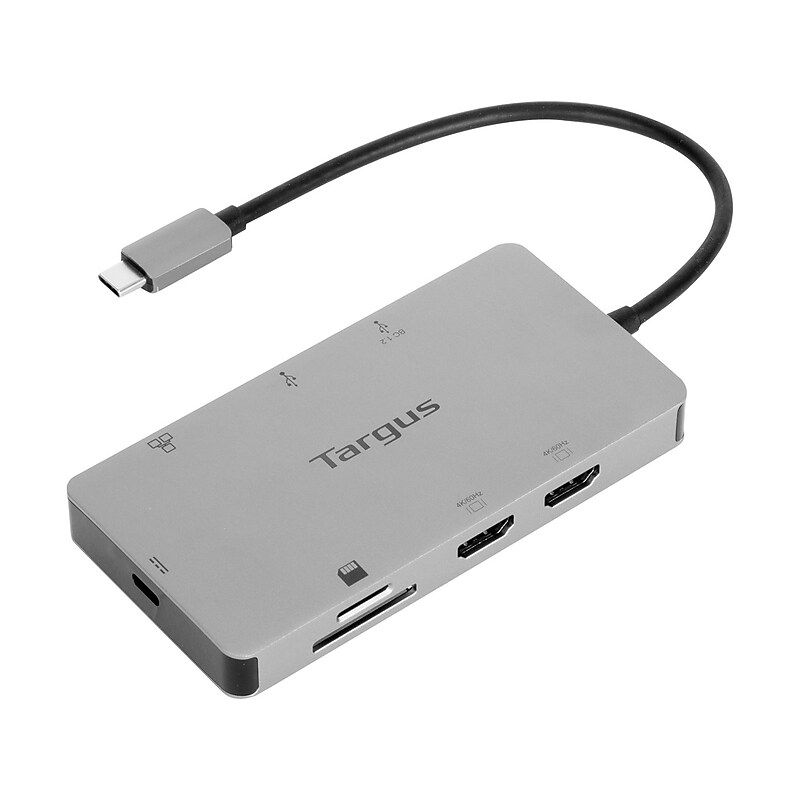
Turn your laptop into a dual video workstation with the Targus compact USB Type-C Alt Mode docking station that features 100W Power Delivery pass-through and dual HDMI 4K ports. Connect your USB Type-C enabled devices to two HDMI monitors, while also connecting to a Gigabit Ethernet network, and plugging in your key peripherals such as mice, keyboards, flash drives, or hard drives into the USB Type-A ports. Plus, access your data with the SD and microSD card reader/writer. You can even keep your laptop charged and powered by connecting the laptop's USB Type-C power adapter to the USB Type-C port on the dock. This dock also provides transfer speeds of up to 5Gbps per port. It supports up to 100W (20V/5A) charging. Compact and lightweight, it's easy to take it with you anywhere you go..Turn your laptop into a dual video workstation with the compact docking station.Connects via a USB Type-C port.7' host cable supports PD pass-through with fast role swap up to 100W.Ports: 2 x HDMI 2.0, 2 x USB 3.2 Type-A, 1 x RJ45, 1 x SD, and 1 x microSD.Supports up to two 4K UHD 60Hz monitors via two HDMI 2.0 ports using USB Type-C Alt Mode.HDMI ports support USB Type-C DisplayPort Alt Mode and require compatible USB Type-C DisplayPort Alt Mode host.Provides transfer speeds up to 5Gbps per port.Supports up to 100W (20V/5A) charging.Supports two independent screens in Windows or Chromebook, one in iPadOS, and one in macOS (or dual mirror).Supports BC 1.2 at 1.5A charging (when USB Type-C power pass-through port and laptop are connected).Works with macOS, Windows, LINUX, iPadOS, Chrome OS, and DeX.3-year manufacturer limited warranty
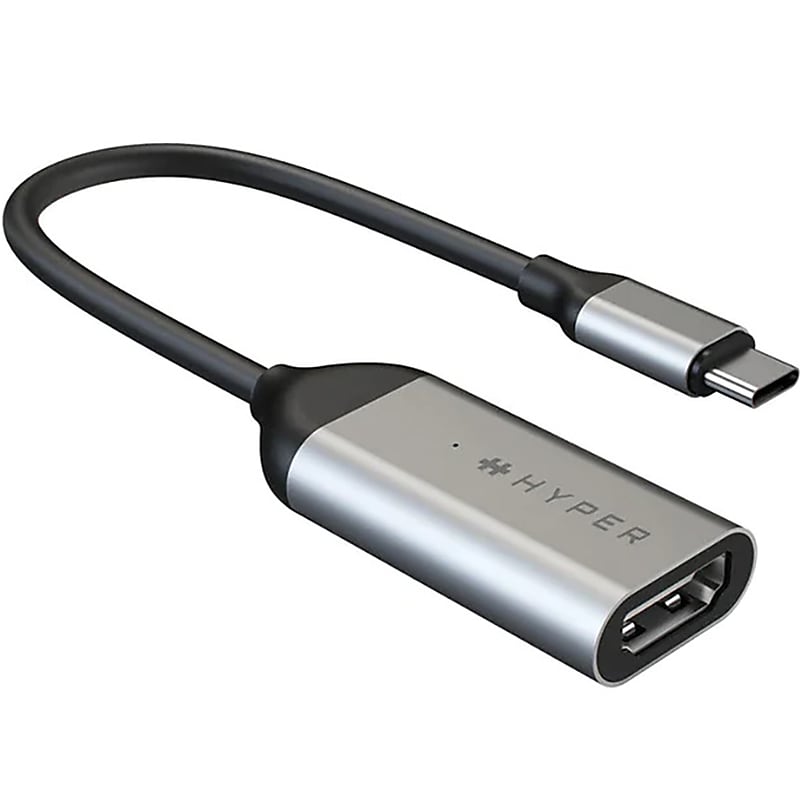
The Targus USB Type-C to 4K/60Hz HDMI adapter enables your USB Type-C Chromebook device to connect with HDMI 2.0 monitors or displays at 4K/60Hz for a crystal clear viewing experience. This adapter has been tested and has Works with Chromebook certification, which means it meets Google compatibility standards and works seamlessly with your Chromebook..USB Type-C to 4/60Hz HDMI adapter allows you to connect your USB Type-C Chromebook device to HDMI 2.0 monitors or displays.Certified by Google engineers to meet Chromebook compatibility standards and guaranteed to work with any Chromebook.Convert your device's USB Type-C port into an HDMI port with no software installation necessary.Experience high-resolution 4K/60Hz video on HDMI displays with two times the refresh rate for faster, smoother video.Extra-portable adapter is shorter than the length of a golf tee, so you can take it anywhere with ease.Features a premium aluminum enclosure for improved heat dissipation.Compatible with HDMI 2.0 displays.Requires a USB Type-C port on host computer to support DisplayPort Alternate Mode (DP Alt Mode).2-year manufacturer limited warranty
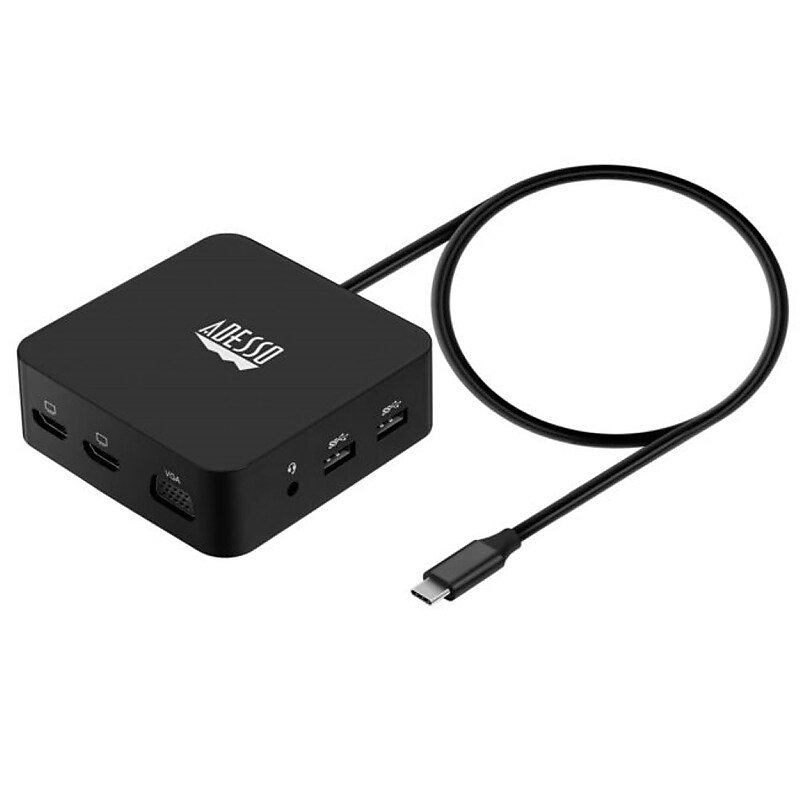
Works with most newer laptops and phones. Compact and lightweight, with a user-friendly non-slip design for easier plug and unplug..11 in 1 USB-C Multiport Docking Station, Plug and Play Compatible.Dimension: 4.2” x 2.0” x 0.63”.Connection:1x Type-C port, 2x USB 3.2-A (5 Gbps),1x PD (Up to 100 W), 2x HDMI (4K/30Hz or dual 1080P/30Hz), 1x VGA (1080P), 1x TF, 1x SD Cards (480 Mbps), 1x RJ45 (10/100/1000 Mbps), 1x 3.5mm Audio Jack.What is included: Adesso AUH-4050, Power adapter, Quick Start Guide.Number of HDMI 2, USB 3 or VGA 1.1 Year Warranty.Expand your laptop’s connection port with this USB Type-C multiport docking station.
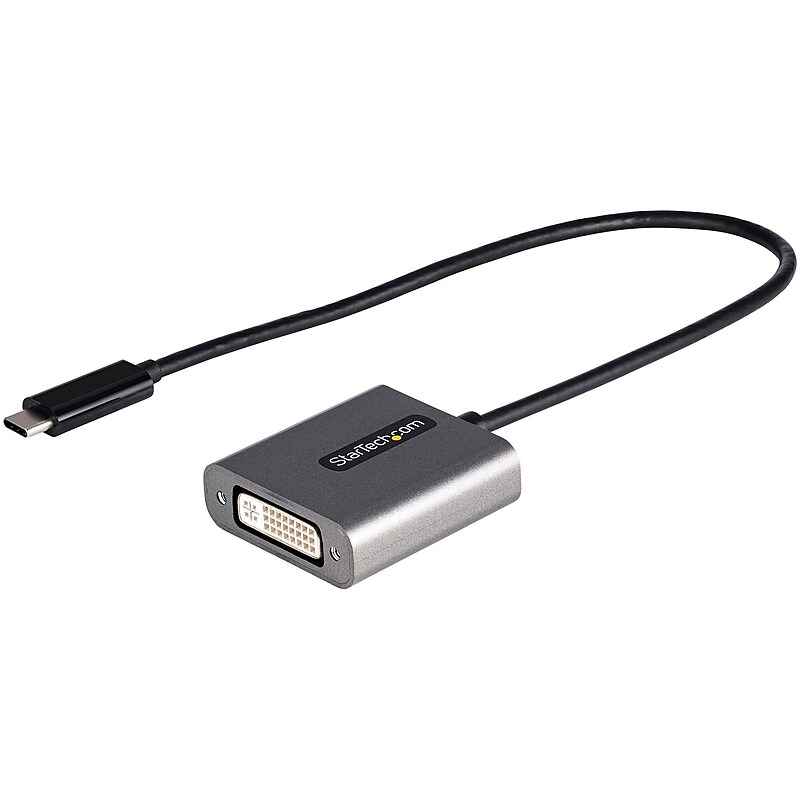
USB C to DVI Adapter, 1920x1200p, USB Type-C to DVI-D Adapter Dongle, USB-C to DVI Display/Monitor Video Converter, 12" Cable.USB-C to DVI adapter dongle (DVI-D Single-Link) supports 4K 30Hz (on monitors w/ HDMI clock rate support over DVI) | Works w/1920x1200p and 1080p.12" attached cable.Works w/USB Type-C and Thunderbolt 3 hosts | Dell XPS Precision/Lenovo ThinkPad/Surface Laptop 3 Pro 7/MacBook Pro Air (Intel and M1)/HP EliteBook.Tested w/displays/projectors incl Dell/LG/Asus/BenQ/Samsung.DVI-I (digital signal only) connector.Extended Cable | 1920x1200p | Thunderbolt 3 Compatible
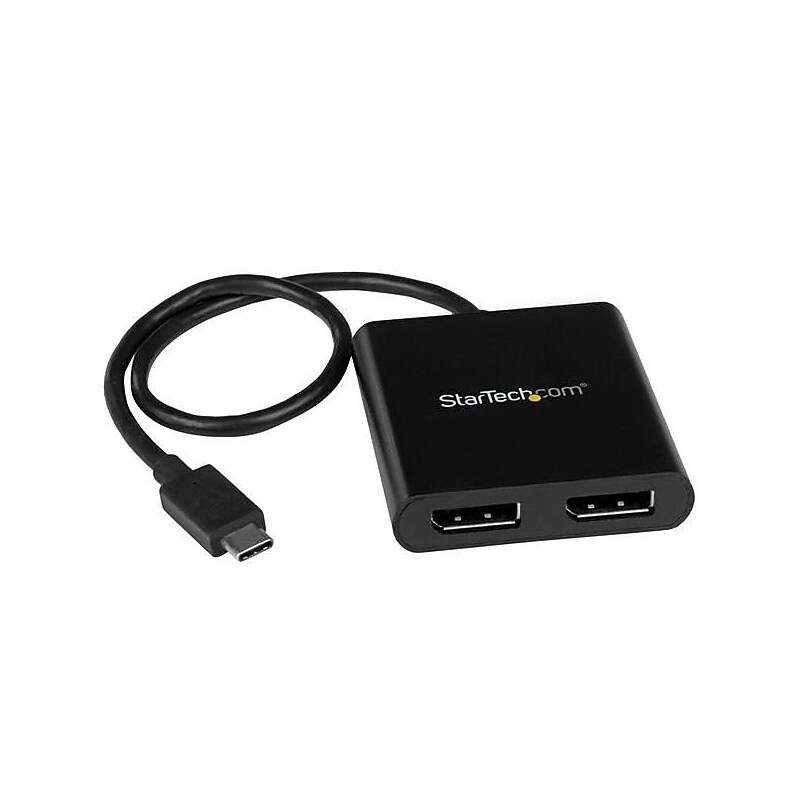
The StarTech.com® MSTCDP122DP USB-C to DisplayPort multi-monitor splitter in black, has 2-port MST hub that maximizes your productivity by enabling multitasking and connecting two independent displays to your computer. It offers hassle-free connection using the reversible USB-C connector. This male/female compact device supports video resolutions up to 4K and is compatible with Thunderbolt™ 3 ports..Multi-monitor splitter works on any Windows device with DP alt mode over USB Type-C, Dell Precision and Dell XPS laptops, TV, monitor or projector.Dimensions: 0.6"H x 2.3"W x 2.4"D.Connectors: 1 x 24-pin USB C male on first end, 2 x 20-pin DisplayPort female output on second end.OS compatibility: Microsoft Windows 10, 8/8.1, 7, power source: USB-powered.Comes in black color.Maximize your productivity by connecting two independent displays to your computer using the MST hub.Hassle-free connection with the reversible USB C connector.Support for resolutions up to 4K.Thunderbolt 3 port compatible.Create a panoramic video wall for DisplayPort digital signage applications.Edit images, video or audio clips across two additional displays in any orientation or resolution.Span a spreadsheet or worksheet across two additional displays, to avoid side-scrolling.Includes 1 x quick start guide, 1 x MST hub.Meets RoHS, WEEE, CE standards.Weight: 1.6 oz..Comes with 2 year warranty
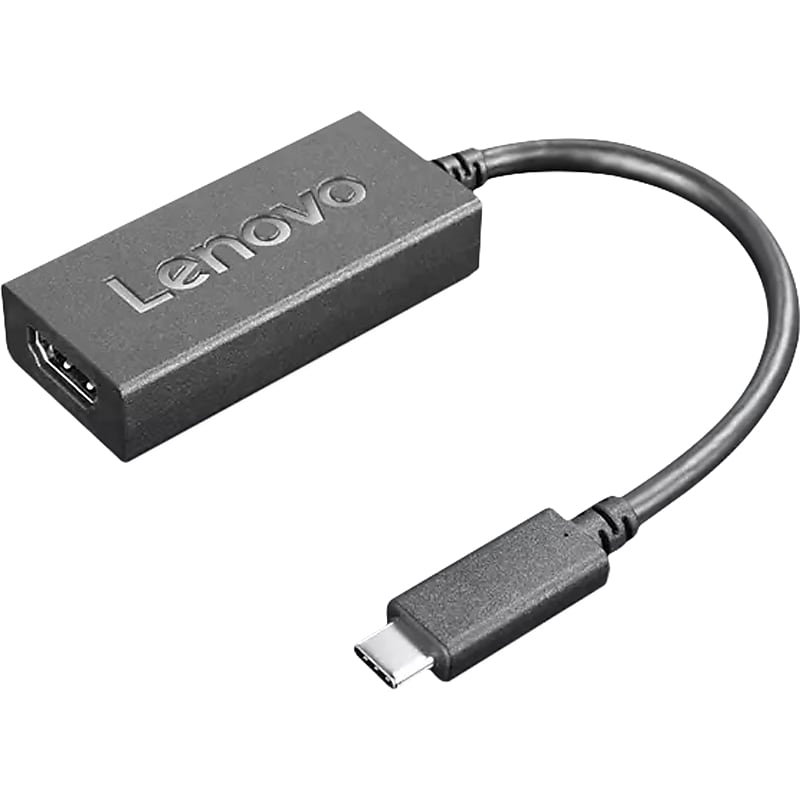
The Lenovo USB-C to HDMI 2.0b adapter connects USB-C enabled notebooks to HDMI enabled displays such as monitors and projectors. Its 9.4'' length and 0.07 lbs. weight make it versatile and travel-ready. So you can enjoy all the benefits of HDMI 2.0b technology, like support for resolutions up to UHD 4K at 60Hz, anytime..USB Type-C to HDMI adapter connects USB-C enabled notebooks to HDMI enabled displays such as monitors and projectors.Input: USB Type-C.Output connector: HDMI.Cable connectors: USB Type-C and HDMI 2.0b (male to female).Maximum resolution of UHD 4K 3840 x 2160 at 60Hz for ultra-high-definition sharing in any environment.Plug-and-play design works universally with macOs and Windows laptops and other USB Type-C devices.Support for HDR, HDCP 2.2, WCG, and HLG.1-year manufacturer limited warranty.Certifications and standards: CE, CB, FCC, EAC, VCCI, C-tick
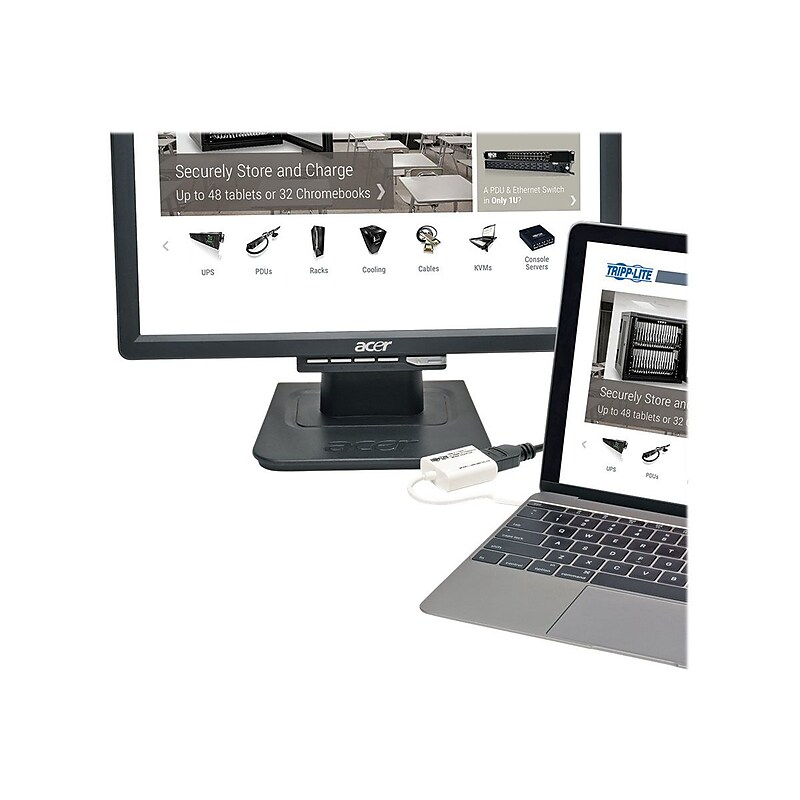
The Tripp Lite USB 3.1 to HDMI DisplayPort external video graphics card adapter allows you to duplicate the same video on two monitors or to make the second monitor your primary display. It supports USB DisplayPort alternate mode for transmitting video to an HDMI display via your computer, tablet, laptop or Smartphones USB-C port. It is perfect for multitasking, presenting at conferences, editing documents, playing games and watching movies. It supports UHD video resolutions up to 3840 x 2160 and allows USB 3.1 Gen 1 data transfer rates up to 5 Gb/s..Graphics card adapter is perfect for multitasking, presenting at trade shows and conferences, editing documents, playing games and watching movies.Connections: USB C male connector on first end, HDMI female connector on second end.Data transfer rate: Up to 5 Gb/s.Maximum resolution supported: Up to 3840 x 2160 (at 24/25/30 Hz) UHD 4K x 2K video, Form factor: External.Facilitates to extend video to a second monitor and duplicate the same video on both monitors or make the second monitor your primary display.Design supports USB display port alternate mode for transmitting video to an HDMI display via your computer, tablet, laptop or Smartphone's USB-C port.Contains graphics card adapter and quick start guide.RoHS Compliant.Comes with 1 year limited warranty
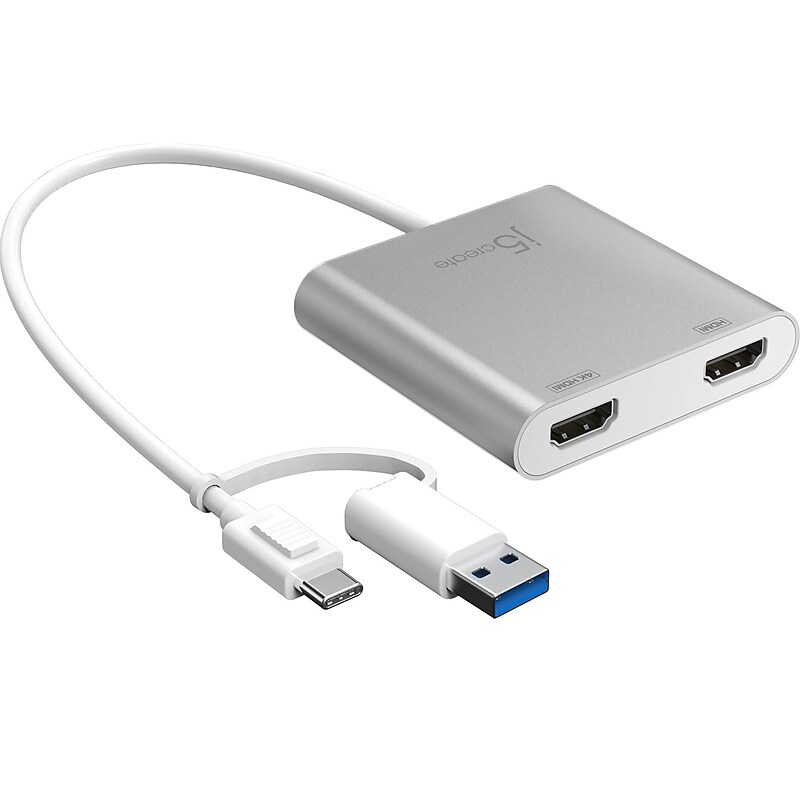
The j5create multi-monitor USB Type-C to dual HDMI adapter acts as an external video card for your macOS or Windows laptop. The adapter allows you to add two additional displays through your USB Type-C port, boosting your productivity by giving you more screen space to work from. One of the HDMI ports can output resolutions up to 4K, while the other can output resolutions up to 2048 x 1152. Simply install the driver by plugging in the adapter, and then connect your monitors using HDMI cables for a dual-display workstation..Multi-monitor USB Type-C to dual HDMI adapter allows you to add two additional displays through your USB Type-C port.Input: USB Type-C.Output port: HDMI.Cable length: 7.87".USB Type-C 3.1 male to HDMI and 4K HDMI female adapter.Supports resolutions up to 3840 x 2160 at 30Hz and 2048 x 1152 at 60Hz.Made with a durable high-quality aluminum shell, featuring a compact and lightweight design for maximum portability.USB Type-C cable comes with a Type-A adapter for added compatibility.Hot-swappable USB enables you to add or remove monitors without rebooting your system.Features a two-channel audio support.USB 3.1 provides transfer rates up to 5Gbps, which is 10 times faster than USB 2.0.Features four display modes: Mirror, Extended, Primary, or Rotation (Rotation mode only available on Windows computers).Compatible with Windows 8 or later (32- or 64-bit) and macOS 10.14 or later.Simply install the driver, and plug in the USB Type-C, then it's ready to go.Package contents: multi-monitor USB Type-C to dual HDMI adapter and quick installation guide.2-year manufacturer limited warranty
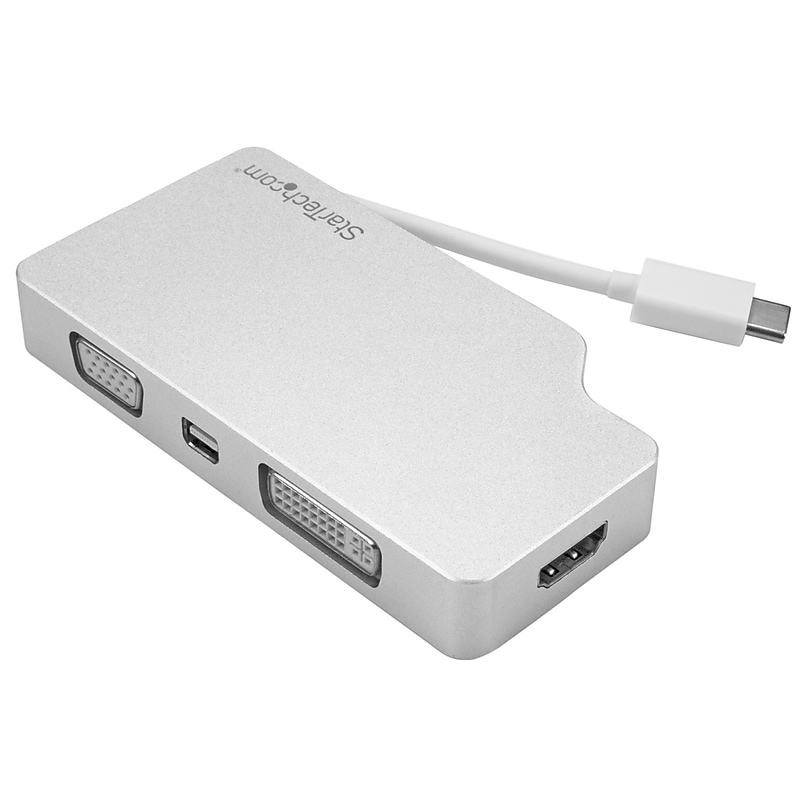
The StarTech.com® CDPVGDVHDMDP audio/video adapter offers a better solution for connecting USB-C computer to a VGA, DVI, HDMI® or mini DisplayPort display. This 4-in-1 travel adapter supports a maximum digital resolution of up to 3840 x 2160 and analog resolution of up to 1920 x 1200. The portable adapter is compatible with USB Type-C Thunderbolt™ 3 devices that are capable of outputting a DisplayPort signal..4-in-1 USB-C to VGA, DVI, HDMI 4K A/V adapter is compatible with USB type-C Thunderbolt 3 devices that are capable of outputting a DisplayPort signal.Cable length: 0.4".Connections type: Connector A: 1 - USB-C (24 pin) male input, connector B: 1 x Mini DisplayPort female output, 1 x VGA female output.Audio specifications: HDMI and mDP output - 7.1 surround sound, max analog resolutions: 1920 x 1200, max digital resolutions: 3840 x 2160.Dimensions: 0.6"H x 2.2"W x 4.1"L.Adapter style: Adapter, converter type: Travel A/V adapters, output signal: HDMI, VGA, DVI-D (DVI digital), mini DisplayPort.Supported resolutions: HDMI & mDP output: 3840 x 2160, 2560 x 1600, 1920 x 1200, 1920 x 1080, DVI and VGA output: 1920 x 1200, 1920 x 1080, 1280 x 720.Maximum portability with built-in magnetic cable manager.Astonishing picture quality with support for UHD 4K.VESA certified.Plug-and-play installation, small footprint, lightweight design.Operating temperature: 0 - 70 degree C, humidity: 40 - 50% RH.Includes 1 x travel A/V adapter.RoHS, Green compliant.Weight: 4.4 oz..Comes with 2 year warranty
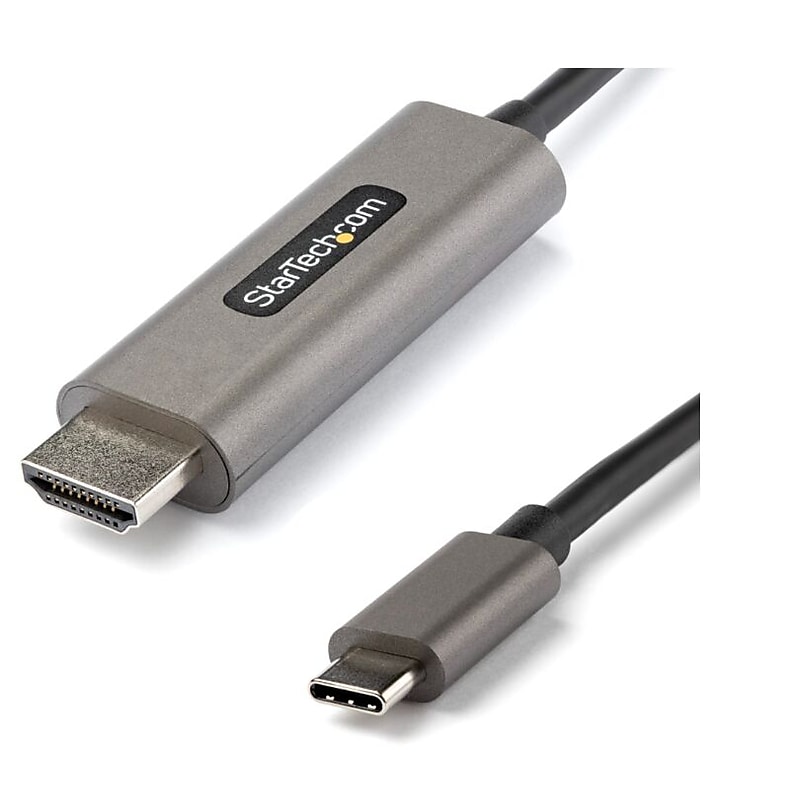
This USB-C to HDMI cable lets you connect your USB Type-C (supporting DP Alt Mode) or Thunderbolt 3 device to an HDMI display. The display cable supports High Dynamic Range (HDR10) and provides sharper images with enhanced video..13ft (4m) USB C or Thunderbolt 3 to HDMI 2.0b adapter cable supports Ultra HD (UHD) resolutions up to 4K 60Hz (3840x2160) with HDR10, 7.1ch Audio, HDCP 2.2/1.4 | DisplayPort 1.4 Alt Mode HBR3 | Backwards compatible with 1080p.Color spacing supporting RGB (8/10bit) and YCbCr 4:4:4 (8/10bit) for high-contrast & lifelike color with HDMI 2.0b displays | Chip built into HDMI connector minimizes signal loss & failure points, provides tidy install.USB C to HDMI cable for devices like Dell XPS/Precision/Latitude, Lenovo ThinkPad X1 Carbon/Extreme, Surface Pro 7/Laptop 3/Book 3, MacBook Pro/Air, iPad Pro, HP EliteBook/Spectre/ZBook, Chromebooks, Samsung S20/S21/Note20 (DEX mode).USB Type-C to HDMI cable has been tested for peak performance at 4K 60Hz with range of HDMI monitors, displays, TVs and projectors incl. brands like Dell, Asus, Acer, BenQ, LG, Samsung, Sharp, Sony & Epson | Supports Dolby Vision.USB-C to HDMI adapter cable has been tested to ensure compatibility with USB Type C DP Alt Mode or TB3 devices; Driverless plug & play setup with macOS, Windows, Linux, Chrome OS & Android; USB-C male to HDMI male video converter cord.With brighter colors and greater contrast, the video adapter cable is ideal for:Creating eye-catching visuals for photography, videography, cinematography,Displaying crisp digital signage walls, and delivering enriched presentations.At 4m (13ft) in length, this cable cord delivers a direct connection that eliminates excess adapters and cabling, ensuring a tidy, professional installation.To ensure easy operation and installation, this USB-C to HDMI cable supports a seamless plug & play setup with any OS, including macOS, Windows, Linux, Chrome and Android..CDP2HDMM4MH is backed by a 3-year StarTech.com warranty and free lifetime technical support..To achieve HDR, your USB-C port must support DisplayPort 1.4 and your display must support HDMI 2.0b.NVIDIA graphics adapters may not support 4:4:4 chroma subsampling and 5.1/7.1 audio output, when used with this adapter cable.Ideal for creative professionals
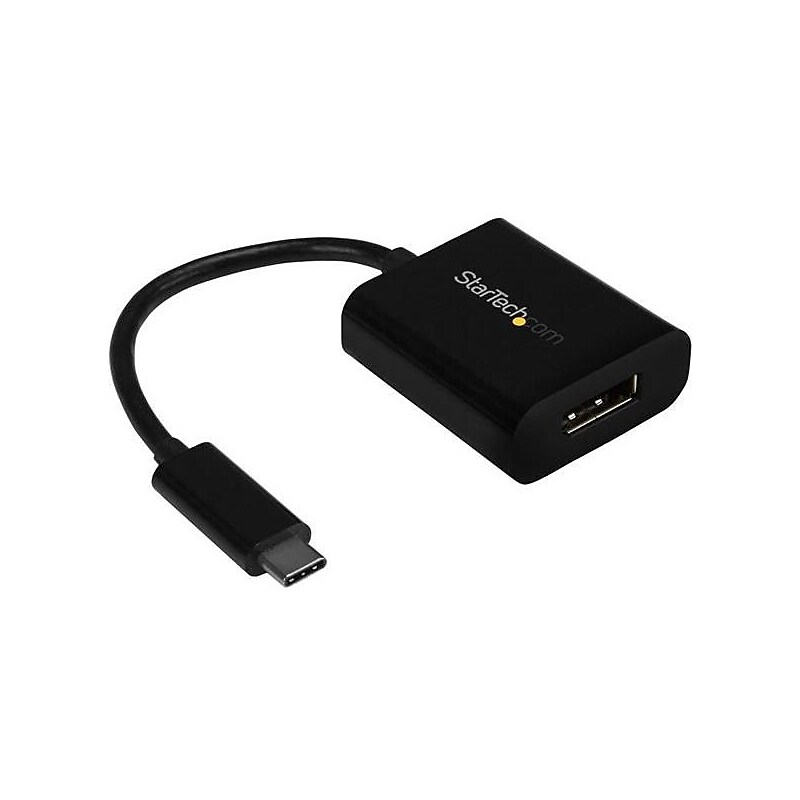
Connect your laptop with USB Type-C to a DisplayPort monitor or screen. This USB-C; to DisplayPort adapter enables you to output DP video and audio from the USB Type-C; port on your laptop or other device. The adapter works with USB-C devices that pass a DisplayPort (DP) video signal, such as your MacBook Pro, Chromebook; or other USB-C laptop. This enables you to connect your DisplayPort display to your USB-C computer using a DisplayPort cable. Ultra HD 4K resolution at 60HzThe adapter lets you harness the video capabilities that are built into your computer's USB Type-C connection, to deliver the astonishing quality of UHD to your 4K 60Hz display. This makes it easier for you to multitask while working on the most resource-demanding applications imaginable. With this adapter, you can achieve an output resolution of up to 3840 x 2160p at 60Hz, which is perfect for performing high-resolution tasks such as viewing 4K video. Plus, the adapter is backward compatible with 1080p displays, which makes it a great accessory for home, office or other workspace applications. Ultimate portability This USB Type-C video adapter is highly portable with a small footprint and lightweight design that's easy to tuck into your laptop bag. The adapter is the perfect accessory for connecting your MacBook Pro or Dell XPS; to a DisplayPort monitor or display in BYOD (Bring Your Own Device) applications at the office. Hassle-free connection with USB Type-CThis adapter lets you utilize the versatile USB Type-C port on your portable device. USB Type-C is a reversible connector, so it doesn't matter which way you plug it in, the adapter will always work, saving you the hassle and embarrassment of adjusting your device when you're trying to deliver a presentation. The CDP2DP is backed by a 2-year StarTech.com warranty and free lifetime technical support. Notes: Your USB-C device must support DisplayPort over USB-C (DP alt mode) to work with this adapter This adapter outputs a single-mode DisplayPort signal and will not work with additional video adapters such as DisplayPort to HDMI, DisplayPort to VGA or DisplayPort to DVI adapter.Run resource-demanding applications on 4K displays at 60Hz.Hassle-free connection with the reversible USB-C connector.Maximum portability with a small footprint and lightweight design
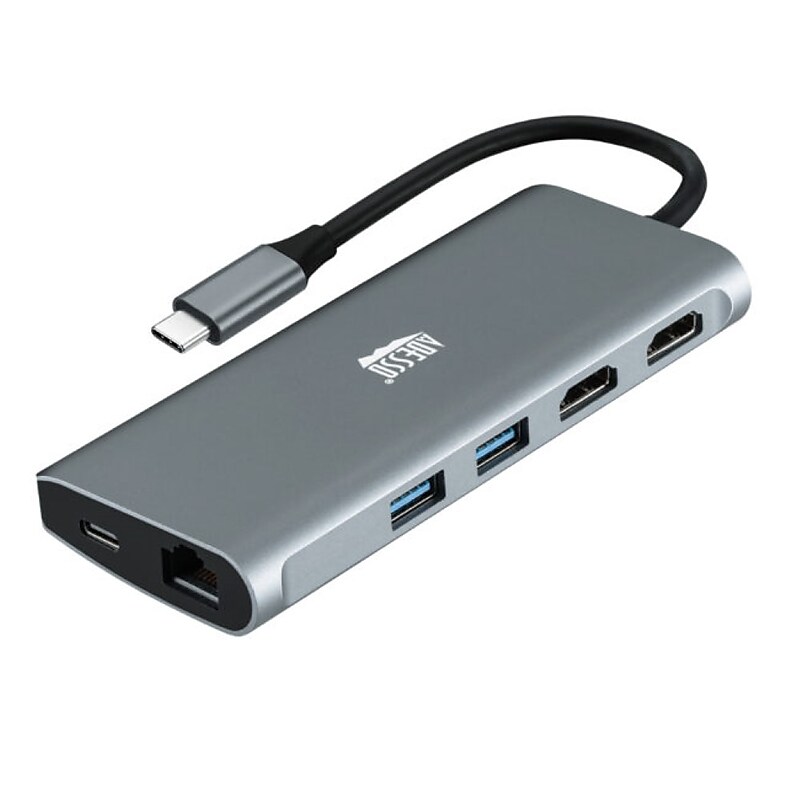
Compact and lightweight, with user-friendly non-slip design for easier plugging in and unplugging. Premium aluminum casing for better heat dissipation and higher data transfer efficiency..9-in-1 USB-C Multi-Port Docking Station, Thunderbolt 3 Compatible, Plug and Play Compatible.Dimension: 4.92” x 2.0” x 0.63”.Connection: 1x Type-C port,3x USB 3.0-A (5 Gbps),1x PD (Up to 100 W),2x HDMI(8K/30Hz, 4K/60Hz)1x TF, 1x SD Cards (480 Mbps),1x RJ45 (10/100/1000 Mbps).What is included: Adesso AUH-4040, Quick Start Guide.Number of HDMI 2, USB 4.1 Year Warranty.Expand your laptop’s connection port with this USB Type-C multiport docking station.
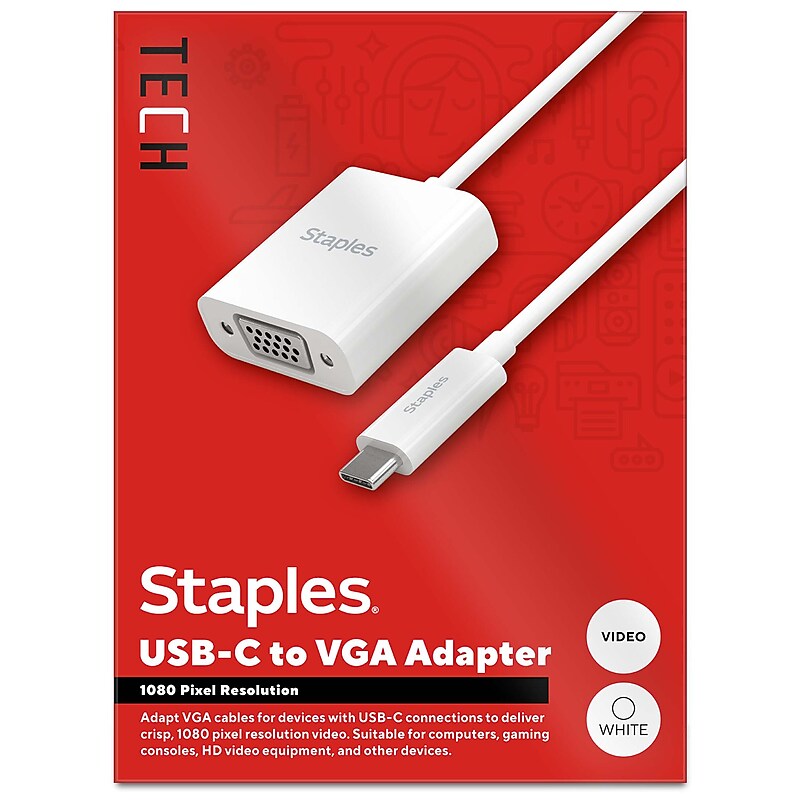
For both work and entertainment, an extra screen often comes in handy. The Staples TECH USB-C to VGA adapter lets you connect your laptop, desktop, or other USB-C devices to additional monitors, gaming consoles, projectors and other VGA display devices. Delivering 1920 x 1800 pixel resolution this adapter promises quality video for a seamless experience. Featuring a compact 6-inch cord, this adapter will keep your space clutter free. This adapter is the perfect choice for outfitting your personal or office work space. Enjoy seamless connectivity between previously incompatible devices so you can upgrade your home or office workspace and do your best work. Backed by Staples Brands 100% satisfaction guarantee, or your money back..Supports 1920 x 1200 pixel resolution @60Hz.Video capable only.6 in. length minimizes cord clutter.USB-C (male) input to VGA (female) output.USB-C to VGA device adapter.Comes in white.Limited 1 year warranty.Backed by Staples Brands 100% Satisfaction Money Back Guarantee.Extend your display with sharp, high-resolution visuals using the Staples TECH USB-C to VGA Adapter.
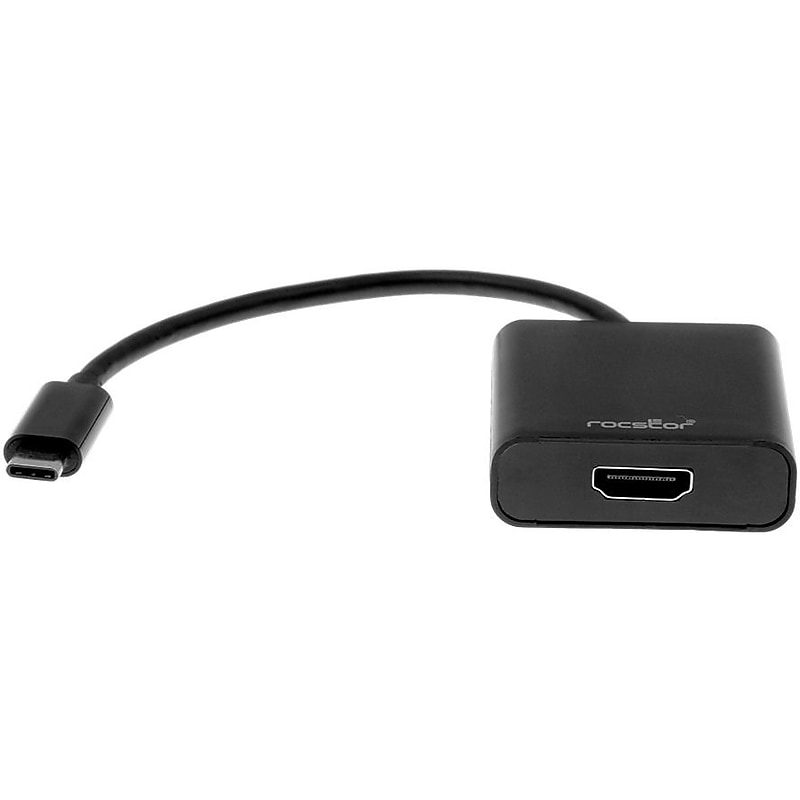
The Rocstor Premium USB-C to HDMI 6" adapter is built to provide you a crystal clear 4K video feed thru your device USB Type-C port to an audio/video signal HDMI HDTV or projector to display video. This adapter provides you an easy way to connect your MacBook, Macbook Pro, Chromebook or other USB Type-C laptop to an Ultra HD 60Hz display or projector. This adapter supports up to a 4k (3840x2160 at 60Hz) resolution allowing it to deliver a high quality video image to the connected display. The Rocstor USB C to HDMI is designed and built to deliver quality images and video at 4K 60Hz display. This adapter is backward compatible with 1080p displays, which makes this Rocstor adapter extremely versatile for use at home, office or other workspace and any presentation applications. Provide you the best compatibility with USB Type-C and Thunderbolt™ 3 ports. Use this adapter with confidence, backed by Rocstor 2-year Limited Warranty..Offers intense audio and video compatibility and swift data transfer.With USB port, enjoy the plug-and-play facility.1 x HDMI Female Digital Audio/Video offers a secure and reliable connection with a compatible TV
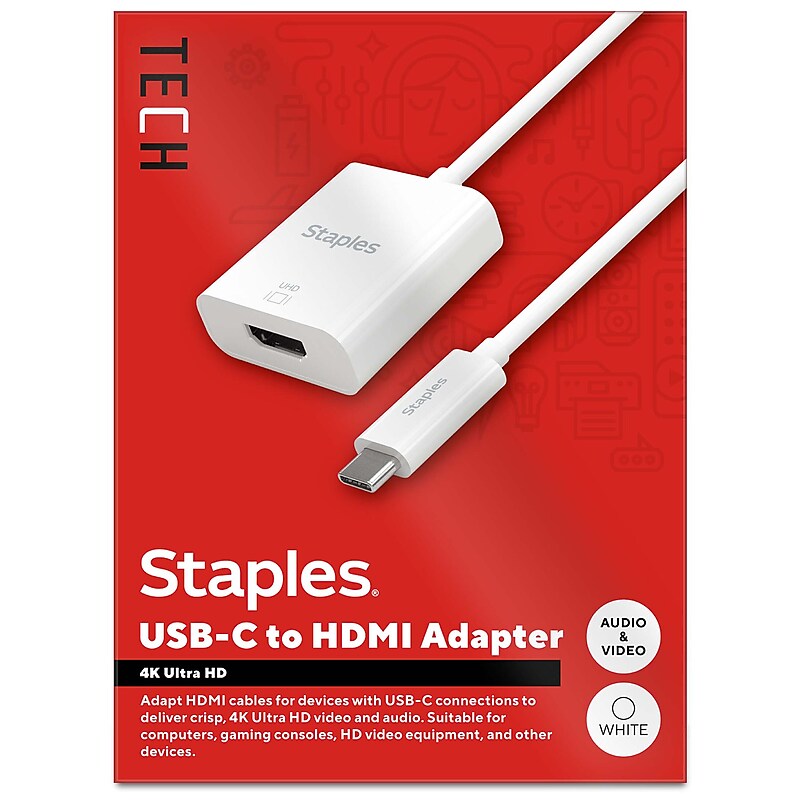
For work or entertainment, an extra screen often comes in handy. The Staples TECH USB-C to HDMI adapter lets you connect your laptop, iPad, or any other device with a USB-C port to external monitors, TVs, gaming consoles, projectors, or other display devices using an HDMI input. Delivering crisp 4K Ultra HD resolution this adapter delivers clear audio and video output for an exceptional experience. Featuring a compact 6-inch cord, this adapter will keep your work or entrainment space clutter free. This adapter is the perfect choice for outfitting your work, gaming or entertainment space. Enjoy high resolution audio and video between previously incompatible devices so you can upgrade your home or office workspace and do your best work. Backed by Staples Brands 100% satisfaction guarantee, or your money back..Supports 4K Ultra HD resolution @60Hz.Audio & video capable.6 in. length minimizes cord clutter.USB-C (male) input to HDMI (female) output.Comes in white.Limited 1 year warranty.Backed by Staples Brands 100% Satisfaction Money Back Guarantee.Extend your display with high-resolution audio and video using the Staples TECH USB-C to HDMI Adapter.
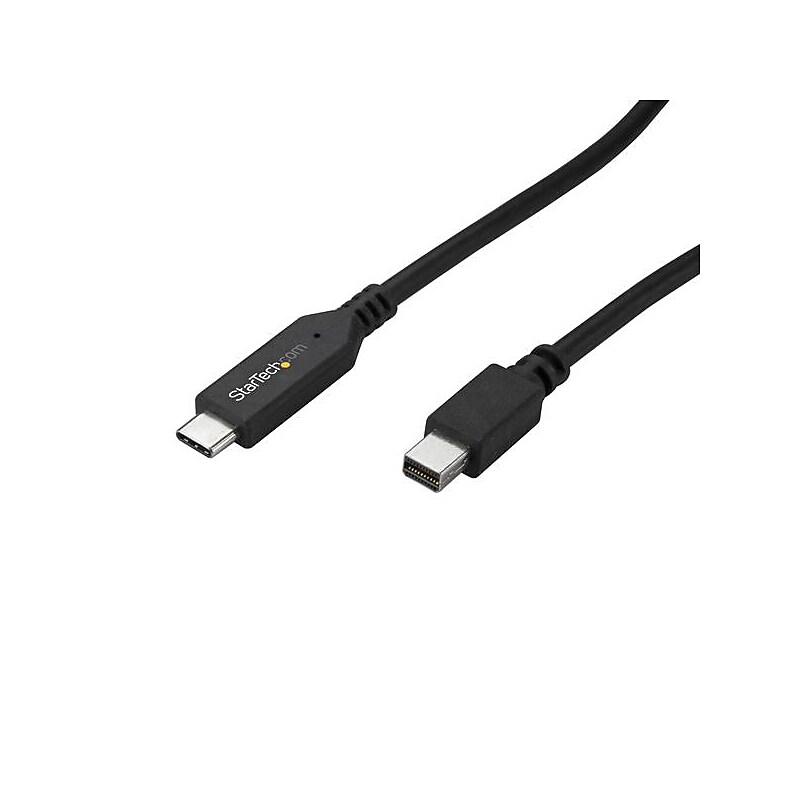
Use this cable to connect your USB Type-C computer directly to a Mini DisplayPort monitor without additional adapters - All-in-one design eliminates excess adapters and cabling - Astonishing video quality with support for resolutions up to 4K at 60Hz - Compatible with Thunderbolt 3 ports - USB-C to Mini DisplayPort Cable / USB C to mDP / USB C to Mini DP Cable / USB Type C to Mini DisplayPort Cable / USB 3.1 Type C to Mini DP Adapter Cable / USB C to Mini DisplayPort Cable.Reduce clutter with a 1.8 m (6 ft.) all-in-one solution with a combined cable and adapter.Astonishing video quality with support for resolutions up to 4K at 60Hz.USB Type-C.Use this cable to connect your USB Type-C computer directly to a Mini DisplayPort monitor, without additional adapters
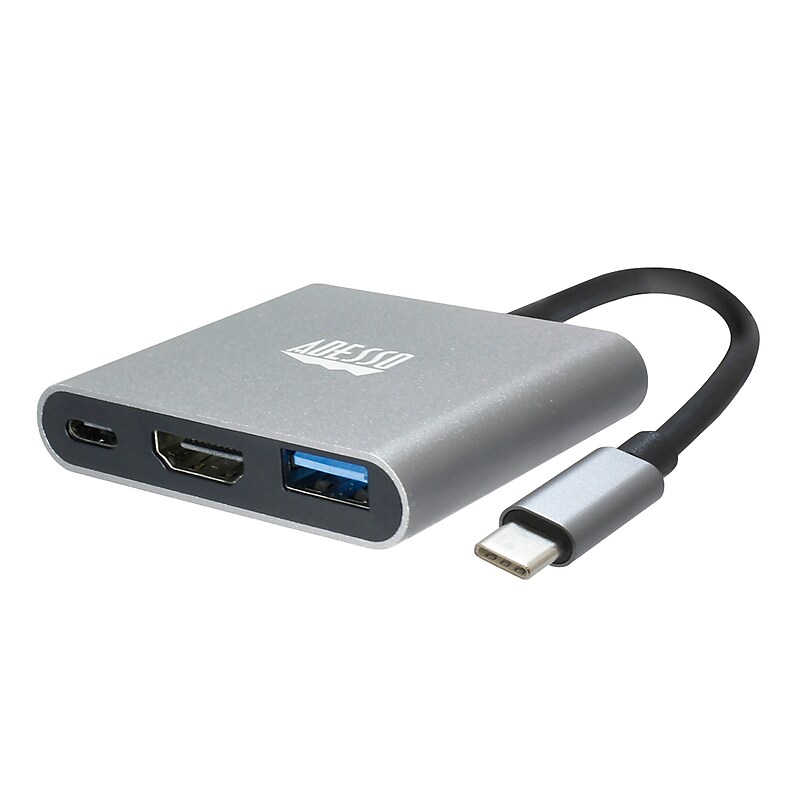
The Adesso 3-in-1 USB-C Multiport docking station is simple to use, just plug and play! Expand your laptop and Type-C device's connection port with this USB Type-C multiport docking station. It has an HDMI port for transmitting 4K content to your external monitor and can also charge other devices. This USB Type-C multi-port docking station also has a Type-A output for syncing various devices. Expand your laptop's connection port with this USB Type-C multiport docking station. It has an HDMI port for transmitting 4K content to your external monitor and can also charge other devices. This USB Type-C multi-port docking station also has a Type-A output for syncing various devices..Type-C connection: Compact and lightweight, with user-friendly non-slip design for easier plug and unplug. Premium aluminum casing for better heat dissipation and higher data transfer efficiency. Fits snugly with the USB-C ports on your devices, better signal transfer protection..Thunderbolt 3 compatible: Not all USB-C interfaces are compatible, only works for USB-C 3.1 or Thunderbolt 3 port interfaces which support "DisplayPort Alternate Mode"..4K HDMI output: It supports 4K resolution @ 30 Hz with no transmission loss and delay. You could enjoy cinema-like experience easily at home..Plug and Play Compatible: No additional driver/software required. Perfect solution for your USB-C MacBook Pro/ MacBook, I Mac, surface Book 2, pixels, HP Envy 13, Galaxy Book, and Chromebook, drive one HDMI monitor/display, up to 4K@30Hz resolution. Compatible with HDMI-enabled TVs/monitors/projectors for both video and audio transfer..Connection: 1x Type-C port, 1x USB 3.0-A+PD, 1x HDMI.Current Output: PD 5V-20V, Max 4A.HDMI Max Refresh Rate:.Dimension: 2.3” x 2.0” x 0.5” (45 x 42 x 13.6mm).Weight: 1 oz (28g).Cable Length: 4.25 Inch (108mm).Operating System: Windows® 10/8/7, Android, Mac OS X.Connectivity Interface: An Available USB Type C port.
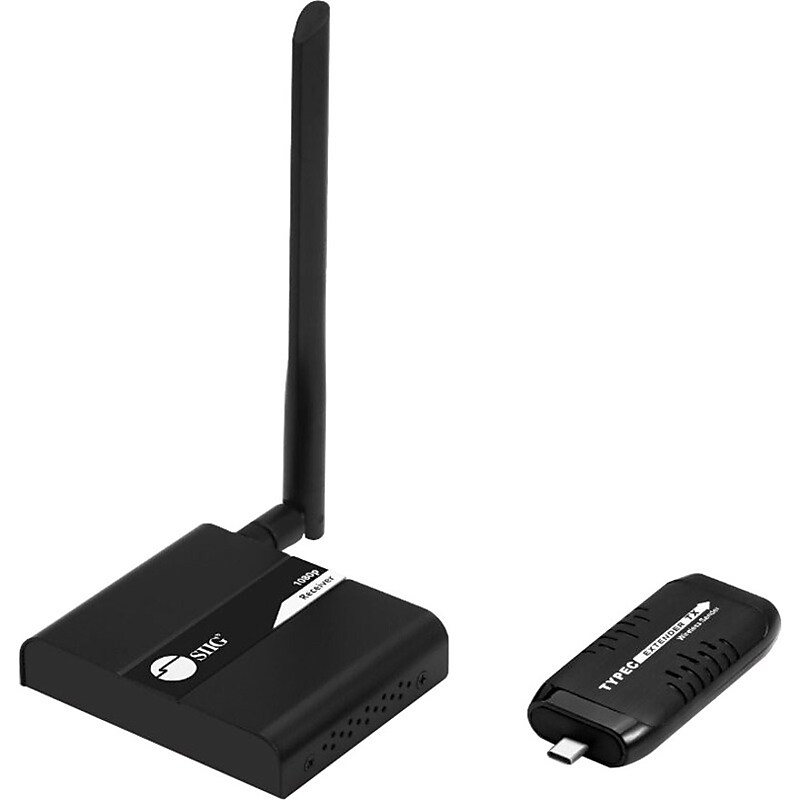
Transmitts 1080p signals up to 98ft wirelessly from USB-C laptops, notebooks, smartphones, and tablets Extends V signals wirelessly from Laptop/Notebook/Tablet/Smartphone via USB-C port embedded with DisplayPort Alternate mode signal Note : USB-C source port must support DP-Alt mode for video signal to pass through the adapter Connect the Transmitter to a USB Type-C (Thunderbolt 3 compatible) equipped device (computer, notebook, laptop, tablet, phone) and wirelessly transmit audio/video signals to the Receiver, equipped with an HDMI output. Note : Please allow up to 30 seconds for the Transmitter and Receiver to link up. The source device needs some time to detect and enable Type-C Alternate mode Wireless 5G technology reliably extends V signals up to 30M (98ft) to a remote HDMI display Note : The transmission distance will vary depending on building layout, electronic interference, walls and partitions, other wireless signals, and may be much less than the maximum Video resolutions up to Full HD 1080p for stunning and crystal clear images Perfect solution for meetings, conference rooms, home entertainment and multi-media education Plug-n-Play installation, no software installation or hardware setup is required.1920 x 1080 maximum video resolution for a vivid, crystal clear display with added productivity.HDMI out enables you to transfer data from your devices to video extender transmitter/receiver with added efficiency.USB connectivity allows dependable and efficient power supply with maximum productivity.1 output devices supported for maximum productive usability
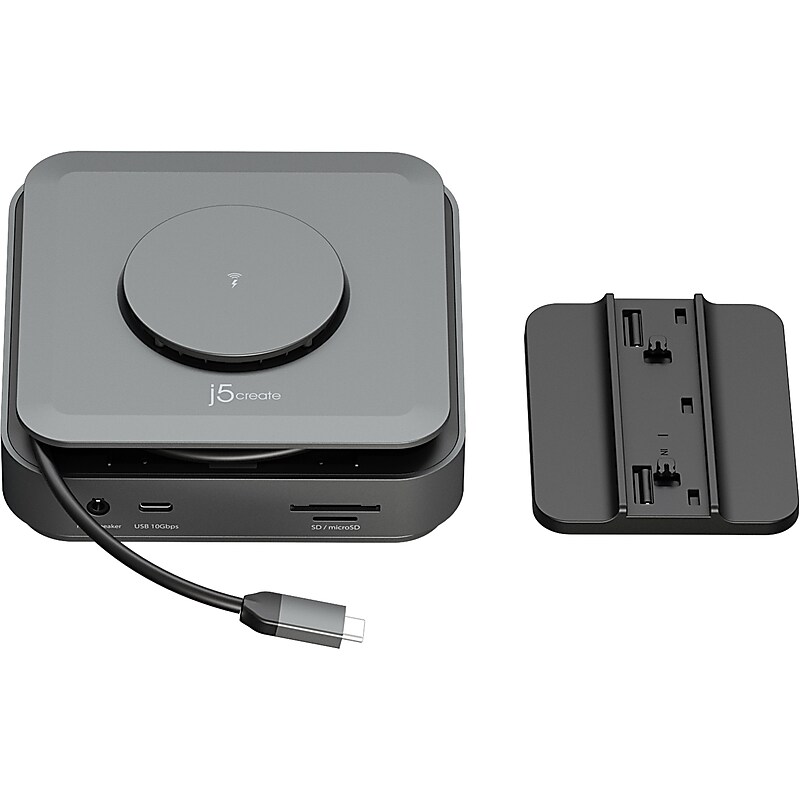
This j5create compact multi-port dock is great for office applications, featuring essentials such as two HDMI outputs, USB ports, Gigabit Ethernet, SD/microSD card reader, audio jack, and an upgraded Power Delivery 3.1 specification. It comes with a mount for saving space and gives you the ability to connect your MacBook or other USB Type-C compatible laptops to a 4K monitor or TV. With USB Power Delivery 3.1, it'll take you to a new flexible power application: you'll be able to charge your laptop and power your peripherals with a single USB Type-C power adapter, even if your laptop only has one USB Type-C port. The top of the dock functions as a wireless charging pad that supports up to 15W fast charging. Access a wired network through the Gigabit Ethernet port for a fast and stable network connection. It is also equipped with a cable storage compartment which ensures an easy connection regardless of your USB Type-C port's location. Through a single USB Type-C (Thunderbolt 3, 4, and USB4 compatible) host cable, this compact adapter provides all the essential connectivity you need to create a workstation virtually anywhere..Compact 11-port USB Type-C dock provides all the essential connectivity you need to create a workstation virtually anywhere.Dimensions: 1.71"H x 5.12"W x 5.12"D (body); 1.3"H x 5.12"W x 3.15"D (holder).Two USB 10Gbps and two USB 5Gbps ports for connecting peripherals.Driver installation is required for macOS and Windows.Can operate in either bus-powered or self-powered mode.Equipped with 1 x USB Type-C (PD3.1, 140W, 28V/5A), 2 x USB Type-C (5Gbps/10Gbps), 2 x USB Type-A (5Gbps/10Gbps), 1 x HDMI (4K at 30Hz), 1 x HDMI (DP Alt Mode, 4K at 60Hz), 1 x RJ45, 1 x SD/microSD, 1 x combo 3.5mm audio jack, and 1 x 15W wireless charger.Features a reliable network connectivity via Gigabit Ethernet.Built-in magnetic wireless charger provides up to 15W fast wireless charging; compatible with iPhone MagSafe, Samsung S23/S22/S21, Google Pixel 5/6/7, AirPods, and more.15W wireless charging will only work when a USB Type-C 60W or above power adapter is connected to the dock.Equipped with a cable storage compartment which ensures an easy connection regardless of your USB Type-C port's location.System requirements: Windows 11/10 or macOS 10.14 or later; available USB Type-C port that supports DisplayPort Alt Mode and USB Power Delivery 2.0/3.0 or 3.1; the host device must support DisplayPort 1.4 to achieve 4K resolution at 60 Hz.Package contents: USB hub, dock holder, and quick installation guide.Enclosure is made of plastic and comes in space gray.2-year manufacturer limited warranty.WARNING: Cancer and Reproductive Harm - www.P65Warnings.ca.gov.