15-Pin VGA Connectors
100 results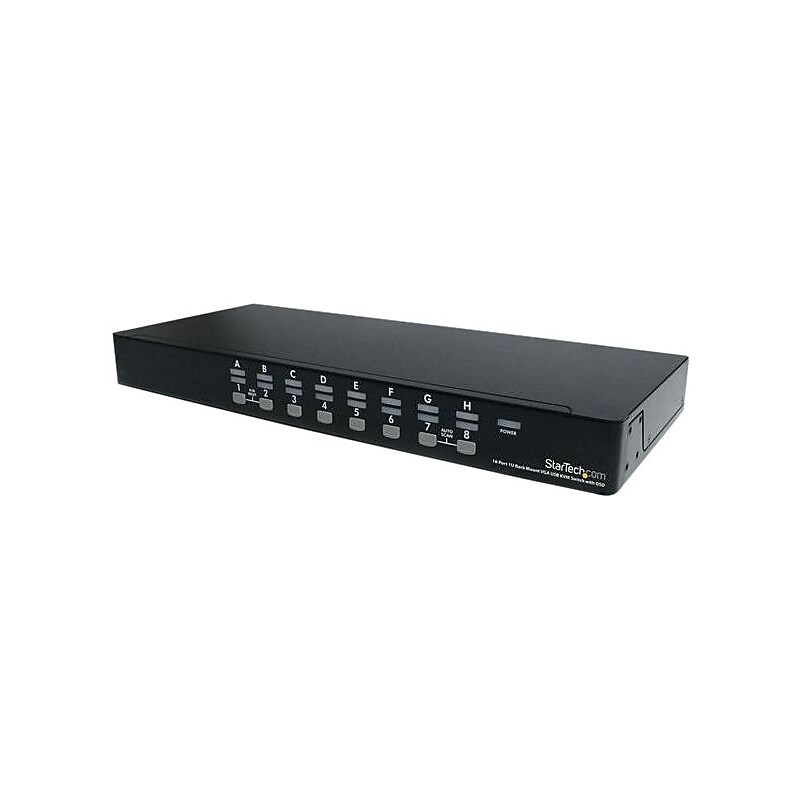
Rackmount USB KVM switch kit delivers a dependable computer management tool..Color: Black.Connects devices (from/to): USB connected computers from a single keyboard, mouse and display.Number of ports: 16.Console connectors: 1 x VGA (15 pin, high density D Sub) female, 2 x USB A (4 pin) female.Host connectors: 16 x VGA (15 pin, high density D Sub) female.Video resolution: 1920 x 1440 @ 60Hz analog.Port selection support: Push button and hotkeys and OSD (on screen display).Number of computers supported: 16, 136 (cascaded), Enclosure type: Steel.LED indicators: 1 x Green - power, 16 x green - PC online, red - PC selected.Power: Voltage: 110 - 240 VAC (input), 9 VDC (output), Current: 1A (output).Center tip polarity: Positive.Graphic mode: VGA, Form factor: Rack mountable, Rack height: 1U.OS independent, effectively manage server farms from a single console, useful in software QA labs, great for PC test/burn in computer control, auto scan function automatically, cascade configuration expands system capability.Temperature: 5 - 40 deg C (operating), - 20 - 60 deg C (storage), Humidity: 80% RH.System requirements: USB compatible 3 button wired mouse, USB compatible 104 key keyboard, VGA enable display device, StarTech.com KVM cables, VGA enable computer systems.Certification and standards: CE, FCC, ROHS.Includes: 16 port USB KVM switch, mounting brackets, 6' 2 in 1 USB VGA KVM cables, bag of screws, pack rubber feet, power adapter, user manual.Weight: 84.4 oz..Warranty: 3 years limited.StarTech.com USB KVM Switch Kit with 16 Ports - Enhanced Computer Management System
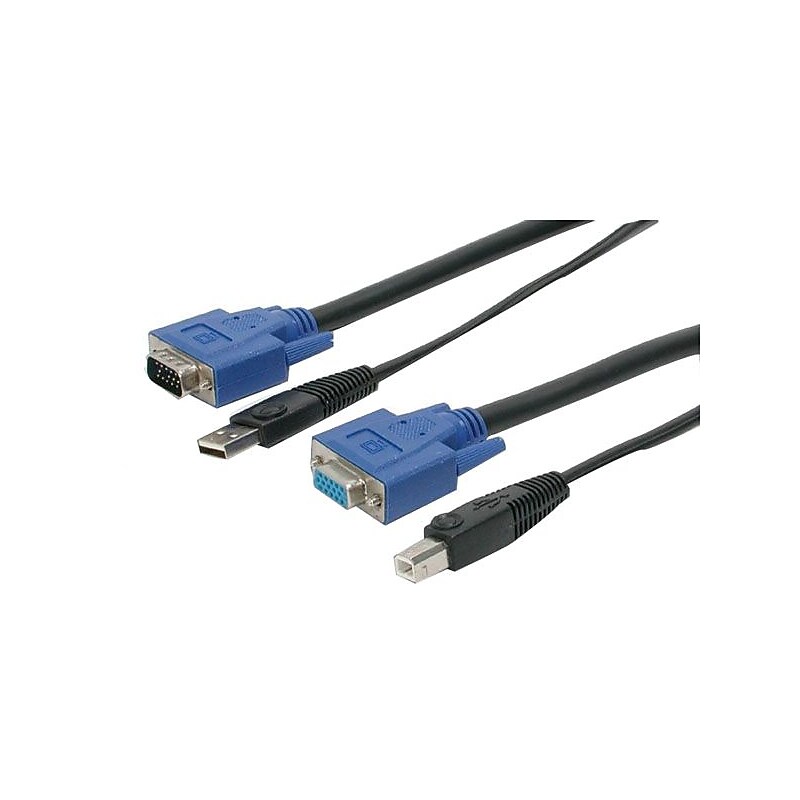
Startech® 2-In-1 USB KVM 6' cable features an ultra-thin design and is constructed of mini-coax wire for excellent picture clarity. Cable with unique design reduces tangles while maintaining excellent performance..Color: Black.Connects devices (from/to): KVM cables to VGA monitors, keyboards and mice to a KVM switch.Connector on A: 1 x USB A (4 pin) male, 1 - VGA (15 pin, high density D-sub) male.Connector on B: 1 x USB B (4 pin) male, 1 x VGA (15 pin, high density D-sub) female.Use with StarTech.com's universal KVM switches.Connector/port/interface: 1 x 4 pin USB Type B male, 15 pin HD D-sub (HD-15) female, 1 x 4 pin USB Type A male 15 pin HD D-sub (HD-15).Bonded design reduces tangles.Also can be used to connect to a number of other manufacturer's KVM switches.Coaxial video cable for a crystal clear display.Lifetime limited warranty.Startech® 2-In-1 USB KVM 6' cable features an integrated USB and VGA connections, allowing you to share connected USB peripherals.
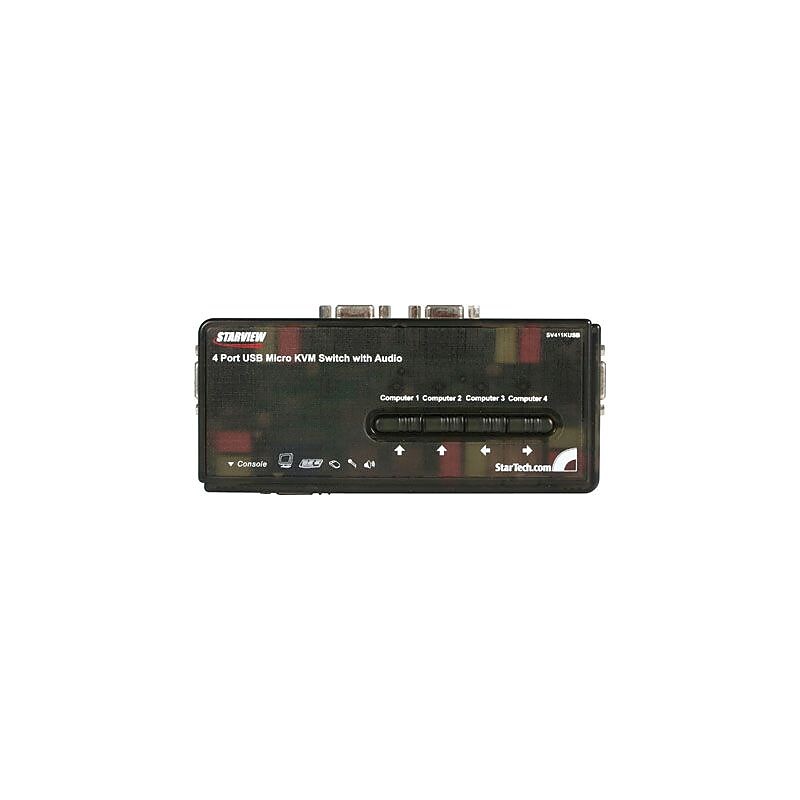
Startech® USB KVM Switch kit with audio and cable with a small footprint design includes audio support for a complete switching solution. Cable with 4-port unique design reduces tangles while maintaining performance..Color: Black.Connects devices (from/to): Computer to keyboard, mouse and VGA monitor.Number of ports: 4.Connector on A: 1 x VGA (15 pin, high density D-sub) female, 2 x 3.5 mm mini-jack (3 position) female, 2 - USB A (4 pin) female.Connector on B: 4 x VGA (15 pin, high density D-sub) female, 8 x 3.5 mm mini-jack (3 position) female.Switching type: Hot key, push button.KVM draws power from attached computers and requires no power adapters.Control 4 USB-enabled computers using a single keyboard, mouse, and VGA monitor.Applicable for call centers, help desks, education environments, home gamers, video editing, and PC enthusiasts.Connector/port/interface: 4 x 15 pin HD D-sub (HD-15), female KVM, 2 x mini-USB Type B, USB audio, 1 x VGA, display/video.Great for PC test/burn-in computer control saving the desk space required for multiple monitors, keyboards and mice.Multiple system control for single user workstations, increasing user productivity in the office.Includes audio support for a complete switching solution.2 years limited warranty.Startech® USB KVM Switch kit with audio and 4' cable features an integrated 4 port USB hub, allowing you to share connected USB peripherals.
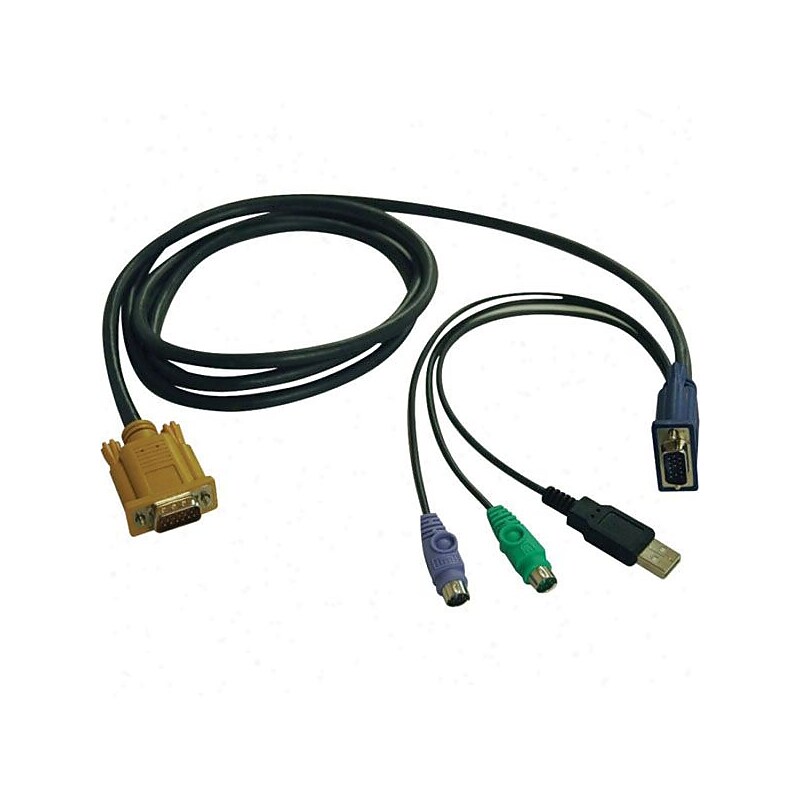
Connects devices from USB or PS2 computer to Tripp Lite's NetDirector B020-U08-19-K, B020-U16-19-K and B022-U16 KVM switches..Color: Black.Connector on first end: 1 x 15-pin HD-15 male VGA.Connector on second end: 1 x 15-pin HD-15 male VGA.KVM switch side of the cable kit consists of a modified HD18 male cable.Connector/port/interface: 1 x 15 pin HD-15 male VGA, 1 x Type A male USB, 1 x 6 pin mini-din male keyboard/mouse.Computer side of the cable kit consists of a HD15 male cable, USB A male cable, and 2 x PS/2 male cables.Molded, color-coded connectors.Conductor: Copper.This cable can only be used with the following Tripp Lite KVM Switch models: B020-U08-19-K, B020-U16-19-K, and B022-U16.Includes: 6' P778-006 all-in-one KVM cable kit.Lifetime limited warranty.Lifetime limited warranty.Tripp Lite KVM Switch USB/PS2 combo 6' cable consists of a HD15 male cable and connects a USB/PS2 computer to Tripp Lite's NetDirector B020-U08-19-K/B020-U16-19-K/B022-U16 KVM switches.