Active Pens
52 results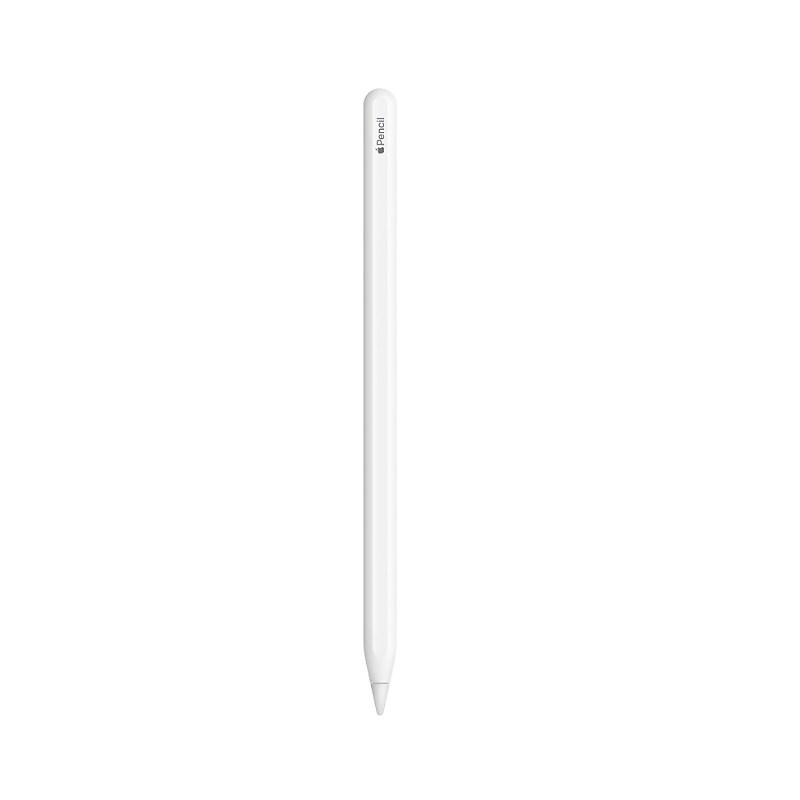
Apple Pencil (2nd generation) delivers pixel-perfect precision and industry-leading low latency, making it great for drawing, sketching, coloring, taking notes, marking up PDFs, and more. And it's as easy and natural to use as a pencil. Apple Pencil (2nd generation) also allows you to change tools without setting it down, thanks to its intuitive touch surface that supports double-tapping. And it pairs, charges, and stores magnetically on the side of your iPad. Apple Pencil (2nd generation) supports Apple Pencil hover when used with iPad Pro 12.9-inch (6th generation) and iPad Pro 11-inch (4th generation)..An extremely helpful accessory designed to improve iPad operation.Keep those fingernails long and pretty while working with this pocket-friendly stylus.What's in the box: Apple Pencil (2nd generation)..Magnetically attaches and pairs.Length: 6.53 inches (166 mm):Diameter: 0.35 inch (8.9 mm)..
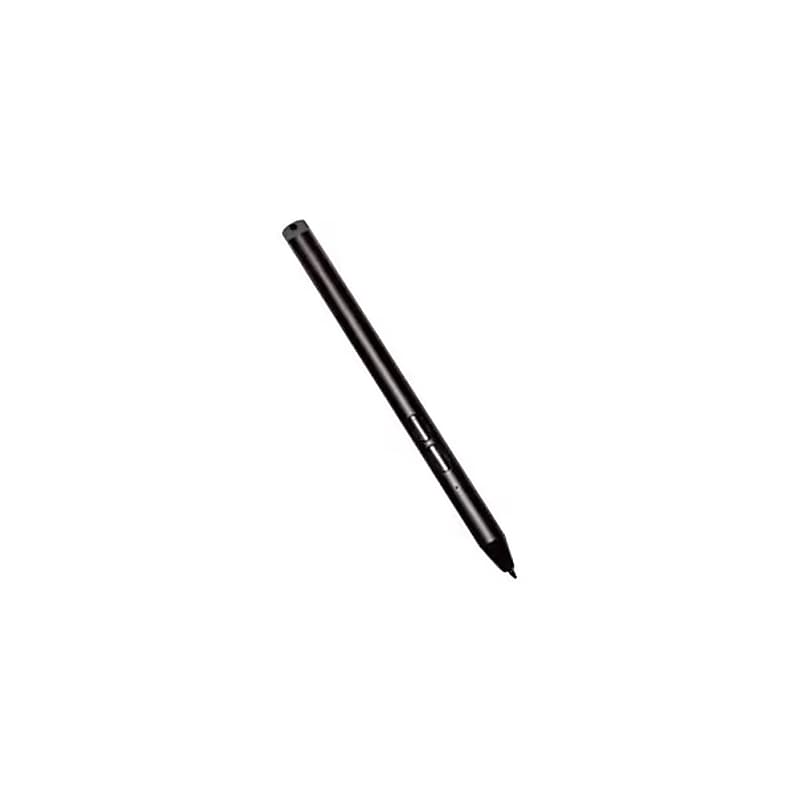
This stylus delivers exceptional performance with support for Microsoft Pen Protocol (MPP) 2.0, offering precise pressure sensitivity, tilt detection, and hover capability for a seamless digital writing and drawing experience. Built tough with IP55 water and dust protection, it's ideal for the most demanding work conditions. Two side buttons make accessing erase and menu functions effortless, while the included AAAA battery ensures reliable power. For added convenience, it can be tethered to your tablet using optional accessories, or securely stored with a pen loop holder or handle. Fully compatible with Zebra rugged boots, docks, and other accessories, this active stylus is the ultimate companion for busy professionals on the go. Choose the Zebra Active Stylus and take your workflow to new heights, wherever work takes you..Comes in black. It is specifically designed for Zebra ET80 and ET85 rugged tablets.Made from durable materials suited for rugged environments and features a replaceable tip.Stylus tip supports a large range of pressure sensitivity, although the exact pen point size is not specified.The barrel is ergonomically designed for a comfortable grip and built to withstand tough conditions.Supports Microsoft Pen Protocol (MPP) 2.0, providing advanced features like pressure sensitivity, tilt detection, and hover capability.Ensures seamless connectivity with the tablet for precise digital input.It uses one AAAA battery, which is included in the package.Boost your productivity and stay efficient in any rugged environment with the Zebra Active Stylus, designed exclusively for the Zebra ET80 and ET85 tablets.
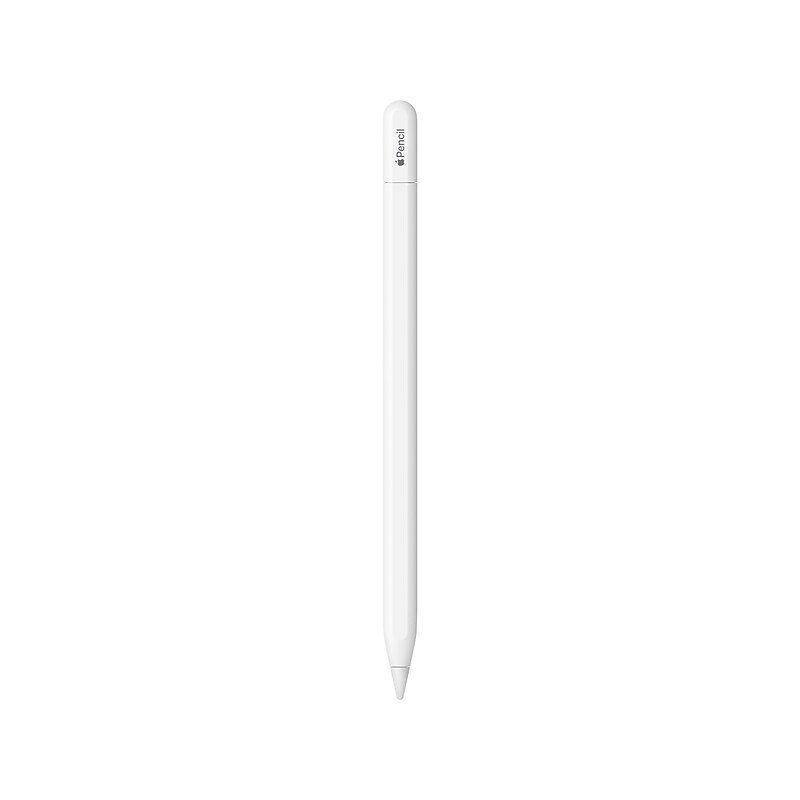
Apple Pencil (USB Type-C) is perfect for taking notes, sketching, marking up documents, journaling, and more. It delivers pixel‑perfect precision, low latency, and tilt sensitivity. So it's as natural to use as a pencil. The Apple Pencil (USB Type-C) pairs and charges via USB Type-C charging cable. It magnetically attaches to the side of iPad for storage..Stylus pen for iPad is perfect for taking notes, sketching, marking up documents, journaling, and more.Delivers pixel‑perfect precision, low latency, and tilt sensitivity.Magnetically attaches to the side of iPad for storage.Connections: Bluetooth and USB Type-C connector.Pairs and charges via USB Type-C charging cable.Compatible with iPad models: iPad Pro 12.9" (6th/5th/4th/3rd generation), iPad Pro 11" (4th/3rd/2nd/1st generation), iPad Air (5th/4th generation), iPad (10th generation), and iPad mini (6th generation).Supports Apple Pencil hover when used with iPad Pro 12.9" (6th generation) and iPad Pro 11" (4th generation).Safety Data Sheet
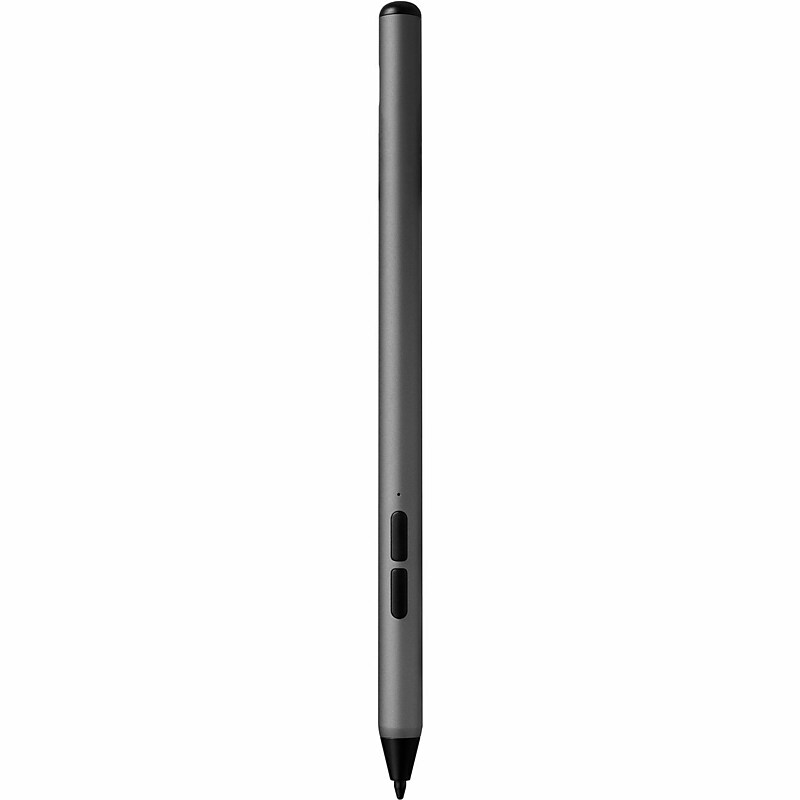
The ZAGG Stylus G2 lets you do more and work faster on your compatible Chromebook and Pixel tablet devices. It has a pressure sensitive tip with tilt recognition so you can make thick, thin, light, or dark lines. Or use the Stylus G2 like a mouse as you navigate your device. The stylus even has a 'right click' button..In Gun Metal Gray, this stylus is compatible with Chromebooks and other devices supporting USI 1.0 and USI 2.0 protocols, making it ideal for writing, sketching, underlining, scrolling, and marking up documents on compatible devices..Barrel made of aluminum and a point made of plastic..Featuring a 1.0 mm Pixel Point tip for precise and accurate input, this pen offers a smooth and responsive writing experience..The barrel features a modern pen design that offers a sleek, professional look and ensures a comfortable grip for extended use..Incorporating advanced technologies such as pressure sensitivity, tilt recognition, palm rejection, magnetic connection, a long-lasting battery with up to 15 hours of use, Type-C fast charging, and right-click and eraser buttons, this stylus enhances the user experience with precise and efficient functionality..Connecting to compatible devices via USI 1.0 and USI 2.0 protocols, this stylus ensures seamless integration with Chromebooks and other devices that support these standards..Powered by a rechargeable battery included with the stylus, it can be recharged using a USB-C cable.