Avery Laser Inkjet

193 results
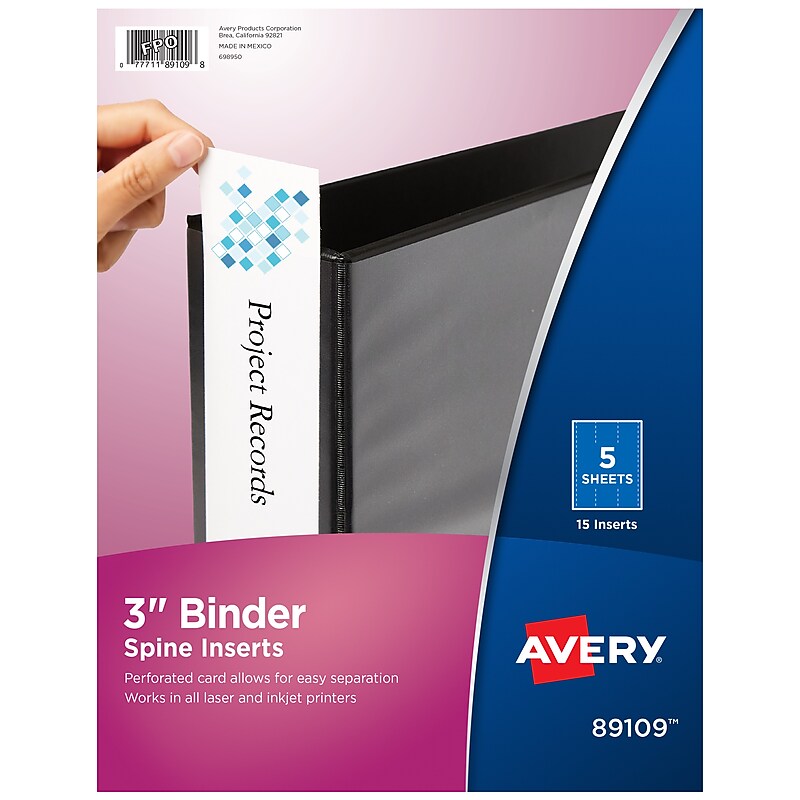
Avery Binder Spine Inserts, 3" Spine Width, White, 15/Pack (AVE89109) image 1
Item: AVE89109
Model: AVE89109

Find the right binder at a glance with these binder spine inserts. Compatible with most laser and inkjet printers, these inserts provide a versatile option for binder labeling. These Avery binder spine inserts come with 15 units per pack, and free designs and templates are available via Avery Design & Print, making it easy to customize tabs and add a personalized look..Binder spines for an organized and professional look.White and made of cardstock.15 per pack.Firm cardstock makes it easier to insert each spine into a binder.For use with all laser and inkjet printers.3 inserts per sheet, 15 inserts per pack.Custom binder spine inserts.3" spine width.Micro-perforated cardstock for easy separation of each spine.Create professional-looking binder spines.Laser and ink jet compatible.Five sheets per pack.Organize specific binders for personal reference, clients, and meetings with these Avery binder spine inserts.

Price is  $8.72
Unit of measure 5/Pack
1
2
3
4
5
6
7
8
9
10
11
12
13
14
15
16
17
18
19
20
21
22
23
24
25
26
27
28
29
30
Over 30
Add to list
40

About Avery Laser Inkjet

Avery laser inkjet products are versatile labeling solutions designed for both home and office use. These labels are compatible with laser and inkjet printers, making them an ideal choice for a variety of labeling tasks, from organizing files to creating custom product labels.

With a range of sizes and finishes available, Avery laser inkjet labels provide flexibility for any project. Whether you need glossy, matte, or eco-friendly options, these labels ensure high-quality printing and professional results every time.

When selecting Avery laser inkjet labels, consider the label size, sheet count, and adhesive strength. Options vary from small labels for address purposes to larger labels suitable for packaging and branding, allowing you to choose the perfect fit for your needs.

Additionally, look for features such as easy peel and stick application, as well as compatibility with various software for custom designs. These attributes enhance usability and efficiency, making labeling tasks quicker and more effective.

What are Avery laser inkjet labels used for?

  • Avery laser inkjet labels are used for a wide range of applications, including product labeling, shipping, organization, and crafting. Their versatility makes them suitable for both personal and professional projects.

Can I use Avery labels in any printer?

  • Yes, Avery laser inkjet labels are designed to be compatible with both laser and inkjet printers. Always check the packaging for specific printer compatibility to ensure optimal results.

Are Avery laser inkjet labels waterproof?

  • Some Avery laser inkjet labels are designed to be water-resistant, but not all are. It's important to check the product specifications to determine if the labels will withstand moisture and other environmental factors.

How do I print on Avery laser inkjet labels?

  • To print on Avery laser inkjet labels, use the appropriate printer settings for the label type and size. Most labels come with templates that can be downloaded for easy alignment and design.

What is the difference between matte and glossy labels?

  • Matte labels have a non-reflective finish, making them ideal for writing and a more subtle appearance, while glossy labels have a shiny finish that enhances color vibrancy and is often preferred for product branding.

How many labels are on each sheet?

  • The number of labels per sheet varies by product, with options ranging from a few larger labels to many smaller ones. Always refer to the product details to find the right configuration for your needs.