Chromebook USB Hubs
200 results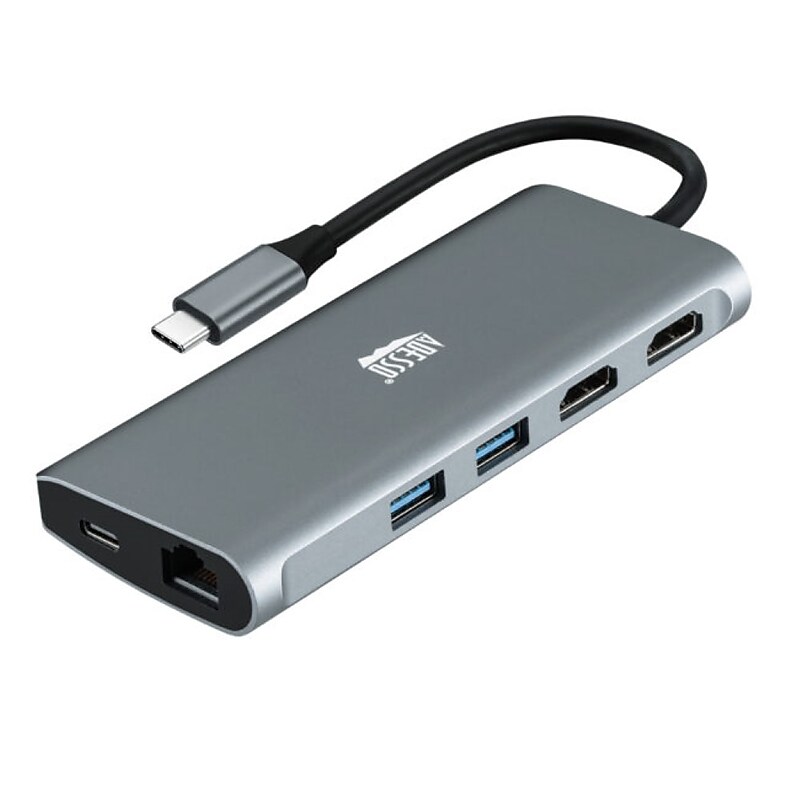
Compact and lightweight, with user-friendly non-slip design for easier plugging in and unplugging. Premium aluminum casing for better heat dissipation and higher data transfer efficiency..9-in-1 USB-C Multi-Port Docking Station, Thunderbolt 3 Compatible, Plug and Play Compatible.Dimension: 4.92” x 2.0” x 0.63”.Connection: 1x Type-C port,3x USB 3.0-A (5 Gbps),1x PD (Up to 100 W),2x HDMI(8K/30Hz, 4K/60Hz)1x TF, 1x SD Cards (480 Mbps),1x RJ45 (10/100/1000 Mbps).What is included: Adesso AUH-4040, Quick Start Guide.Number of HDMI 2, USB 4.1 Year Warranty.Expand your laptop’s connection port with this USB Type-C multiport docking station.
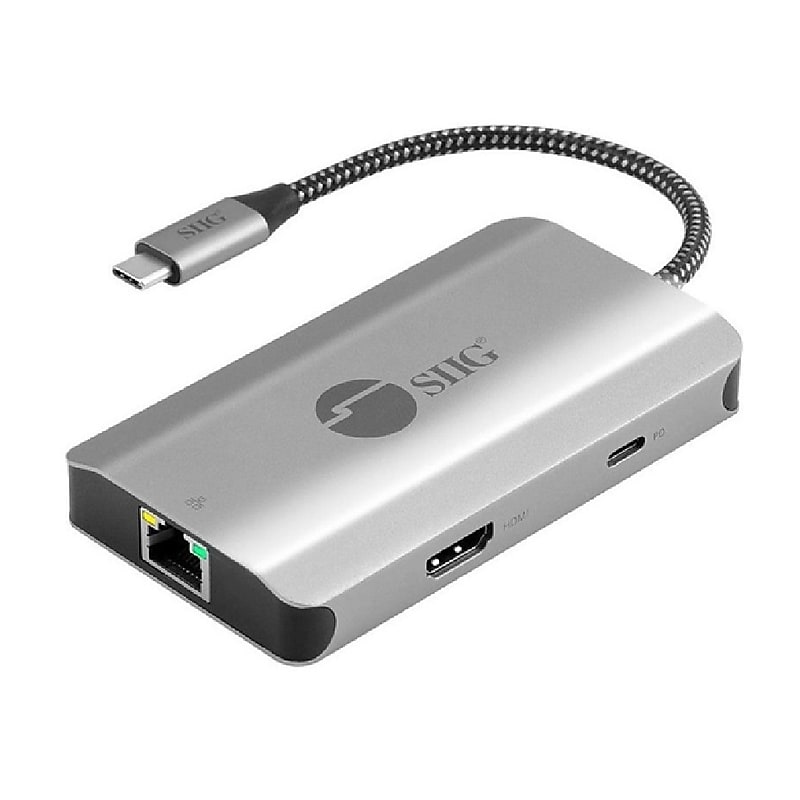
The SIIG JU‑H30L11‑S1 is a versatile 5‑in‑1 USB‑C multiport hub designed to enhance connectivity for modern laptops, tablets, and smartphones by adding essential expansion ports through a single USB‑C connection. It features an HDMI output that supports crisp 4K resolution at 30Hz, allowing users to mirror or extend their displays with ease. The hub also includes a Gigabit Ethernet port for fast and reliable wired networking, along with two USB‑A 5Gbps ports for connecting peripherals such as keyboards, mice, or storage devices. Additionally, it offers a USB‑C Power Delivery 3.0 passthrough port that supports up to 100W, ensuring simultaneous device charging while maintaining hub operation. Built with a compact and durable aluminum housing in an elegant Space Gray finish, the hub is bus‑powered, plug‑and‑play, and widely compatible with USB‑C and Thunderbolt 3/4 systems across Windows, macOS, ChromeOS, Android, and more, making it an ideal portable solution for professionals and travelers seeking seamless connectivity and performance..Featuring five functional ports, this USB‑C hub delivers seamless DP Alt Mode connectivity and comes with a docking hub and quick start guide for immediate use..Measuring 2.20 by 4.02 by 0.63 inches, this compact unit maintains a low-profile footprint on any workspace..Delivering data transfer speeds up to 5,000 Mbps, the USB‑A ports accommodate fast peripherals with ease..Operating as a plug‑and‑play device..Drawing power directly from the host device, this bus‑powered unit incorporates a built‑in 6.29‑inch cable for effortless connection..Supporting standards such as HDCP 1.4, USB 3.0 specifications, Gigabit Ethernet protocols, and PD 3.0, this hub adheres to essential compliance requirements..Limited 2-Year Manufacturer Warranty.
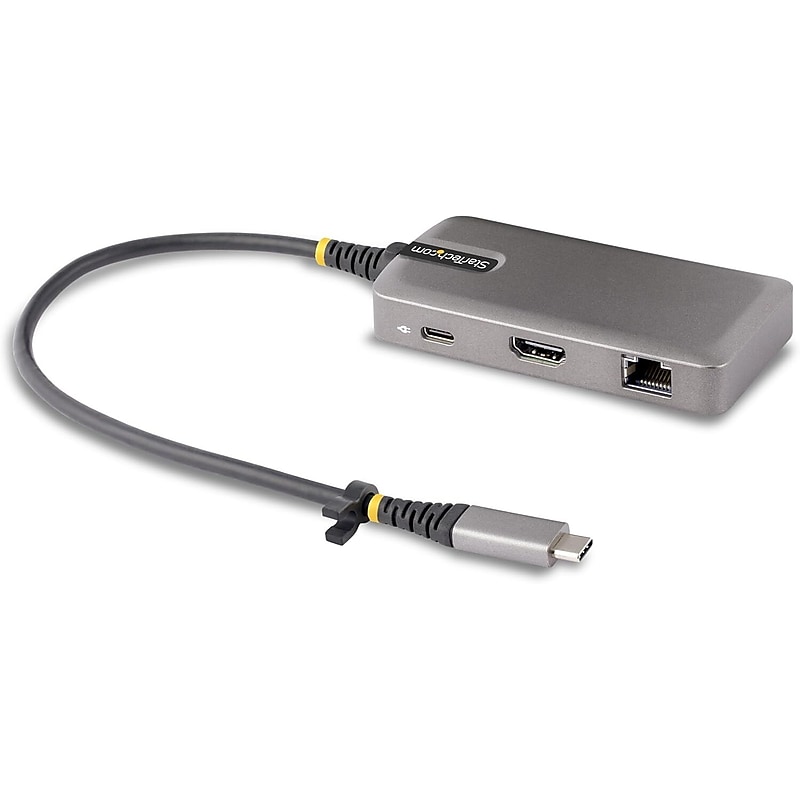
This Works With Chromebook (WWCB) certified USB-C Multiport Adapter supports up to 4K 60Hz HDMI 2.0b (HDR10) via DP Alt Mode. The USB-C dock converts a USB-C laptop or tablet, such as a Chromebook, Dell XPS, or a MacBook, into a workstation. The adapter connects to a host computer's USB-C, USB4, or Thunderbolt™ 3/4 port. It features one HDMI video output, a 2-Port USB 3.2 Gen 1 (5 Gbps) Hub, and Gigabit Ethernet. Connect a laptop USB-C power supply to the dedicated USB Power Delivery (PD) 3.0 port, located on the Multiport Adapter, to charge the laptop. The Multiport Adapter features an extra-long built-in 12-inch (30 cm) USB-C host cable..USB-C Multiport Adapter supports laptop or tablet, such as a Chromebook, Dell XPS, or a MacBook, into a workstation.Features HDMI with HDR support and includes a 2-port USB 3.0 hub with a maximum data rate of 5Gbps for versatile connectivity..Features one HDMI video output, a 2-Port USB 3.2 Gen 1 (5 Gbps) Hub, and Gigabit Ethernet. Connect a laptop USB-C power supply to the dedicated USB Power Delivery.Includes a 2x USB-A hub with USB 3.2/3.1 support, providing a maximum data transfer speed of 5Gbps..Supports 100W Power Delivery (PD) pass-through, allowing efficient charging while maintaining high-speed data transfer and connectivity..Comes with a 12-inch extended cable, offering flexibility and convenience for various setups..Equipped with a Gigabit Ethernet (Gb Ethernet) port, ensuring reliable and high-speed wired network connectivity..This portable Type-C mini laptop docking station offers a compact and versatile solution, featuring HDMI with HDR, a 2-port USB 3.0 hub (5Gbps), 100W PD pass-through, a Gigabit Ethernet port, and a 12-inch extended cable for added convenience.
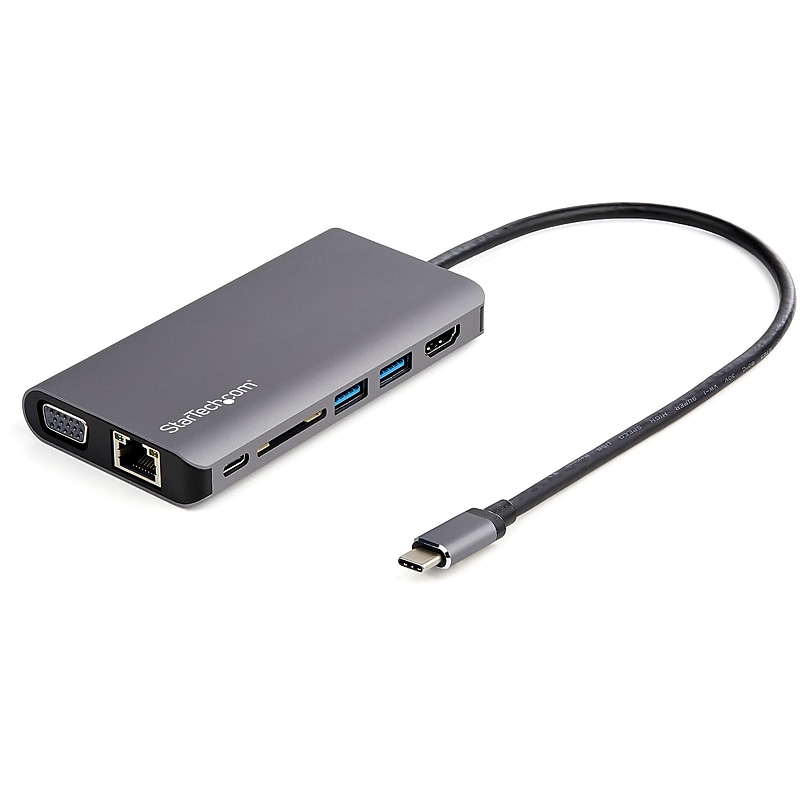
USB C Multiport Adapter - USB-C Mini Travel Dock w/ 4K HDMI or 1080p VGA - 100W PD Pass-Through, 3x USB, SD, GbE, Audio.8-in-1 usb-c travel dock features 4K 30Hz HDMI or 1080p VGA/2x USB-A 1x USB-C/SD slot/GbE/headset/mic jack.Up to 100W Power Delivery passthrough reserving 15W for usb-c multiport adapter and remainder for laptop.30cm/1' host cable reduces connector strain on 2-in-1s like Surface Pro 7 iPad Pro HP Elite.Portable usb type-c docking station compatible w/ HP Dell Macbook Chromebook Samsung laptops/tablets/phones.Automatic drivers supports Windows macOS ChromeOS iPadOS Android.USB-C Mini Dock | 100W PD Passthrough | USB-C & A Ports | SD Card Reader | Mac, Windows® & ChromeOS | Android OS | GbE
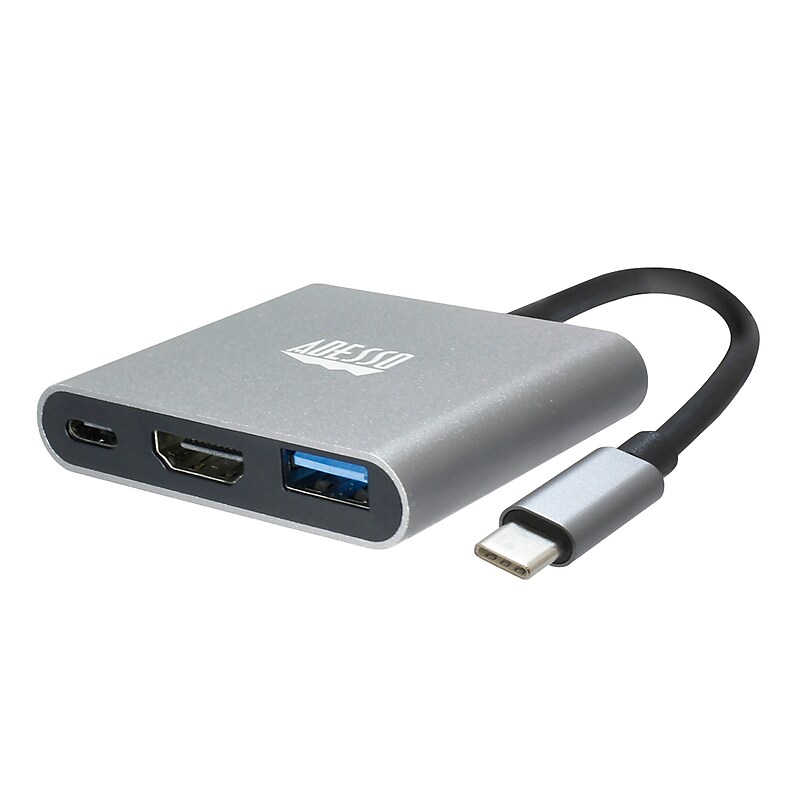
The Adesso 3-in-1 USB-C Multiport docking station is simple to use, just plug and play! Expand your laptop and Type-C device's connection port with this USB Type-C multiport docking station. It has an HDMI port for transmitting 4K content to your external monitor and can also charge other devices. This USB Type-C multi-port docking station also has a Type-A output for syncing various devices. Expand your laptop's connection port with this USB Type-C multiport docking station. It has an HDMI port for transmitting 4K content to your external monitor and can also charge other devices. This USB Type-C multi-port docking station also has a Type-A output for syncing various devices..Type-C connection: Compact and lightweight, with user-friendly non-slip design for easier plug and unplug. Premium aluminum casing for better heat dissipation and higher data transfer efficiency. Fits snugly with the USB-C ports on your devices, better signal transfer protection..Thunderbolt 3 compatible: Not all USB-C interfaces are compatible, only works for USB-C 3.1 or Thunderbolt 3 port interfaces which support "DisplayPort Alternate Mode"..4K HDMI output: It supports 4K resolution @ 30 Hz with no transmission loss and delay. You could enjoy cinema-like experience easily at home..Plug and Play Compatible: No additional driver/software required. Perfect solution for your USB-C MacBook Pro/ MacBook, I Mac, surface Book 2, pixels, HP Envy 13, Galaxy Book, and Chromebook, drive one HDMI monitor/display, up to 4K@30Hz resolution. Compatible with HDMI-enabled TVs/monitors/projectors for both video and audio transfer..Connection: 1x Type-C port, 1x USB 3.0-A+PD, 1x HDMI.Current Output: PD 5V-20V, Max 4A.HDMI Max Refresh Rate:.Dimension: 2.3” x 2.0” x 0.5” (45 x 42 x 13.6mm).Weight: 1 oz (28g).Cable Length: 4.25 Inch (108mm).Operating System: Windows® 10/8/7, Android, Mac OS X.Connectivity Interface: An Available USB Type C port.

USB C Multiport Adapter - USB Type-C Mini Dock with HDMI 4K or VGA Video - 100W PD Passthrough, 3x USB 3.0, GbE, SD & MicroSD.USB-C Multiport Adapter with 4K 30Hz HDMI or 1080p VGA video/3x 5Gbps USB-A Hub/SD/MicroSD/Gigabit Ethernet.Mini travel dock w/up to 100W Power Delivery passthrough | 15W for adapter and remainder to power laptop.Simultaneous access to SD and microSD card readers.USB 3.0 Type-A port supports BC 1.2 1.5A fast-charge to charge tablets/smartphones.Works w/ HP Dell Lenovo MacBook iPad Pro Surface Chromebooks and Samsung Galaxy devices on multiple OS.Auto-driver setup.Add video output, three USB 3.0 ports, SD/micro SD card readers, and GbE port to your laptop through a single USB-C port
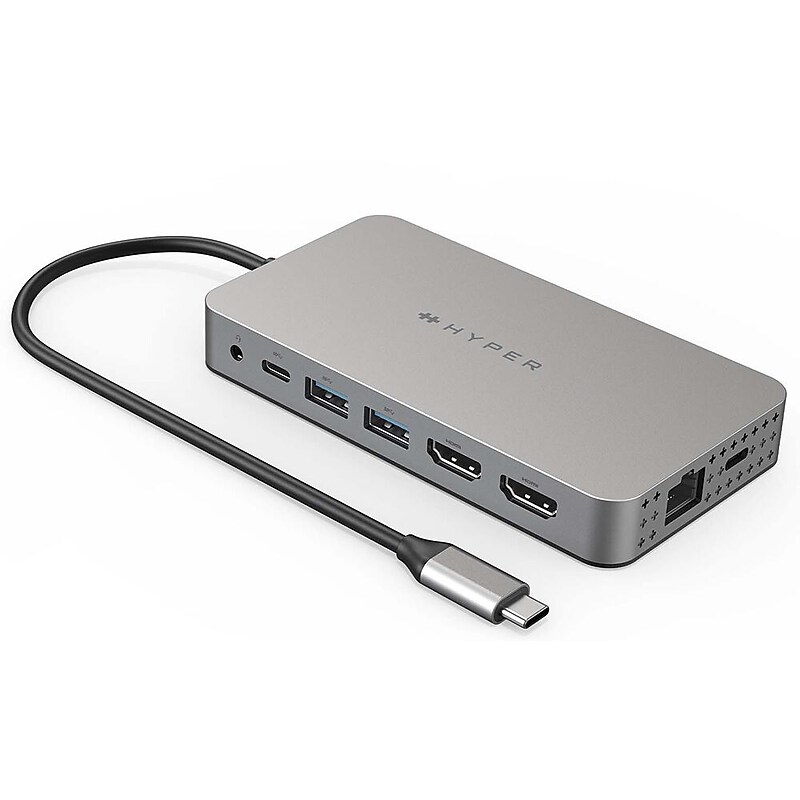
Meet the newest way we're extending M1 MacBook connectivity. With the Dual 4K HDMI 10-in-1 USB-C Hub, you can extend to 2 displays at 4K video while getting access to 10 essential ports, including USB-C, HDMI, USB-A, and many more. Enjoy transferring photos in a flash, quick charging your device, and extending to 2 HDMI displays, all without having to download cumbersome drivers. And, it's fully compatible with MacBook Air/Pro (M1 & Intel powered) devices, Windows PC devices as well as Chromebook devices..USB-C docking station compatible with USB-C laptops and tablets.Give your M1/M2 MacBook, PC or Chromebook the ability to connect to 2 extended monitors with crystal clear 4K HDMI video.Seamlessly transform your M1/M2 into a powerhouse workspace with 4K 60Hz and 4K 30Hz HDMI video ports, a USB-C 100W Power Delivery port, MicroSD/SD slots, two USB-A 5Gbps ports, a 3.5mm audio combo jack for headphones, and more..Enjoy powering up your M1/M2 MacBook in a flash with up to 85W of pass-through charging with our USB-C 100W PD charging port..Connect the hub via USB and you'll immediately see the HyperDisplay App icon on your desktop. Follow the easy steps..For any data, photo files, or video files you need to transfer, our UHS-I to MicroSD/SD slots give you the ability to upload or send them at a blazing-fast 104MB/s..1-Year Limited Manufacturer Warranty
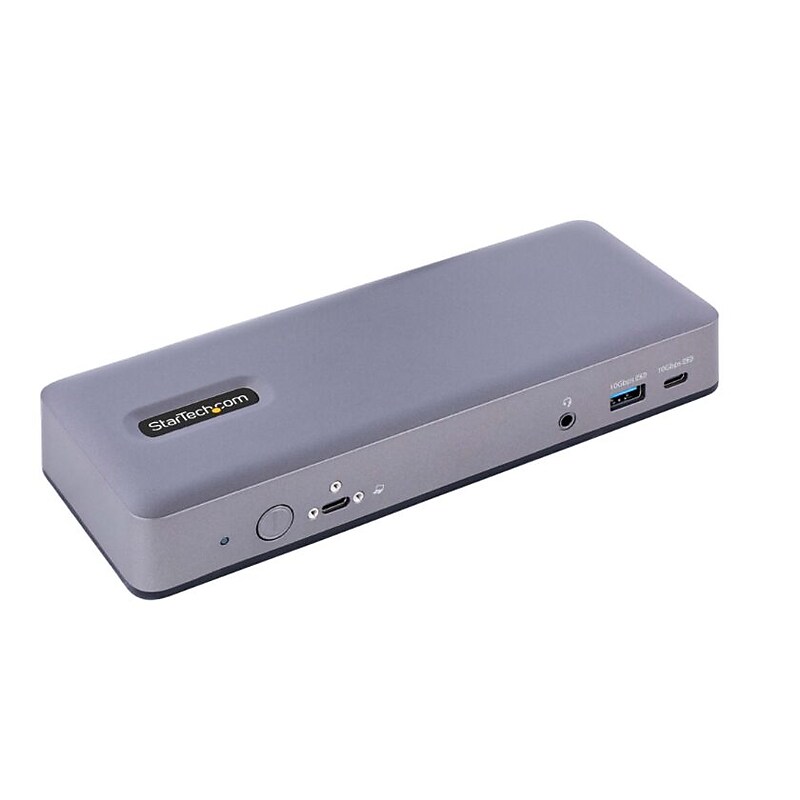
Connect a combination of one USB-C DP Alt Mode, one HDMI, and/or up to two DisplayPort monitors to the Video 1 and Video 2 Ports and connect one HDMI monitor to the Video 3 Port for a triple-monitor setup at 4K 30Hz, and features up to 4K 60Hz. High-resolution video performance is vital for applications involving detailed graphics, enhancing workplace productivity by expanding the display capabilities of Chromebook devices..WWCB certified, for guaranteed compatibility with USB-C, Thunderbolt™ 4 Chromebooks; Features auto-updates to firmware through ChromeOS for max performance, compatibility, and security.MST based video supports extended dual-4K 60Hz monitors with HDMI 2.0b, DisplayPort 1.4, and USB-C video outputs, triple 4K 30Hz, or single 5K 60Hz (DP 1.4 HBR3); Ideal for use with USB-C monitors (portable or desktop).7-Port USB Hub (2x USB-A 10Gbps, 1x USB-A 10Gbps w/BC 1.2 charging, 1x USB-C 10Gbps, 2x USB-A 480Mbps, 1x USB-C shared 10Gbps & DP Alt Mode video) every port you could need.Port Replicator enables switching between two and four lane modes; Default four lane mode features 4K video with USB 2.0 480Mbps, while two lane mode features USB 3.2 Gen2 10Gbps throughput with 1080p video.Connect up to three external 4K 30Hz monitors for a triple-monitor setup.This product is backed for 3-years by StarTech.com, including free lifetime 24/5 multi-lingual technical assistance..Seamless operation with Chromebooks and automatic firmware updates through ChromeOS makes it ideal for IT setup and deployments