Dell Monitors With USB Ports

49 results
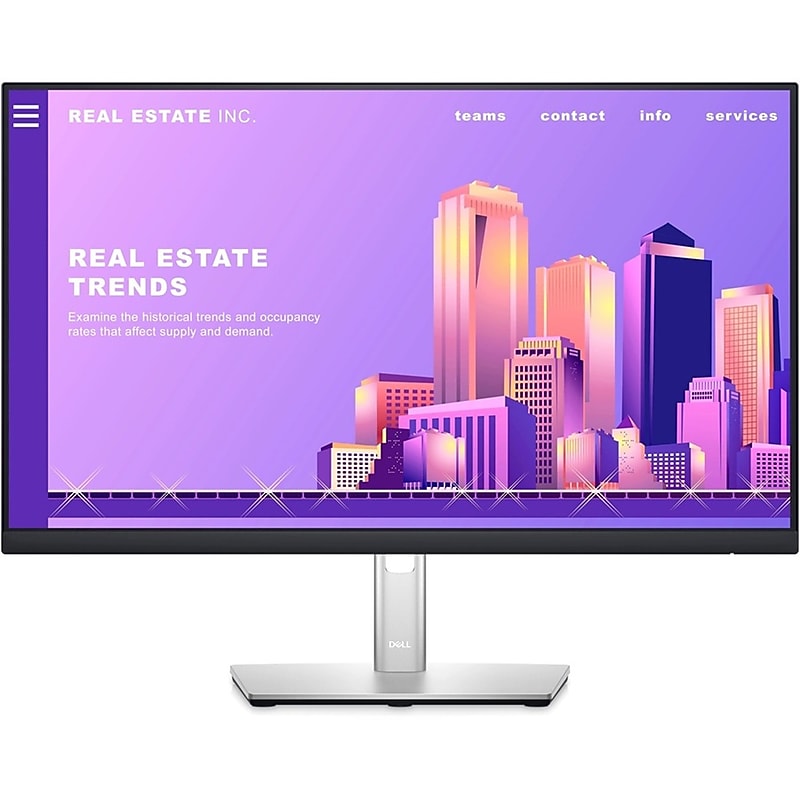
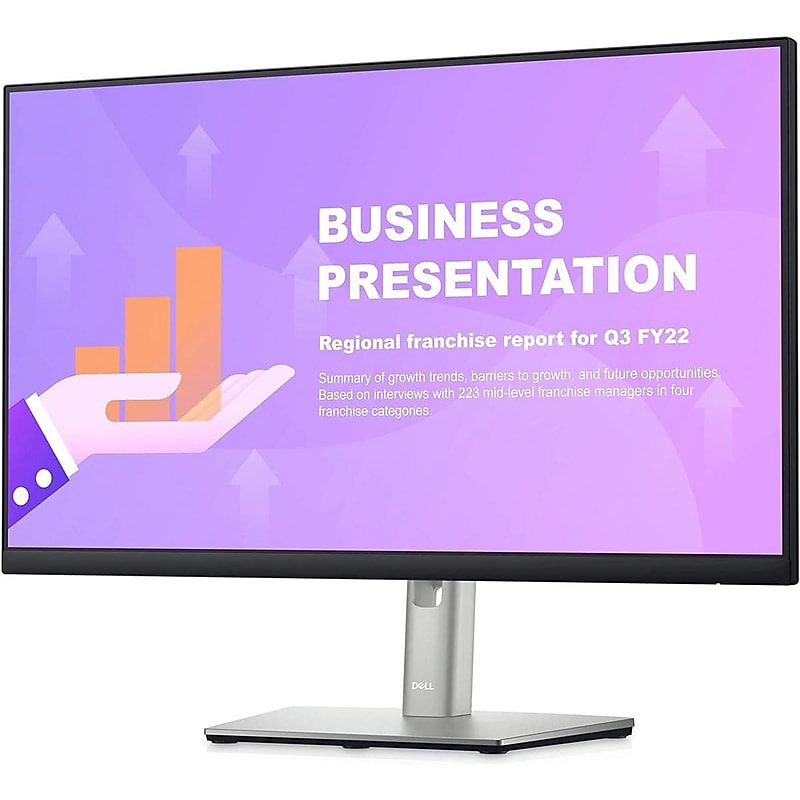
Dell Pro 27" QHD IPS 100Hz Flat Panel Monitor, Height Adjustable, Black (P2725DE) image 1
Item: IM1SM2521
Model: DELL-P2725DE

The Dell P2725DE is a 27‑inch QHD (2560 × 1440) IPS monitor that combines vivid visuals, ergonomic flexibility, and productivity-focused features into a sleek, modern workspace centerpiece. With 100 Hz refresh, 99% sRGB coverage, and a TÜV‑certified ComfortView Plus panel, it delivers sharp, smooth visuals while minimizing eye strain. The monitor's built-in USB‑C hub provides up to 90 W power delivery, Ethernet, and multiple USB-A and USB-C ports, enabling single-cable docking that de-clutters your setup. It also offers comprehensive ergonomics (tilt, swivel, pivot, height) and sustainable credentials, EPEAT Gold, ENERGY STAR, and PVC/BFR-free materials, making it a well-rounded choice for professionals seeking style, comfort, and efficiency..The Dell P2725DE is a 27-inch flat panel IPS monitor designed for professional use; it is sold brand new unless otherwise specified..It uses advanced In-Plane Switching (IPS) technology for consistent color accuracy and wide viewing angles..This monitor supports QHD resolution at 2560 × 1440 pixels, delivering sharp visuals and ample screen space..It includes HDMI 2.1, DisplayPort 1.4 (in and out), USB-C with DisplayPort Alt Mode and 90W Power Delivery, RJ-45 Ethernet, and three USB-A 5Gbps ports..The screen has a standard widescreen 16:9 aspect ratio, suitable for multitasking and content consumption..It offers 8-bit color depth with support for 16.7 million colors and 99% sRGB color coverage for accurate color reproduction..The maximum viewing angle is 178 degrees both horizontally and vertically, ensuring clear visibility from almost any angle..This model does not include built-in speakers..The monitor weighs approximately 10.13 lbs (4.60 kg) without the stand and around 14.5 lbs (6.59 kg) with the stand..The package includes a power cable, DisplayPort cable (1.8 meters), USB-C to USB-C cable (1 meter, 100W), and USB-C to USB-A cable (1.8 meters)..The P2725DE is ENERGY STAR 8.0 certified, EPEAT Gold registered, TCO Certified Edge, RoHS compliant, and free of PVC/BFR, mercury, and arsenic..It comes with Dell's 3-year Advanced Exchange Service and Premium Panel Exchange warranty, covering panel defects such as bright pixel issues.

Price is  $357.89
1
2
3
4
5
6
7
8
9
10
11
12
13
14
15
16
17
18
19
20
21
22
23
24
25
26
27
28
29
30
Over 30
Add to list
No reviews yet

About Dell Monitors with USB Ports

Dell monitors with USB ports are designed to enhance productivity and connectivity in both home and office environments. These monitors provide users with the convenience of connecting multiple devices, such as laptops, keyboards, and external drives, directly through the monitor, streamlining workspace organization.

Featuring advanced display technology, these monitors deliver crisp visuals and vibrant colors, making them suitable for a variety of tasks, from professional graphic design to everyday office work. The inclusion of USB ports adds an extra layer of functionality, allowing for easy access to peripherals without cluttering your desk with cables.

When choosing a monitor with USB ports, consider factors such as screen size, resolution, and panel type. Larger screens with higher resolutions provide a more immersive viewing experience, while IPS panels typically offer better color accuracy and wider viewing angles, making them ideal for collaborative work.

Additionally, look for monitors that support USB-C connectivity, which can provide power delivery to your devices while transmitting data. This feature is particularly beneficial for users who want to reduce cable clutter and enhance their workspace efficiency.

What are the benefits of monitors with USB ports?

  • Monitors with USB ports allow for easy connectivity of multiple devices, reducing cable clutter and enhancing workspace organization. They also enable quick access to peripherals like keyboards and external drives.

Can USB ports on monitors charge devices?

  • Many monitors with USB ports, especially those with USB-C, can provide power delivery to charge devices such as laptops and smartphones. This feature helps keep your workspace tidy by minimizing the number of chargers needed.

What should I look for in a monitor with USB ports?

  • Consider screen size, resolution, and panel type when selecting a monitor. Additionally, check for the number of USB ports available and whether they include USB-C for added versatility.

Are monitors with USB ports suitable for gaming?

  • While monitors with USB ports can be used for gaming, it's essential to prioritize features like refresh rate and response time for an optimal gaming experience. Look for monitors that offer high refresh rates and low input lag for better performance.

Do all monitors with USB ports support video input?

  • No, not all monitors with USB ports support video input. It's important to verify the specifications to ensure that the USB ports can handle video signals, especially if you plan to connect a laptop or desktop.

Can I connect multiple monitors using USB ports?

  • Yes, you can connect multiple monitors using USB ports, especially if they support daisy chaining via DisplayPort or USB-C. This setup can enhance productivity by expanding your workspace across multiple screens.