Desktop PCIe SSD

50 results
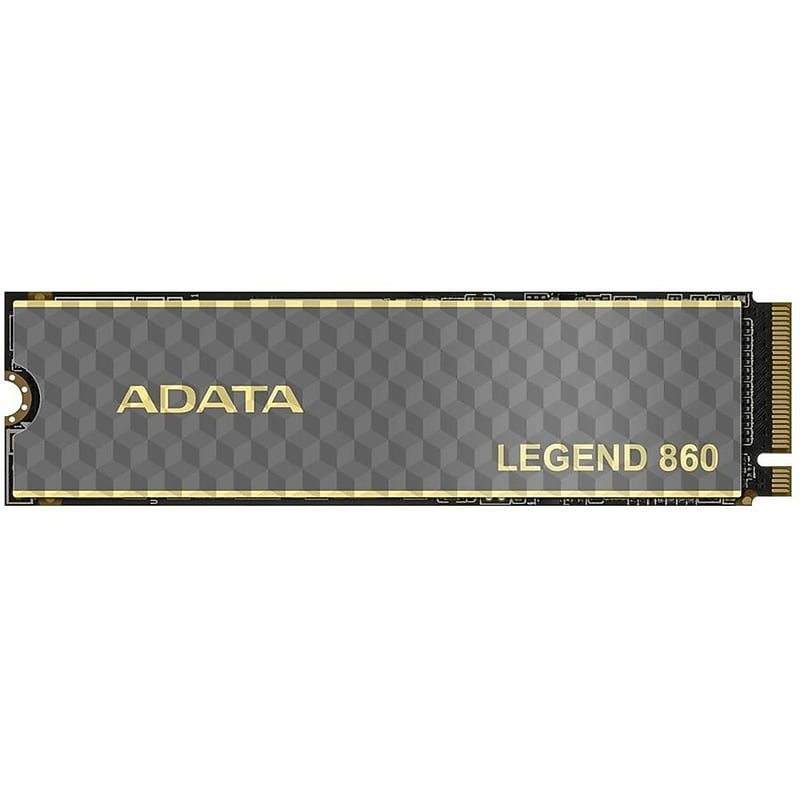
ADATA LEGEND 860 2TB M.2 2280 PCIe Gen4x4 NVMe Internal Solid State Drive, 3D-NAND (SLEG-860-2000GCS) image 1
Item: IM1Z35118
Model: SLEG-860-2000GCS

The leader in creative style! LEGEND 860 SSD delivers advanced computing performance to creators. With sequential read/write speeds of up to 6,000/5,000MB per second and a storage capacity of 2,000GB, it is a powerful first choice for expanding PS5 console storage and supports the latest Intel and AMD platforms. The LEGEND 860 utilizes a PCIe 4.0 transmission interface and can be installed in the PS5 as an expansion hard drive to alleviate PS5 storage insufficiency issues. Not only does the LEGEND 860 fit perfectly into the PS5'a drive slot, it also provides a smooth and no-lag gaming experience while enjoying triple A masterpieces..Internal Solid State Drive with a PCIe Gen4x4 interface, designed for high-performance computing, gaming, and creative workloads.Delivers maximum sequential read speeds of up to 6,000 MB/s, write speeds of up to 5,000 MB/s.Store as many documents, pictures and videos as you need with 2 TB capacity.Uses 3D NAND flash for high performance, durability, and efficiency.Features a Realtek RTS5772DL controller and uses LDPC error correction technology to ensure reliable data integrity.M.2 2280 form factor allows hassle-free and easy usage with increased efficiency.Compatible with platforms supporting M.2 2280 PCIe Gen4x4 NVMe SSDs, including Windows PCs, laptops, and PlayStation 5.Powered via M.2 with HMB and energy-efficient 3D NAND.5-year limited warranty covering both parts and labor
Price is  $103.99
1
2
3
4
5
6
7
8
9
10
11
12
13
14
15
16
17
18
19
20
21
22
23
24
25
26
27
28
29
30
Over 30
Add to list
No reviews yet
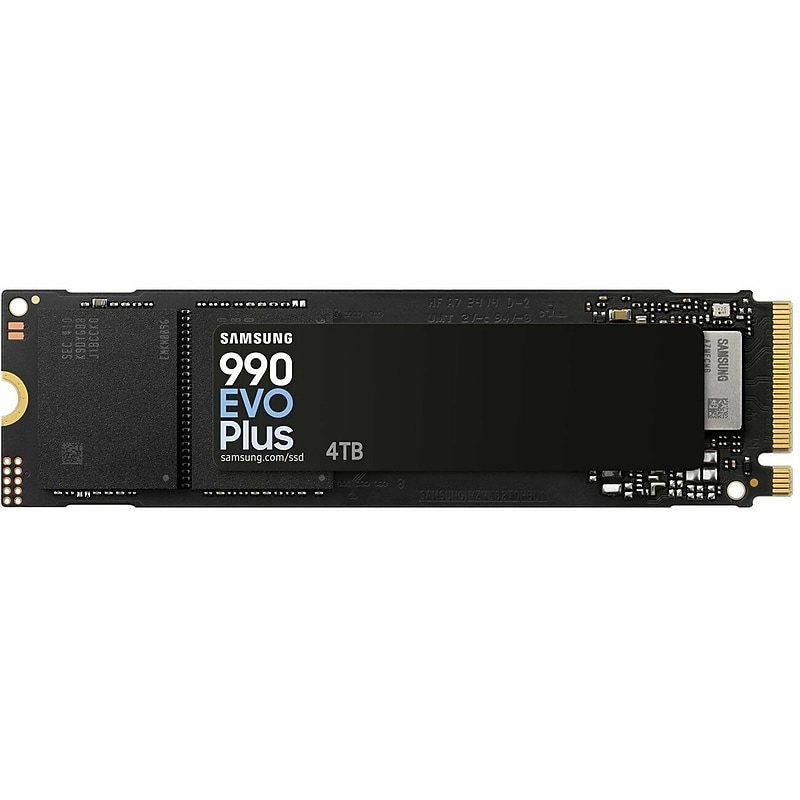
Samsung 990 EVO Plus 4TB M.2 2280 PCIe NVMe 5.0 x2 Internal Solid State Drive, TLC V-NAND (MZ-V9S4T0BW) image 1
Item: IM1XS2145
Model: MZ-V9S4T0BW

Experience blazing-fast performance with the Samsung 990 EVO Plus 4TB NVMe SSD, engineered for next-gen computing. Featuring PCIe 4.0 and PCIe 5.0 compatibility, it delivers up to 7,150 MB/s read speeds for seamless multitasking and rapid file transfers. Built with advanced 3D TLC V-NAND and AES 256-bit encryption, it ensures both speed and security. Ideal for gamers, creators, and professionals, this SSD offers reliable endurance and efficient thermal control in a sleek M.2 2280 form factor..Internal Solid State Drive with a PCIe 4.0 x4 / 5.0 x2 NVMe 2.0 interface, designed for high-performance consumer and business use.Delivers sequential read speeds of up to 7,250 MB/s and write speeds of up to 6,300 MB/s.With 4TB capacity, you can store millions of photos, hundreds of hours of video, or around a million songs..Utilizes advanced 3D TLC V-NAND technology for reliable performance and efficiency.Powered by a Samsung in-house controller with advanced ECC technology for reliable and secure performance.M.2 2280 form factor allows hassle-free and easy usage with increased efficiency.Compatible with both PC and Mac platforms, supporting systems with an M.2 NVMe PCIe slot.AES 256-bit hardware encryption and supports TCG Opal 2.0 and IEEE 1667 standards for enhanced data security.Power efficiency enhanced by 73% compared to the 990 EVO for more MB/s per watt, while maintaining performance and thermal control.Supports TRIM, S.M.A.R.T. monitoring, an auto garbage collection algorithm, and device sleep mode for optimized performance and reliability.5-Year Limited Warranty

Price is  $1141.99
1
2
3
4
5
6
7
8
9
10
11
12
13
14
15
16
17
18
19
20
21
22
23
24
25
26
27
28
29
30
Over 30
Add to list
No reviews yet

About Desktop PCIe SSD

Desktop PCIe SSDs are high-performance storage solutions designed to enhance the speed and efficiency of your computer. Utilizing the PCI Express interface, these solid-state drives offer significantly faster data transfer rates compared to traditional SATA SSDs, making them ideal for gaming, content creation, and demanding applications.

With their compact form factor, desktop PCIe SSDs are easy to install and can dramatically improve boot times, application loading, and overall system responsiveness. They are an essential upgrade for anyone looking to maximize their desktop's performance and storage capabilities.

When choosing a desktop PCIe SSD, consider factors such as storage capacity, read and write speeds, and form factor compatibility. Options typically range from 128GB to several terabytes, allowing users to select the right size for their needs, whether for basic tasks or extensive data storage.

Additionally, look for features like NVMe support, which provides even faster data transfer speeds, and advanced thermal management to prevent overheating during intensive tasks. These features ensure that your desktop PCIe SSD not only meets your performance requirements but also maintains reliability over time.

What is a PCIe SSD?

  • A PCIe SSD is a solid-state drive that connects to a computer's motherboard via the PCI Express interface, offering faster data transfer speeds than traditional SATA SSDs. This technology is ideal for high-performance computing tasks.

How does a PCIe SSD improve performance?

  • PCIe SSDs improve performance by providing higher bandwidth and lower latency, resulting in faster boot times, quicker application launches, and improved file transfer speeds. This is particularly beneficial for gaming and multimedia editing.

What should I consider when buying a PCIe SSD?

  • When purchasing a PCIe SSD, consider the storage capacity, read/write speeds, and compatibility with your motherboard. Additionally, check for features like NVMe support and thermal management to ensure optimal performance.

Can I use a PCIe SSD in any desktop?

  • Not all desktops support PCIe SSDs, so it's essential to check your motherboard's specifications for compatibility. Look for M.2 slots or PCIe slots that can accommodate the SSD's form factor.

What is the difference between NVMe and SATA SSDs?

  • NVMe SSDs use the PCIe interface, providing significantly faster data transfer speeds and lower latency compared to SATA SSDs, which are limited by the older SATA interface. This makes NVMe SSDs more suitable for high-performance applications.

How do I install a PCIe SSD?

  • Installing a PCIe SSD typically involves opening your desktop case, locating the appropriate M.2 slot or PCIe slot, and securing the SSD in place. Ensure your computer is powered off and unplugged during installation for safety.