Docking Enclosures
101 results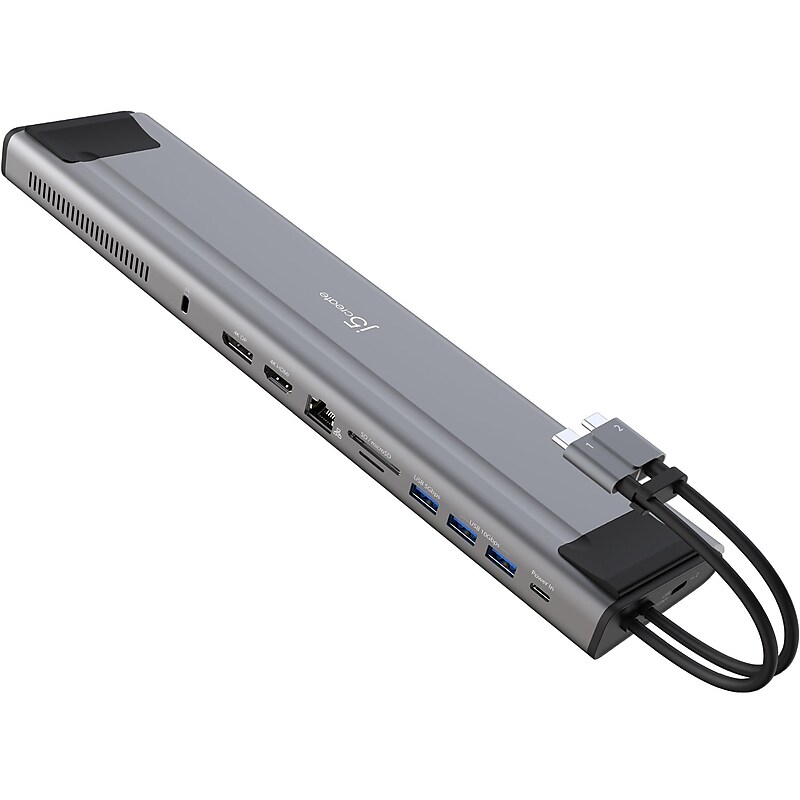
Increase your productivity with the j5create M.2 NVMe USB 3.2 Gen 2 Type-C docking station, transforming your Thunderbolt 3 or USB Type-C compatible laptop into a dual 4K workstation with up to 10Gbps data transfer rate. This high-performance dock features an M.2 NVMe/SATA PCIe SSD slot to expand your internal storage space, three USB SuperSpeed 10Gbps ports (one USB Type-C and two USB Type-A), a Gigabit Ethernet port, SD and microSD memory card reader/writer, and a USB Type-A 5Gbps port. This USB 3.2 Gen 2 Type-C docking station supports 100W Power Delivery pass-through to power and charge your laptop while powering all connected devices. With the built-in PCIe M.2 SSD enclosure and extra storage you can access through an SD and microSD card, this is a must-have for creative professionals using a Mac device..M.2 NVMe USB 3.2 Gen 2 Type-C docking station is perfect for dual-monitor setup with MacBook Pro and MacBook Air.Dimensions: 1.02"H x 3.14"W x 12.5"D.Provides three USB SuperSpeed 10Gbps ports (one USB Type-C and two USB Type-A) to connect peripherals.Package includes docking station and quick installation guide.Contains: 1 x M.2 NVMe/SATA slot, 1 x USB 3.2 Gen 2 Type-C, 1 x USB Type-C (Power Delivery 3.0), 2 x USB 3.2 Gen 2 Type-A, 1 x USB 3.2 Gen 1 Type-A, 1 x 4K HDMI, 1 x 4K DisplayPort, 1 x SD and microSD 3.0 memory card reader/writer, 1 x RJ45 Gigabit Ethernet, and 1 x security lock slot.Built-in M.2 expansion SSD slot supports 2230, 2242, 2260, and 2280 M.2 NVMe SSD with ultrafast read and write speeds.Security slot prevents equipment theft in a wide range of business or institutional environments.Supports extended dual 4K displays (HDMI and DisplayPort) on Intel MacBook Pro and MacBook Air.Supports a single display via HDMI on other USB Type-C compatible laptops connected via one USB Type-C port.Supports 100W Power Delivery pass-through to power and charge your laptop while powering all connected devices.Flexible design gives you the ability to connect to a variety of compatible devices.2-year manufacturer limited warranty.⚠ WARNING: Cancer and Reproductive Harm - www.P65Warnings.ca.gov
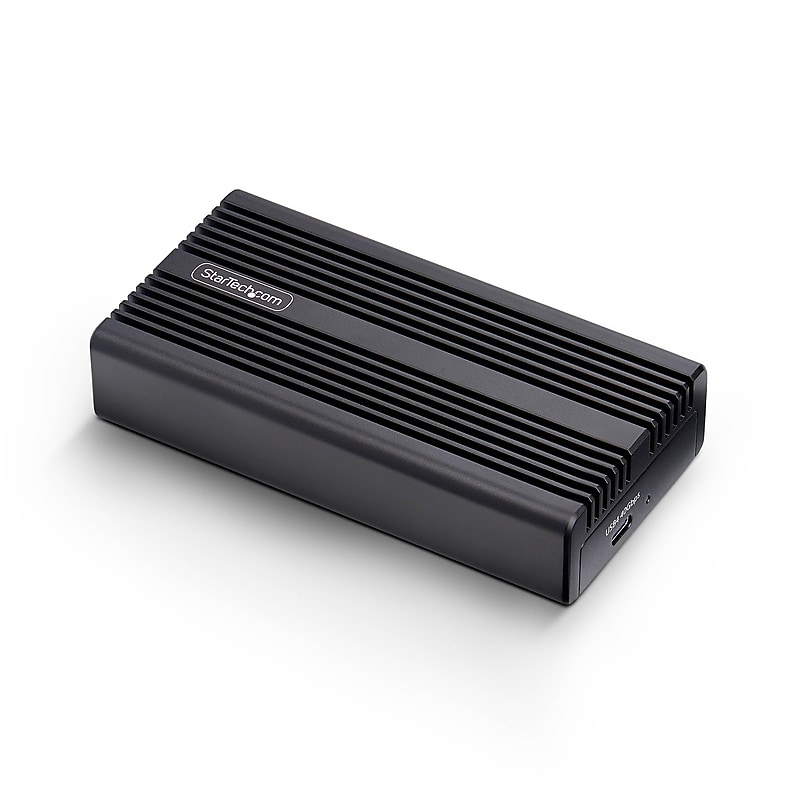
Transform your M.2 NVMe SSD into a high-performance external drive with the StarTech USB4 Enclosure. Designed for speed and durability, it supports up to 40Gbps transfer rates via USB4 or Thunderbolt hosts, making it ideal for data-intensive workflows like backups, imaging, and recovery. The rugged aluminum heatsink enclosure includes a thermal pad for passive cooling, ensuring consistent performance under load. Compatible with PCIe Gen 4x4 NVMe SSDs in 2230/2242/2260/2280 sizes, it connects seamlessly to Windows, macOS, and Linux systems—no drivers required. Perfect for IT pros and mobile technicians..Built as an external enclosure with USB4 interface and PCIe Gen 4 NVMe internal support..Supports M.2 NVMe SSDs with one internal bay for compact, high-speed storage..Designed as a USB4 NVMe hard drive enclosure for ultra-fast external access..Finished in black and made from durable aluminum for heat dissipation and protection..2-year manufacturer warranty for long-term reliability.
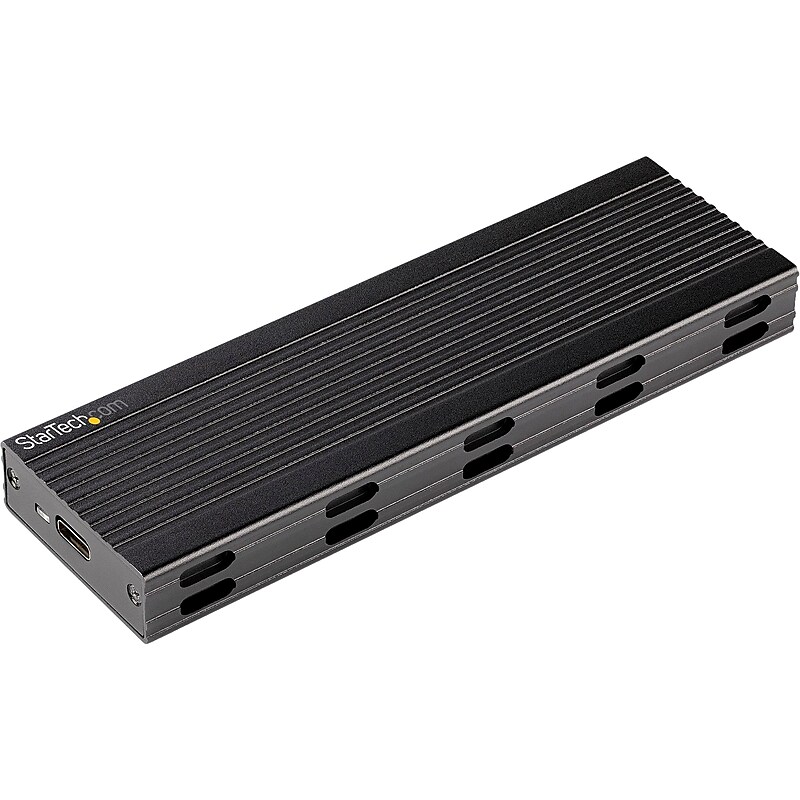
Turn your PCIe M.2 NVMe or SATA AHCI M.2 SSD into a highly portable, USB-based external storage solution. This StarTech enclosure features USB 3.2 Gen 2x1 (10Gbps) with UASP support and PCIe 3.0 delivering real read/write data transfer speeds up to 1GB per second. Working with both PCIe and SATA based drives, this enclosure ensures compatibility with virtually any M.2 drive, supporting both M-Key (PCIe) and B+M-Key (SATA) drives sized 2230/2242/2260/2280. USB 3.2 Gen 2x1 10Gbps (also known as USB 3.1 Gen 2) is backward compatible with USB 3.1 Gen 1 5Gbps (also known as USB 3.0), USB 2.0, and USB 1.1..With compatibility for both PCIe NVMe and SATA based M.2 drives, this enclosure solves the common challenge of identifying which enclosure is compatible with your M.2 drive.For multiplatform support, this enclosure, which features a USB Type-C host connection, includes two different host cables: a USB Type-C to USB Type-C cable (20") and a USB Type-C to USB Type-A cable (10").Delivers USB 3.2 Gen 2x1 maximum theoretical throughput of 10Gbps, which is twice the throughput of USB 3.2 Gen 1x1 at 5Gbps.Supports PCIe 3.0 which when combined with an M.2 NVMe drive takes full advantage of the throughput available to USB 3.2 Gen 2x1.Features ventilation holes for maximum heat dissipation, ensuring your drive operates noiselessly at an optimal temperature to preserve performance and protect your drive from overheating damage.Designed for mobility, with a small form factor design that fits easily into your laptop bag.Supports driverless plug-and-play installation and hassle-free drive installation; screwdriver is included ensuring no additional tools are required.2-year manufacturer limited warranty
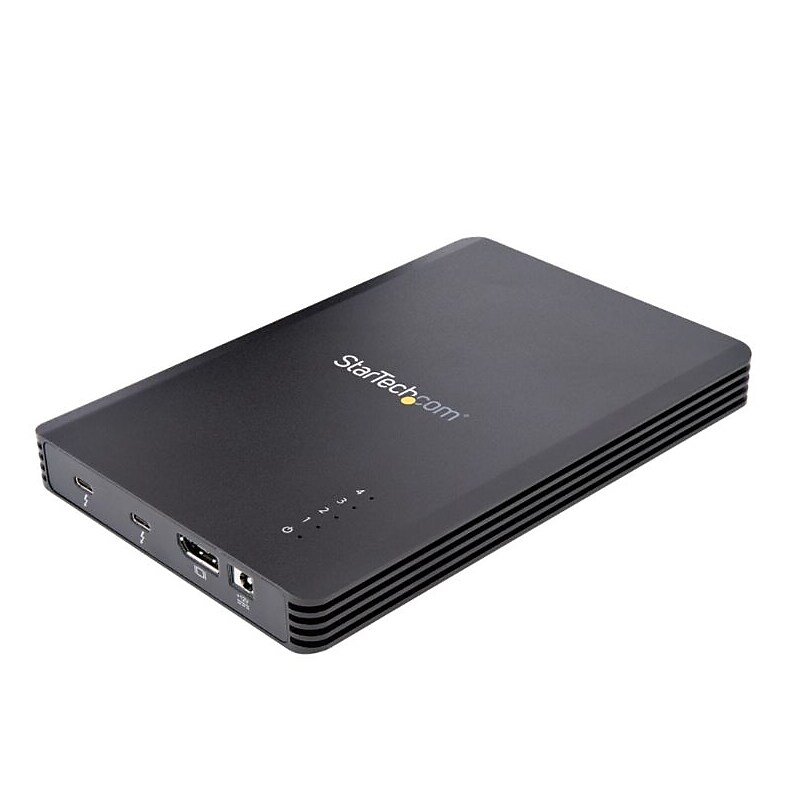
4 Bay Thunderbolt 3 NVMe Enclosure, For M.2 NVMe SSD Drives, 1x DisplayPort Video and 2x TB3 Downstream Ports, 40Gbps.Turn up to 4 80mm PCIe M.2 M-Key NVMe and/or AHCI SSDs into an external Thunderbolt 3 storage solution.Data transfer speeds up to 40Gbps w/8Gbps PCIe lane dedicated to each drive.Downstream TB3 port | DisplayPort output w/resolutions up to 4K 60Hz.Thunderbolt 3 Certified works w/TB3/TB4 MacBook Pro 16/13/Air/Lenovo ThinkPad X1 Carbon/T Series/ Dell XPS/Latitude/Precision/HP EliteBook.Includes: 72W EPS power supply | 3.3' Thunderbolt 3 cable.Vented metal w/ thermal pads and fan.4-Drive PCIe M.2 Enclosure | Thunderbolt & trade; 3 | 72W EPS Power Supply & 2.3' (70 cm) Thunderbolt 3 Cable Included

USB C Multiport Adapter - USB Type-C Mini Dock with HDMI 4K or VGA Video - 100W PD Passthrough, 3x USB 3.0, GbE, SD & MicroSD.USB-C Multiport Adapter with 4K 30Hz HDMI or 1080p VGA video/3x 5Gbps USB-A Hub/SD/MicroSD/Gigabit Ethernet.Mini travel dock w/up to 100W Power Delivery passthrough | 15W for adapter and remainder to power laptop.Simultaneous access to SD and microSD card readers.USB 3.0 Type-A port supports BC 1.2 1.5A fast-charge to charge tablets/smartphones.Works w/ HP Dell Lenovo MacBook iPad Pro Surface Chromebooks and Samsung Galaxy devices on multiple OS.Auto-driver setup.Add video output, three USB 3.0 ports, SD/micro SD card readers, and GbE port to your laptop through a single USB-C port