Docking Stations for Multiple Peripherals
147 results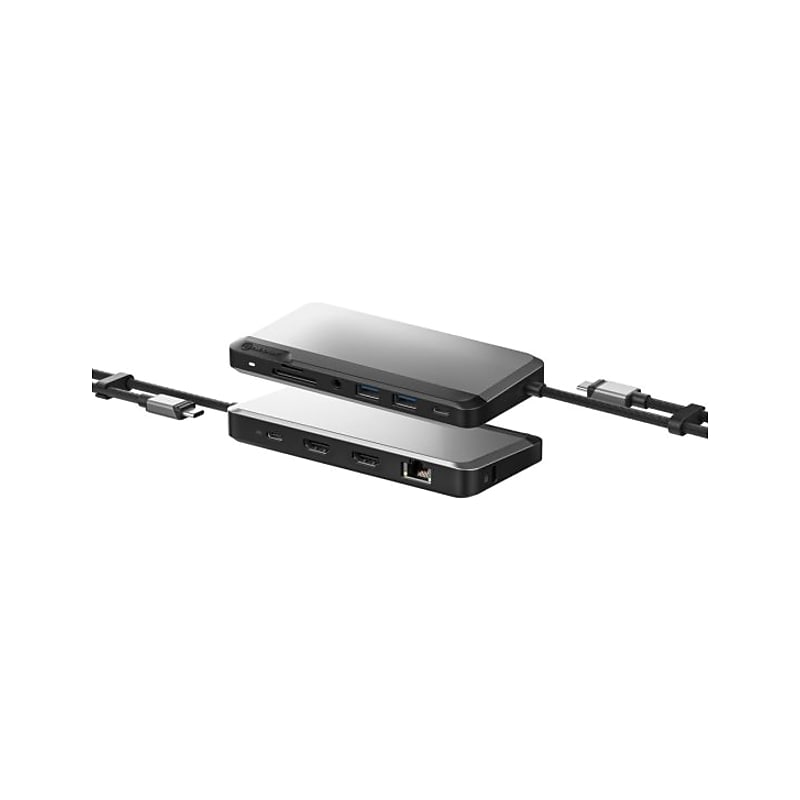
You can run all your standard IT peripherals, including keyboard, mouse, printer and phone. Transfer files from your SD and MicroSD card. Play back audio over headphones while you work and connect to Ethernet when you need a reliable connection for activities such as video conferencing..ALOGIC's USB-C Dual Display Dock [MX2 Lite HDMI Edition] is a nimble dock featuring the ports and power Windows users need for a highly-connected work space..Laptop users can plug into the dock to run multiple external HDMI monitors and a full suite of desk peripherals, all while fast-charging their laptop..ALOGIC's USB-C Dual Display Dock [MX2 Lite HDMI Edition] is a nimble dock featuring the ports and power Windows users need for a highly-connected work space..With the nine-port MX2 on your desk, you can connect two pristine HDMI-enabled computer monitors for multi-screen activities
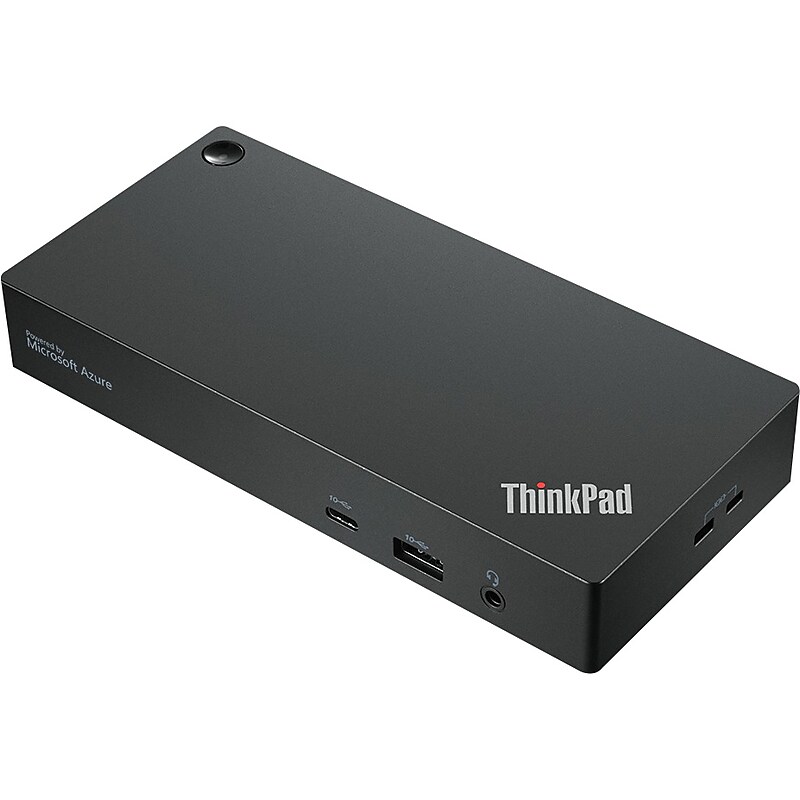
Designed to enhance everyday productivity, the Lenovo ThinkPad Universal USB-C Smart Dock is at the cutting edge in Lenovo series of docks offering a smarter way to work. A bridge to a more intelligent future, the dock features a rich array of data, display, and power ports, including universal USB-C compatibility, while driving incredible performance for commercial users and a secure cloud-based management solution for IT managers. And it's all powered by Microsoft Azure Sphere..Get more from your workday by adding more than 11 expansion possibilities to a single quick-release cable for maximum efficiency.Dimensions: 1.18" x 6.73" x 3.15".Features Thunderbolt 3 and 4, USB 4, and USB Type-C connectivity.Package includes: 135W AC power adapter, power cord, pubs, and cable.Smart dock ports: 2 x DisplayPort 1.4, 1 x HDMI, 3 x USB 3.1 Gen 2 Type-A (10Gbps, one always-on charging), 2 x USB 2.0 Type-A, and 1 x USB Type-C (10Gbps, 5V/3A).Expand your creative potential with access to multiple 4K monitors and blazing-fast data transfers with USB Type-C and USB Type-A.Rapid charging for your laptops up to 100W, so you can remain energized at all time.Break free from the old docking paradigm and streamline your management workflow with a range of time-saving innovations.Remotely update its firmware without a connected PC, remotely manage ports, conduct data analytics, utilize diagnostic tools, and keep your system safe with the Microsoft Azure Sphere security solution
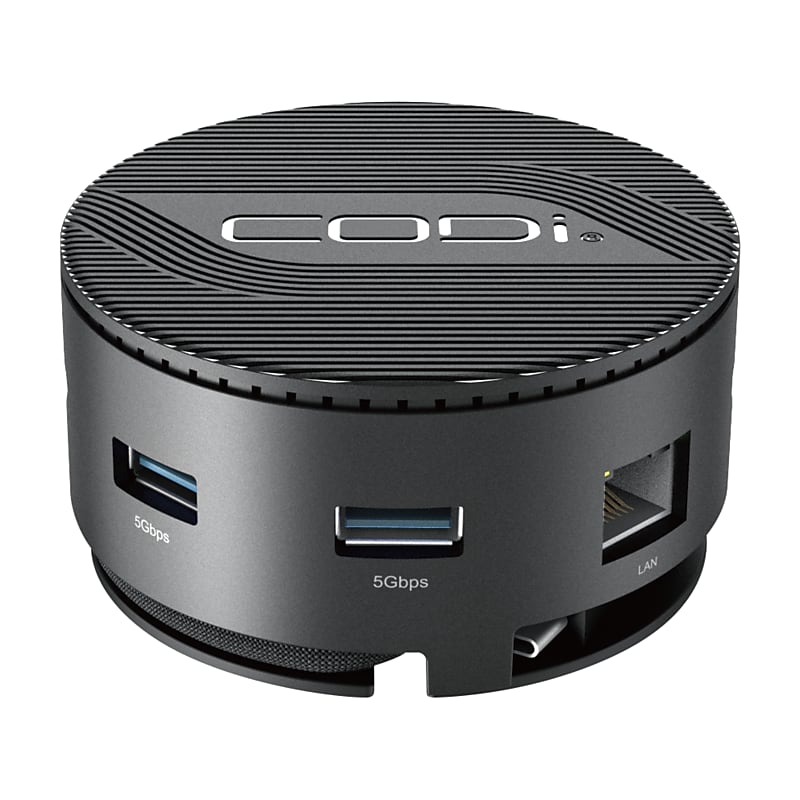
Maximize operational efficiency and optimize your workflow with the CentroM3 Multi-Port USB-C Docking Station from CODi. This advanced dock offers a world of effortless connectivity, productivity, and portability. Streamline your connections effortlessly with the CentroM3 Docking Station. Its Gigabit Ethernet port ensures lightning-fast and stable internet connectivity, ideal for uninterrupted streaming, swift downloads, and seamless browsing. The three USB-A 3.2 Gen 1 ports provide swift data transfer and connectivity for various peripherals, enhancing your workflow with superior performance. Experience seamless connectivity and rapid charging capabilities with the CentroM3 Multi-Port USB-C Docking Station. The PD charging port ensures swift power delivery, keeping your devices charged and ready for action. No more downtime due to low battery levels - stay powered throughout your tasks, enhancing productivity without interruptions..Support up to two displays* with the Centro M3 Mini Dock to expand your workspace and enhance your productivity. The 4K@60Hz resolution is perfect for data display, video playback, and business presentations. *Number and resolution of displays dependent on laptop's processor.The Centro M3 has cooling vents on the bottom to prevent overheating and keep your setup safe, efficient, and running smoothly..Our CentroM3 is the perfect size to take with you on the go so you can have the ideal work setup while working from anywhere! With 85W of power delivery and multiple ports to fit your peripheral needs, this docking station is small and portable without sacrificing any power!.Ports: (1) PD charging port, (2) HDMI ports with up to 4K@60Hz resolutions (*When host device supports DP1.4 and HBR3), (1) Gigabit Ethernet port, (3) USB-A 3.2 Gen 1 ports, (1) Standard Lock slot.Plug and Play: no drivers required.Detachable 9" braided nylon USB-C uplink cable.Integrated storage for USB-C uplink cable allowing for easy portability.Maximize operational efficiency and optimize your workflow with the portable CentroM3 Multi-Port USB-C Docking Station from CODi.