Extend Length USB Cables
180 results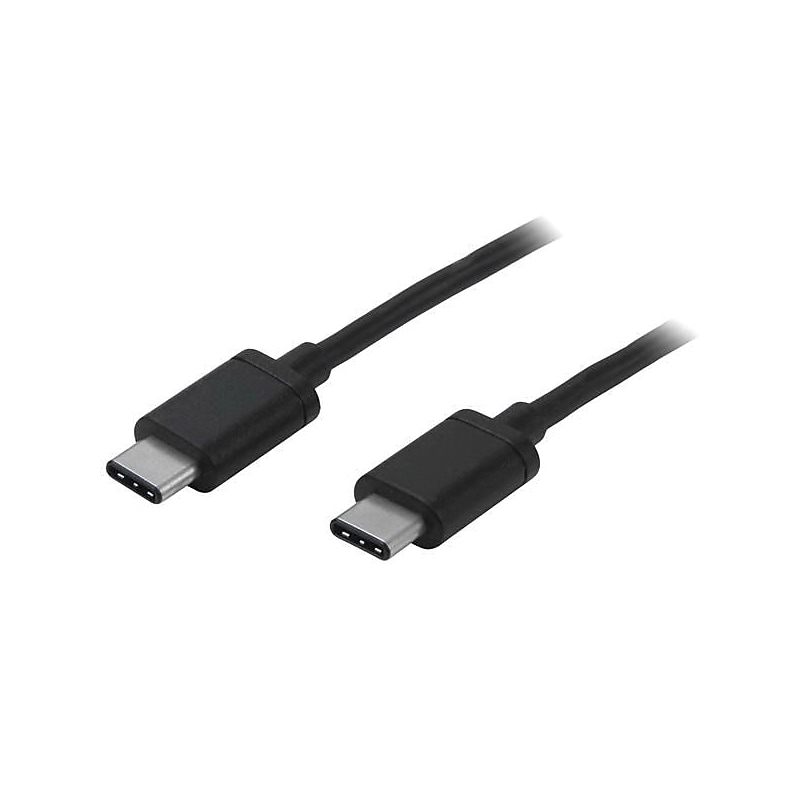
The StarTech.com USB2CC2M data transfer cable measuring 6' black, helps to charge and sync USB type-C devices. This cable overcomes the distance restrictions and helps you while travelling. It has 1 x 24-pin type-C male USB 2.0 USB connector on both the ends. This reversible cable has nickel plated connector and shielding for added protection. The 22/30 AWG wire supports tablet, chromebook, notebook and Macbook..Data transfer cable is easy to charge and sync USB type-C devices, using the USB-C port on your computer.Cable length: 6'.Black PVC jacket construction.Connections: 1 x 24-pin USB 2.0 type-C male on both the ends.Data transfer rate: 480 Mbps.Connector plating: Nickel plated, wire gauge: 22/30 AWG.Compatible with Nokia N1 tablet, Nexus 6P and 5X phones, Chromebook, Notebook, Macbook.Power: 3 A.Convenient, reversible USB-C connector makes every connection easy.Charge and sync your USB-C mobile digital devices from the USB-C port on your laptop.Charge your USB-C devices using a USB-C wall charger.Provide superior connections with USB-IF certified cables.Aluminum-Mylar foil with braid.Weight: 1.5 oz..Comes with lifetime limited warranty
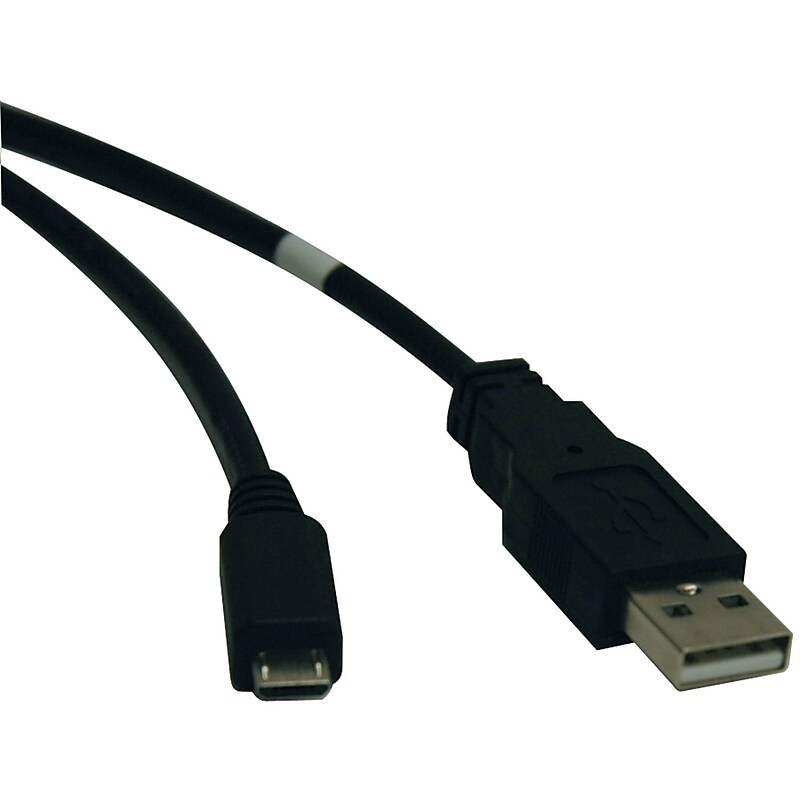
The Tripp Lite® hi-speed cable comes in black color for a new look and has a length of 10' for user convenience. Easily connects a USB 2.0 standard-A male to USB 2.0 micro-B male. Comes with copper contacts to ensure maximum conductivity and supports up to 480Mbps data transfer to offers superior signal quality..USB data transfer cable provides optimum data transfer with connectivity.10' Long for convenient connectivity.Features type A male USB 2.0 USB connector on first end and micro type B male USB 2.0 USB connector on second end.Copper conductors for optimum conductivity.Black color for easy identification.Transfers data at the rate of 480 Mbps for reliable operation.Transfers data and power.Works with digital devices that use the USB micro-B female socket.Comes with 10' USB 2.0 A-male to micro-B male.Meets RoHS Green certifications and standards.Weight: 0.15 lbs..Comes with a warranty of limited lifetime.The Tripp Lite® U050-010 10' USB 2.0 hi-speed to micro male/male cable offers quick & clear transmission at high speed. Compatible with phones, PDA's, USB on-the-go devices & more.
The Tripp Lite® hi-speed cable comes in black color for a new look and has a length of 10' for user convenience. Easily connects a USB 2.0 standard-A male to USB 2.0 micro-B male. Comes with copper contacts to ensure maximum conductivity and supports up to 480Mbps data transfer to offers superior signal quality..USB data transfer cable provides optimum data transfer with connectivity.10' Long for convenient connectivity.Features type A male USB 2.0 USB connector on first end and micro type B male USB 2.0 USB connector on second end.Copper conductors for optimum conductivity.Black color for easy identification.Transfers data at the rate of 480 Mbps for reliable operation.Transfers data and power.Works with digital devices that use the USB micro-B female socket.Comes with 10' USB 2.0 A-male to micro-B male.Meets RoHS Green certifications and standards.Weight: 0.15 lbs..Comes with a warranty of limited lifetime.The Tripp Lite® U050-010 10' USB 2.0 hi-speed to micro male/male cable offers quick & clear transmission at high speed. Compatible with phones, PDA's, USB on-the-go devices & more.
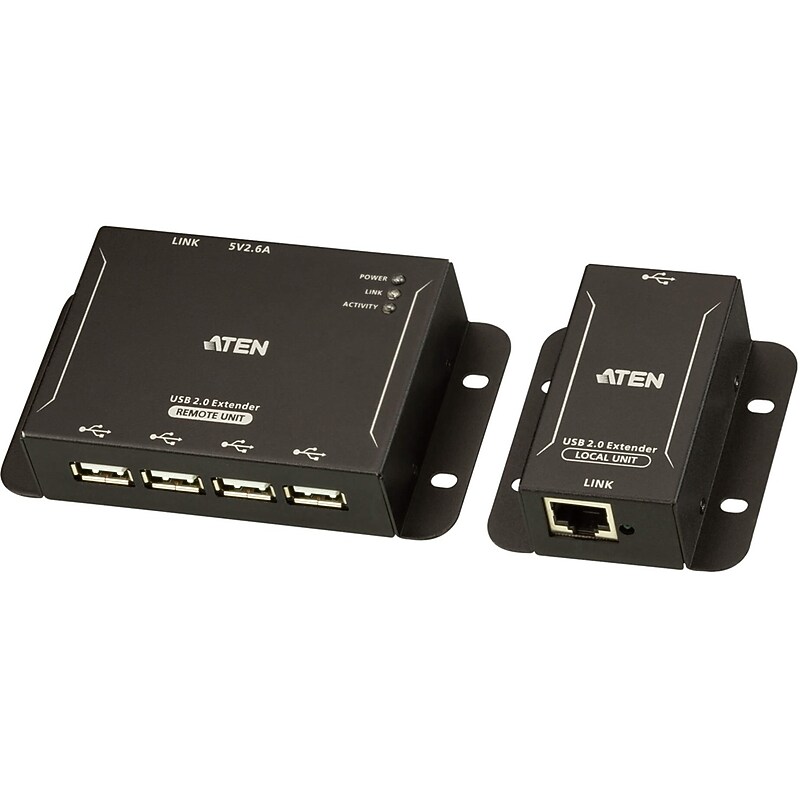
The UCE3250 4-port USB 2.0 Cat 5 Extender is a two-unit device that serves as a USB hub and a USB extender. The UCE3250 unit can connect as many as 4 USB peripherals from up to 50 meters away from your computer over a Cat 5 / 5e / 6 Ethernet cable. The UCE3250 transmits data through signal packages with better compatibility and preserves the integrity of the data over long distances. The power supply at the remote UCE3250 unit helps provide sufficient power to any type of USB device, such as flash drives, keyboards, mice, webcams, scanners, or printers, etc. With its durable metal housing, this high-quality USB extender provides a fast and flexible solution for industrial applications. In addition, the compact size and integrated wall mounting enables space-saving installation..Supports Windows®, OS X®, and Linux®.Metal mechanical with wall mount design supports industrial deployment.Receives up to 4 USB peripherals of all types - flash drives, keyboards, mice, webcams, scanners, printers and more.Extension distance of up to 50m over a Cat 5e/6 cable
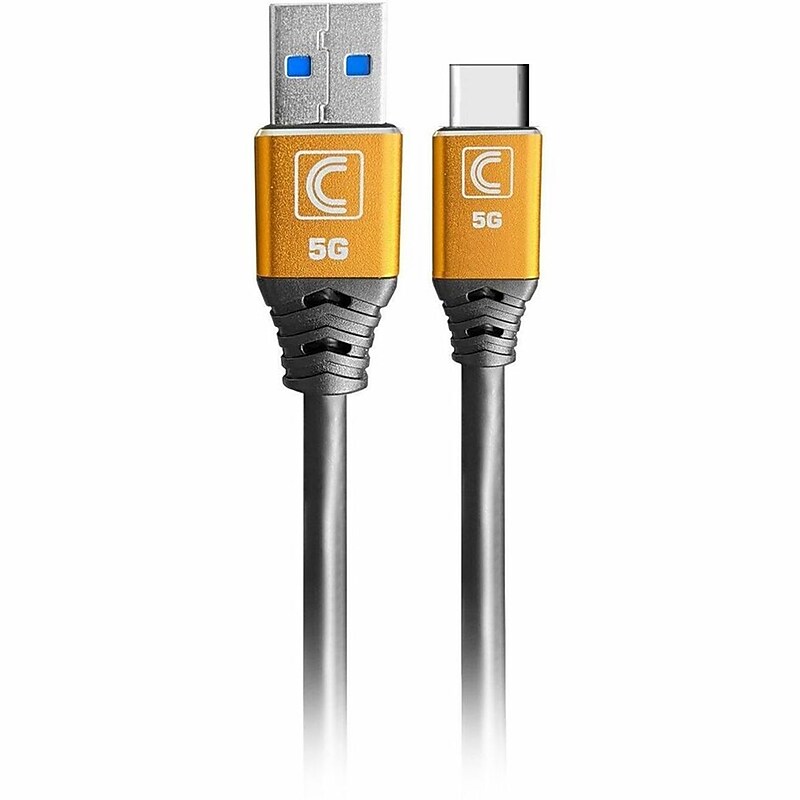
Designed for AV/IT Tech and Media Specialists Tech and Media Specialists are constantly setting up various AV and IT configurations as well as doing light AV/IT installation work for small meeting spaces, on-site and remote presentations and events. Specialist Series™ cables were designed specifically to meet the demands of AV and IT at Universities, Colleges, K12, Small to Medium Business (SMB) and other commercial environments. Many times standard cables are lacking in reliability and performance for important AV/IT systems set up and full-blown integration cables are simply more than is required...that's where Comprehensive Specialist Cables come in. Specialist Series™ cables are the perfect blend of performance, reliability, and value for almost every day-to-day commercial on-site AV/IT need..Designed for data transfer between USB‑A hosts and USB‑C devices in professional AV/IT environments..Measures 6 ft for convenient everyday connectivity..Features USB 3.0 Type‑A Male (9 pins) to USB 3.0 Type‑C Male (24 pins)..Constructed with 28 AWG copper conductors, a durable PVC jacket, and finished in black..Supports SuperSpeed USB 3.0 data transfer up to 5 Gb/s..Works with computers, docking stations, USB‑C laptops, tablets, and hubs..RoHS compliant, ensuring restricted use of hazardous materials in electronics..Backed by a Lifetime warranty.
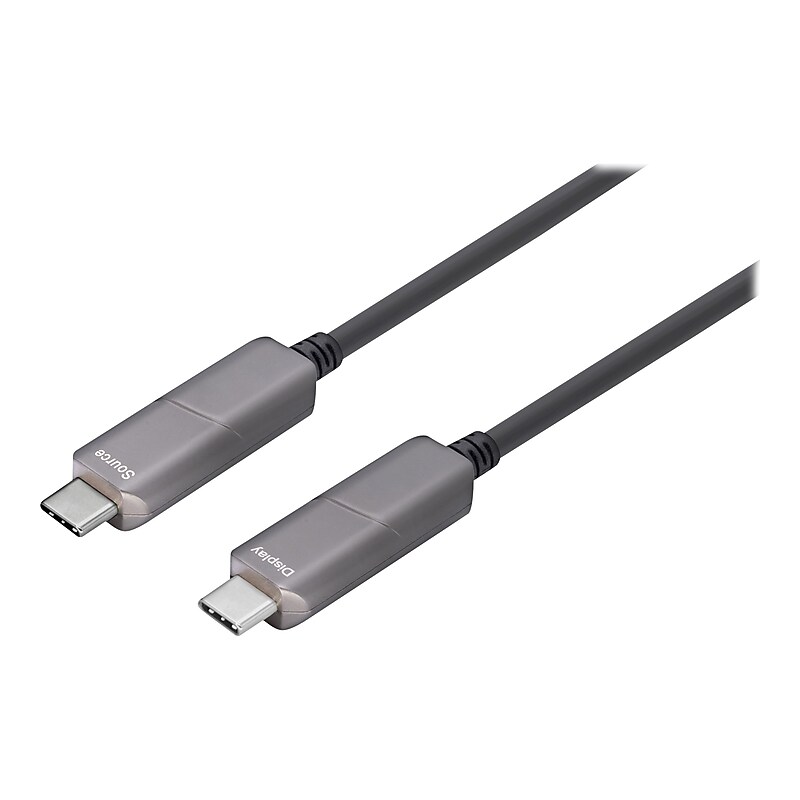
Upgrade your visual display capabilities with 4XEM's Fiber USB-C cables. Able to support resolution transport up to 4K@60Hz this cable is a premier device to improve your displays. The USB-C connector enables increased ease of use, there is no longer a right and wrong way to connect a USB since the USB-C is completely reversible. At 25 meters in length this cable can fit into most any set-up without worrying about stretching your connections. High speed video is much easier to obtain thanks to devices like 4XEM's Fiber USB-C cable. Upgrading your displays has never been an easier task with 4XEM's Fiber USB-C cables..This cable is perfect for connecting your usb compatible devices.Cable length: 82'.USB Type-C (24-pin) to USB Type-C (24-pin) connectors.21/28/30AWG black cable with aluminum jacket.Features: halogen-free, active cable, 1080p support, Unidirectional, 4K60Hz support, HBR2 support, 21.6 Gbps data rate, and Chipset Germany Silicon Line.Compatible with your computer.Meets or exceeds Plug and Play and DisplayPort 1.2 standards.1-year manufacturer limited warranty
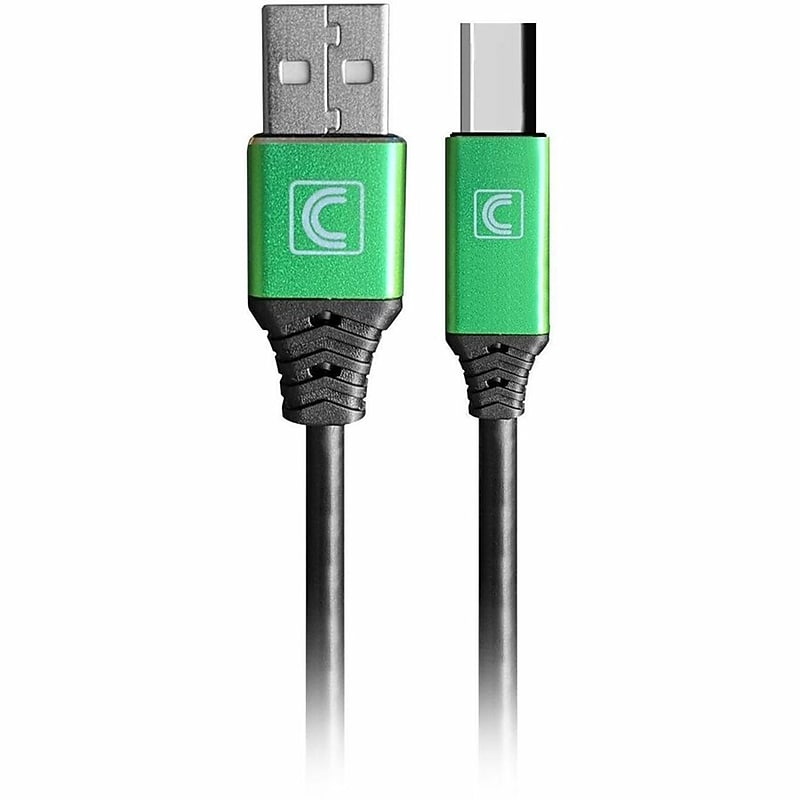
Tech and Media Specialists are constantly setting up various AV and IT configurations as well as doing light AV/IT installation work for small meeting spaces, on-site and remote presentations and events. Specialist Series™ cables were designed specifically to meet the demands of AV and IT at Universities, Colleges, K12, Enterprise and Small to Medium Business (SMB) and other commercial environments. Many times standard cables are lacking in reliability and performance for important AV/IT systems set up and full-blown integration cables are simply more than is required...that's where Comprehensive Specialist Cables come in. Specialist Series™ cables are the perfect blend of performance, reliability, and value for almost every day-to-day commercial on-site AV/IT need..Designed for printer connectivity between computers and USB‑B peripherals..With a 10‑foot length, it offers ample reach for convenient setup..Features USB 2.0 Type‑A Male (4 pins) to USB 2.0 Type‑B Male (4 pins)..Built with 28 AWG copper conductors, a durable PVC jacket, and finished in black..Supports USB 2.0 data transfer speeds up to 480 Mbps (0.48 Gb/s)..Compatible with printers, scanners, and external hard drives..RoHS compliant, ensuring restricted use of hazardous materials in electronics..Backed by a Life time warranty.
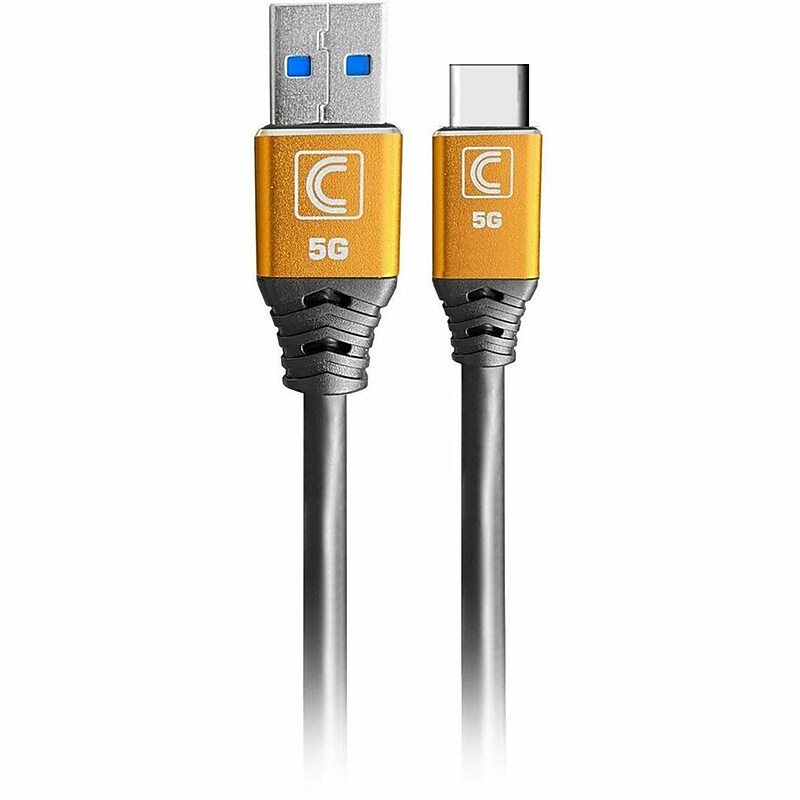
Improved Performance and Reliability Compared to Standard Cables Specialist Series™ Cables are specifically made for the day to day demands in enterprise, education and other commercial environments and are up to 2X more durable than Standard cables. Specialist Series™ Cables use superior components through-out including copper and aluminum shielding, a specially formulated PVC jacket, enhanced strain relief and a durable machined aluminum (or ABS) connector head for high performance and to ensure that your AV/IT set up is always up and running. Supports SuperSpeed 5Gbps Data Transfer Pro AV/IT Integrator Series™ SuperSpeed USB 3.0 (3.2 Gen1) Cables supports data speed up to 5 Gbps between your host computer and the USB equipped devices- that is up to 10 times faster than USB 2.0 cables..Designed for data transfer between USB‑A hosts and USB‑C devices in professional AV/IT environments..Measures 15 ft for long‑distance connectivity..Features USB 3.0 Type‑A Male (9 pins) to USB 3.0 Type‑C Male (24 pins)..Constructed with 28 AWG copper conductors, a durable PVC jacket, and finished in black..Supports SuperSpeed USB 3.0 data transfer up to 5 Gb/s..Works with computers, docking stations, USB‑C laptops, tablets, and hubs..RoHS compliant, ensuring restricted use of hazardous materials in electronics..Backed by a Lifetime warranty.
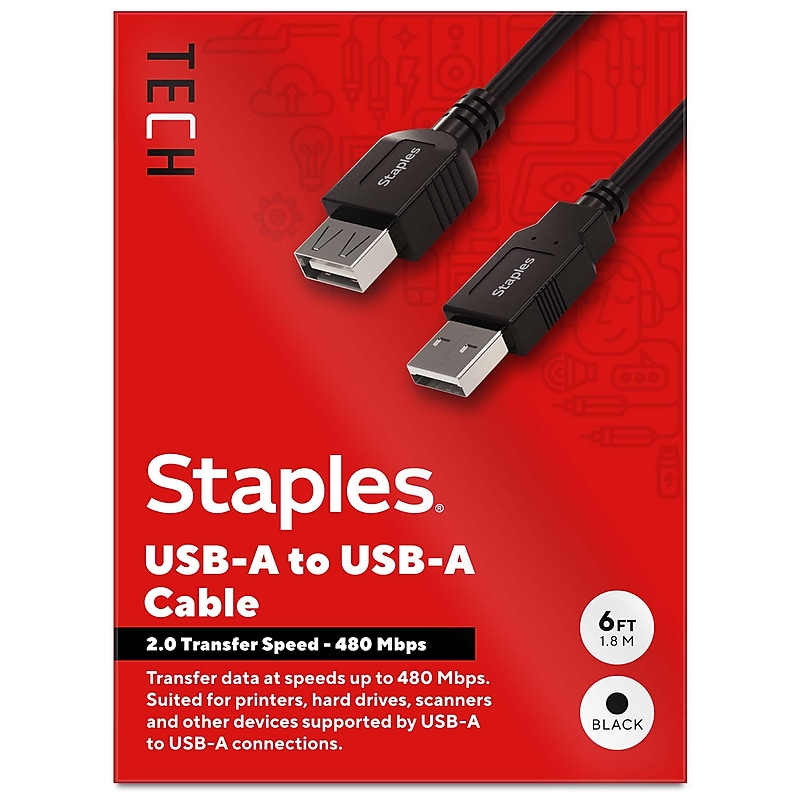
Reliably charge or sync personal electronic devices - like mice, keyboards, gaming headsets and more - with the Staples TECH USB-A cable. The 6-foot cable is compact to reduce cord clutter, and the USB 2.0 boasts high-speed data transfer speeds up to 480 Mbps. Keep your workday running smoothly with the Staples TECH USB-A cable. Backed by Staples Brands 100% satisfaction guarantee, or your money back..USB 2.0 supports data transfers speeds up to 480 Mbps.6 ft. cable length reduces cord clutter.USB-A to USB-A.Universal compatibility.Comes in black.Backed by Staples Brands 100% Satisfaction Money Back Guarantee.Charge and sync personal electronics with the Staples TECH USB-A cable.
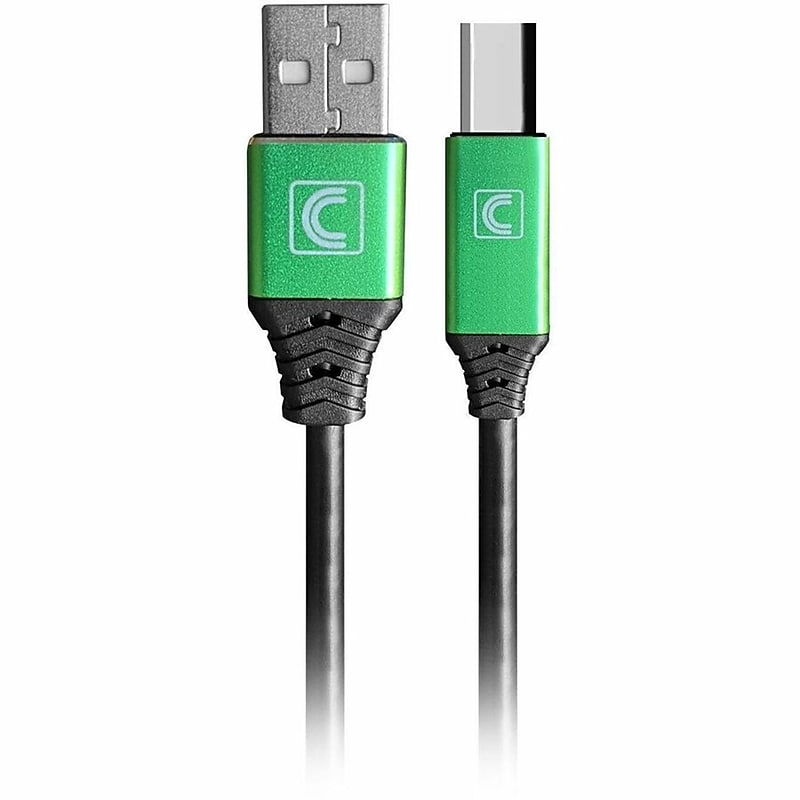
Tech and Media Specialists are constantly setting up various AV and IT configurations as well as doing light AV/IT installation work for small meeting spaces, on-site and remote presentations and events. Specialist Series™ cables were designed specifically to meet the demands of AV and IT at Universities, Colleges, K12, Enterprise and Small to Medium Business (SMB) and other commercial environments. Many times standard cables are lacking in reliability and performance for important AV/IT systems set up and full-blown integration cables are simply more than is required...that's where Comprehensive Specialist Cables come in. Specialist Series™ cables are the perfect blend of performance, reliability, and value for almost every day-to-day commercial on-site AV/IT need..Designed for printer connectivity and general data transfer between computers and USB‑B peripherals..Measures 15 ft for extended reach in larger setups..Features USB 2.0 Type‑A Male (4 pins) to USB 2.0 Type‑B Male (4 pins)..Built with 28 AWG copper conductors, a durable PVC jacket, and finished in black..Supports USB 2.0 data transfer speeds up to 480 Mbps (0.48 Gb/s)..Works with printers, scanners, and external hard drives..RoHS compliant, ensuring restricted use of hazardous materials in electronics..Backed by a Lifetime warranty.
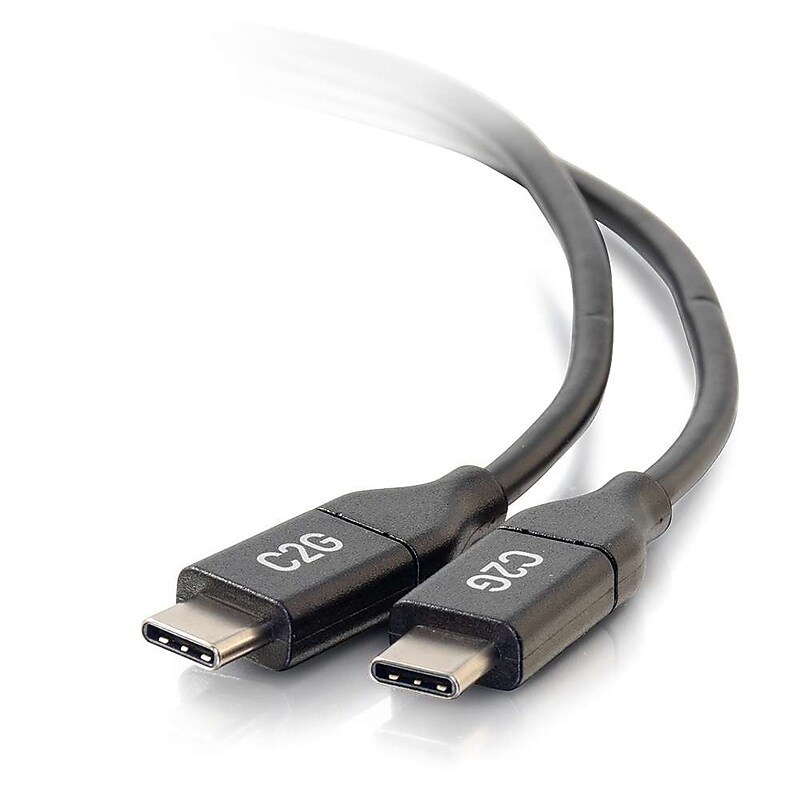
The 10ft (3m) USB-C to C 2.0 Male to Male Cable is the ultimate solution for connecting your USB-C enabled devices for fast charging and data transfer. With a 5A charging output and data transfer speeds up to 480 Mbps, this cable ensures your devices stay powered and synced effortlessly. Its reversible USB-C connectors make it easy to plug in, while the durable PVC jacket and stranded copper conductors provide reliable performance. Compatible with Apple® and Microsoft® Surface® devices, this high-quality cable offers versatility and longevity with a lifetime warranty..The USB-C to C 2.0 Male to Male Cable is ideal for connecting devices like laptops, tablets, and smartphones for charging and data transfer. It is perfect for use with Apple®, Microsoft® Surface®, and other USB-C enabled devices..This cable has a length of 10 feet (3 meters), providing ample reach for connecting devices in various settings..It features USB-C Male connectors on both ends, providing a stable connection for charging and data transfer. The connectors are symmetrical for a reversible, hassle-free plug-in..The cable is built with 30 AWG wire gauge and is made of PVC jacket material. It uses stranded copper for conductors, offering durability and effective data transmission. The true color is black..While this cable is primarily for charging and data transfer, it also supports video input and output via USB-C, allowing for media sharing across devices..Connector 1: USB-C Male Connector 2: USB-C Male.The cable supports data transfer speeds of up to 480 Mbps, allowing for quick and efficient file sharing between devices..Compatible with Apple® iPad Pro®, MacBook®, MacBook Air®, and MacBook Pro®. It also works with the Microsoft® Surface® Book 2, Surface Go, and other USB-C enabled devices..This cable complies with the USB 2.0 standard and is RoHS compliant, ensuring it meets environmental and safety regulations..The product comes with a lifetime warranty, ensuring long-term reliability and support.
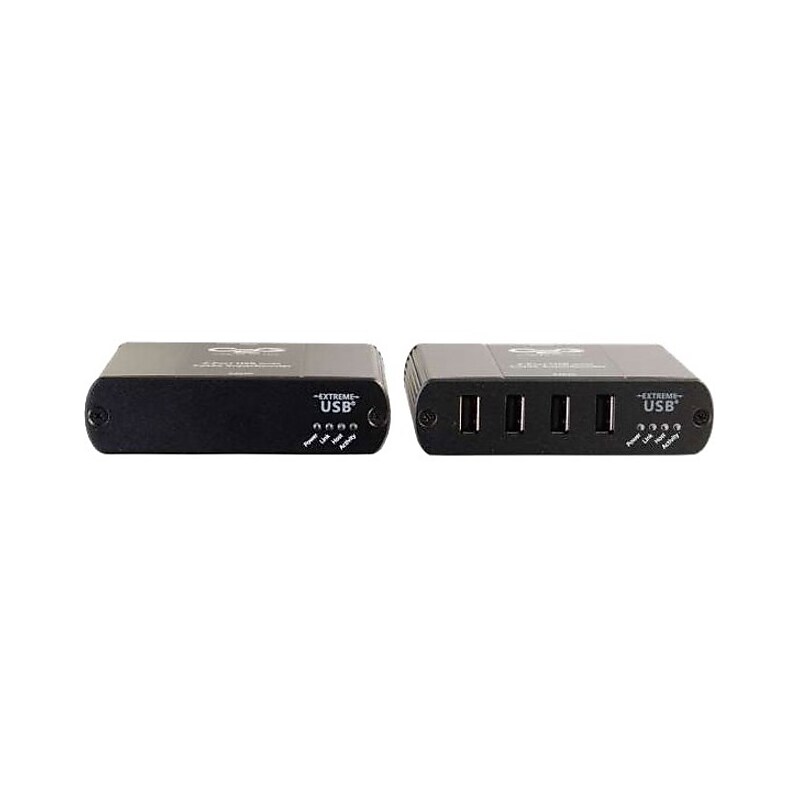
The 4-Port USB 2.0 over Cat5 Extender was designed for systems integrators, installers and other end users seeking an innovatively simple yet powerful solution for extending USB signals beyond their native 16.4 foot length limitation. Specifically for use in commercial environments, the 4-Port USB 2.0 over Cat5 Extender provides connectivity for up to 4 USB devices. Using true USB 2.0 speed and power, this solution provides increased bandwidth and faster data transfer speeds over standard Cat5/6 cabling at lengths up to 328ft. Integrated UTP power inserter technology provides 500 milliamps of power through the power adapter connected to the receiver. This provides enough power to operate most new USB devices and allows for flexibility in equipment placement. Installation is quick and easy with no software or driver installation required..Supplies 500 milliamps of power at the receiver.Extends USB 2.0 signals up to 328 feet for 4 USB devices.Uses a single standard network patch cable
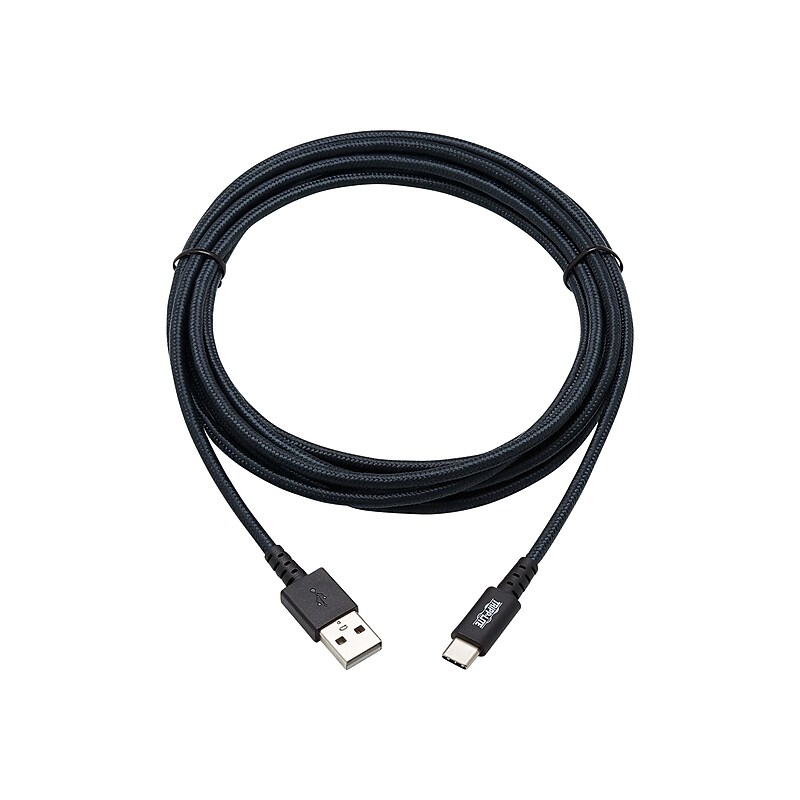
This heavy-duty USB sync/charge cable (M/M) connects your smartphone, tablet, MacBook, Ultrabook, Chromebook or other USB-C device to the USB-A port on a computer, car charger or wall charger. It allows you to charge and power your USB-C device, while simultaneously synching and transferring data at USB 2.0 data transfer speeds up to 480 Mbps. The cable is backward compatible with previous USB generations, allowing you to use it with older equipment. Charging cables used with mobile devices are often pulled, strained and generally abused, sometimes to the point of failure. To counter the stress of daily abuse, the super-robust U038-010-GY-MAX is constructed using UHMWPE and Aramid fiber to reinforce the conductors inside the cable. The double-braided nylon jacket helps maintain top performance and long life, while the enhanced UHMWPE and Aramid protection stands up to the strain of rigorous and frequent use. Integral strain relief gives the cable extra flexibility, reduces stress, and helps the cable move freely without cracking or breaking loose from the connector. Unlike traditional USB cables that connect in only one direction, the reversible USB-C male connector plugs into a USB-C or Thunderbolt 3 port in either direction for a fumble-free connection every time. The cord's 10-foot length allows you flexibility in placing your device with respect to the connected computer or charger..This cable is perfect for connecting your USB compatible devices.Cable length: 10'.USB Type-A (4-pin) to USB Type-C (24-pin) connectors.26/21AWG gray cable with PVC jacket to protect this cable from environmental factors.Compatible with your computer.Meets or exceeds REACH, RoHS, VW-1, and Thunderbolt three / USB 2.0 standards.Lifetime manufacturer limited warranty
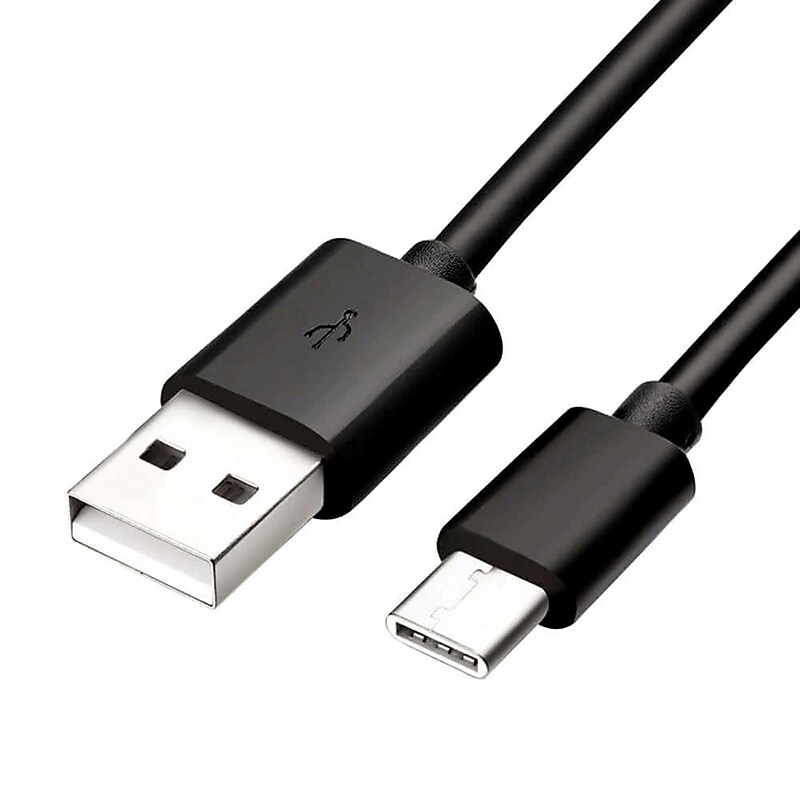
The 4XEM 6 ft USB‑C to USB 2.0 Type‑A Cable delivers dependable charging and data‑transfer performance for smartphones, tablets, laptops, peripherals, and USB‑C enabled devices. Designed for convenience and versatility, it supports 480 Mbps USB 2.0 transfer speeds, allowing fast syncing of photos, documents, and media. Constructed with a durable PVC jacket and nickel‑plated connectors, the cable provides long‑lasting reliability and resistance to wear from everyday use. The flexible 6 ft length offers an ideal balance of reach and portability, perfect for home, work, travel, or in‑vehicle setups. With plug‑and‑play compatibility and broad device support, this cable requires no drivers—simply connect and go. Whether charging or transferring data, this USB‑A to USB‑C cable delivers stable, efficient performance backed by a lifetime warranty..Great for data and charging use across USB‑C devices..Measures 6 ft to extend connectivity where needed..Provides USB‑A to USB‑C connection for universal use..Features a PVC jacket with nickel‑plated connectors..Carries 480 Mbps USB 2.0 transfer performance..Equipped with USB‑A and USB‑C terminals for versatility..Supports fast syncing for files, photos, and media..Compatible with phones, tablets, laptops, and hubs..Follows USB 2.0 industry standards for reliability..Lifetime warranty for long‑term value.
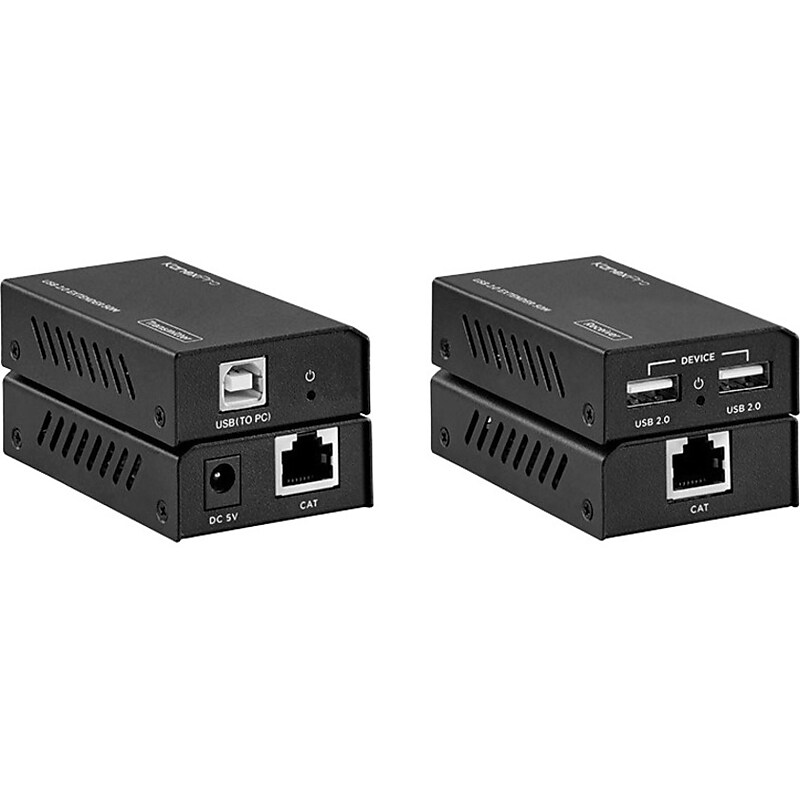
The KanexPro EXT-USB250M extender is a compact USB 2.0 transmitter - receiver set designed to extend USB 2.0 (480Mbps) signals from a Printer, touch screen, USB hub, USB camera or Human Interface Device (HID) to a Host PC remotely located 164 feet away. The system is simple, plug and play and it's ready to go. No drive and setting installation required. Industry Standard USB 2.0 480Mbps USB 2.0 (High-speed USB) provides enough bandwidth for multimedia and storage application. USB 2.0 has full forward and backward compatibility with original USB 1.1 devices and works with cables and connectors made for original USB, too. Applications: USB 2.0 supports low-bandwidth devices such as keyboards and mice, as well as high-bandwidth ones like high-resolution webcams, scanners, printers and high-capacity storage systems. The extender kit includes two units: transmitter unit and receiver unit. Residential installations: Great for extending a webcam used for that work from home zoom meeting Educational Environments: Can be used to extend a computer connection to a digital projector screen or to an in-class meeting camera system. Digital signage: HID (Human Interface Device) capable displays require a USB 2.0 connection to pass the touch and control data to the host PC. Also, connect a mass storage device from an easy to reach convenient location away from the host PC or Display..Simple plug and play, no drive and setting installation required.Supports USB 2.0 protocol, transmission rate up to 480Mbps.Features one USB-B port input in transmitter.Features two USB 2.0 ports outputs on the receiver
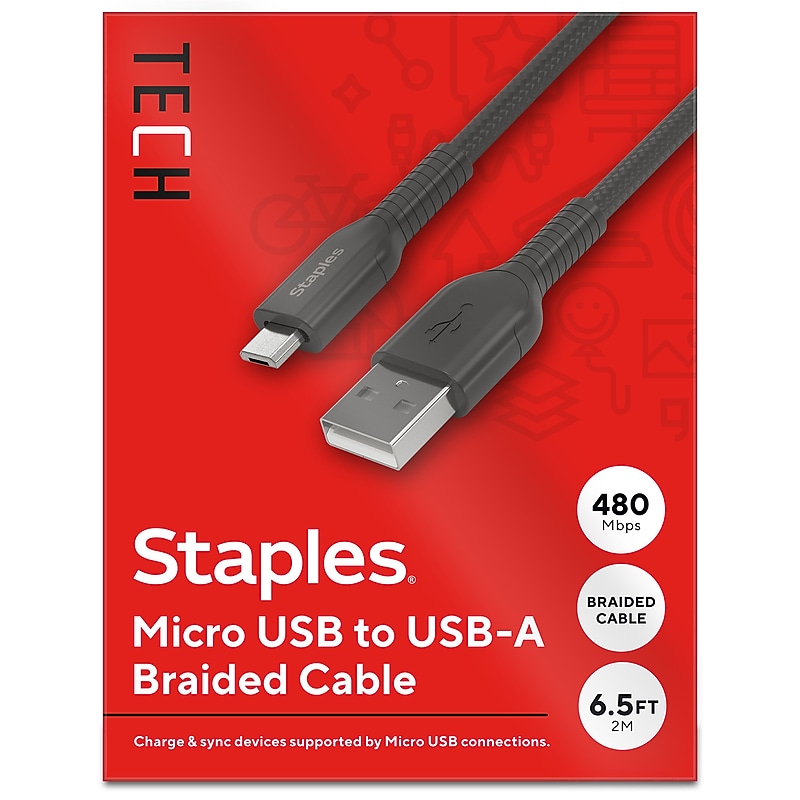
Upgrade or replace a damaged cable with one that will last like this Staples® Micro USB to USB-A Braided Cable with universal compatibility. The unique braided design provides extra durability, prevents tangles and has been tested to withstand up to five-thousand bends. A 6.5ft (2m) cable length gives extra reach when needed and is perfect for comfortably using devices while they charge..6.5ft (2m) micro USB to USB-A cable that transfers data at speeds up to 480 Mbps.Anti-tangle cable has a durable braided design tested to withstand up to 5K bends.Compatible with Apple, Samsung, Google and LG products.Black Generation 2.0 USB cable.1-year limited warranty.Charge and sync smartphones or tablets with this durable 6.5ft (2m) Staples® Micro USB to USB-A Braided Cable.
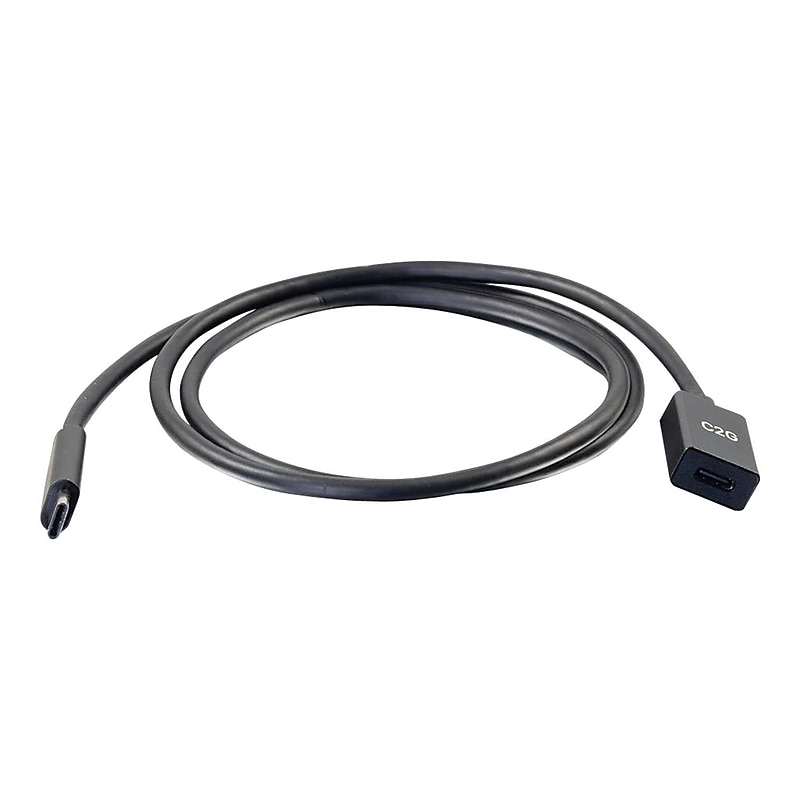
The USB-C to C 3.2 (Gen 2) Male to Female Extension Cable is perfect for extending a USB-C connection on a USB-C equipped laptop, smartphone, or tablet. The extension cable supports fast charging and data transfer speeds up to 10 Gbps. The USB-C connector has a symmetrical design which is identical on both sides, so no more worrying about whether it's upside-down or right-side-up. It will plug in the first time, every time - while preventing damage to the connector port from frequent plugging and unplugging..This cable is perfect for connecting your USB compatible devices.Cable length: 3'.USB Type-C (24-pin) to USB Type-C (24-pin) connectors.Comes in black.Cable data transfer rate : 10000Mbps.Compatible with your computer.Meets or exceeds 2011/65/EU, RoHS, and USB 3.1 Gen 2 / Thunderbolt three standards.Cable features molded construction.Lifetime manufacturer limited warranty

With more than 15x the reach of ordinary USB 3.x cables, Logitech Strong USB lets you separate self-powered USB 2.0 and 3.x peripherals and a host PC by up to 45 meters. This active optical cable is plenum-rated and Eca certified for safe operation and reliable performance up to 10 Gbps. By eliminating the need for USB extenders, Logitech Strong USB eliminates points of failure while reducing cost and complexity. Unlike typical USB cables that can break during or after installation, Logitech Strong USB is plenum-rated and Eca certified to pull through walls, above ceilings, and within standard ¾" conduit..This cable is perfect for connecting your usb compatible devices.Cable length: 147.64'.USB A (9-pin) to USB C (24-pin) connectors.Comes in black.Features: plenum, Active Optical Cable (AOC), aramid-reinforced sheath, and 3/4" conduit friendly.Compatible with your computer.Meets or exceeds IEC 60332-1-2 and USB 2.0 / USB 3.0 / USB 3.1/ USB 3.2 standards.2-year manufacturer limited warranty
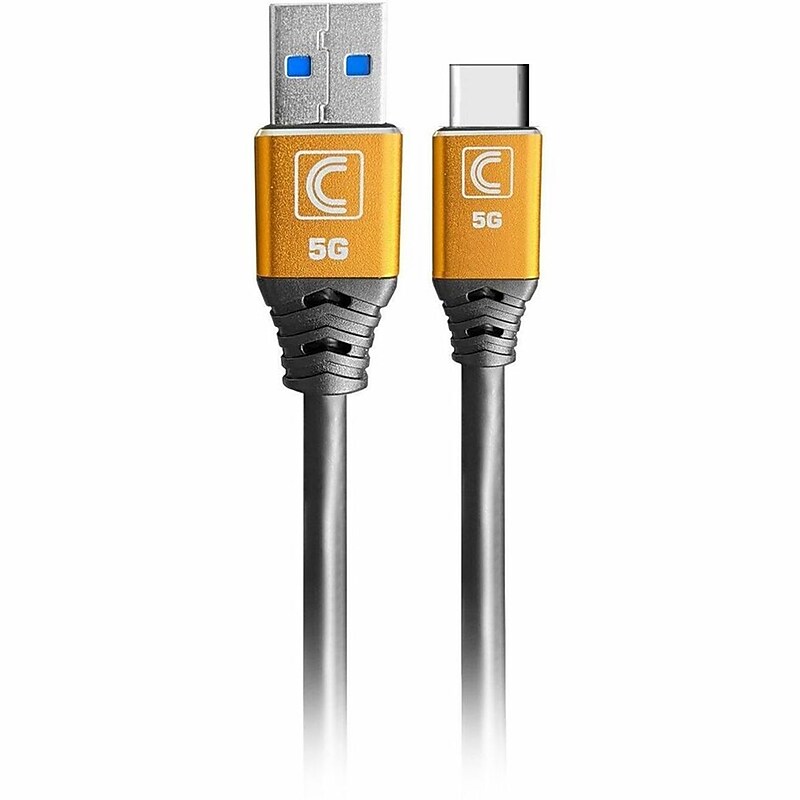
Tech and Media Specialists are constantly setting up various AV and IT configurations as well as doing light AV/IT installation work for small meeting spaces, on-site and remote presentations and events. Specialist Series™ cables were designed specifically to meet the demands of AV and IT at Universities, Colleges, K12, Enterprise and Small to Medium Business (SMB) and other commercial environments. Many times standard cables are lacking in reliability and performance for important AV/IT systems set up and full-blown integration cables are simply more than is required...that's where Comprehensive Specialist Cables come in. Specialist Series™ cables are the perfect blend of performance, reliability, and value for almost every day-to-day commercial on-site AV/IT need. Peace of Mind Comes Standard Value is knowing a product you buy today will work tomorrow and in the years to come. Since 1974, Comprehensive has been making the most reliable and dependable Pro AV/IT cables on the planet for our integrator and professional customers..Designed for data transfer between USB‑A hosts and USB‑C devices in professional AV/IT environments..Measures 10 ft for reliable mid‑range connectivity..Features USB 3.0 Type‑A Male (9 pins) to USB 3.0 Type‑C Male (24 pins)..Constructed with 28 AWG copper conductors, a durable PVC jacket, and finished in black..Supports SuperSpeed USB 3.0 data transfer up to 5 Gb/s..Works with computers, docking stations, USB‑C laptops, tablets, and hubs..RoHS compliant, ensuring restricted use of hazardous materials in electronics..Backed by a Lifetime warranty.
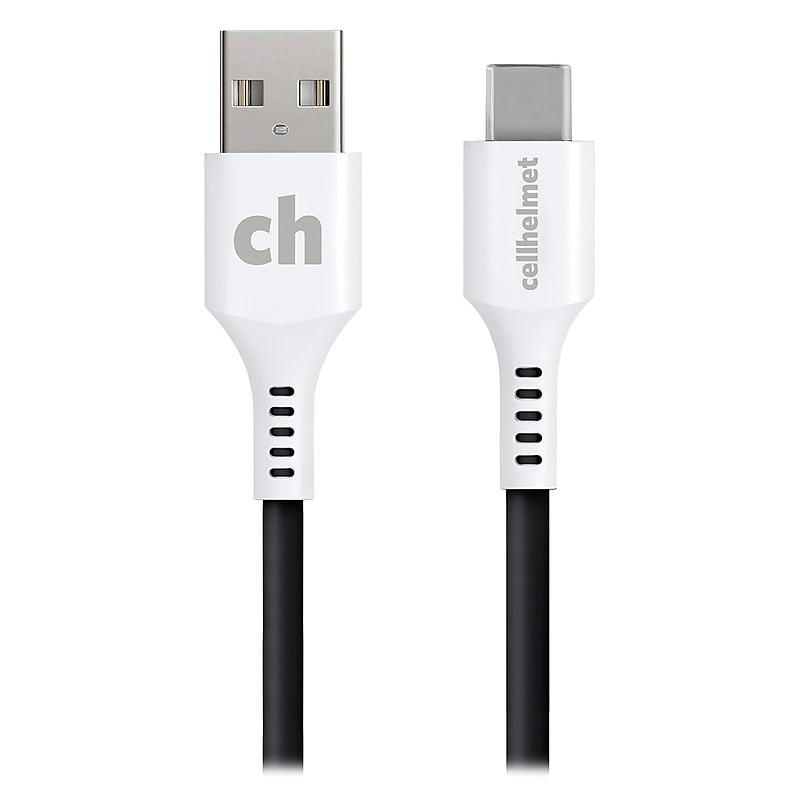
Need to charge and sync your phone? Get cellhelmet's 6 Ft. Round Charge and Sync USB-C to USB-A Cable. Its tangle-free design means you won't have to worry about untangling the cord. This cable is engineered to support high-output chargers, and its lifetime warranty covers all damages to the product..For USB-C compatible devices.2.0 USB-C to USB-A.Tangle-free design.Engineered to support high-output chargers.Lifetime warranty covers all damages to the product.6 ft. length
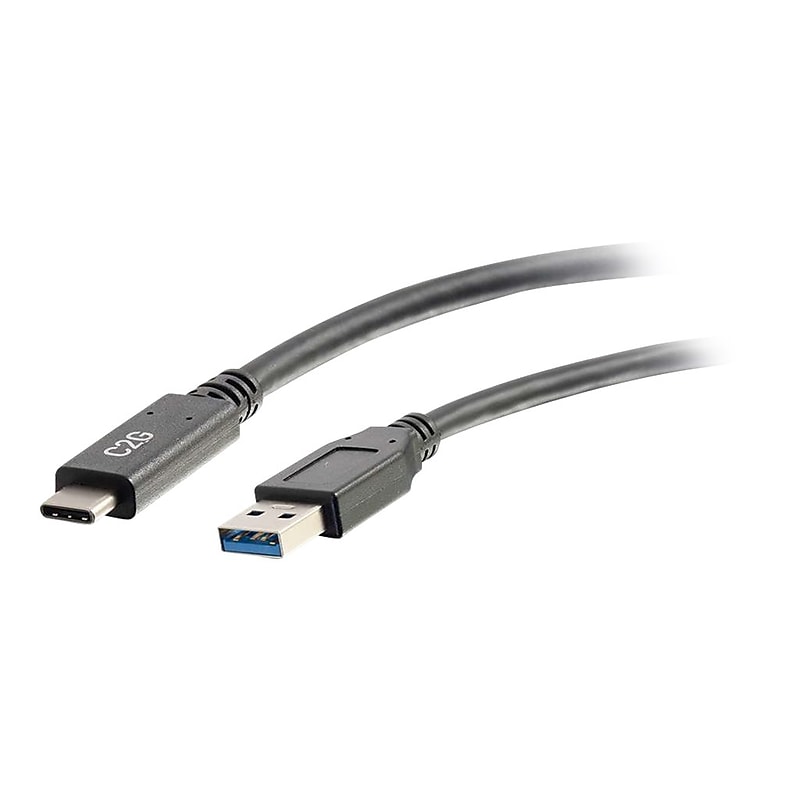
The USB-C to A 3.2 Male to Male Cable is the perfect solution for connecting any standard USB-C enabled device to a USB-A device or accessory for charging and data transfer. Ensure that a USB-C equipped laptop, smartphone, or tablet is fully charged and ready to go from the 3A charging output, while simultaneously transferring photos, music, or data at speeds up to 5 Gbps. The USB-C connector has a symmetrical design which is identical on both sides, so it does not matter if you plug it in upside-down or right-side-up. It will plug in the first time, every time while preventing damage to the connector port..This cable is perfect for connecting your USB compatible devices.Cable length: 10'.USB Type-A (9-pin) to USB Type-C (24-pin) connectors.Black cable with PVC jacket to protect this cable from environmental factors.Cable data transfer rate : 5000Mbps.Compatible with your computer.Meets or exceeds RoHS2, 2011/65/EU, UL 2725, USB-IF, and USB 3.0/ USB 3.1 standards.3-year manufacturer limited warranty
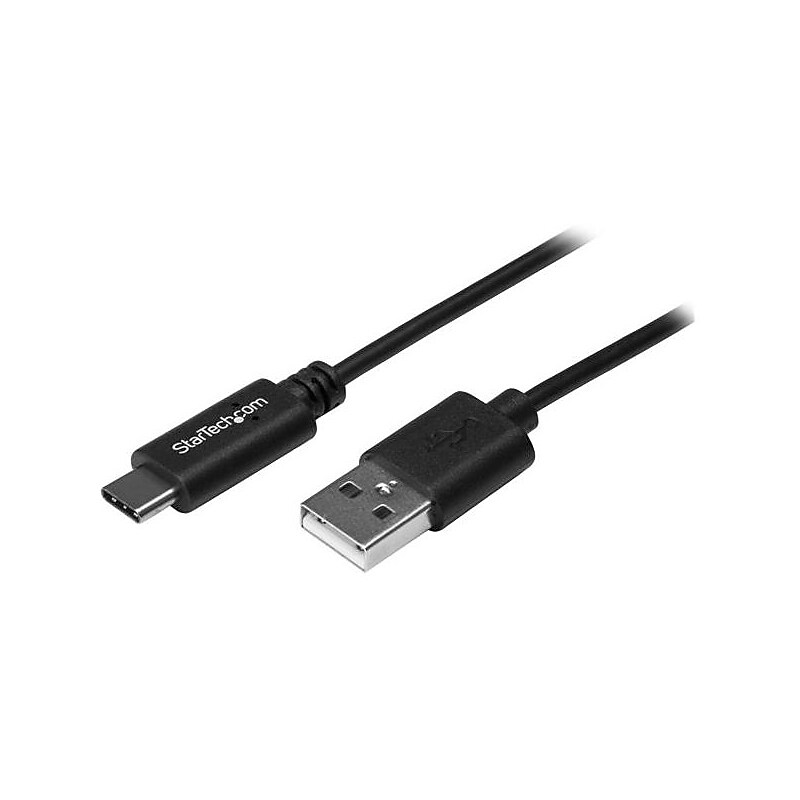
Connect your USB Type-C devices to your computer, over longer distances. This USB-C to USB-A cable makes it easy to charge and sync USB Type-C mobile devices using the USB-A port on your computer or a standard USB-A wall or car charger. Charge and sync your mobile devices over longer distances The non-standard 4-meter cable gives you the extra length you need to overcome distance restrictions and stay connected. You can charge and sync your USB-C mobile device, in almost any environment. Even while you're taking notes in a boardroom, catching up on emails in your hotel room, or reading in a coffee shop, the connection to your mobile device will reach your computer or wall charger more comfortably. Provide superior connections with USB-IF certified cables The cable has undergone rigorous compliance testing and is certified by USB-IF (USB Implementers Forum) to meet all USB 2.0 specifications. This includes all environmental, electrical and mechanical standards, ensuring a reliable, high-quality cable for all of your USB-C devices. The USB2AC4M is backed by StarTech.com's 2-year warranty for guaranteed reliability..USB-IF Certified.Offers 4 meters in cable length.Convenient, reversible USB-C connector makes every connection easy
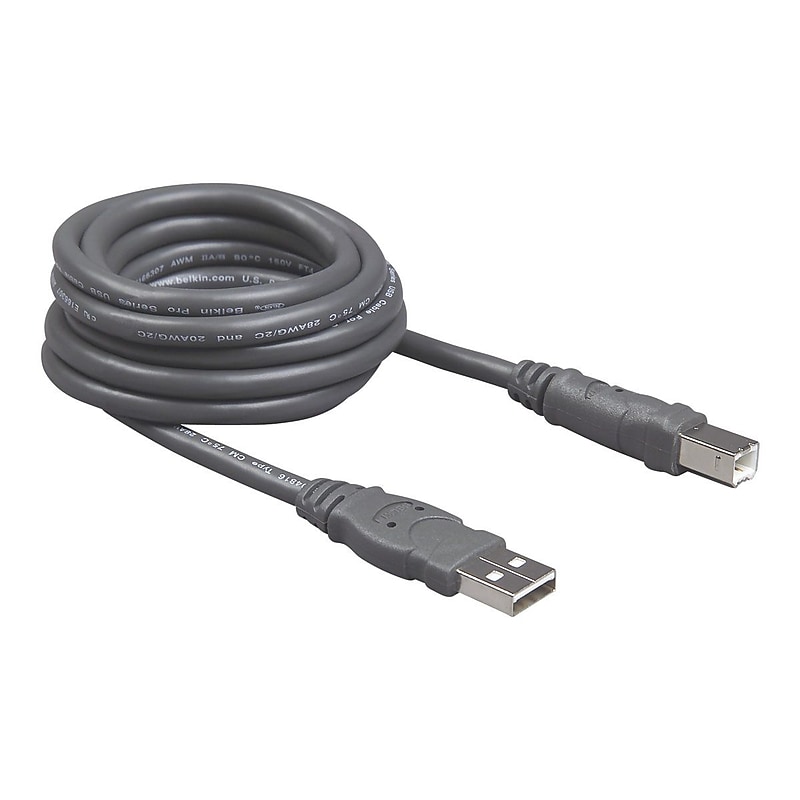
The Belkin Pro series 10' USB 2.0 type A to type B hi-speed extension cable is perfect for devices with short cables and supports fast, 480 Mbps transmission speed. It features molded strain relief and PVC over-molding for added protection and ensures error-free data transmissions. It has 4-pin USB male connector on one end and 4-pin USB male connector on the other end. It allows up to 127 devices on a daisy-chain configuration. It ensures peak performance and optimal data transmission for longer time..Connector on second end: 1 x type B USB, first end: 1 x type A USB.Male/male.10' long.Cable technology: USB
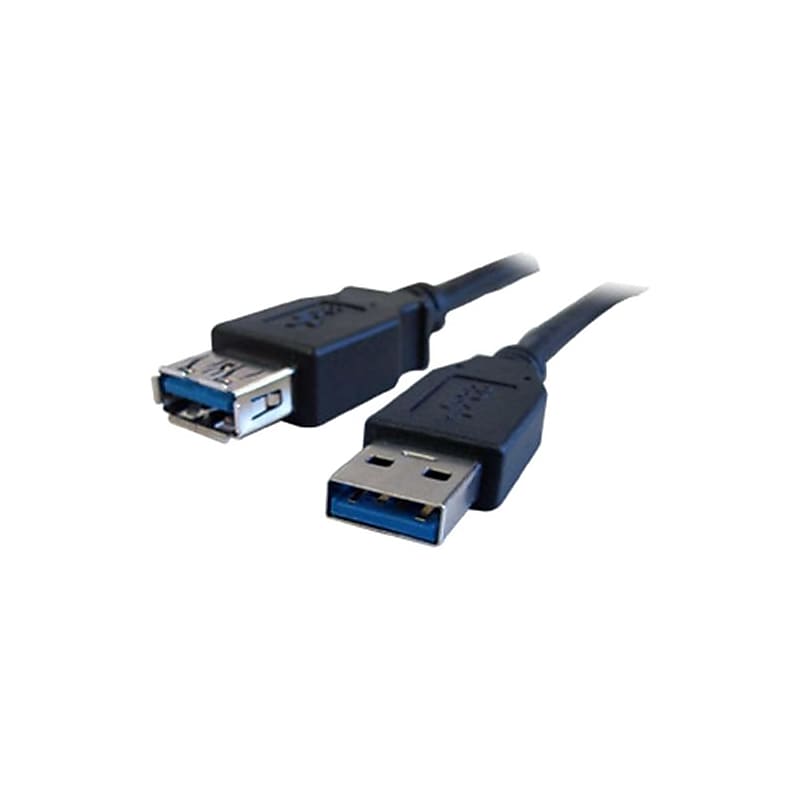
USB cable..USB 3.0 A/A.Premium shielded twisted pair construction.10'.Connector first end: 1 x type A male USB 3.0 USB first end.Second end: 1 x type A female USB 3.0 USB second end.Black, material: Polyvinyl chloride (PVC) - jacket, Gauge: 28 AWG.Data transfer rate: Up to 480 Mbps.Shielding: 65% braid, Jacket type: Xtraflex PVC.Conductor: Tinned copper, Connector plating: Nickel plated.Compatibility: PC, Mac, USB 1.0, 1.1, 2.0 and 3.0 devices.Device supported: Printer, scanner, keyboard.Power: 30 V, temperature: 80 deg C operating.Molded strain relief.Plug and play functionality for printers, scanners, keyboards and other digital devices.Provides high speed connection for USB 3.0 peripherals.Compliant and standards: RoHS, UL Rating: VW-1.Weight: 0.35 lbs..Warranty: Lifetime limited
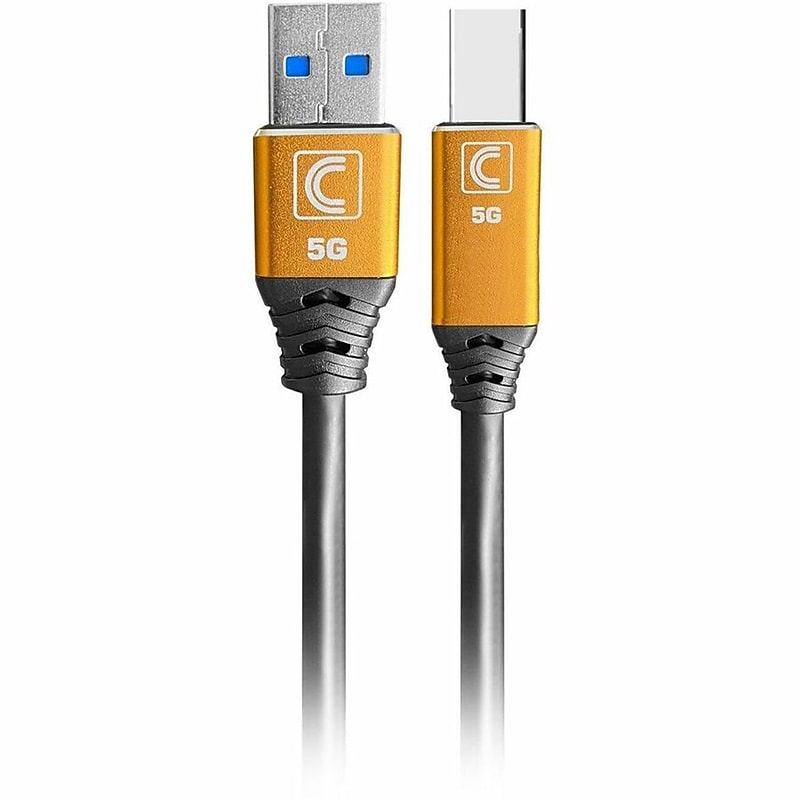
Durability and Reliability Specialist Series™ Cables are up to 2X more durable than Standard cables. They use superior components throughout including copper and aluminum shielding, a specially formulated PVC jacket, enhanced strain relief and a durable machined aluminum connector head. Backward Compatible Comprehensive's Specialist Series™ USB SuperSpeed 5G cable provides fast USB 3.0 (3.2 Gen1) signal performance, but is also conveniently backwards compatible, providing support of USB 1.0, 1.1 and 2.0 signals as well..Designed for printer connectivity and high‑speed data transfer between USB‑A hosts and USB‑B peripherals..Measures 15 ft for extended reach and flexible setup..Features USB 3.0 Type‑A Male (9 pins) to USB 3.0 Type‑B Male (9 pins)..Constructed with 28 AWG copper conductors, a durable PVC jacket, and finished in black..Supports SuperSpeed USB 3.0 data transfer up to 5 Gb/s..Provides reliable compatibility with printers, scanners, and external storage..RoHS compliant, ensuring restricted use of hazardous materials in electronics..Backed by a Lifetime warranty.
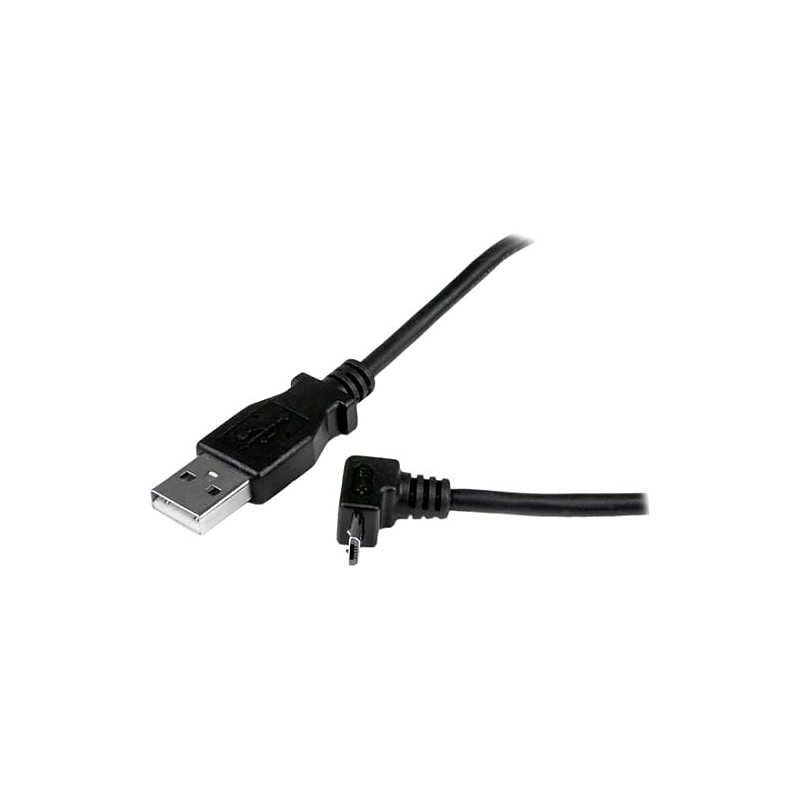
Provides a high quality connection between micro USB 2.0 mobile devices for everyday tasks such as charging, data synchronization or file transfers..Black.USB/1 x 4-pin type A male USB 2.0 first end, 1 x 5-pin type B male USB 2.0 micro second end.Unrestricted access to micro USB mobile device.6.56'.Data transfer rate: 480 Mbps.Connector plating: Nickel-plated.Conductor: Copper.Material: Polyvinyl chloride (PVC) jacket, aluminum mylar shielding.Wire gauge: 28 AWG.Connector style: Straight to down angle, Technology: Double shielded.Device supported: Cellular phone, camera, hard drive, tablet PC.Reduce stress on mobile device connector.Designed and constructed for maximum durability.Provides a high quality connection between micro USB 2.0 mobile devices for everyday tasks such as charging, data synchronization or file transfers.Includes 1 x micro USB cable.Certifications and standards: RoHS.Weight: 1.52 oz..Warranty: Lifetime limited
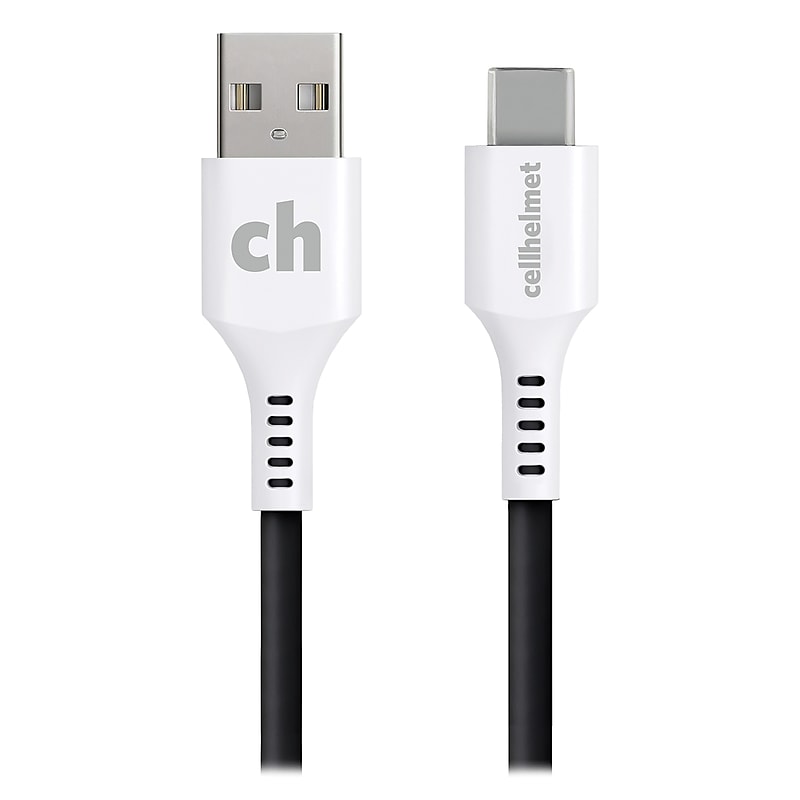
Need to charge and sync your phone? Get cellhelmet's 10 Ft. Round Charge and Sync USB-C to USB-A Cable. Its tangle-free design means you won't have to worry about untangling the cord. This cable is engineered to support high-output chargers, and its lifetime warranty covers all damages to the product..For USB-C compatible devices.2.0 USB-C to USB-A.Tangle-free design.Engineered to support high-output chargers.Lifetime warranty covers all damages to the product.10 ft. length
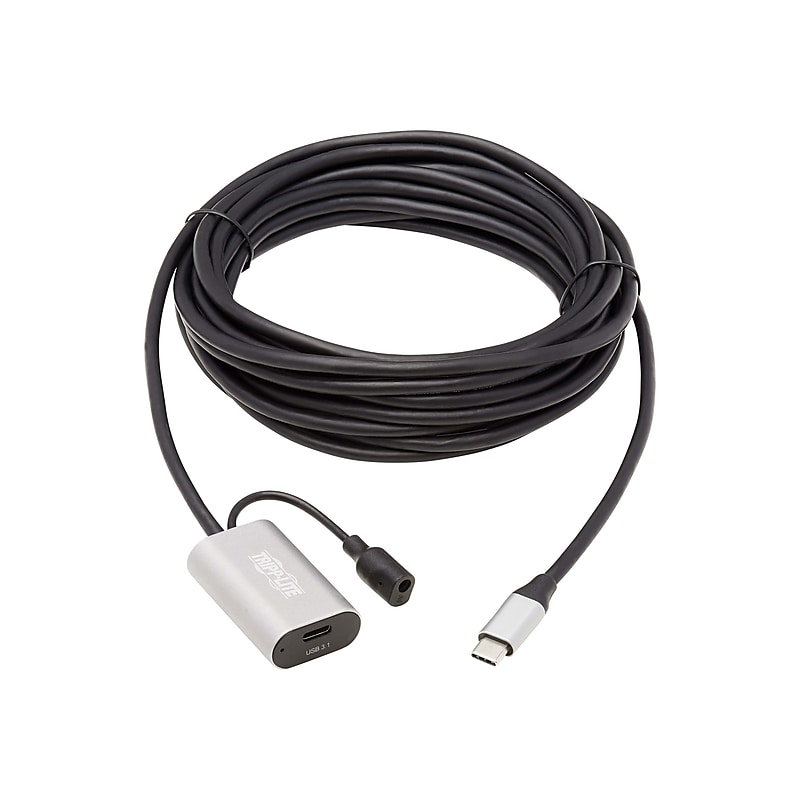
This USB-C to USB-C Active Extension Cable (M/F) attaches to your current USB 3.0 cable to extend it by 16 feet (5 meters). It connects your computer, tablet, notebook, MacBook Pro, Chromebook, smartphone or other compatible USB-C device to a USB-C keyboard, portable hard drive, patch panel or other peripheral. The 16-foot length allows you great flexibility in placing equipment. You can extend the USB connection even further - up to 33 feet (10 meters) - by daisy-chaining two U330-05M-C2C cables together. Just connect the active cable's male plug to your computer and the female connector to a USB device cable to extend your total connection beyond USB's natural 16-foot limit. The bus-powered signal booster ensures USB 3.1 Gen 1 data transfer speeds up to 5 Gbps with no signal loss. The USB-C active extension cable is backward compatible with previous USB generations, so you can use it with legacy equipment. The U330-05M-C2C works with standard USB 3.0 cables and provides up to 770mA of power to a connected device. For power applications stronger than 770mA, you must connect an external power supply (sold separately). Unlike traditional USB cables that connect in only one direction, the reversible USB-C male connector plugs into a USB-C port in either direction for a fumble-free connection every time..This cable is perfect for connecting your usb compatible devices.Cable length: 16.4'.USB C (24-pin) to USB C (24-pin) connectors.Gray/black cable with PVC jacket to protect this cable from environmental factors.Features: active cable (signal regeneration), blue LED lighting, and poly bag package.Cable data transfer rate : 5000 Mb/sec.Compatible with your computer.Meets or exceeds VW-1, RoHS, REACH, FCC, and USB 3.0/ USB 3.1 Gen 1 standards
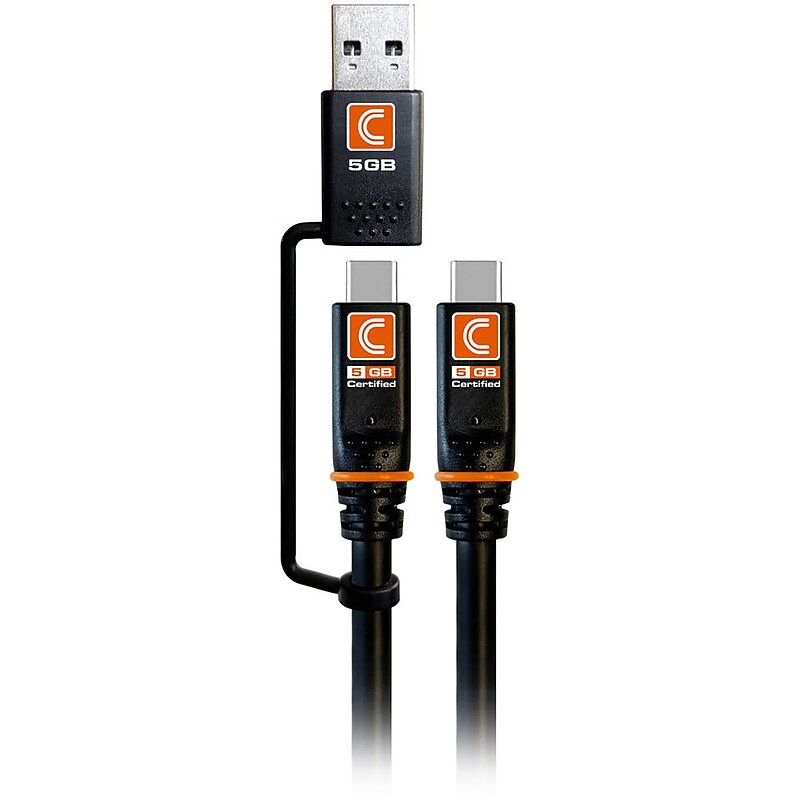
Works as a USB-A to USB-C or USB-A to USB-C Cable Comprehensive Pro AV/IT Integrator Series Transformer cables are designed to meet your most common USB-C needs in one cable. Simply use the attached USB-A connector to transform this cable anytime you need to connect different equipment. Supports SuperSpeed 5Gbps Data Transfer This cable supports data speeds of up to 5 Gb/s between your host computer and the USB-equipped devices. That is up to 20 times faster than USB 2.0 cables..Designed for data transfer and charging, this cable connects USB‑C devices to USB‑C or USB‑A ports..Measures 10 ft for extended connectivity in AV/IT environments..Features a USB‑C male (24‑pin) to USB‑C male (24‑pin) connection with an integrated USB‑A male (4‑pin) option..Constructed with high‑quality copper conductors, a durable Pro AV/IT jacket, and finished in black..Supports USB 3.1 Gen 1 (5 Gb/s) data transfer speeds and device charging..Works with computers, smartphones, tablets, and external storage devices..RoHS compliant, ensuring restricted use of hazardous materials in electronics..Backed by a Limited Lifetime warranty.
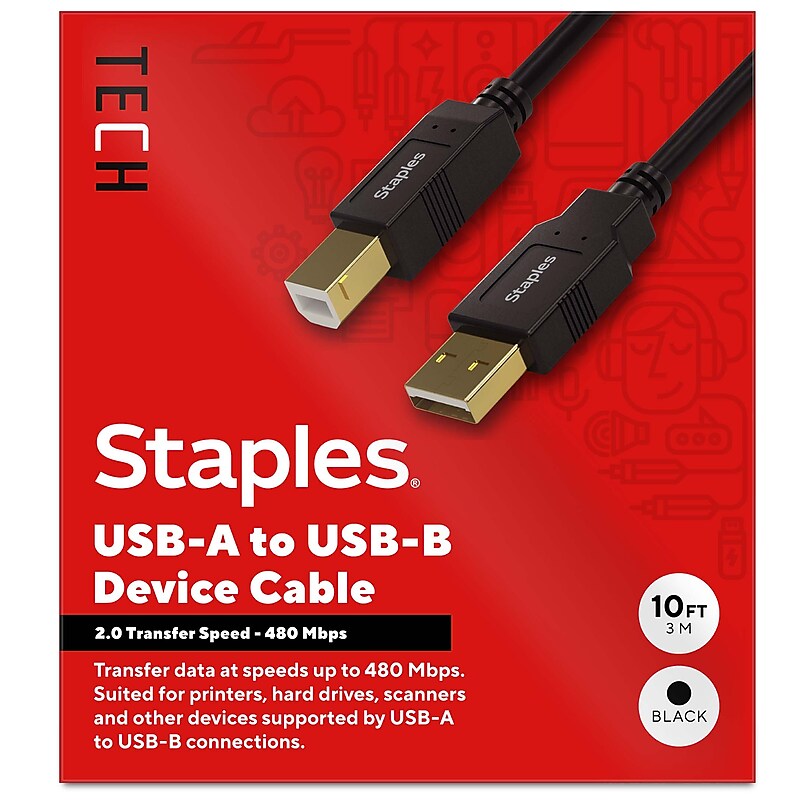
Connect peripheral devices like printers, copiers, external drivers and more with the Staples TECH USB-A to USB-B cable. The 10-foot cord offers ample length to connect devices across your work space, and the USB 2.0 boasts fast data transfer speeds up to 480 Mbps. Keep your workday running smoothly with the Staples TECH USB-A to USB-B cable. Backed by Staples Brands 100% satisfaction guarantee, or your money back..USB 2.0 supports data transfers speeds up to 480 Mbps.10 foot cord length.USB-A to USB-B.Universal compatibility.Comes in black.Backed by Staples Brands 100% Satisfaction Money Back Guarantee.Connect printers, copiers and external drives to your PC with this Staples TECH USB-A to USB-B cable.
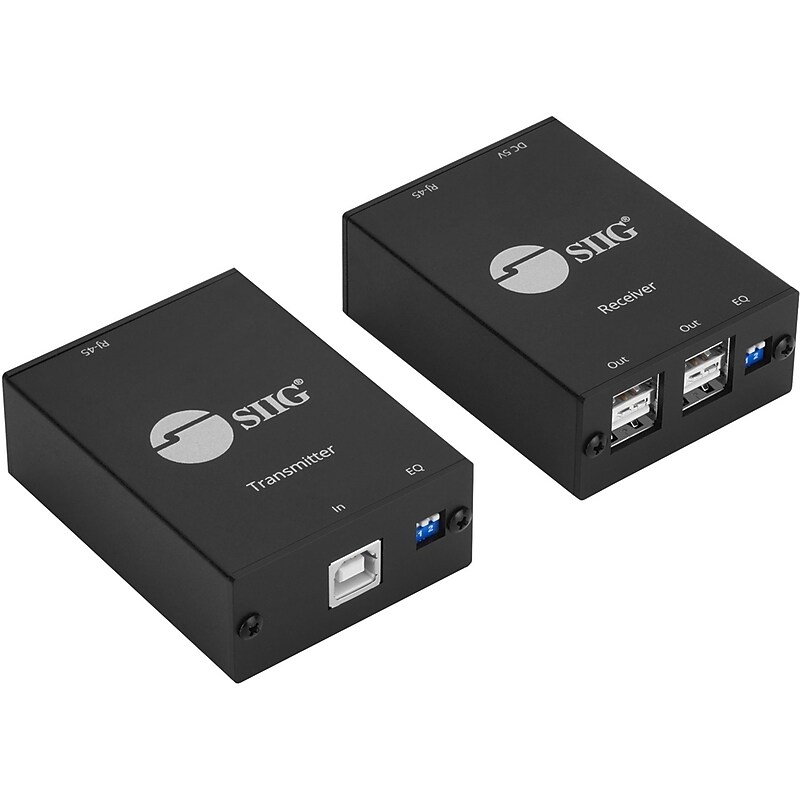
Extend USB 2.0 connectivity up to 264 ft (80 m) over a single Cat6 cable to reach distant peripherals. Connect up to four devices-printers, cameras, storage, and more-with plug‑and‑play setup and metal housings for dependable performance..Extends USB 2.0 up to 80 m over Cat6..Supports four USB peripherals at the remote end..Plug‑and‑play with hot‑swap support; no drivers..Metal housing improves cooling and shielding.
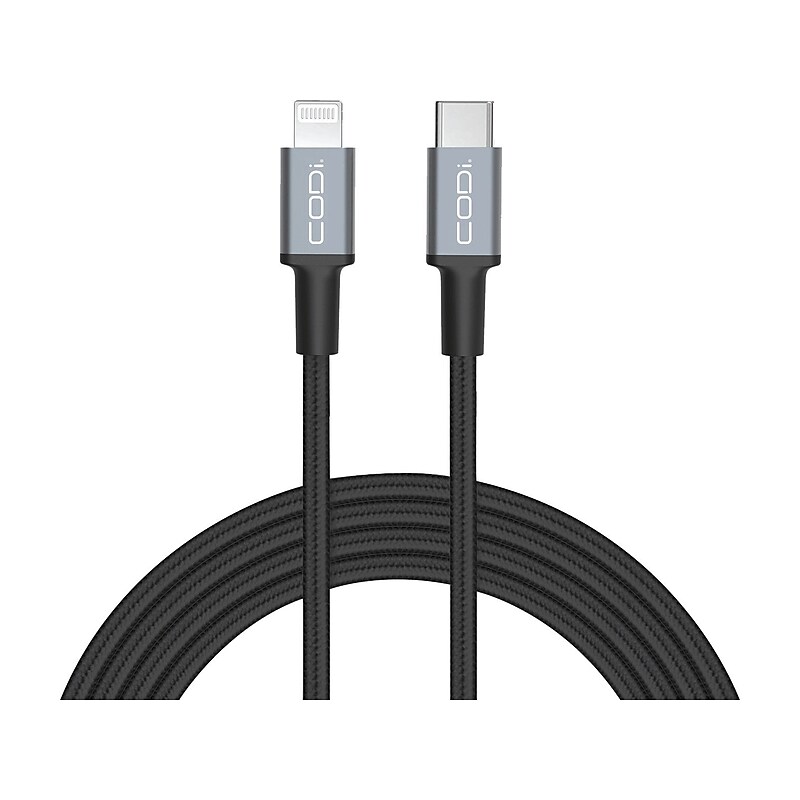
Easily reach your device with this CODi 6' USB-A to USB-C cable. Lightweight and portable, it can go wherever you and your device go. This cable is made with durable braided nylon to help extend the life of the cable while also keeping it from tangling easily. Along with its nylon casing, this cable features reinforced cable connectors/connections and aluminum housings to ensure your charging cable will be ready to charge when you need it, in any environment..Easily connect your device with this 6' USB Type-A to USB Type-C cable.Cable length is 6 ft..Compatible with fast charging devices.MFI-certified.Durable woven nylon cable deters tangling.Aluminum housings for long-lasting use.1-year manufacturer limited warranty
The Comprehensive® 15' USB 2.0 type A male to USB 2.0 type A female data transfer cable offers digital signal transmission rates of up to 480 Mbps. It is perfect to connect computers and peripherals such as printers, scanners, keyboards, mice and other digital devices with USB connectors. It features premium shielded twisted pair construction for improved signal transfer and plug-and-play functionality for ease of use. Cable featuring molded strain relief, is backward compatible with USB 1.0 and 1.1..Black data transfer cable easily connects computers and peripherals such as printers, scanners, cameras, keyboards, mice and other digital devices.Cable length: 15'.Connections: USB.USB 2.0 interface for connectivity.Terminal 1: one USB 2.0 type A male.Terminal 2: one USB 2.0 type A female.Compatible with PC and Mac.Conductor: 28 AWG tinned copper, Jacket: PVC, Connector finish: Nickel.Shielding: 65 percent braid.Data transfer rate: 480 Mbps high speed.Plug and play functionality ensures hassle-free use with printers, scanners, keyboards and other digital devices.Molded strain relief for longer life.RoHS Compliant.Weight: 0.35 lbs..Comes with lifetime warranty
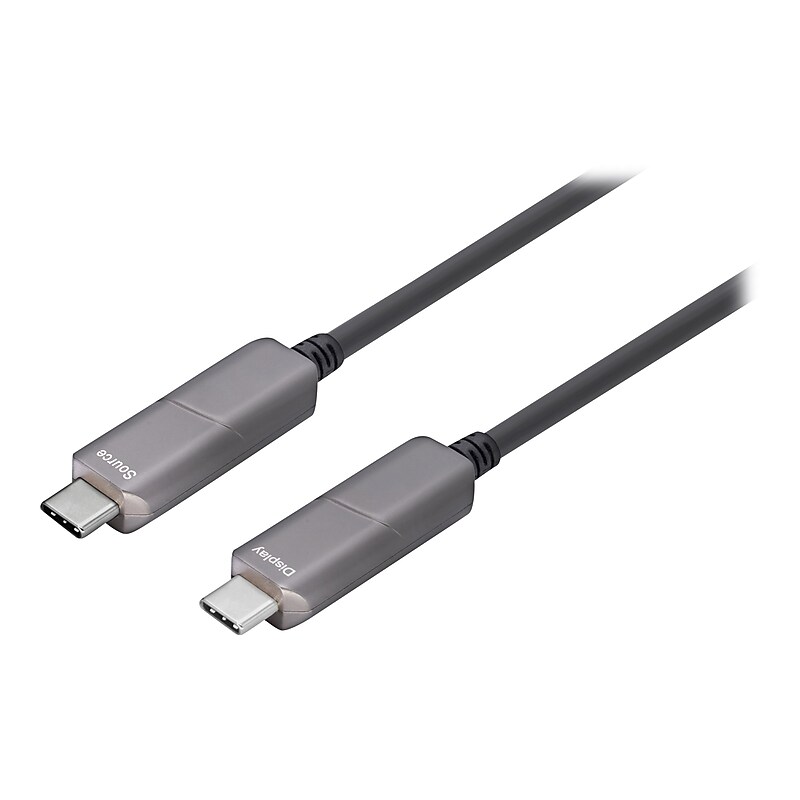
Upgrade your visual display capabilities with 4XEM's Fiber USB-C cables. Able to support resolution transport up to 4K@60Hz this cable is a premier device to improve your displays. The USB-C connector enables increased ease of use, there is no longer a right and wrong way to connect a USB since the USB-C is completely reversible. At 45 meters in length this cable can fit into most any set-up without worrying about stretching your connections. High speed video is much easier to obtain thanks to devices like 4XEM's Fiber USB-C cable. Upgrading your displays has never been an easier task with 4XEM's Fiber USB-C cables..This cable is perfect for connecting your usb compatible devices.Cable length: 147.64'.USB Type-C (24-pin) to USB Type-C (24-pin) connectors.21/28/30AWG black cable with aluminum jacket.Features: active cable, halogen-free, 1080p support, Unidirectional, 4K60Hz support, HBR2 support, Chipset Germany Silicon Line, and 21.6 Gbps data rate.Compatible with your computer.Meets or exceeds DisplayPort 1.2 and Plug and Play standards.1-year manufacturer limited warranty
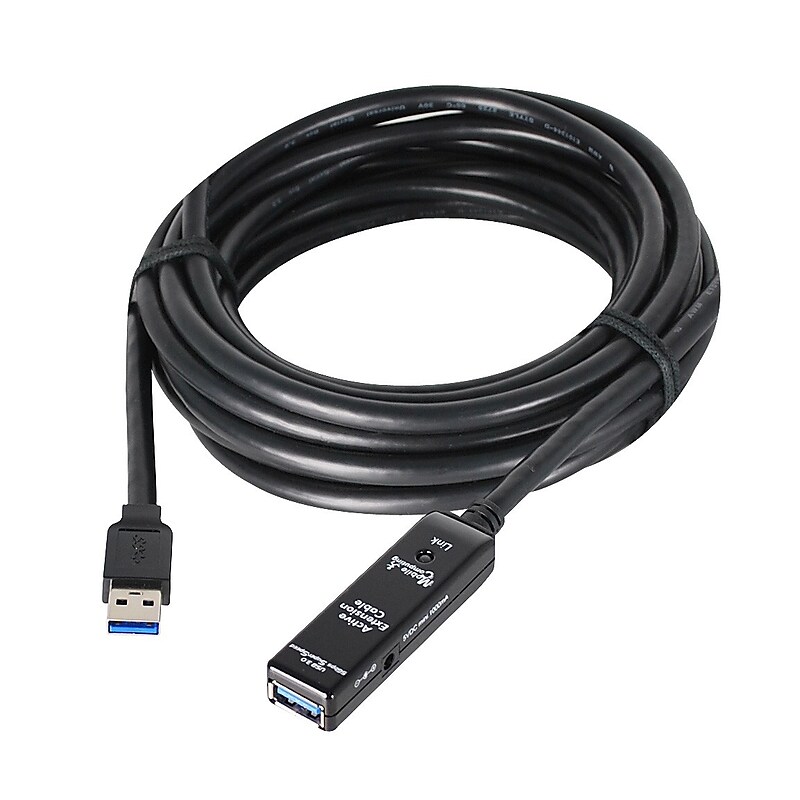
Measuring 49' / 15 m long, this male-to-female cable adheres to USB 3.0 standards, offering users transfer speeds of up to 5 Gb/s. If needed, users can also daisy-chain up to two of these cables for even longer distances..USB 3.0 Type-A Male to Female Active Repeater Cable.Input Details: 100-240VAC, 0.5A.Output Details: 5V, 2.0A.Cable Length: 49 ft (15 m).Connector Gender: Male to Female.Audio/Video/Data Features: Extend Your USB Connection.WARNING: This product can expose you to chemicals including Lead, which is known to the State of California to cause cancer and birth defects or other reproductive harm. For more information go to www.P65Warnings.ca.gov..Bring your USB devices where you need them with the SIIG USB 3.0 Type-A, Male to Female Active Repeater Cable.
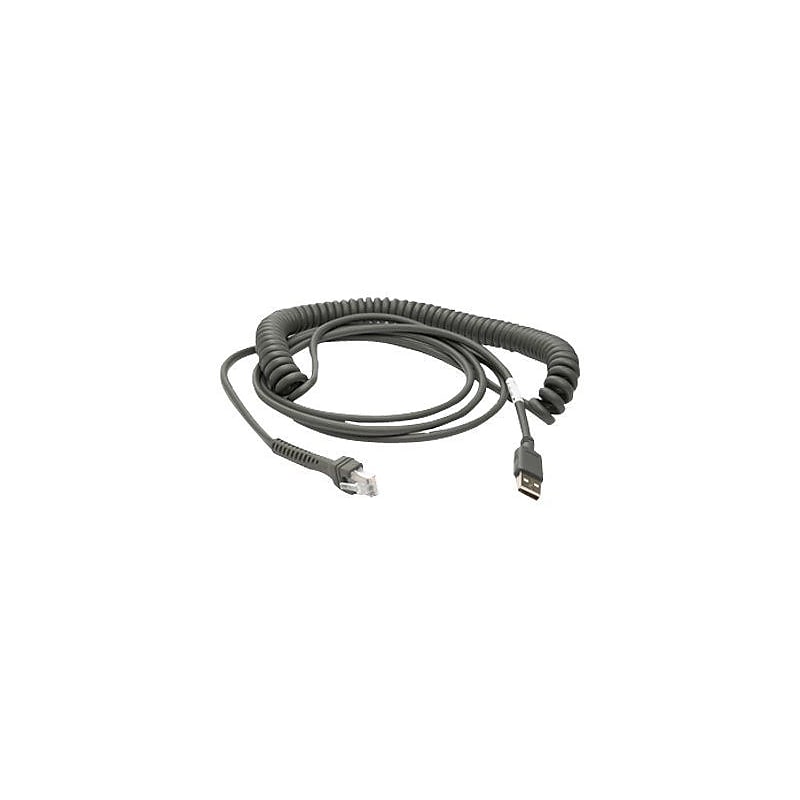
Extend the reach of your hand-held scanner using this Motorola USB cable. The universal connector on the cable works with almost any scanner, while the 15-foot cord provides plenty of length for forays into hard-to-reach areas. This is an ideal accessory for scanners used in retail and inventory environments..USB cable.Cable length: 15'.Color: Gray.4 pin USB type A connector.Copper conductor.Standards: RoHS compliance.For all handheld scanners.Motorola USB Cable - Universal Cable
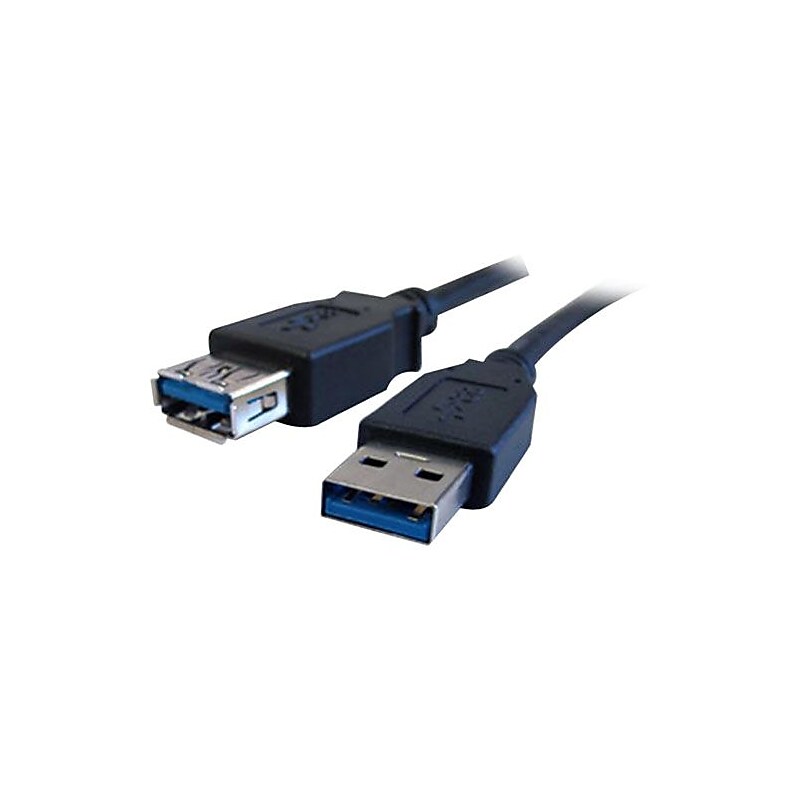
USB 3.0 data transfer cable can be used with various devices..USB 3.0 data transfer cable can be used with various devices.15' length for easy access.Male to female structure connects without any separate adapter.Can be used to move media files and other data to your laptop at the rate of 4.8 Gbps.PVC Xtraflex jacket for added durability.Compatible with PC and MAC.Offers enhanced connectivity with its 2 terminals.Compliant Standard: RoHS.Comes with a limited lifetime warranty
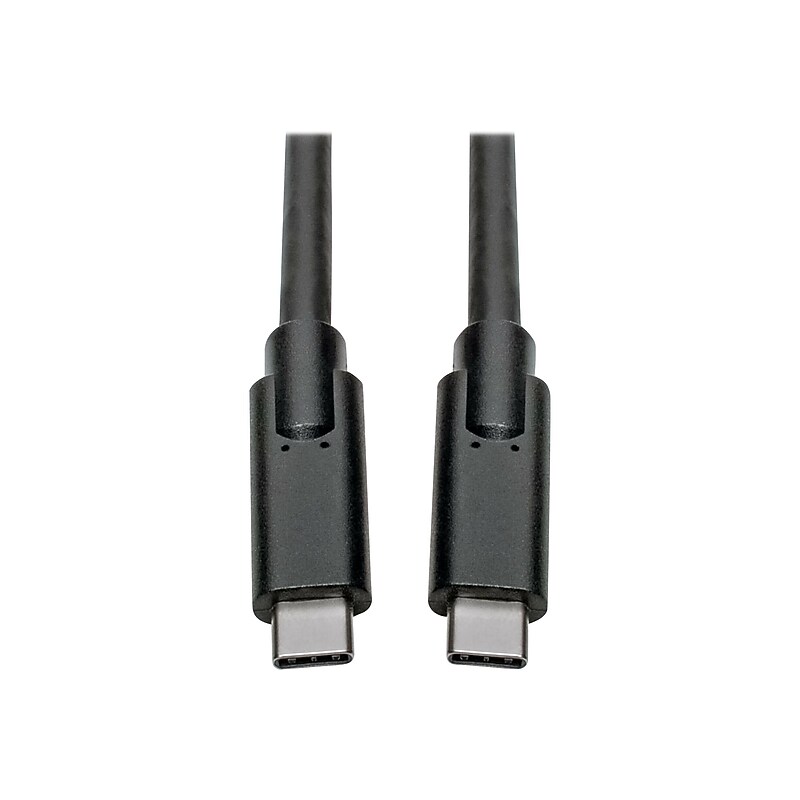
This 10-foot USB Type-C to Type-C cable allows you to connect one USB-C device to another. For instance, a laptop to a docking station, your smartphone to a wall charger, or a hard drive or flash drive to a computer or tablet. It is compatible with any device with a USB-C or Thunderbolt 3 port, including MacBooks, Ultrabooks and Chromebooks. The USB-C to C cable supports USB 3.1 Gen 1 data transfer rates up to 5 Gbps, which is 10 times faster than USB 2.0. The Power Delivery cable also provides power output up to 3 amps (60 watts), which is more than sufficient for charging, syncing and powering compatible devices. The USB Type-C to USB Type-C cable is backward compatible with previous USB generations, allowing you to use it with older equipment. Unlike traditional USB cables that connect in only one direction, the reversible USB-C male connectors plug into a USB-C or Thunderbolt 3 port in either direction for a fumble-free connection every time..This cable is perfect for connecting your USB compatible devices.Cable length: 10'.USB Type-C (24-pin) to USB Type-C (24-pin) connectors.34AWG black cable with PVC jacket to protect this cable from environmental factors.Cable data transfer rate : 5000Mbps.Compatible with your computer.Meets or exceeds VW-1, RoHS, REACH, FCC, and USB 3.1 Gen 1 / Thunderbolt three standards.3-year manufacturer limited warranty
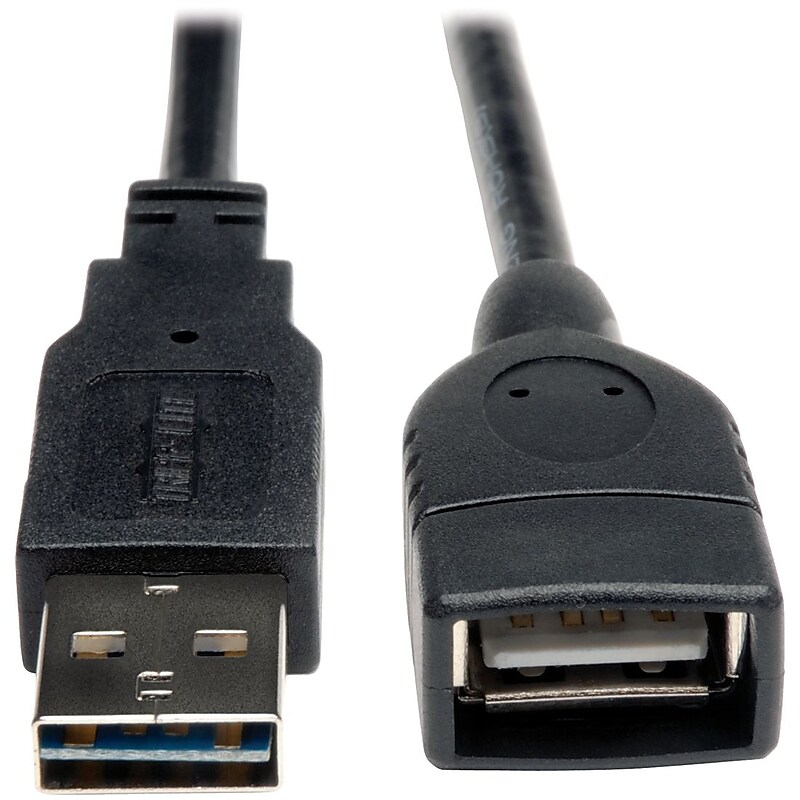
Set up your USB devices conveniently with the Tripp Lite USB 2.0 Extension Cable that offers the necessary extra length. Its first end has a Type A Male USB connector and the second end has a Type A Female USB connector for linking devices. For optimal signal transfer and enhanced durability, this USB cable has corrosion-resistant nickel-plated connectors. It is constructed with a gold-plated copper conductor that assures improved electrical conductivity and a dependable performance..6' length for extra coverage.Male to female design eliminates the need of any separate adapter.Allows you to transfer music, videos and other media content at the rate of 480 Mbps.PVC jacket for added durability.Compatible with PDA, cellular phone, camera.Offers enhanced connectivity with its 2 terminals.Compliant Standard: RoHS.Comes with a limited lifetime warranty.The Tripp Lite 6' USB 2.0 Male to Female Extension Cable, Black is a reliable option to extend USB signals over longer distances without any signal loss.
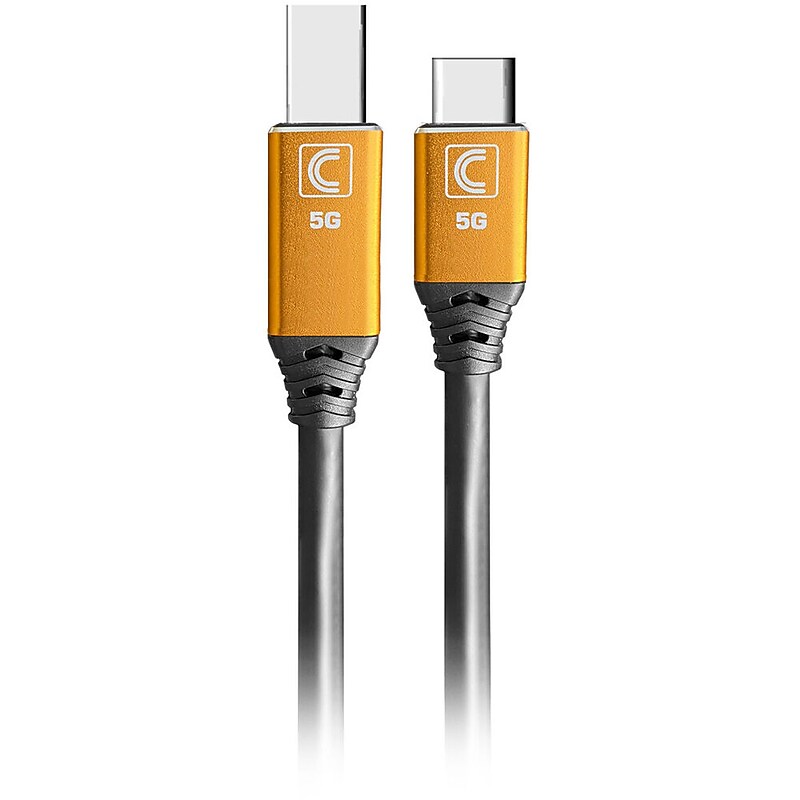
Improved Performance and Reliability Compared to Standard Cables Specialist Series™ Cables are specifically made for the day to day demands in enterprise, education and other commercial environments and are up to 2X more durable than Standard cables. Specialist Series™ Cables use superior components through-out including copper and aluminum shielding, a specially formulated PVC jacket, enhanced strain relief and a durable machined aluminum (or ABS) connector head for high performance and to ensure that your AV/IT set up is always up and running..Designed for data transfer between USB‑B peripherals and USB‑C hosts in professional AV/IT environments..Measures 10 ft for extended connectivity..Features USB 3.0 Type‑B Male (9 pins) to USB 3.0 Type‑C Male (24 pins)..Built with 28 AWG copper conductors, a durable PVC jacket, and finished in black..Supports SuperSpeed USB 3.0 data transfer up to 5 Gb/s..Compatible with printers, scanners, external drives, and USB‑C laptops or tablets..RoHS compliant, ensuring restricted use of hazardous materials in electronics..Backed by a Lifetime warranty.
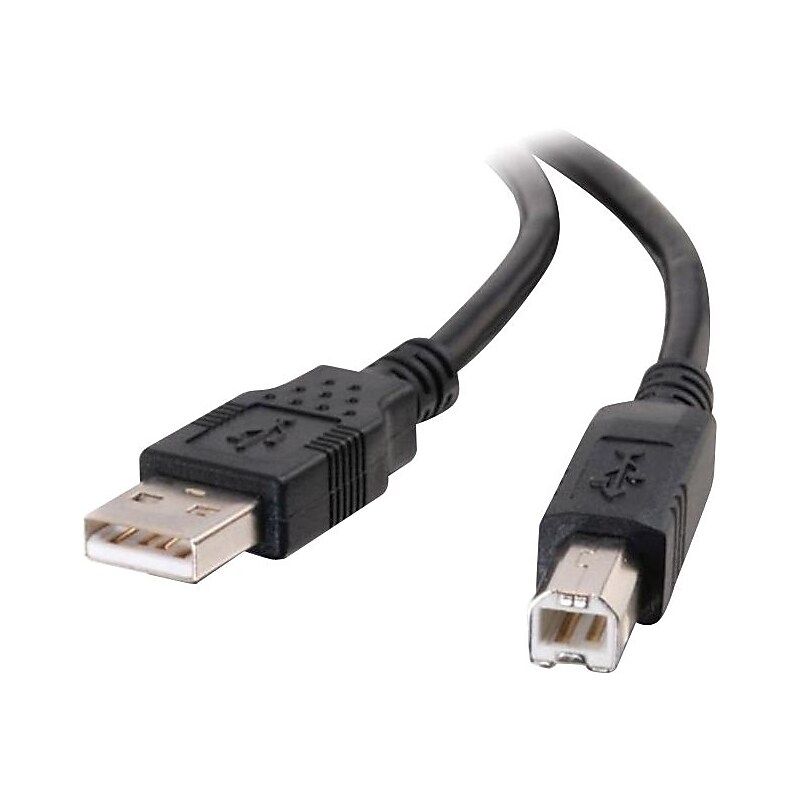
A/B USB cable..Type A Male USB.Type B Male USB.9.84ft.Black
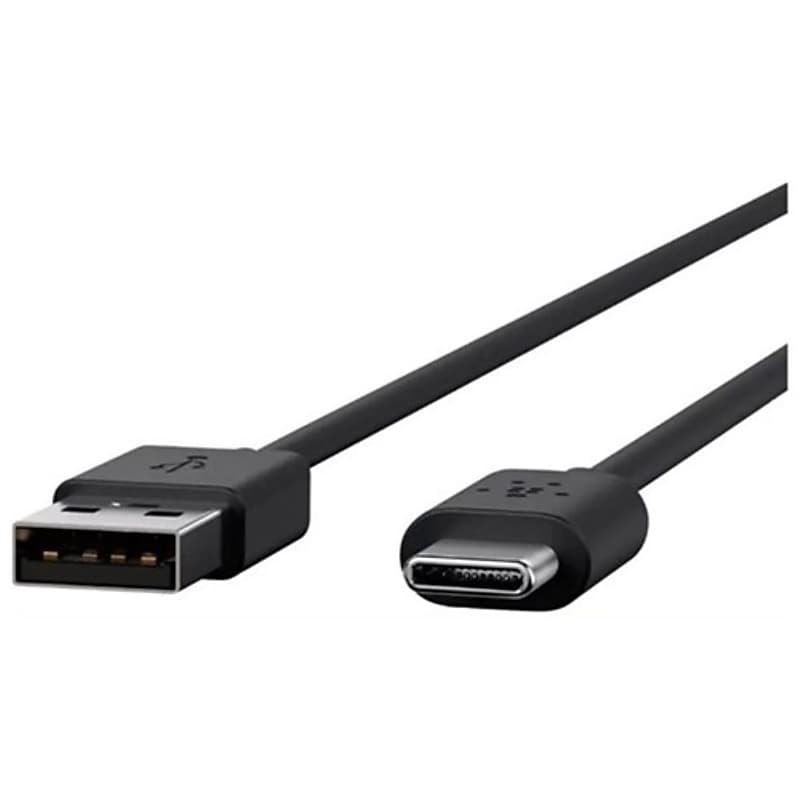
The Poly USB 2.0 Cable is appreciated for its cost-effectiveness and ease of use but criticized for its limited speed and shorter cable length. It remains a viable option for basic applications but may not meet the needs of users requiring faster data transfer..Poly USB Type A Male USB Type C Male Cable.16.40 ft USB Type-A Male to USB Type-C Male cable provides extended reach for charging and data transfer between compatible devices..USB Type-A Male to USB Type-C Male cable is a versatile connector used to link devices with traditional USB-A ports—like computers or wall chargers.This 5-metre USB Type-A Male to USB Type-C Male cable is suitable for basic applications such as standard charging and low-speed data transfer.USB Type-A Male to USB Type-C Male cable features a tangle-free design.1 Year Limited Warranty
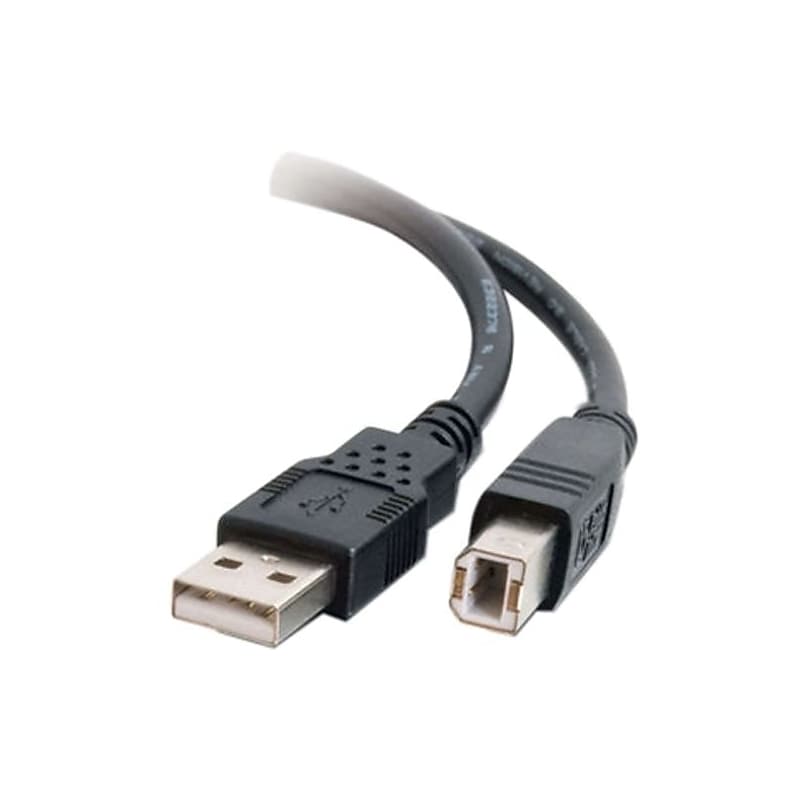
The C2G Cables to Go (28104) is a 16.4 ft. USB 2.0 A/B high performance cable designed to connect USB Type A (standard USB) to USB Type B (commonly found on printers and scanners), making it perfect for linking various peripherals to your computer or USB hub. With a data transfer rate of up to 480 Mbps, this cable ensures fast and efficient data transmission. Its fully molded connectors provide excellent strain relief for long-lasting performance, while foil and braid shielding reduce EMI/RFI interference, maintaining signal integrity. Constructed with twisted pair technology to minimize crosstalk interference, and made from high-quality materials including a PVC jacket and 24 AWG wire gauge, this cable is compatible with various operating systems such as Windows, Mac, and Linux. Ideal for home office setups, professional environments, or everyday use, the C2G Cables to Go (28104) offers extended reach and robust construction for reliable connectivity..Versatile USB Cable: Connects USB Type A (standard USB) to USB Type B (commonly found on printers and scanners) – Perfect for linking various peripherals to your computer or USB hub..Length: 16.4 feet (5 meters) – Ideal for setups requiring extended reach..Data Transfer Rate: Up to 480 Mbps – Ensures fast and efficient data transmission..Durability: Fully molded connectors provide excellent strain relief, ensuring long-lasting performance..Shielding: Foil and braid shielding reduce EMI/RFI interference, maintaining signal integrity..Construction: Twisted pair construction minimizes crosstalk interference for reliable connectivity..Quality: Made with high-quality materials including a PVC jacket and 24 AWG wire gauge for durability and performance..Compatibility: Works seamlessly with various operating systems including Windows, Mac, and Linux.
The C2G Cables to Go (28104) is a 16.4 ft. USB 2.0 A/B high performance cable designed to connect USB Type A (standard USB) to USB Type B (commonly found on printers and scanners), making it perfect for linking various peripherals to your computer or USB hub. With a data transfer rate of up to 480 Mbps, this cable ensures fast and efficient data transmission. Its fully molded connectors provide excellent strain relief for long-lasting performance, while foil and braid shielding reduce EMI/RFI interference, maintaining signal integrity. Constructed with twisted pair technology to minimize crosstalk interference, and made from high-quality materials including a PVC jacket and 24 AWG wire gauge, this cable is compatible with various operating systems such as Windows, Mac, and Linux. Ideal for home office setups, professional environments, or everyday use, the C2G Cables to Go (28104) offers extended reach and robust construction for reliable connectivity..Versatile USB Cable: Connects USB Type A (standard USB) to USB Type B (commonly found on printers and scanners) – Perfect for linking various peripherals to your computer or USB hub..Length: 16.4 feet (5 meters) – Ideal for setups requiring extended reach..Data Transfer Rate: Up to 480 Mbps – Ensures fast and efficient data transmission..Durability: Fully molded connectors provide excellent strain relief, ensuring long-lasting performance..Shielding: Foil and braid shielding reduce EMI/RFI interference, maintaining signal integrity..Construction: Twisted pair construction minimizes crosstalk interference for reliable connectivity..Quality: Made with high-quality materials including a PVC jacket and 24 AWG wire gauge for durability and performance..Compatibility: Works seamlessly with various operating systems including Windows, Mac, and Linux.
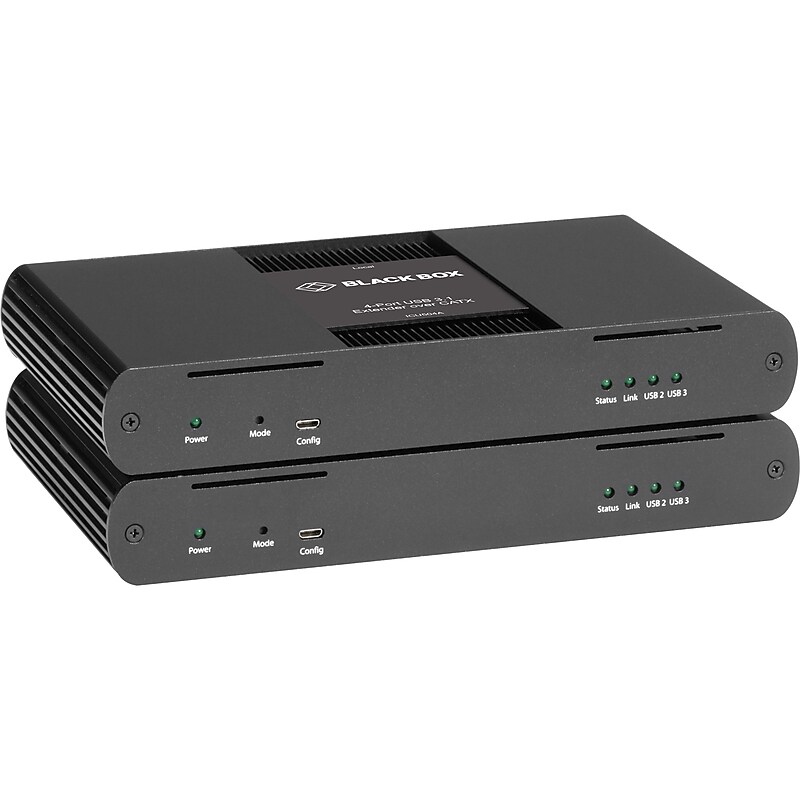
Industry-first USB 3, 2 and 1 extender Extend all your USB devices. This USB Extender provides the ability to connect all USB 3.1 Gen 1 (5 Gbps) device types and is backward compatible with USB 2.0 and 1.1. This unique solution is the only USB extender capable of CAT X 3.0 extension. Great extension length Get your USB connections where they need to go. This USB 3.1 Extender extends up to 100 meters over CAT6A/7 cable. Faster than any other USB extender Never worry about slow USB transfer speeds again. This USB 3.1 Extender provides USB speeds 10x faster than any other USB 2 extender on the market. This makes large file and multiple file transfers significantly faster, saving you valuable time. Additionally, these hyper-fast USB transfer speeds mean superior support for USB 3 cameras. Leverage your existing network infrastructureThe USB Extender features an Ethernet side channel that lets you use your existing network infrastructure without having to run additional dedicated cable. Also, it allows users to connect Ethernet capabilities of devices through the extender without running a separate cable, making it perfect for PTZ applications..Works with all major operating systems: Windows®, macOS™, Linux® and Chrome OS™.100/1000-Mbps Ethernet side channel; LAN pass-through.True plug-and-play; no software drivers required.Extends up to 100m over CAT6A and CAT7

With up to 15x the reach of ordinary USB 3.x cables, Logitech Strong USB lets you separate USB peripherals and a host PC by up to 45 meters. These active optical cables are plenum-rated and Eca certified for commercial installation in walls, above ceilings, through raceways, and within standard 19 mm conduit..This cable is perfect for connecting your usb compatible devices.Cable length: 16.4'.Comes in black.Meets or exceeds USB / USB 2.0 standard
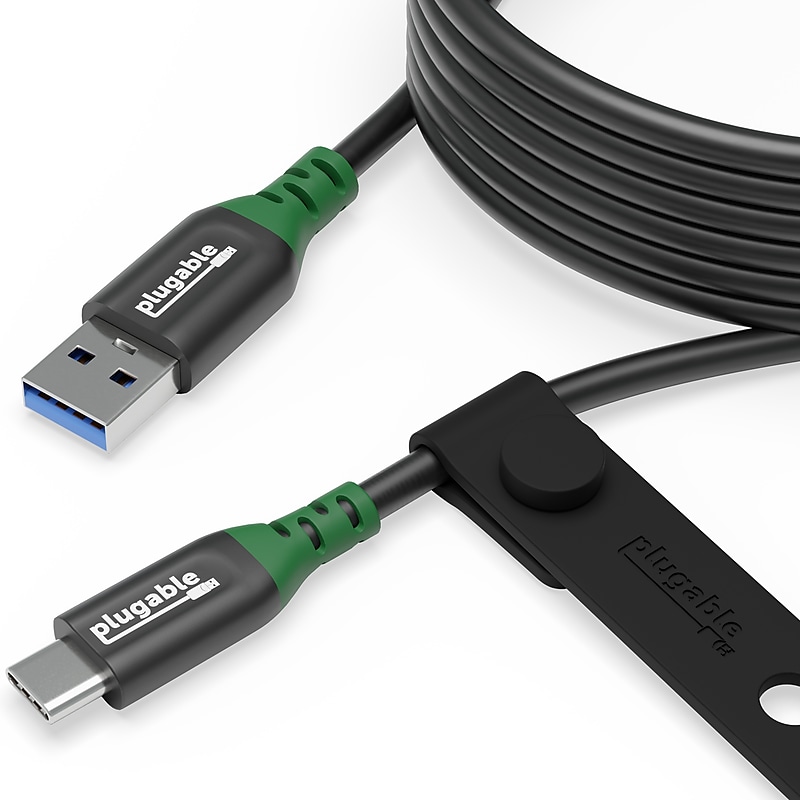
The Plugable USB-C to USB-A 6ft (2M) Cable (USBC-A2M) is the standard for professional-grade connectivity. But how important is a “professional grade” cord? More than you might think. Connecting two devices is only as efficient as the weakest link in the chain. A low-quality cable will severely limit compatibility, the flow of data, and power between the linked devices. Even something as simple as charging your phone can be slowed by a low-quality cable. That’s where the USBC-A2M stands out from the crowd. The USBC-A2M is designed to bridge the gap between modern technology and legacy ports. This 6ft cable offers the length required for flexible setups. With transfer speeds up to 5Gbps (USB 3.2 Gen 1), you can expect reliable data transfer and charging.This M/M USB cable has been engineered for universal connectivity. It seamlessly connects the latest Thunderbolt, USB4, and USB-C-equipped smartphones, tablets, and laptops to older USB-A ports. Its durable design and integrated cable management mean it’ll withstand the wear and tear of the commute, and its sustainable packaging means the cord will last for years, not the box..USB-C to USB-A - Plugable's 6ft (2M) USB C to USB A Cable offers SuperSpeed 5Gbps speeds (USB 3.2), USB compatibility means you can connect USB-A and USB-C devices, durable silicone cable management strap included.USB-C Adapter - Bridge the gap between legacy USB-A ports and modern USB-C devices with the Plugable charging cable and data cable. Ideal for connecting peripherals to the latest smartphones, tablets, and laptops, or connecting a USB-C device to a USB port on your laptop.Long Distance Connection - This 6ft (2M) USB Type A to Type C cable enables flexible setups. Ideal when charging and data ports are on the other end of the desk or behind furniture.Universal Compatibility - 2M USB cable works with iPhone 15, Android phones, laptops, and chargers that feature a USB-C or USB port. Use cases include charging newer USB-C phones and devices with older USB-A chargers, and connecting legacy USB-A peripherals with modern laptops.Support and 2-Year Warranty - Every Plugable product, including this 6ft USB cable, is covered by a 2-year limited parts and labor warranty. And, if you ever have questions, contact our Seattle-based support team – even before purchase
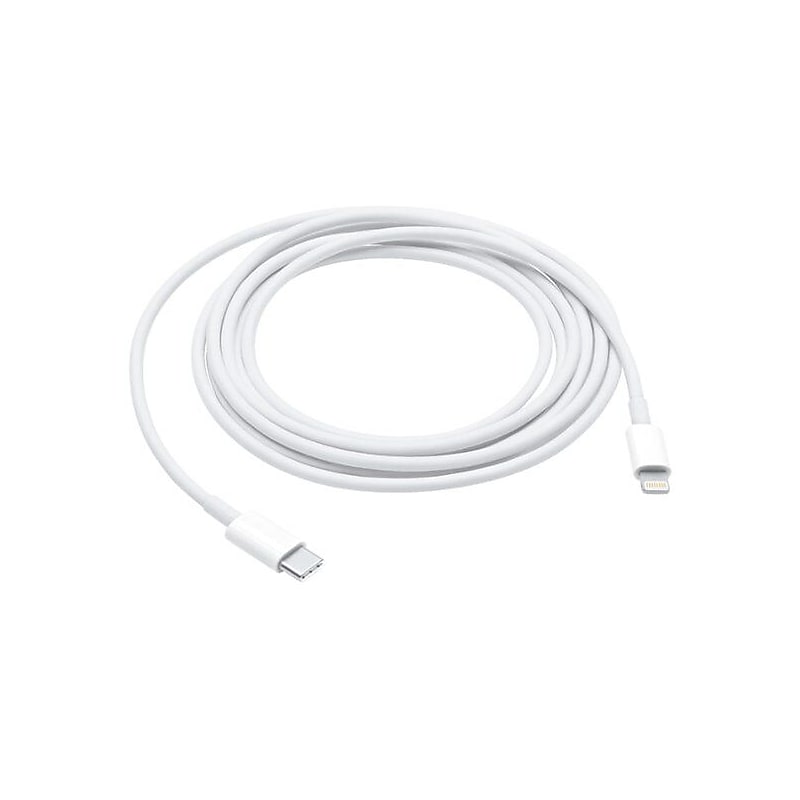
The Apple Lightning to USB-C Charging Cable is a premium solution for seamless charging and data transfer across your Apple devices. With its generous 6.6 ft. length and sturdy design, this cable ensures convenience and reliability for home, office, or travel use. Featuring a Lightning connector and USB-C interface, it supports fast charging when paired with a compatible adapter..Fast Charging Support: Enables quick power delivery when used with a compatible USB-C power adapter..6.6 ft. Length: Offers extended reach for versatile usage in various setups..Durable Design: Crafted for long-lasting performance and resistance to daily wear..Versatile Compatibility: Connects Lightning devices to USB-C chargers or ports effortlessly..Seamless Data Transfer: Reliable cable for syncing files, photos, and more with ease.