High Resolution Webcams for PC
98 results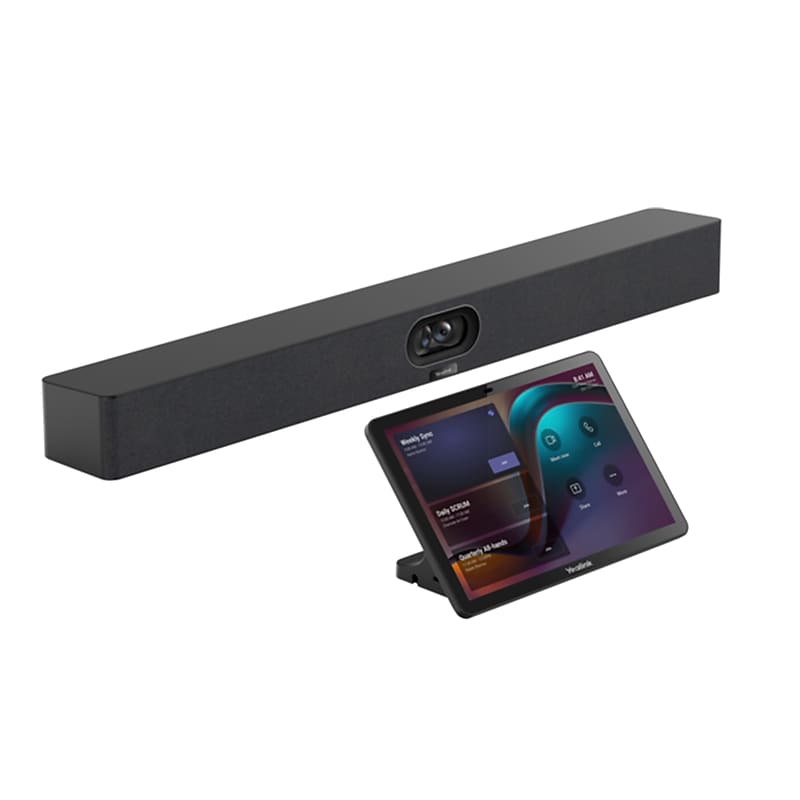
The Yealink MeetingBar A40 is a premium all-in-one collaboration solution designed for small to medium conference spaces. The dual-camera system captures two 48 MP images to create a clear, high-definition picture. It features 2 built-in stereo speakers, an 8 x MEMS microphone array and support for 2 additional expansion microphones..Features dual 48-megapixel cameras and supports a maximum resolution of 4K Ultra HD (3840 × 2160 pixels) for both people and content..Featuring an 8 MEMS microphone array with a pickup range of up to 6 meters for high-quality audio, the device also includes built-in stereo speakers that deliver crisp and immersive sound for all participants..MeetingBar A40: 2.68 inches in height, 23.62 inches in width and 3.23 inches in depth. CTP25 Touch Console: 0.55 inches in height, 10.12 inches in width and 6.93 inches in depth..Offering several connectivity options, it includes USB Type-C for PCs and devices, HDMI for video output, Ethernet for network connectivity, Bluetooth and Wi-Fi for wireless connections, and a single Cat5e cable from the bar providing power and network connectivity to the touch console..Including the required software, such as Yealink USB Connect, it allows users to easily manage and personalize their Yealink devices, ensuring hardware is up to date and providing access to the latest features..It comes with a 2 years limited warranty..WARNING: Cancer and Reproductive Harm - www.P65Warnings.ca.gov
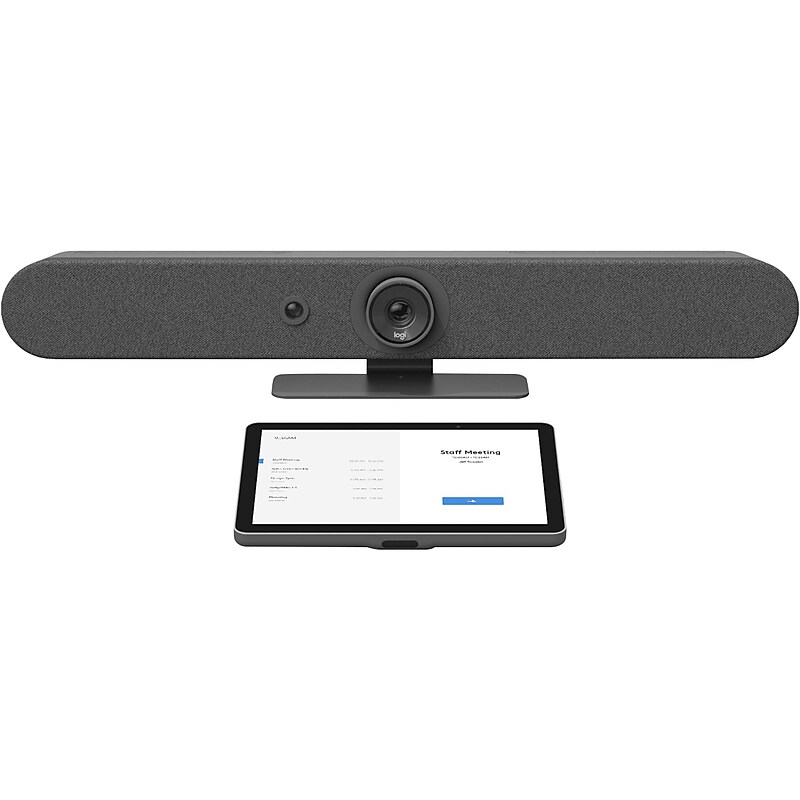
Add video conferencing to any small meeting or huddle room with this universal video conferencing appliance kit featuring the all-in-one Rally Bar Mini and the 10.1" Tap IP touch controller. Leverage the built-in compute to run video conferencing applications directly on the device. Logitech Rally Bar Mini features a 4K-capable camera with motorized pan and tilt, three room-filling speakers, and a sensitive microphone array, all in a sleek enclosure with integrated cable management. Available wall and TV mounts offer versatile installation options for rooms and mobile carts. With a 10.1" touch display, Logitech Tap IP delivers an easy user experience that's always ready for the next meeting. Set up your room for leading video conferencing platforms, including Zoom Rooms, RingCentral, Microsoft Teams on Android, and others..Supports 4K, 1440p, 1080p, 900p, 720p, and SD resolutions at 30 fps.High-performance drivers, adaptive six beamforming mics, and a patented anti-vibration enclosure combine rich sound with exquisite sensitivity up to 15'.Dimensions: 3.6"H x 28.32"W x 3.98"D.Contains: 2 x HDMI-out, 1 x HDMI-in, 3 x USB Type-A, 1 x USB Type-C, and 1 x 10/100Mbps Ethernet ports.Supports compatible video conferencing software in appliance mode (no PC required), including Microsoft Teams Rooms, Zoom Rooms, RingCentral Meetings Rooms.4K-capable motorized pan/tilt lens provides expansive 163-degree horizontal and 110-degree vertical room coverage for comfortable framing, even when people sit close to the camera.Meetings start with just one touch with Tap IP, a network-connected touch controller that's easy to use and simple to set up.Route cables from above or below: thoughtful cable management hides cable clutter and keeps connections tight.Monitor, manage, and get business insights into how your rooms are being used with Logitech Sync.All-in-one enclosure with integrated table stand and patented speaker suspension system.Six omnidirectional digital MEMS microphones forming five adaptive acoustic broadside beams.Box contains: mini video bar, power supply, cables, lens caps, remote control, user documentation, Logitech Tap IP touch controller, VESA mounting screws (four pcs.), microfiber cloth, and documentation.2-year manufacturer limited warranty