IPS Monitors for Video Editing
97 results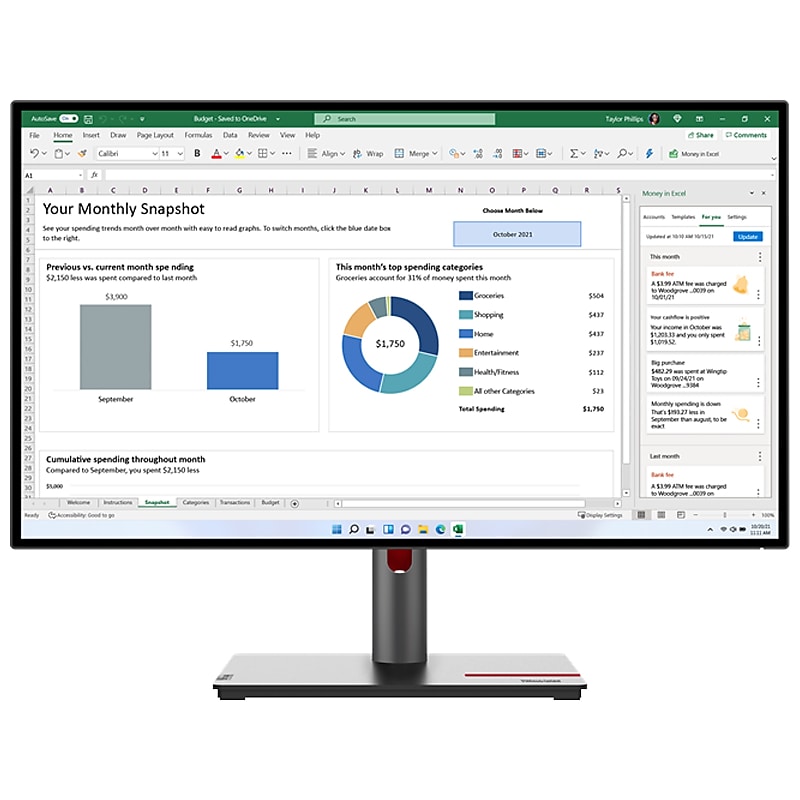
Multitasking is in its genes. Designed for brilliance, inside and out, perfect for high performers and multitaskers, the Lenovo ThinkVision P27h-30 monitor is simply brilliant any which way you look at it. Its 27" 2560 x 1440 QHD resolution IPS display provides sharp, precise images with wide-viewing angles. Its 4-side NearEdgeless design gives you a sleek, large screen with an excellent contrast ratio. The ThinkVision P27h-30 makes for a dynamic, vibrant visual experience and offers 99% sRGB, 95% DCI-P3, and 99% BT.709; together with Avg. Delta E<2 color accuracy. Not just that, the monitor also supports HDR10 for enhanced viewing experiences. Features like the Natural Low Blue Light technology and a fully adjustable stand help you get a relaxed ergonomics and a strain-free viewing experience without color distortion. Its one-cable connectivity gives you an efficient USB-C docking station-based clutter-free system. It allows you to multitask by seamlessly plugging in multiple devices, including multiple screens with daisy chain (DP output), ethernet connectivity, power charging (up to 100W) and more, in addition to boosting productivity with PiP (picture in picture), PbP (picture by picture) and KVM (keyboard, video, mouse) switch. Further, it is TCO 9.0 certified and is boxed using paper with pulp cushion. Making this monitor as environment conscious as you are. A brilliant performer and an effortless multitasker, the ThinkVision P27h-30 monitor is just like you, in more ways than one..This 27" monitor is perfect for high performers and multitaskers, and simply brilliant any which way you look at it.IPS display provides sharp, precise images with wide-viewing angles.The monitor's large QHD (2560 x 1440) resolution display delivers unmatched clarity and an excellent contrast ratio so that your eyes never miss a detail.Features 1 x USB Type-C (DP 1.4 32.4 Gbps for 4 x lanes Alt mode), 1 x HDMI, 1 x DP 1.4, 1 x DP out, 1 x audio out (3.5 mm), 1 x RJ45, 2 x USB 3.2 Gen 1 (1 x by USB Type-C, 1 x by USB Type-B) (upstream); 5 x USB 3.2 Gen 1 (4 x USB Type-A, 1 x USB Type-C2 with 15W Power Delivery) (downstream) ports.16:9 aspect ratio enables wide-screen viewing.Supports 1.07 billion colors (10-bit (8-bit plus FRC)) for vivid visuals.Viewing angle: 178 degrees horizontal, 178 degrees vertical.Weight: 15.4 lbs. (with stand), 10.8 lbs. (without stand).Box contains: monitor with stand, DP cable, USB Type-C Gen 2 cable, USB Type-A to Type-B cable, factory calibration report, quick setup guide.Meets or exceeds the ENERGY STAR, TCO 9.0, CCC, TCO Edge 2.0, EPEAT Gold, Volatile Organic Compound Certification, China Energy Efficiency Grade 2, TUV Rheinland Eye Comfort, TUV Low Blue Light and RoHS (2011/65/EU) standards.Its 4-side NearEdgeless design gives you a sleek, large screen with an excellent contrast ratio.Features like the Natural Low Blue Light technology and a fully adjustable stand help you get a relaxed ergonomics and a strain-free viewing experience without color distortion.With the monitor's elaborate USB-C docking, the possibilities for connectivity are endless, its one-cable solution provides the best docking experience for productivity that enables the convenience of power charging (up to 100W), expanded display options (up to 4 x QHD monitors), ethernet connections, and an extensive USB hub – including one USB-C with 15W power for charging mobile.Access speedy and secure network connectivity with an ethernet port that supports MAPT, PXE, and WOL (S3, S4, and S5).The ThinkVision P27h-30 monitor allows you to truly experience multitasking by working on two computer systems on one screen with PiP (picture-in-picture), PbP (picture-by-picture), and KVM (keyboard, video, and mouse) switch.Expand the monitor function and do more with ThinkVision VoIP Stack for an enhanced VoIP or audio experience.Monitor supports 99% sRGB (CIE 1931), 95% DCI-P3 (CIE 1976), and 99% BT.709 (CIE 1931) color gamut and provides incredibly vivid and realistic images which are - essential in tasks where color accuracy plays a vital role.Power consumption: 22W (typical), 180W (max), 0.5W (sleep/off mode), 0.5W (switch-off mod).3-year manufacturer limited warranty