Monitor DVI-D Cables
55 results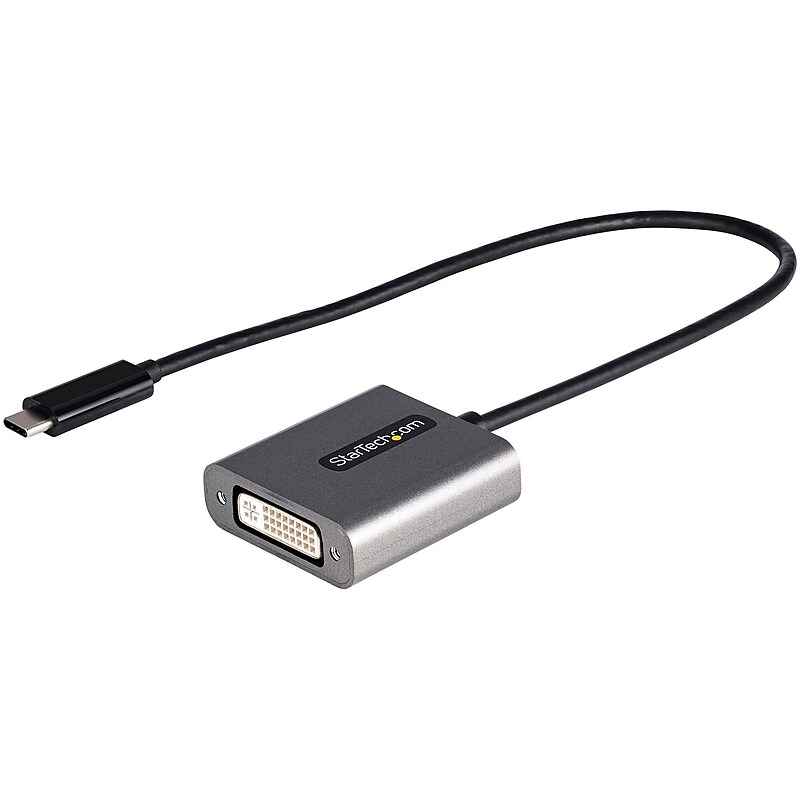
USB C to DVI Adapter, 1920x1200p, USB Type-C to DVI-D Adapter Dongle, USB-C to DVI Display/Monitor Video Converter, 12" Cable.USB-C to DVI adapter dongle (DVI-D Single-Link) supports 4K 30Hz (on monitors w/ HDMI clock rate support over DVI) | Works w/1920x1200p and 1080p.12" attached cable.Works w/USB Type-C and Thunderbolt 3 hosts | Dell XPS Precision/Lenovo ThinkPad/Surface Laptop 3 Pro 7/MacBook Pro Air (Intel and M1)/HP EliteBook.Tested w/displays/projectors incl Dell/LG/Asus/BenQ/Samsung.DVI-I (digital signal only) connector.Extended Cable | 1920x1200p | Thunderbolt 3 Compatible
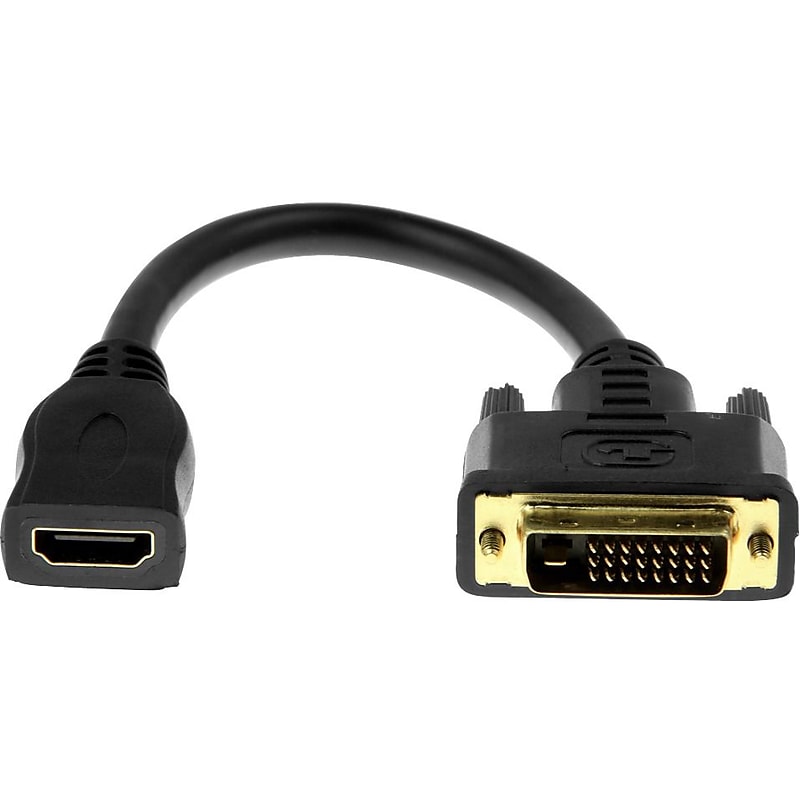
The Rocstor Premier 8" DVI-D to an HDMI adapter enables you to connect your HDMI device using a standard HDMI cable to a DVI-D device. Rocstor Premium adapters are built strong and feature a compact 8in design which features HDMI to DVI-D Video Adapter Cable. You will find one HDMI female connector at one end and one DVI-D male connector at the other. Providing a bi-directional connection between HDMI-capable and DVI-D capable devices for a full compatibility between your devices. The HDMI to DVI adapter offers a DVI_D Dual-Lin (24+1) adapter and 8-inches in cable length. This provides less stress on the connectors and prevents possible distraction and address conflict to the cable and connectors. Purchase with confidence and rely on Rocstor protection of a Lifetime Limited Hardware Warranty..Supports majority video devices and offers intense video quality.With DVI and HDMI ports, transfer high-quality pictures and 3D sound effects simultaneously at a high-speed.Features 1 x HDMI Female Digital Audio/Video connector, permitting you to establish a connection with an ultrabook.Gold-plated connectors for the highest signal transfer rate.Meets or exceeds RoHS standard
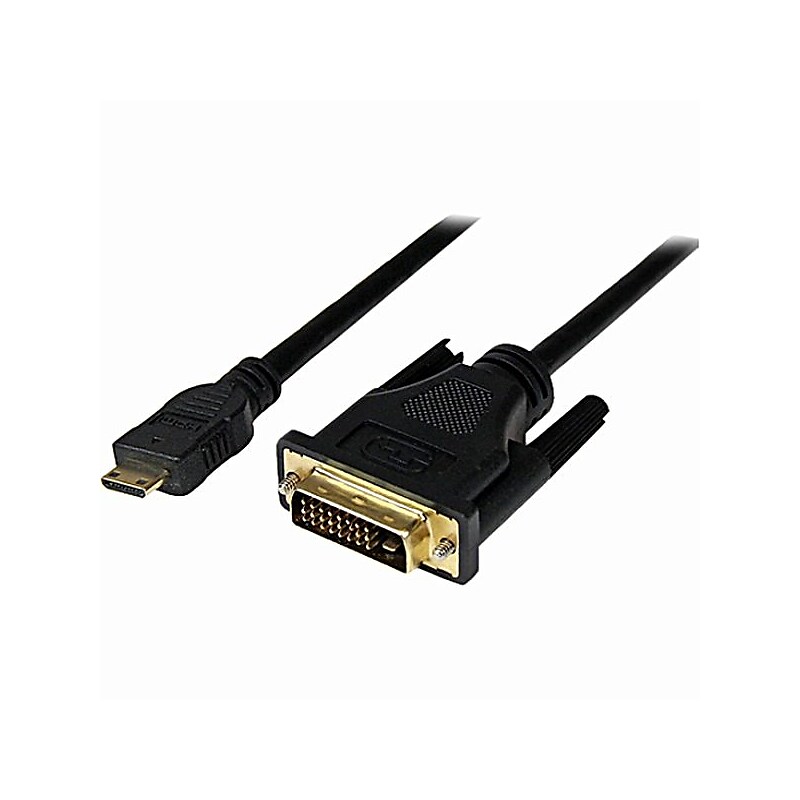
Make compatibility and setup the easy part. StarTech 6.6' Mini HDMI to DVI-D Male A/V Cable, Black (HDCDVIMM2M) with a 6.6 ft length (key specs: 6.6 ft). Use it for presentations, monitor hookups, or quick replacements to keep teams moving. Simple to integrate and dependable for daily use..Reliable HDMI, DVI connection to keep video, data, or audio running smoothly.6.6 ft length reaches from desk to display or rack without tight bends or strain.Great for standardizing conference rooms, desks, and IT closets with easy-to-swap replacements.Sturdy jacket helps resist everyday wear from routing, rolling chairs, and cable pulls.Comes with a lifetime limited warranty.Reliable signal and power you can count on (6.6 ft)—built for everyday office and IT setups.
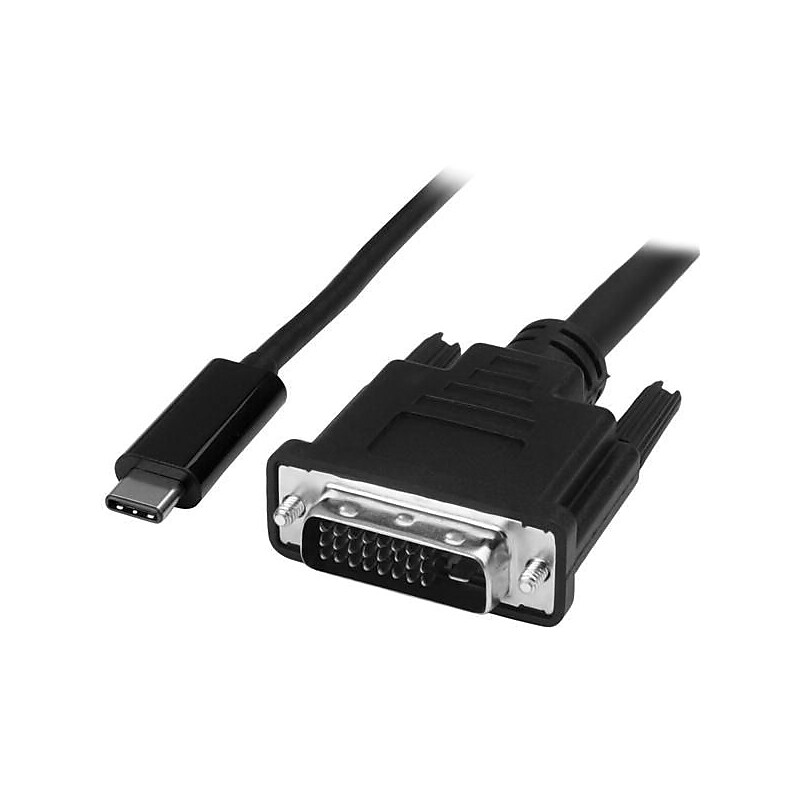
The StarTech.com® 6' adapter cable in black, is perfect for DVI-I monitor, television or projector, workstation, Chromebook, MacBook and video device. It has one 24-pin Type C male USB connector on first end and one 25-pin DVI-D male connector on second end. This adapter cable supports video resolutions up to 2560 x 1600 for crystal-clear picture quality. It is compatible with Thunderbolt 3 port and offers easy plug-and-play installation..Adapter cable for DVI-I monitor, television or projector, workstation, Chromebook, MacBook and video device.Cable length: 6'.Connectors: One 24-Pin Type C male USB on first end, one 25-Pin DVI-D male on second end.Comes in black color.Crystal-clear picture quality with support for video resolutions up to 2560 x 1600.Thunderbolt 3 port compatible.Plug-and-play installation.Comes with 2 years warranty
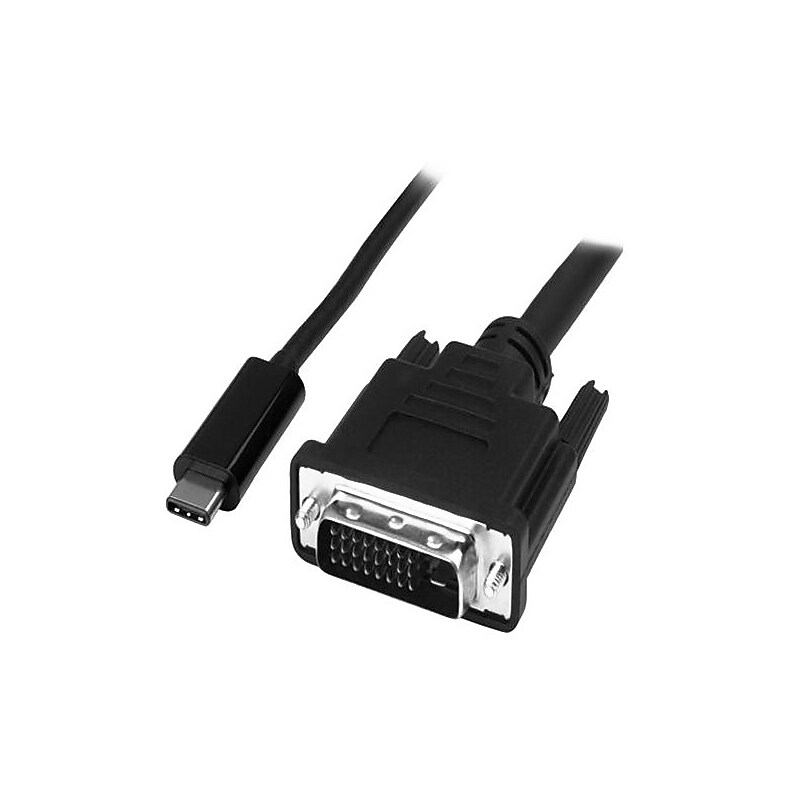
The StarTech.com® CDP2DVIMM1MB USB-C to DVI adapter cable in black, offers a convenient solution for directly connecting your DisplayPort over USB type-C device to your DVI-I television, monitor or projector. The cable has 1 x USB-C (24-pin) DisplayPort alt mode male input on the first end and 1 x DVI-D (25-pin) male output on the second end. It works with USB-C devices and supports a connection distance of up to 1m. The adapter provides crystal-clear video resolutions up to 1920 x 1200. It is compatible with 1080p display that makes it a great accessory for office, home or other HD work environments..Adapter cable is suitable for projector, monitor, workstation, audio/video device, chromebook, Macbook, TV.Cable length: 1m.Comes in black color.Connectors: 1 x 25-pin DVI-D male digital Video on first end, 1 x 24-pin type C male USB on second end.Resolution supported: 1920 x 1200 (digital).Reduce clutter with a compact 1m adapter cable.Hassle free connection with the reversible USB-C connector.Crystal clear picture quality.Plug-and- play installation, no power adapter required.Temperature: 0 to 70 deg C (operating), -10 to 80 deg C (storage), 5 to 90% RH (humidity).Certifications and standards: Meets FCC, RoHS, WEEE standards.Weight: 3.3 oz..Comes with 2 year warranty
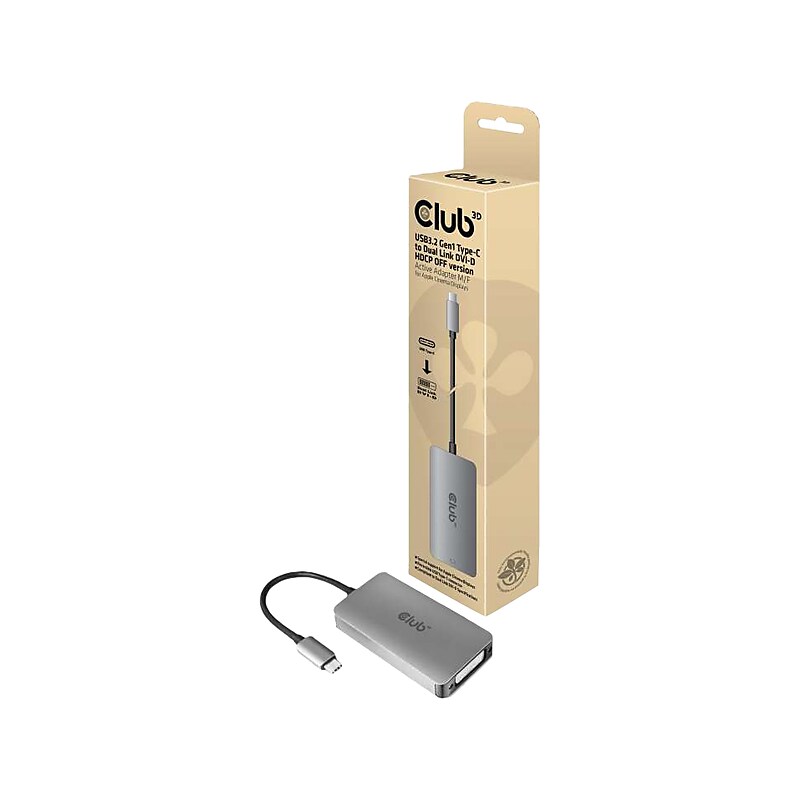
The Club 3D USB3.2 Gen1 Type-C input to dual link DVI-D or single link DVI output adapter HDCP OFF version for Apple Cinema Displays or other displays which do not support HDCP. The USB3.2 Gen1 Type-C to Dual Link DVI or Single Link DVI Adapter is the easiest solution for connecting your USB3.2 Gen1 Type-C source device featuring DisplayPort Alternate Mode to a DVI enabled monitor or projector. This adapter is compact and highly portable. Powered by the USB C port, the adapter requires no external power and is perfect for use with the latest notebooks and Ultrabooks..USB 3.2 Gen 1 Type-C input to dual-link DVI-D or single-link DVI output adapter (HDCP off version) for Apple Cinema Displays or other displays that do not support HDCP.Supports dual-link DVI-D (highest resolution of 3840 x 2160 at 30Hz).Supports deep color (12-bit, 268.5MHz).Compatible with Apple MacBook Pro, MacBook, and other USB 3.2 Gen 1 Type-C supported devices with support for DisplayPort Alternate Mode over USB Type-C.Meets or exceeds ROHS, FCC, and CE EMI standards
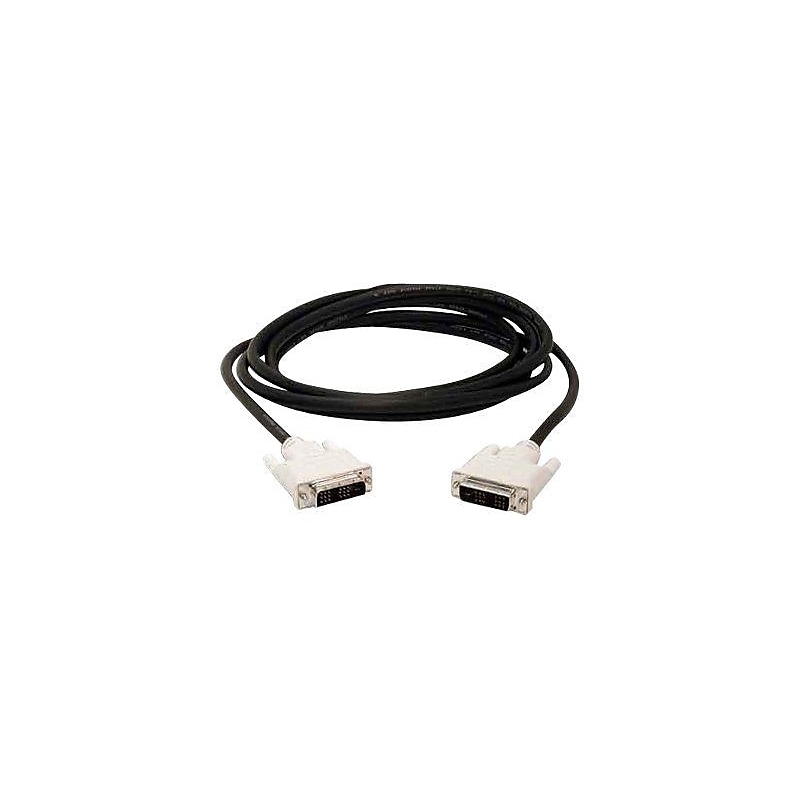
Make compatibility and setup the easy part. Belkin video Cable (Q50993). Use it for presentations, monitor hookups, or quick replacements to keep teams moving. Simple to integrate and dependable for daily use..HDMI male to HDMI female adapter for noise-free transmission of signals.Great for standardizing conference rooms, desks, and IT closets with easy-to-swap replacements.Reliable connection to keep video, data, or audio running smoothly.Sturdy jacket helps resist everyday wear from routing, rolling chairs, and cable pulls.Reliable signal and power you can count on —built for everyday office and IT setups.