Motion Blur Reduction Monitors
98 results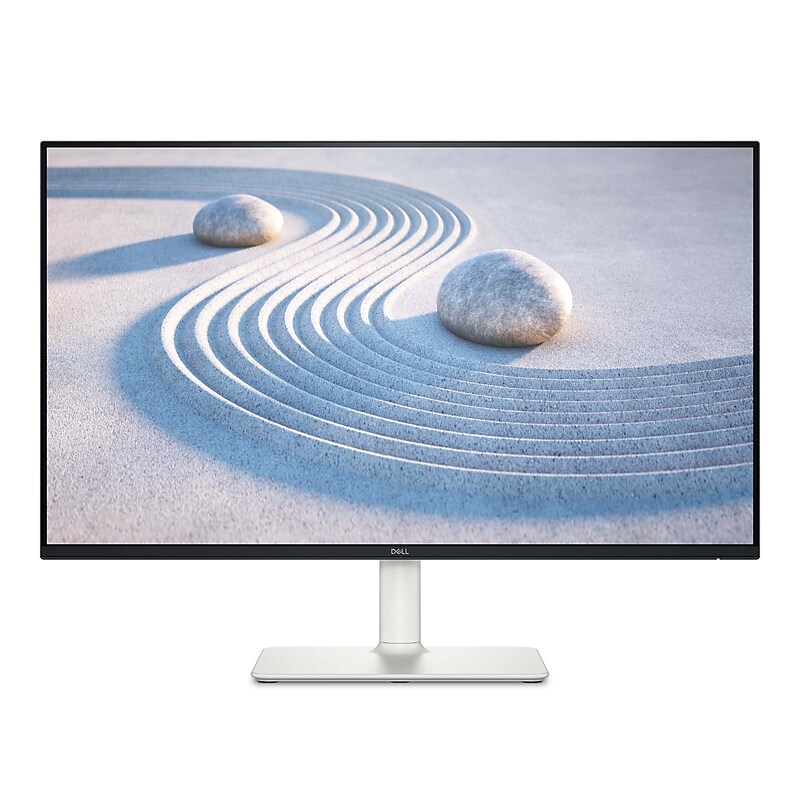
Elevate your viewing experience with the Dell 27" Plus QHD LCD Monitor, designed for clarity, comfort, and style. Featuring a sharp QHD resolution and a smooth 100Hz refresh rate, this monitor delivers crisp visuals and fluid motion—perfect for multitasking, streaming, or casual gaming. The adjustable stand ensures ergonomic comfort, while the modern Ash White finish adds a clean, sophisticated look to any workspace. With versatile connectivity and Dell’s dependable performance, it’s a smart upgrade for both productivity and entertainment..27" QHD Resolution (2560 x 1440): Delivers ultra-sharp visuals with 1.77x more detail than Full HD—perfect for productivity, streaming, and creative work..IPS Panel Technology: Ensures accurate color reproduction and wide 178° viewing angles for consistent image quality from any position..100Hz Refresh Rate with VRR Support: Provides smoother motion and reduces screen tearing for casual gaming and fast-paced content..Fast Response Times (4ms–8ms): Minimizes motion blur and ghosting for clearer visuals in dynamic scenes..99% sRGB Color Gamut: Produces vibrant, true-to-life colors ideal for photo editing, design, and content creation..350-nit Brightness & 1500:1 Contrast Ratio: Offers bright, vivid images with deep blacks and crisp whites..Anti-Glare Screen with 3H Hard Coating: Reduces reflections and resists scratches for a more comfortable, durable viewing experience..16:9 Aspect Ratio & 0.2331 mm Pixel Pitch: Delivers a balanced widescreen layout with sharp text and detailed visuals..Integrated Dual 5W Speakers: Delivers clear, room-filling sound without the need for external speakers..Ergonomic Stand Adjustability: Customize your setup with 130mm height adjustment, -5° to +21° tilt, ±30° swivel, and ±90° pivot for all-day comfort..TÜV-Certified Eye Comfort: Features ComfortView and flicker-free technology to reduce blue light exposure and eye strain..Versatile Connectivity: Includes 2 x HDMI 1.4 and 1 x DisplayPort 1.2, supporting QHD at 100Hz with VRR for flexible device compatibility..Energy Efficient Design: Operates at just 21.4W (typical) and meets ENERGY STAR® and EPEAT® Silver standards..Kensington Lock Slot: Adds physical security for shared or public environments..Dell Display Manager Compatibility: Boosts productivity with Easy Arrange and auto-restore features..Modern, Minimalist Design: Features a sleek profile, compact base, and integrated cable management for a clean, organized workspace.
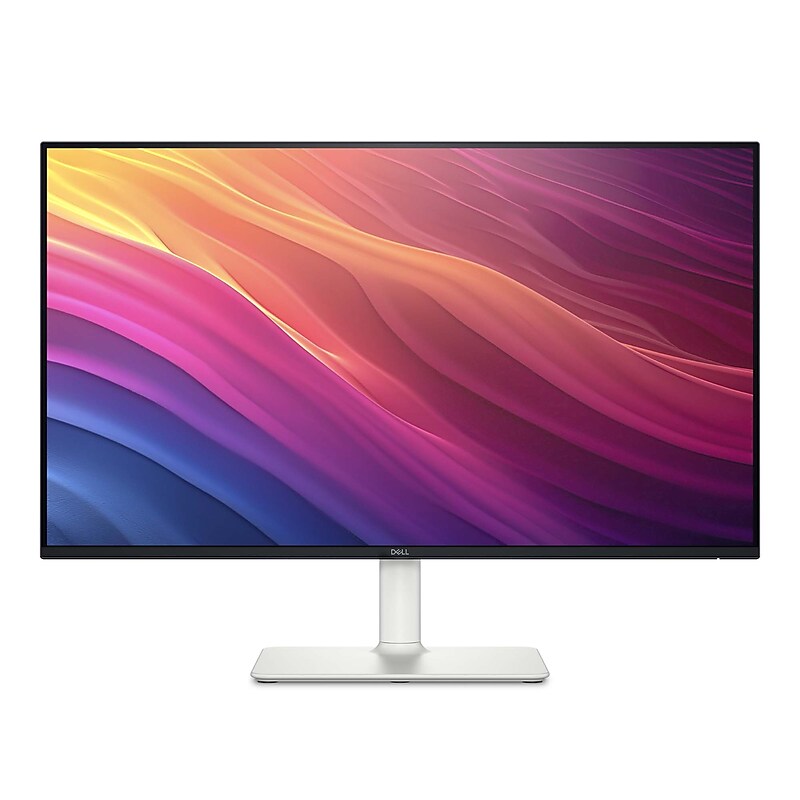
Experience stunning visuals and sleek design with the Dell 27" Plus FHD LCD Monitor. Featuring a vibrant Full HD display and ultra-thin bezels, this monitor delivers crisp, clear images perfect for work or entertainment. The adjustable stand allows for personalized viewing comfort, while the elegant Ash White finish adds a modern touch to any workspace. With versatile connectivity options and Dell’s trusted reliability, it’s the ideal upgrade for your home or office setup..27" Full HD 1080p Display: Delivers sharp, detailed visuals ideal for work, streaming, and everyday use..IPS Panel Technology: Ensures consistent, accurate colors and wide 178° viewing angles for better collaboration and multitasking..100Hz Refresh Rate with AMD FreeSync™: Provides smoother motion and reduces screen tearing during fast-paced content and casual gaming..Fast Response Times (4ms–8ms): Minimizes motion blur and ghosting for clearer visuals in dynamic scenes..99% sRGB Color Coverage: Produces vibrant, true-to-life colors—perfect for photo editing and creative work..16.7 Million Colors: Enhances image depth and realism across all media types..300-nit Brightness & 1500:1 Contrast Ratio: Offers bright whites and deep blacks for improved clarity and detail..Anti-Glare Screen with 3H Hardness: Reduces reflections and resists scratches for a more comfortable viewing experience..16:9 Aspect Ratio & 0.3114 mm Pixel Pitch: Provides a balanced widescreen layout with crisp text and visuals..Dual HDMI 1.4 Ports: Easily connect to laptops, desktops, and gaming consoles for flexible multitasking..Built-in Dual 5W Speakers: Delivers clear, room-filling sound without the need for external speakers..Ergonomic Stand Adjustability: Customize your setup with height, tilt, swivel, and pivot adjustments for all-day comfort..ComfortView & Flicker-Free Technology: Reduces harmful blue light and eye strain during extended use..Energy Efficient Design: Consumes just 17W during typical use and meets ENERGY STAR® and EPEAT® Silver standards..Kensington Lock Slot: Adds physical security for shared or public environments..Dell Display Manager Compatibility: Streamlines multitasking with Easy Arrange and auto-restore features..Modern, Minimalist Design: Features a compact base and integrated cable management for a clean, organized workspace.