Multi-Monitor Cables

195 results
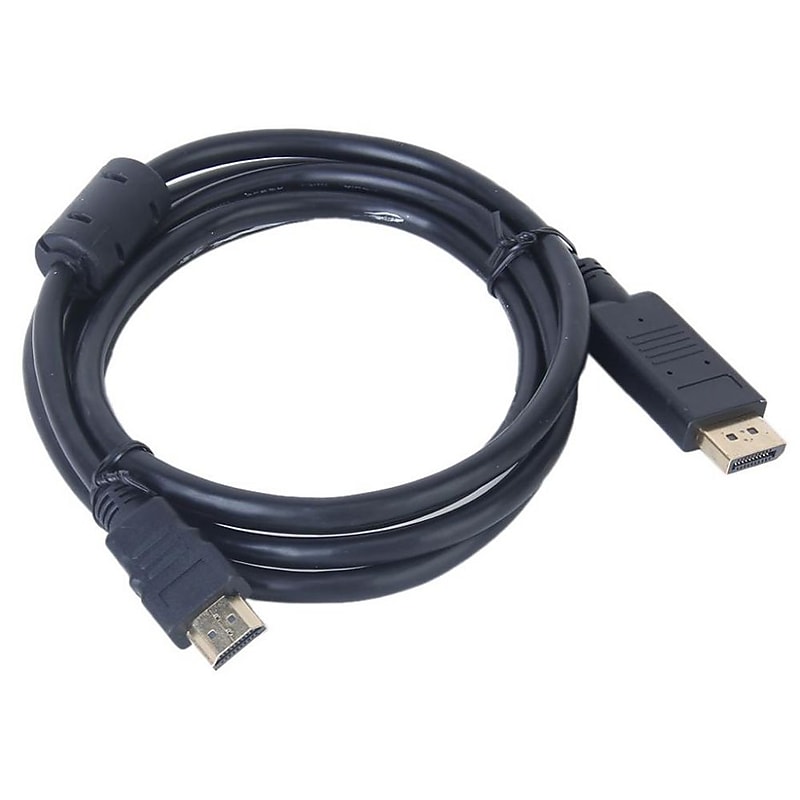
Certified Premium High Speed HDMI® Cable, HDR, 10ft - Black image 1
Item: 2503764
Model: 115429

Certified Premium High Speed HDMI® Cable, HDR, 10ft - Black.Certified Premium High Speed HDMI.Length: 10 ft..Color: Black
Price is  $14.99
1
2
3
4
5
6
7
8
9
10
11
12
13
14
15
16
17
18
19
20
21
22
23
24
25
26
27
28
29
30
Over 30
Add to list
3
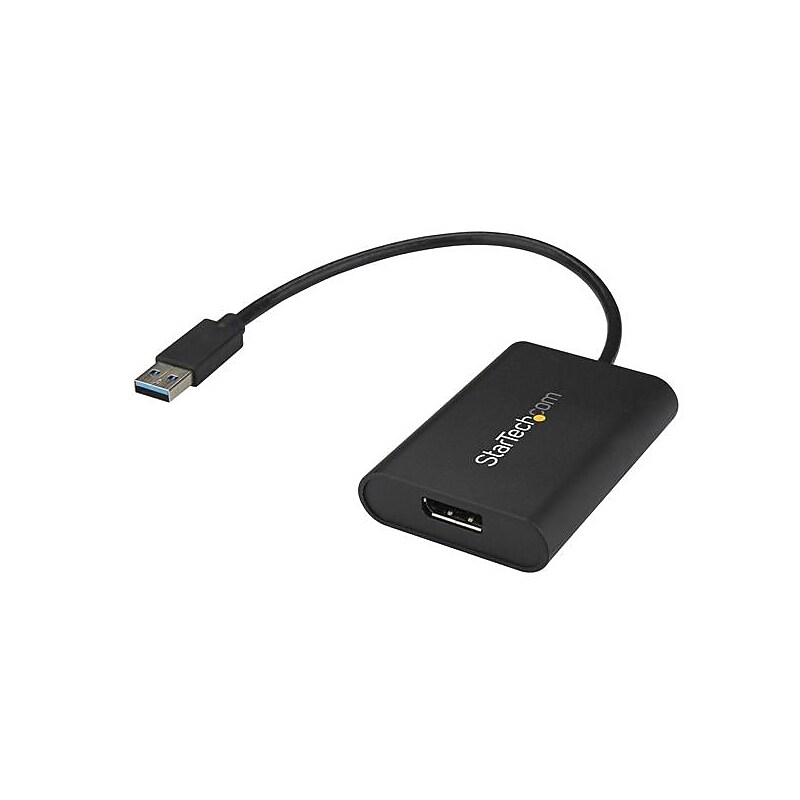
StarTech USB To 4K DisplayPort Adapter (USB32DPES2) image 1
Item: IM12NA863
Model: USB32DPES2

Use this USB 3.0 to DisplayPort video adapter to add a 4K capable monitor to your computer - DisplayPort 4K adapter requires no external power adapter - Get exceptional video performance with support for video resolutions up to 4K 30Hz - USB to DisplayPort external graphics card / Dual monitor adapter / Multi monitor adapter / Screen mirroring adapter / USB display adapter / 4K USB video adapter / External graphics adapter / DisplayPort converter / DisplayPort dongle / Projector adapter.Be more productive by multitasking on an additional, independent display.Get exceptional USB video performance with support for video resolutions up to 4K 30Hz.Install easily with no external power adapter required.2-channel (stereo audio) support.Use this USB 3.0 to DisplayPort video adapter to add a 4K capable monitor to your computer
Price is  $103.37
1
2
3
4
5
6
7
8
9
10
11
12
13
14
15
16
17
18
19
20
21
22
23
24
25
26
27
28
29
30
Over 30
Add to list
2
6FT DP TO DP EXT AV CBLE image 1
Item: IM1LE5975
Model: 0A36537

Lenovo® Cable features 20-pin DisplayPort male connectors on both ends. Supports next generation multimedia applications with superior fidelity and 3D support. Copper conductor increases the conductivity. Supports higher resolution of up to 4K x 2K displays. Offers full digital audio video support..Cable length: 6'.Connector on first end: 1 x 20-pin displayport male displayport 1.2 digital audio/video.Connector on second end: 1 x 20-pin displayport male displayport 1.2 digital audio/video.Conductor: Copper.Device supported: Monitor.Displayport is a next-generation technology that delivers high-bandwidth, pure digital audio video signals from your PC to your display.Agency approvals & certifications: C-Tick, CE, FCC, ICES (FCC B),KC (Korea),VCCI.Depth: 1800 mm.Weight: 0.53 lbs..Warranty: 3 years limited

Price is  $39.72
1
2
3
4
5
6
7
8
9
10
11
12
13
14
15
16
17
18
19
20
21
22
23
24
25
26
27
28
29
30
Over 30
Add to list
1

About Multi-Monitor Cables

Multi-monitor cables are essential for connecting multiple displays to a single computer or workstation, enhancing productivity and providing an immersive visual experience. These cables facilitate seamless transitions between screens, making them ideal for professionals in design, gaming, and multitasking environments.

With various types of multi-monitor cables available, users can choose the best option to suit their specific needs. Whether for extending desktop space or mirroring displays, these cables ensure high-quality video and audio transmission for optimal performance.

When selecting multi-monitor cables, consider factors such as cable length, connector type, and supported resolutions. It's important to ensure compatibility with your devices, as different connectors like HDMI, DisplayPort, and VGA serve distinct purposes and capabilities.

Additionally, look for cables that support features like 4K resolution and high refresh rates for a superior viewing experience. Investing in high-quality multi-monitor cables can significantly enhance your setup, providing reliable connections and reducing the risk of signal loss or interference.

What are multi-monitor cables used for?

  • Multi-monitor cables are used to connect multiple displays to a single computer, allowing users to extend their desktop or mirror content across screens. This setup is beneficial for multitasking, gaming, and professional applications.

What types of cables are used for multi-monitor setups?

  • Common types of cables for multi-monitor setups include HDMI, DisplayPort, DVI, and VGA. Each type has its own specifications and capabilities, making it important to choose the right one based on your devices and desired resolution.

How do I determine the right length of multi-monitor cables?

  • To determine the right length, measure the distance between your computer and the monitors. It's advisable to choose cables that are slightly longer than the measured distance to allow for flexibility in setup and movement.

Can I use multi-monitor cables for gaming?

  • Yes, multi-monitor cables are excellent for gaming, especially when using high-refresh-rate monitors. Ensure that the cables support the necessary resolutions and refresh rates for an optimal gaming experience.

Do multi-monitor cables support audio transmission?

  • Many multi-monitor cables, such as HDMI and DisplayPort, support audio transmission along with video. This allows users to connect their monitors with built-in speakers or external audio systems without needing separate audio cables.

Are there any compatibility issues with multi-monitor cables?

  • Compatibility issues can arise if the cable type does not match the ports on your devices. Always check the specifications of your monitors and computer to ensure that the selected cables will work together effectively.