PC Screen Adapters
196 results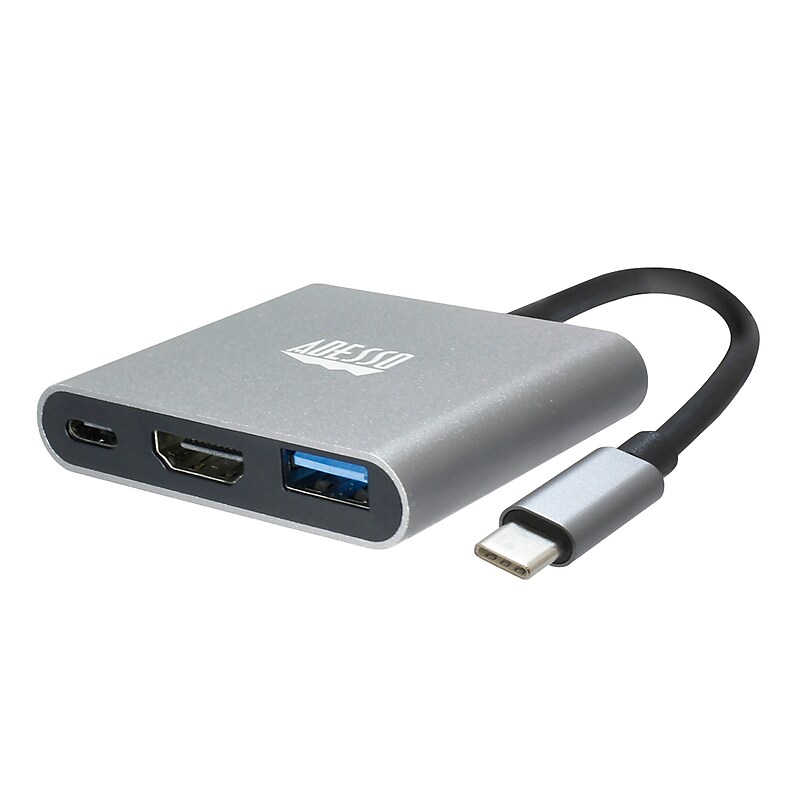
The Adesso 3-in-1 USB-C Multiport docking station is simple to use, just plug and play! Expand your laptop and Type-C device's connection port with this USB Type-C multiport docking station. It has an HDMI port for transmitting 4K content to your external monitor and can also charge other devices. This USB Type-C multi-port docking station also has a Type-A output for syncing various devices. Expand your laptop's connection port with this USB Type-C multiport docking station. It has an HDMI port for transmitting 4K content to your external monitor and can also charge other devices. This USB Type-C multi-port docking station also has a Type-A output for syncing various devices..Type-C connection: Compact and lightweight, with user-friendly non-slip design for easier plug and unplug. Premium aluminum casing for better heat dissipation and higher data transfer efficiency. Fits snugly with the USB-C ports on your devices, better signal transfer protection..Thunderbolt 3 compatible: Not all USB-C interfaces are compatible, only works for USB-C 3.1 or Thunderbolt 3 port interfaces which support "DisplayPort Alternate Mode"..4K HDMI output: It supports 4K resolution @ 30 Hz with no transmission loss and delay. You could enjoy cinema-like experience easily at home..Plug and Play Compatible: No additional driver/software required. Perfect solution for your USB-C MacBook Pro/ MacBook, I Mac, surface Book 2, pixels, HP Envy 13, Galaxy Book, and Chromebook, drive one HDMI monitor/display, up to 4K@30Hz resolution. Compatible with HDMI-enabled TVs/monitors/projectors for both video and audio transfer..Connection: 1x Type-C port, 1x USB 3.0-A+PD, 1x HDMI.Current Output: PD 5V-20V, Max 4A.HDMI Max Refresh Rate:.Dimension: 2.3” x 2.0” x 0.5” (45 x 42 x 13.6mm).Weight: 1 oz (28g).Cable Length: 4.25 Inch (108mm).Operating System: Windows® 10/8/7, Android, Mac OS X.Connectivity Interface: An Available USB Type C port.
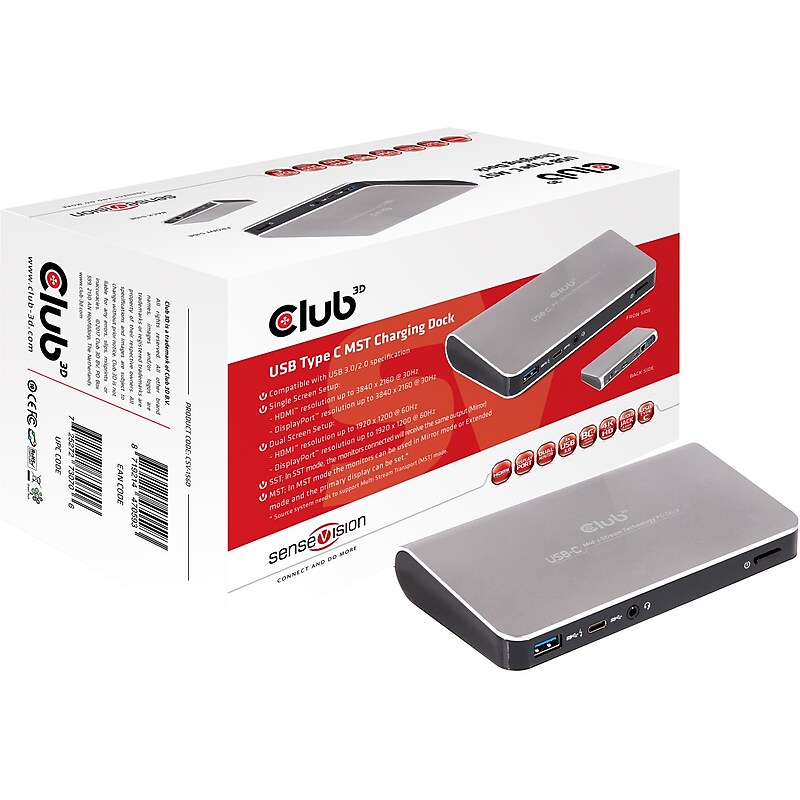
SenseVision USB Type C MST Charging Dock: CSV-1560 The Universal USB Type C MST Charging Dock is designed for extra connectivity demands. With the CSV-1560, you can extend the connection of a computer to more USB peripherals, Ethernet network, speaker and the microphone via USB-C interface. Adopting PD Charging technology, upstream charging function through USB-C interface, you can charge the connected cell phone / tablet / laptop. With the built-in USB 3.0 ports, the dock enables you to enjoy the super speed data transmission between USB peripherals. With the DP or HDMI ports, you can mirror your primary screen, or extend the content. When the system supports MST mode, you can display identical or different content on the external monitors as you wish. Enhanced expansion capability plus the stylish appearance, this dock with video is the most versatile accessory that also complements your (home)office space. Charging: Laptops / UltraBooks / Tablets often have limited connectivity possibilities. By adopting PD Charging technology and upstream-charging function through USB Type C interface the Club3D USB Type C MST Charging Dock offers unique functionality. It means you can charge your source Laptop / Tablet thru the Docking Station, as well as make use of all of the (downstream) features of the Docking Station at the same time. Give your Ultrabook more displays: Ultrabooks and notebooks are increasingly becoming more powerful and smaller in the physical form factor. With a single USB 3.0 port available you can now drive an HDMI and/or DisplayPort screen simultaneously. USB Type C MST Charging Dock.Single display.DP output: Supports 4K resolution up to 3840 x 2160 @ 30Hz.HDMI™ output: Supports 4K resolution up to 3840 x 2160 @ 30Hz.Dual display.Supports resolutions up to 2 x 1920 x 1200 @ 60Hz.SST; In SST mode, the external monitors connected will receivethe same output (Mirror).MST; In MST Mode you can use Mirror mode or Extended mode and set the primary display.Supports audio 2.1 channel.Supports Gigabit Ethernet 10/100/1000
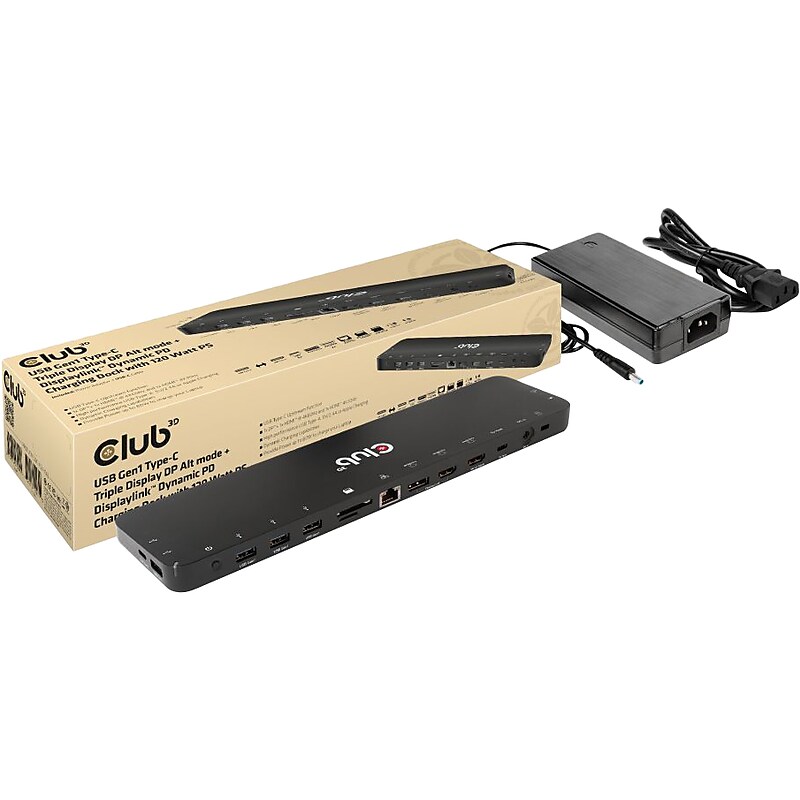
The Club 3D USB Gen1 Type-C Triple Display DP Alt mode + Displaylink/ USB mode Dynamic PD charging dock with 120W PS, is an integrated solution combining Video, Data, Power, Ethernet and Audio. This dock is perfectly suited for extending a Type-C port or USB-A port(via a Type-C to USB converter) to provide multiple audio, video, data and power ports, providing an perfect solution to satisfy users who require multiple ports. This dock has 3 video ports (2 HDMI, one from DP 1.2 Alt mode, one from USB mode, 1 Displayport from USB mode) for video experience, 4 USB Gen1 Type-A and 1 USB Gen1 Type-C for data transmission, RJ45 for super high speed Ethernet, SD/TF card slots for connecting memory cards. Besides, it has a smart charging port, bringing fast charging performance for connected mobile device(Apple, Samsung phones, pads,etc). A 120W power adapter is provided to supply power for the function of this dock and charge the host with max 80W (20V/4A). This dock is a bottom design with can be put underneath the host. It can work on DP 1.2 Alt mode supported USB Type-C and -A hosts..This dock is perfectly suited for extending a Type-C port or USB-A port to provide multiple audio, video, data and power ports.Dimensions: 0.7"H x 11.97"W x 3.03"D.Supports DP1.2 Alt Mode and DisplayLink/USB mode.Designed for extending a USB Type-C port or Type-A port (by connecting a Type-C to Type-A converter) to become multiple video, data, and power ports.Allows outputting triple videos (dual 4K/60Hz+4K/30Hz) to work simultaneously with MST under both Mac and Windows systems.Supports smart charging with up to 5V/2.4A.Supports Gigabit Ethernet for superfast connection.Support UHS-I SD3.0 with max 104Mbps, allow two card slots to work simultaneously.Meets or exceeds ROHS, FCC, and CE EMI standards
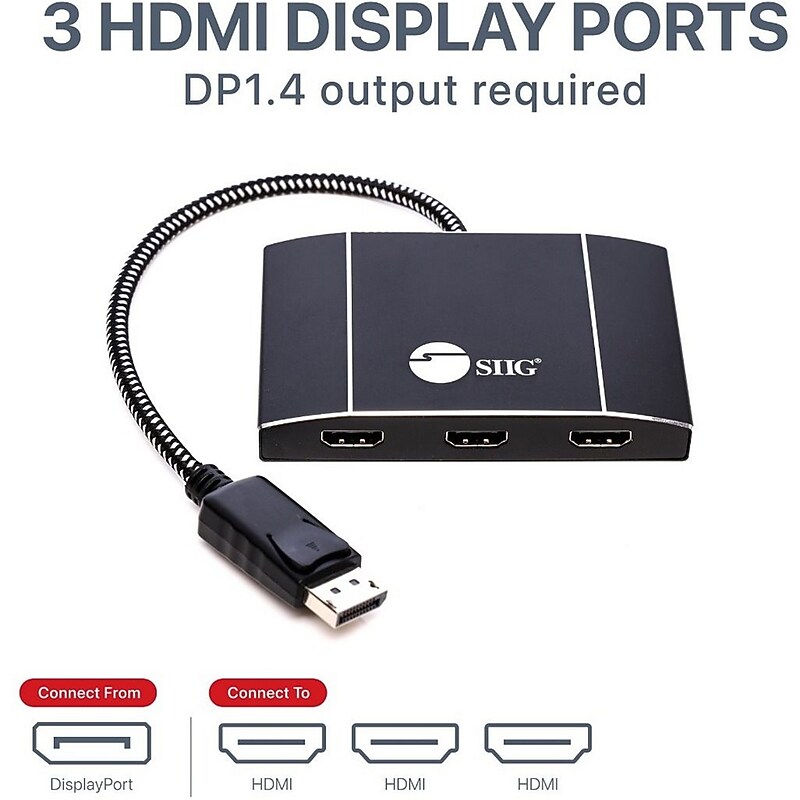
Connect up to three HDMI displays to single DisplayPort 1.4 output with Multi-Stream Transport (MST), no driver required, Windows PCs, not Mac OS compatible, DP 1.4 MST Video Splitter Hub, 3 HDMI, Dual 4K60Hz or Triple 4K30Hz Boost your productivity by connecting three HDMI displays to single DisplayPort 1.4 output with Multi-Stream Transport (MST) technology Provides multiple display modes for various applications such as Mirror mode* same content on each display, Extended mode with individual content on each display, and Panoramic Video Wall mode** which combines multiple monitors to use as one large display Note: *Mirror mode using a NVIDIA Surround technology graphics adapter is limited to 2 displays. **Video Wall mode requires either a AMD Eyefinity, Intel, or NVIDIA Surround technology graphics adapter Total Bandwidth 32.4Gbps (Max): Supports one UHD 8K (7680 x 4320)@30Hz display, two 4K@60Hz displays, or three 4K (3840x2160)@30Hz or less display. Other resolution combinations which are less than or equal to 4K@30Hz will work also. For example, three 2K, three 1080p, 4K+2K+1080p etc Note: The total combined bandwidth among all connected displays must NOT be exceeded the total bandwidth of 32.4Gbps Compatible with DisplayPort 1.4 MST graphics cards with AMD Eyefinity, Intel Collage or NVIDIA Surround technology Support 4K HDR and HDCP 2.2 Reset button allows re-detection of all the displays if any of the displays are not detected Plug-n-play, trouble-free set up without complicated hardware or driver installation Premium aluminum housing with embedded woven braided DisplayPort cable decreases surrounding interference and provides optimal video quality More from the Manufacturer.Supports dual 4K@60 or triple 4K@30 configurations within a 32.4 Gbps total bandwidth budget.Choose Mirror, Extended, or Panoramic Video Wall modes with compatible AMD, Intel, or NVIDIA GPUs.Supports HDR and HDCP 2.2 for protected, high-quality content playback.Reset button helps re-detect displays if a screen is not recognized.Premium aluminum housing with braided DP cable reduces interference; plug-and-play on Windows (not macOS)