Port Replicators for Dual Monitor

53 results
j5create Dual-Display Docking Station for USB-C Enabled Laptops, Black (JCD542) image 1
Item: 24478070
Model: JCD542

This dual display docking station adds dual HDMI™ monitors, with resolution support up to 4K (3840 x 2160) on one display and up to 2K (2048 x1152) or 1080p on the other display. You can also use your laptop screen for three displays in total, making it easy to access multiple applications at once. This USB™ 3.0 docking station comes equipped with all the connections you need including three USB™ 3.0 ports, a RJ45 Gigabit Ethernet port, memory card reader/writer, combo audio jack, and a USB-C® port supporting up to 100W Power Delivery. It also includes a security lock slot to protect against theft, making it perfect for use in business organizations. With its slim and heat-dissipating design along with the double-sided cable storage compartment, this USB-C® dock ensures an easy connection regardless of your USB-C® port’s location and can easily fit into any workspace environment..Dual HDMI™ Display Support – Connect two external monitors with resolutions up to 4K (3840 x 2160) and 2K (2048 x 1152), plus use your laptop screen for a triple-display setup..100W USB-C® Power Delivery – Charge your laptop and power connected devices simultaneously with up to 100W pass-through via USB-C®..Versatile Connectivity – Includes 3x USB™ 3.0 ports, 1x USB-C® PD port, 1x RJ45 Gigabit Ethernet, SD™/microSD™ card reader, and a 3.5mm audio jack..Reliable Wired Networking – Enjoy stable, high-speed internet with the built-in Gigabit Ethernet port—ideal for business and remote work..Compact & Efficient Design – Slim aluminum enclosure with heat-dissipating build and double-sided cable storage for a clean, organized workspace..Audio-Ready – Supports 2.1 channel audio via HDMI™ and 3.5mm jack for seamless media playback and conferencing..Secure & Travel-Friendly – Features a security lock slot for anti-theft protection and a lightweight, portable design for on-the-go professionals..Fast Data Transfer – USB™ 3.0 ports support up to 5 Gbps transfer speeds for quick file access and device syncing..Universal Compatibility – Works with USB-C® laptops and devices, making it a flexible solution for Windows, macOS, and ChromeOS users..2-Year Limited Warranty – Backed by a manufacturer warranty for added peace of mind..Expand Your Workspace with Dual 4K HDMI™, 100W Power Delivery & All-in-One USB-C Docking

Price is  $94.99
Next-Day Delivery by tomorrow
1
2
3
4
5
6
7
8
9
10
11
12
13
14
15
16
17
18
19
20
21
22
23
24
25
26
27
28
29
30
Over 30
Add to list
40
Plugable Docking Station for Windows Laptops (UD-3900H) image 1
Item: IM16DC901
Model: UD-3900H

With a horizontal, lay-flat orientation and sleek design, the Plugable UD-3900H docking station enhances your productivity by transforming your Windows laptop or tablet to a multi-monitor workstation with the ability to connect up to 10 accessories through a single SuperSpeed USB 3.0 cable. The Plugable UD-3900H docking station is a universal docking station for Windows-based computers that offers the speed, performance, and reliability found in proprietary docking stations for specific laptop PC brands at a significantly reduced cost..Dual-monitor docking station for Windows laptops.Equipped with HDMI/DVI/2 x USB 3.0/4 x USB 2.0 /Ethernet/audio input/audio output/USB input ports.Package includes: UD-3900H dual monitor horizontal docking station, USB 3.0 2' Type-A male to Type-B male cable, USB 3.0 2' Type-C male to Type-B male cable, passive DVI-to-VGA port adapter, passive DVI-to-HDMI port adapter, power adapter ( 12V at 2.0A ) with 3.75" long cable, quick-install guide.Recommended for office/productivity applications and won't be a good fit for gaming or some applications which require certain graphical acceleration functionality.The sleek, lay-flat design enables flexible placement of the dock for quick, convenient access or a less-visible low-profile installation.Not compatible with ARM-based Windows RT/Surface RT

Price is  $92.25
1
2
3
4
5
6
7
8
9
10
11
12
13
14
15
16
17
18
19
20
21
22
23
24
25
26
27
28
29
30
Over 30
Add to list
36
StarTech Universal USB-C to Dual-HDMI Adapter (109B-USBC-HDMI) image 1
Item: IM112NQ69
Model: 109B-USBC-HDMI

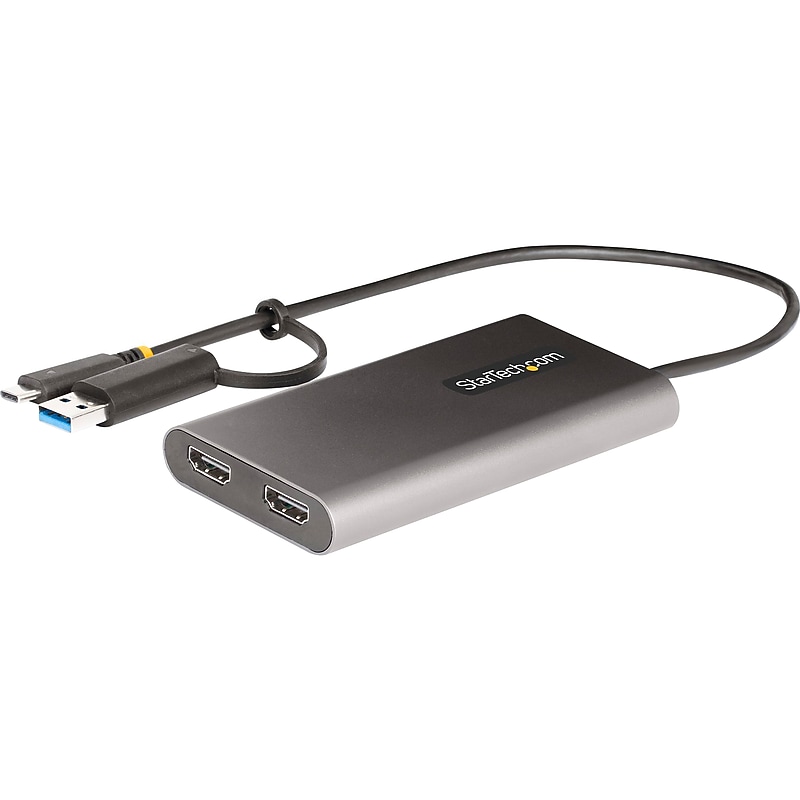
Connect two 4K 60Hz HDMI displays to the USB Type-C or Type-A port of a laptop/desktop computer, using this StarTech USB-C to dual-HDMI adapter. The USB video adapter features USB Power Delivery (PD) 3.0 pass-through (up to 100W), enabling powering and charging of a laptop when connected to a USB-C power adapter. The adapter runs on USB bus-power when no USB-C power adapter is connected. PD 3.0 features Fast Role Swap (FRS) that prevents USB data disruption when USB-C power is disconnected and the adapter switches to USB bus power..Connect two 4K 60Hz HDMI displays to the USB Type-C or USB Type-A port of a laptop or desktop computer using this USB Type-C to dual-HDMI adapter.Dimensions: 0.6"H x 2.4"W x 4.4"D.Contains USB 3.2 Type-C (Power Delivery + Data, 24 Pin, Gen 1, 5 Gbps), USB Type-A (9 pin, 5 Gbps), 2 x HDMI, USB Type-C (24 pin) USB Power Delivery only.Built-in 1' USB Type-C and USB Type-A cables are perfect for on-the-go use; the length of the cable and the strain reliefs reduce connector and port strain.DisplayLink-certified and supports high-performance dual-monitor 4K 60Hz video resolutions with an integrated DisplayLink DL-6950 controller.Provides 100W Power Delivery pass-through with host charging up to 90W.Made of aluminum and plastic in gray.Aluminum enclosure provides EMI shielding and helps with heat dissipation.Works with macOS enabling extended dual displays on USB Type-C and Thunderbolt 3/4 laptops, including Apple M1/M2 MacBooks, which are not natively capable of driving more than one external display.Connect additional displays when extra video ports are not available on the laptop or dock.Use with two external monitors and a workstation laptop screen.Works with USB 3.2 Gen 1 (5Gbps), USB Type-C, USB4, Thunderbolt 3/4.Compatible with Windows, macOS, Ubuntu, and Chrome OS.Meets or exceeds TAA, CE, RoHS standards.3-year manufacturer limited warranty
Price is  $108.99
1
2
3
4
5
6
7
8
9
10
11
12
13
14
15
16
17
18
19
20
21
22
23
24
25
26
27
28
29
30
Over 30
Add to list
2
StarTech® USB3SDOCKDD USB 3.0 Laptop Docking Station With 2x DVI - Macbook/Ultrabook Laptop Dock image 1
Item: IM1VW2981
Model: USB3SDOCKDD

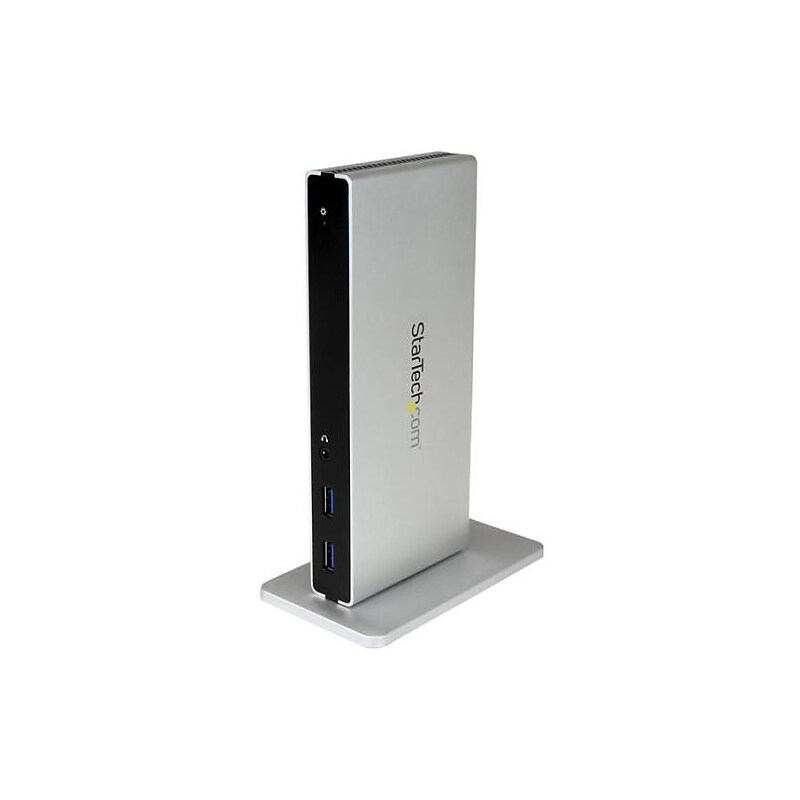
Dual-monitor USB 3.0 docking station lets you connect your Mac or Windows laptop to two monitors - USB 3.0 dock supports your existing displays two display adapters (DVI to VGA and HDMI) included - USB 3.0 port replicator features two front facing USB ports that are USB-fast charge ports to charge your mobile devices faster - Dual DVI docking station has 5x USB 3.0 (AKA USB 3.1 Gen 1) ports and a GbE port - Dual monitor docking station backed by a 3-year warranty and free lifetime tech support.Dock your USB 3.0 equipped Mac or Windows laptop with support for several dual monitor configurations using the included video adapters.Connect and charge your USB devices with 5x USB 3.0 ports, including two Fast-Charge USB ports.Save space on your desktop by placing the dock in a vertical orientation with the included dock stand.Add wired network connectivity and audio devices with the Gigabit Ethernet RJ-45 port and headset jack plus separate 3.5 mm audio and microphone ports.StarTech® USB 3.0 Laptop docking station with dual DVI video delivers display flexibility as well as faster device charging to home/office workstation and features 3.28' cable for a long reach.
Price is  $179.39
1
2
3
4
5
6
7
8
9
10
11
12
13
14
15
16
17
18
19
20
21
22
23
24
25
26
27
28
29
30
Over 30
Add to list
9
ALOGIC MX2 Docking Station for USB-C Laptop (DUPRMX2-WW) image 1
Item: IM101DQ12
Model: DUPRMX2-WW

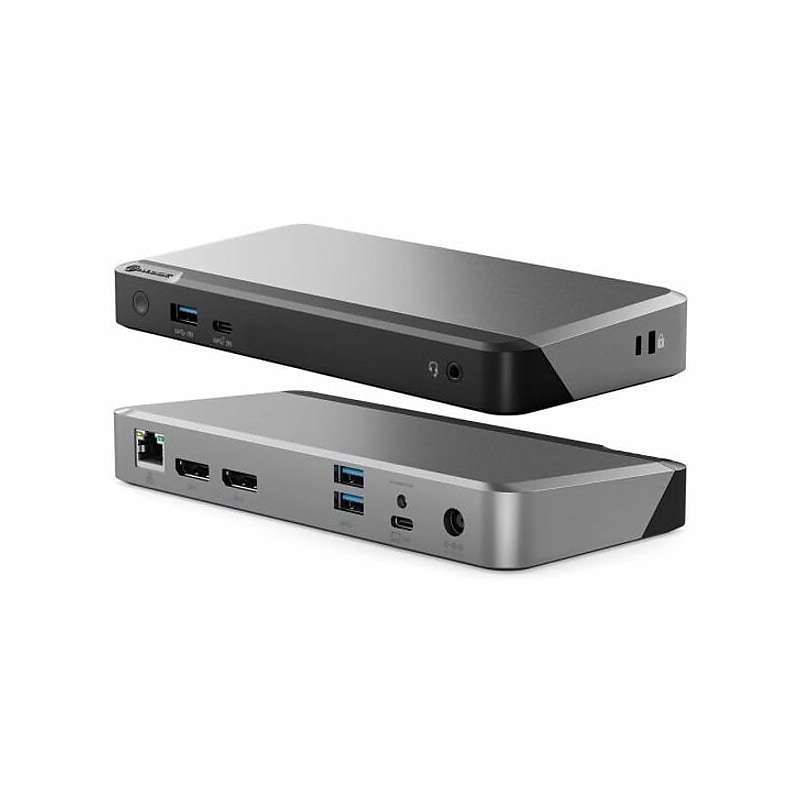
ALOGIC MX2 makes multi-display set ups simple. Featuring DP Alt Mode technology, it connects directly with up to two displays and multiple other accessories. No need to install drivers or software. Plug in and go. The MX2 is a powerful docking station for Mac users seeking to add a picture-perfect single display for their desk set up. Windows users can plug into the MX2 to run up to two ultra-polished external displays..This docking station is compatible with USB Type-C (DP Alt Mode) laptops.Dimensions: 1.04"H x 7.48"W x 3.54"D.Contains 2 x DisplayPort, 1 x USB 3.1 Type-C, 1 x USB 3.1 Gen 1 Type-A, 2 x USB 3.1 Gen 1 Type-A, 1 x 3.5mm TRRS audio/microphone jack, 1 x RJ45 1Gbps Ethernet ports.Contains: dock, USB Type-C cable, 135W AC power adapter, power cords (US, UK, EU, AU), user manual.2-year manufacturer limited warranty

Price is  $187.04
1
2
3
4
5
6
7
8
9
10
11
12
13
14
15
16
17
18
19
20
21
22
23
24
25
26
27
28
29
30
Over 30
Add to list
No reviews yet

About Port Replicators for Dual Monitor

Port replicators for dual monitor setups are essential tools for enhancing productivity in both home and office environments. These devices allow users to connect multiple displays to their laptops or computers, providing a more expansive workspace and improved multitasking capabilities.

By utilizing a port replicator, users can easily switch between different devices and peripherals without the hassle of plugging and unplugging cables. This convenience is particularly beneficial for professionals who frequently transition between workstations or need to connect to various external displays.

When choosing a port replicator for dual monitors, consider features such as the number and types of ports available, including HDMI, DisplayPort, and USB connections. Look for models that support high resolutions and refresh rates to ensure optimal display quality across multiple screens.

Additionally, check for compatibility with your operating system and the ability to power your laptop through the replicator. Many models also offer additional USB ports for connecting peripherals, making them versatile solutions for enhancing your workspace efficiency.

What is a port replicator for dual monitors?

  • A port replicator for dual monitors is a device that allows users to connect two external displays to a laptop or computer, expanding their visual workspace. It simplifies connectivity by providing multiple ports in one unit.

How do I connect dual monitors using a port replicator?

  • To connect dual monitors using a port replicator, simply plug the replicator into your laptop's USB or Thunderbolt port, then connect your monitors to the replicator using the appropriate cables. The system should automatically detect the displays.

What features should I look for in a dual monitor port replicator?

  • Look for features such as multiple video output options (HDMI, DisplayPort), support for high resolutions (like 4K), and additional USB ports for peripherals. Compatibility with your laptop's operating system is also crucial.

Can I use a port replicator with any laptop?

  • Most port replicators are designed to work with a wide range of laptops, but it's important to check compatibility with your specific model and operating system. Some may require specific drivers or software to function correctly.

Do port replicators provide power to laptops?

  • Many port replicators come with power delivery features that allow them to charge your laptop while connected. This eliminates the need for a separate power adapter, streamlining your workspace.

Can I use a port replicator for gaming with dual monitors?

  • Yes, port replicators can be used for gaming with dual monitors, provided they support the necessary resolutions and refresh rates for a smooth gaming experience. Ensure that the replicator is compatible with your gaming laptop's graphics capabilities.