Television Adapters

51 results
4Xem 4 Port HDMI Splitter image 1
Item: IM1QW5928
Model: 4XHDMISP1X4

4Xem 4XHDMISP1X4 4 Port HDMI Splitter offers 1080p resolution for a crisp display. It is suitable for use in trade shows and retail displays..Type: HDMI Splitter.Color: Black.Device Supported: Supports CEC, Supports deep color 30bit, 36bit, Supports Blue-Ray 24/50/60fs/HD-DVD/xvYCC.Features: No Loss of Quality, Installs in Minutes, HDCP 1.2 Protocol Compliant.4Xem 4XHDMISP1X4 4 Port HDMI Splitter - Designed to display videos on HDMI compatible televisions
Price is  $39.49
1
2
3
4
5
6
7
8
9
10
11
12
13
14
15
16
17
18
19
20
21
22
23
24
25
26
27
28
29
30
Over 30
Add to list
No reviews yet
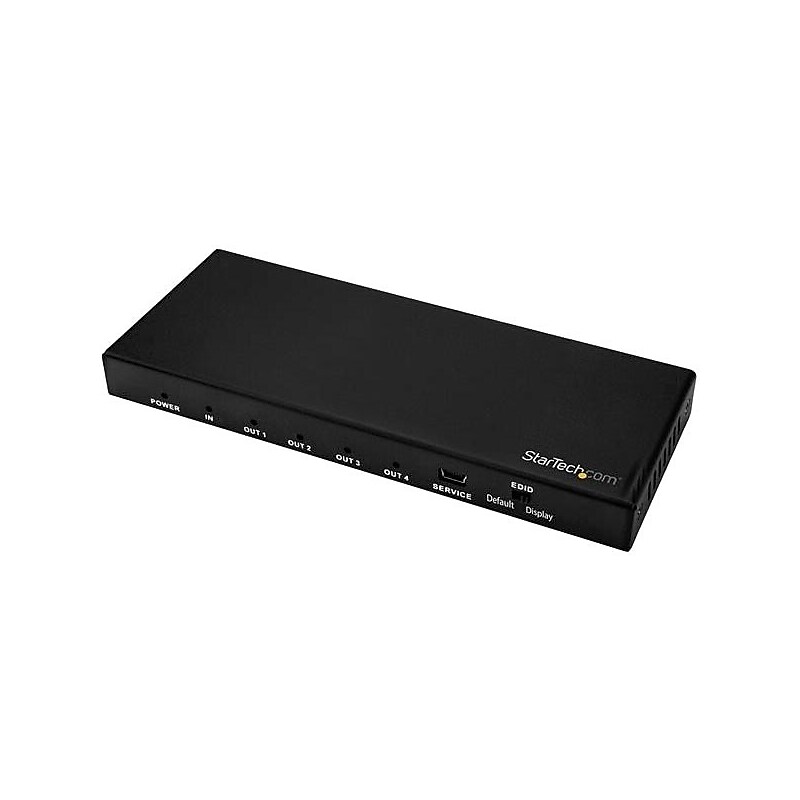
StarTech.com 4 Port HDMI Splitter, 4K 60Hz, 1x4 Way HDMI 2.0 Splitter, HDR, ST124HD202 image 1
Item: IM15KR144
Model: ST124HD202

This 4-Port 4K HDMI splitter connects your HDMI video source to two HDMI displays at the same time, without distorting or degrading your video signal. For dependable performance, the splitter features a durable metal housing that provides passive cooling. True 4K at 60Hz and HDR With transmission bandwidth up to 18Gbps, this HDMI splitter is fully compatible with your HDMI 2.0 equipment, supporting UHD resolutions up to 4096x2160 (4K) at 60Hz. For smooth video and color transitions, the splitter offers 4:4:4 chroma subsampling, so every pixel gets its own unique color. The splitter also supports High Dynamic Range (HDR) imaging, offering a greater luminosity than standard digital imaging. Widely Compatible The 4-way HDMI splitter supports HDCP 2.2 and is backward compatible with 4K 30Hz and 1080p displays. This ensures that it will work with almost any HDMI source, or destination device such as computers, Blu-ray players, monitors, TVs and projectors. Perfect for digital signage applications, where equipment may vary throughout your site. Easy Installation For hassle-free setup, the 1x4 HDMI splitter offers easy plug-and-play installation. The splitter also saves you setup time by automatically passing EDID between your video source and the display attached to port 1, ensuring settings like native resolution and refresh rate are configured properly. ST124HD202 is backed by a 2-year StarTech.com warranty and free lifetime technical support..Astonishing picture quality with support for 4K 60Hz and HDR.Wide device compatibility with support for HDCP 2.2, backward compatible with virtually any HDMI device.Hassle-free setup with support for EDID emulation and plug-and-play installation
Price is  $98.11
1
2
3
4
5
6
7
8
9
10
11
12
13
14
15
16
17
18
19
20
21
22
23
24
25
26
27
28
29
30
Over 30
Add to list
1
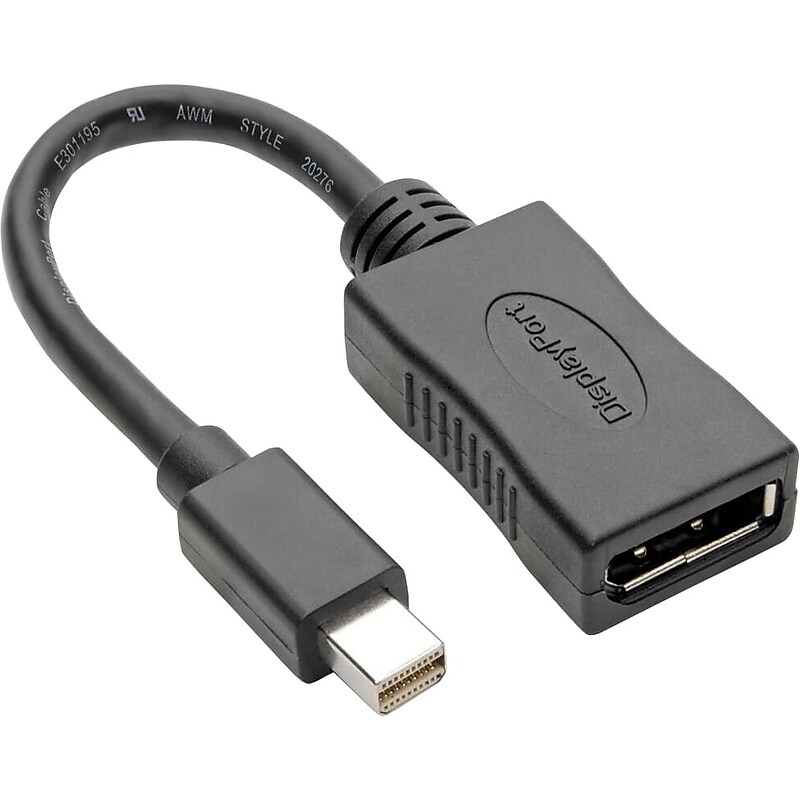
Keyspan Mini DisplayPort to DisplayPort, Black (P139-06N-DP4K6B) image 1
Item: IM12TG780
Model: P139-06N-DP4K6B

This Keyspan® Mini DisplayPort to DisplayPort cable plugs into the mDP or Thunderbolt 1 or 2 port on your tablet, laptop, Chromebook, MacBook, smartphone or PC. By connecting the other end to the DisplayPort cable leading to the DisplayPort input on your monitor, projector or television, you can transmit mDP audio and video without the expense of buying a new mDP display. This Mini DisplayPort adapter is ideal for transmitting digital audio and 4K video to a large display, such as an HDTV or digital sign. The six-inch cable supports Ultra High Definition video resolutions up to 3840 x 2160 (4K x 2K) at 60 Hz. The plug-and-play Mini DisplayPort to DisplayPort cable requires no software, drivers or external power. The compact six-inch unit fits easily into a pocket, briefcase or laptop bag for connecting on the go..Delivers UHD picture quality at resolutions up to 3840 x 2160 (4K x 2K) @ 60 Hz.Saves you the expense of buying a mDP monitor.Foil and braid shielding protects against line noise that can distort or destroy data.Black.Keyspan Mini DisplayPort to DisplayPort Adapter-4K x 2K @ 60 Hz

Price is  $23.99
1
2
3
4
5
6
7
8
9
10
11
12
13
14
15
16
17
18
19
20
21
22
23
24
25
26
27
28
29
30
Over 30
Add to list
No reviews yet

About Television Adapters

Television adapters are essential accessories that enable seamless connectivity between various devices and your TV. They facilitate the connection of computers, gaming consoles, and other media devices to your television, ensuring you can enjoy high-quality audio and video output.

These adapters come in various formats, including HDMI, VGA, and DisplayPort, catering to different connectivity needs. With the right adapter, you can enhance your viewing experience by connecting devices that may not have compatible ports.

When selecting a television adapter, consider factors such as compatibility with your devices, supported resolutions, and the type of connection required. Many adapters support multiple formats, allowing for versatile use across different devices and setups.

Additionally, look for features like active signal conversion, which ensures optimal performance when connecting devices with different output formats. This can be particularly useful for users looking to connect older devices to modern televisions without sacrificing quality.

What are television adapters used for?

  • Television adapters are used to connect various devices, such as laptops, gaming consoles, and streaming devices, to your TV. They help bridge the gap between different connection types, ensuring compatibility and enhancing your viewing experience.

What types of television adapters are available?

  • There are several types of television adapters, including HDMI to VGA, HDMI to composite, and DisplayPort to HDMI. Each type serves a specific purpose, allowing you to connect devices with different output formats to your television.

Do I need an adapter for my TV?

  • If your devices and TV have compatible ports, you may not need an adapter. However, if you want to connect devices with different output formats, an adapter is necessary to ensure proper connectivity and functionality.

How do I choose the right television adapter?

  • To choose the right television adapter, consider the types of ports available on both your TV and the device you want to connect. Additionally, check the supported resolutions and features like active signal conversion to ensure optimal performance.

Can I use multiple adapters together?

  • Yes, you can use multiple adapters together if needed, such as connecting a VGA adapter to an HDMI adapter. However, ensure that the signal quality is maintained and that the adapters are compatible with each other to avoid any issues.

Are there any limitations with television adapters?

  • Television adapters may have limitations regarding resolution support and signal quality, especially when converting between different formats. It's essential to choose high-quality adapters to minimize potential issues and ensure the best viewing experience.