Video Editing Hard Drives

97 results
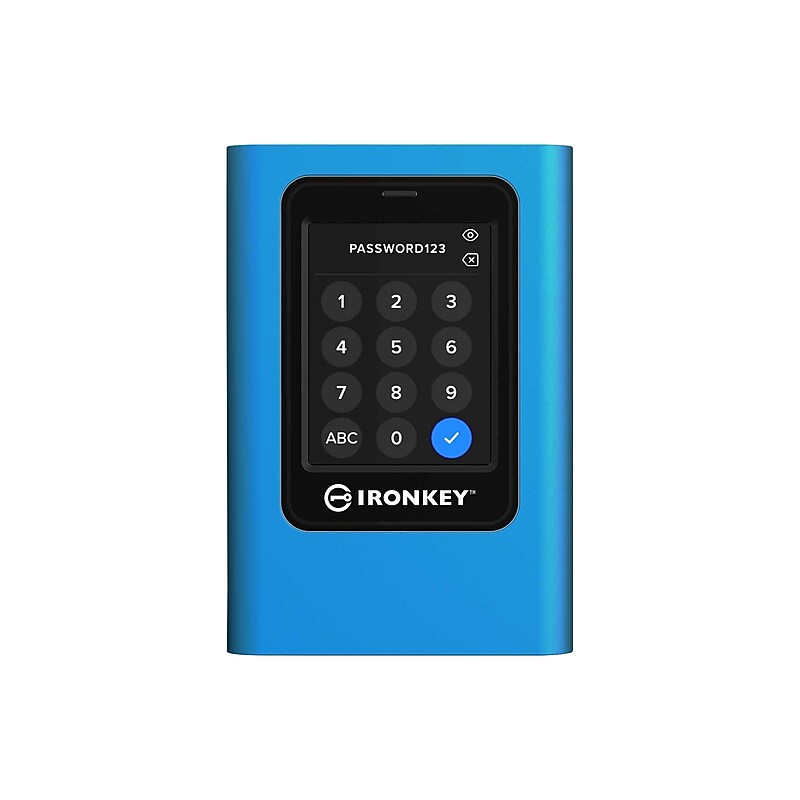
Kingston IronKey Vault Pricacy 80 1920GB Encrypted External SSD (IKVP80ES/1920G) image 1
Item: IM107BA26
Model: IKVP80ES/1920G

Kingston IronKey Vault Privacy 80 External SSD is Kingston's first innovative OSindependent hardware-encrypted external SSD with touch-screen for data protection. VP80ES safeguards against Brute Force attacks and BadUSB with digitally-signed firmware. Brute Force attack protection crypto-erases the drive if the Admin and User passwords are entered incorrectly 15 times* in a row by default. The drive is FIPS 197 certified with XTS-AES 256-bit encryption using a Common Criteria EAL5+ (CC EAL5+) certified secure microprocessor, and is TAA compliant..Store as many documents, pictures and videos as you need with 1920GB capacity.USB 3.2 (Gen 1) host interface ensures dependable data transfer for maximum efficiency.With 256-bit AES encryption protect all your valuable data and keep your personal files safe & secure.The high-read speed of 250 MB/s maximizes system performance and saves time while you are doing complex tasks.With the high-write speed of 250 MB/s, get a quick response when updating or transferring files.Is power and energy-efficient to ensure maximum reliability.Provides additional and convenient backup of your files and data

Price is  $645.46
1
2
3
4
5
6
7
8
9
10
11
12
13
14
15
16
17
18
19
20
21
22
23
24
25
26
27
28
29
30
Over 30
Add to list
17

About Video Editing Hard Drives

Video editing hard drives are essential tools for content creators, providing the necessary storage and speed to handle large video files. Whether you're a professional editor or a hobbyist, these drives ensure smooth playback and efficient editing workflows, allowing you to focus on your creativity.

Designed for high-performance tasks, video editing hard drives come in both internal and external formats, catering to various setups. Their robust storage capacities accommodate everything from short clips to full-length features, making them indispensable for any editing suite.

When selecting a video editing hard drive, consider factors such as storage capacity, speed, and connectivity options. Drives with higher RPMs or SSD technology offer faster data transfer rates, which can significantly enhance editing efficiency and reduce lag during playback.

Additionally, portability is crucial for on-the-go editors. External hard drives with USB 3.0 or USB-C connections provide quick access to your files, while rugged designs ensure durability in various environments. Look for drives that balance performance with reliability to support your video editing projects effectively.