Webcam Wall Mount Brackets
15 results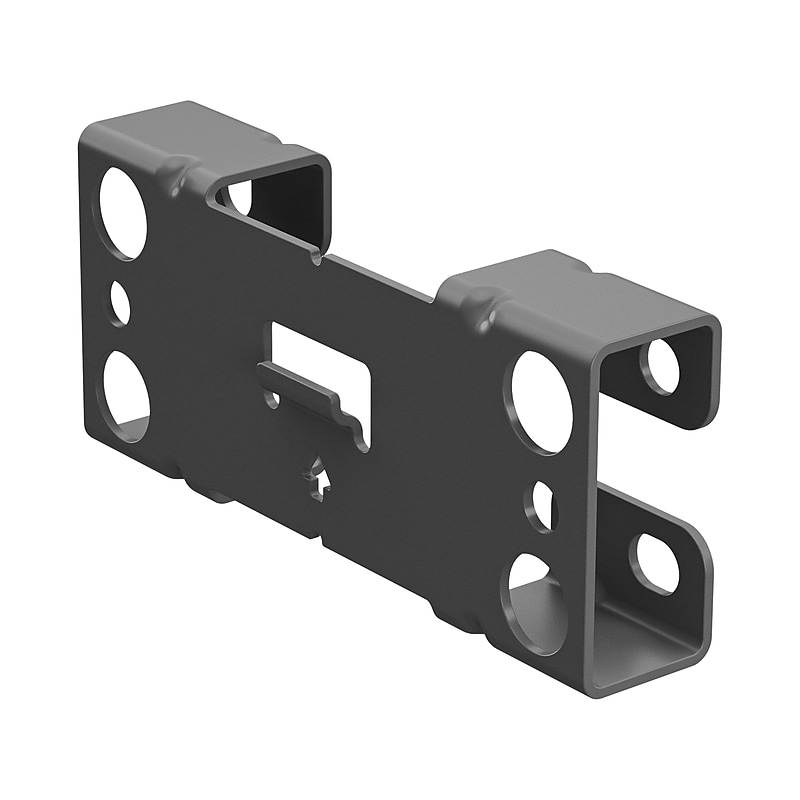
Use this video bar wall mount to mount your jabra PanaCast 50 on the wall at eye level, for optimum placement. This video bar wall mount is a replacement for the one that comes with jabra PanaCast 50..Wall mount is perfect to mount your video bar on the wall at eye level, for optimum placement.Designed for jabra PanaCast 50.Comes in gray
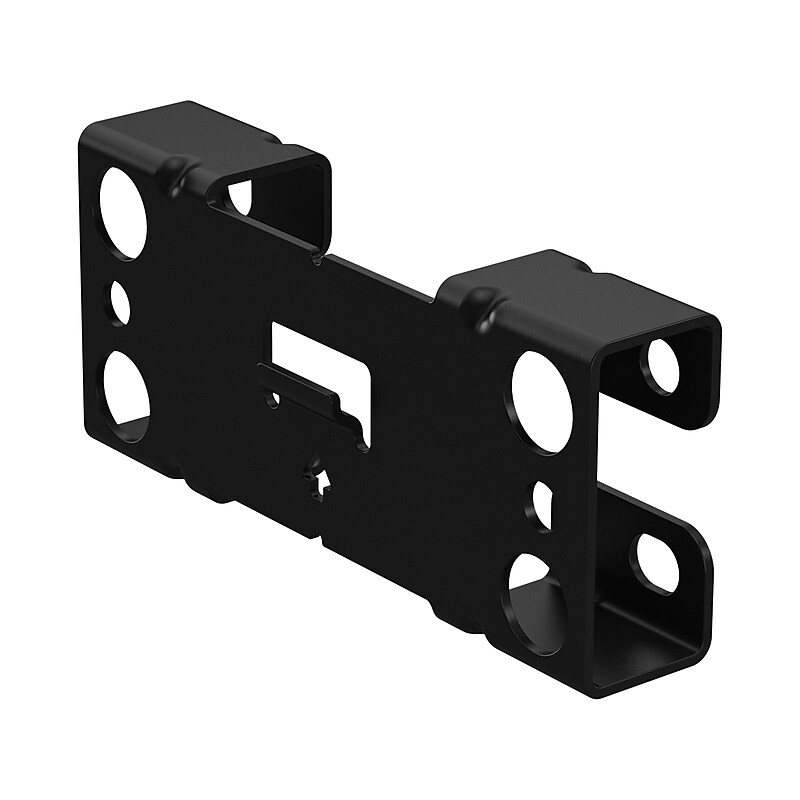
Use this video bar wall mount to mount your Jabra PanaCast 50 on the wall at eye level, for optimum placement. This video bar wall mount is a replacement for the one that comes with Jabra PanaCast 50..Wall mount is perfect to mount your video bar on the wall at eye level, for optimum placement.Designed for jabra PanaCast 50.Comes in black.Jabra Wall Mounting Bracket for PanaCast 50
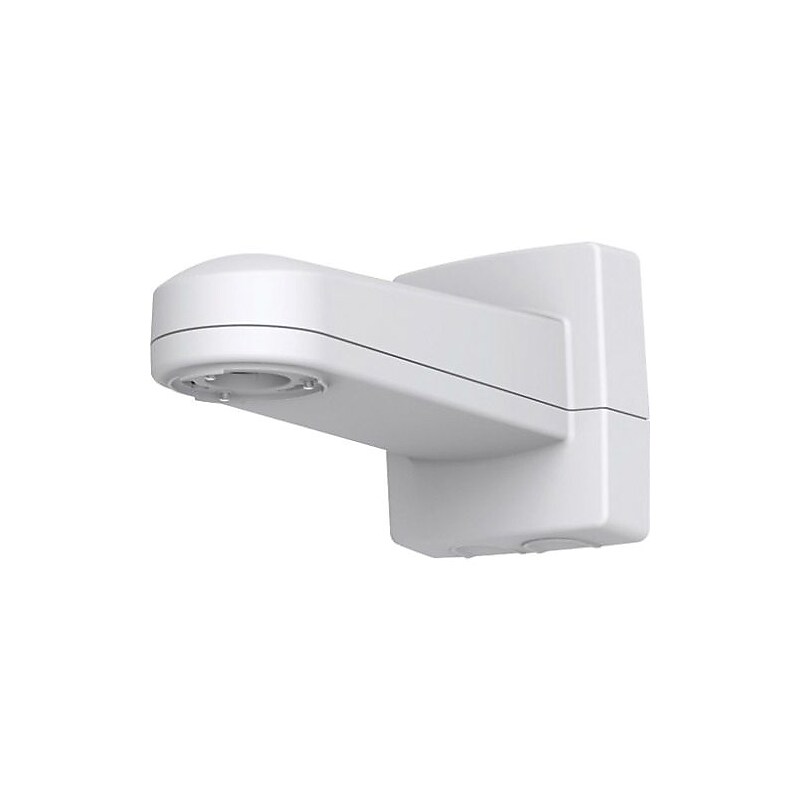
The AXIS 5506-951 T91G61 white wall mount bracket is suitable for Q3907-PVE network camera. It is suitable for both indoor and outdoor applications. This bracket safely protects against water ingress inside the mount. This bracket comes in a powder coated aluminum casing. Pre-mounted Ethernet cable with IP66 RJ45 connector helps to connect power and data to network cameras..Wall mount bracket suits all environments, both indoors and outdoors.Dimensions: 8.4"H x 7.3"W x 15.9"D.Compatibility: AXIS P5512-E PTZ, P5514-E PTZ, P5515-E, Q6000-E, Q6000-E, Q6045-E Mk II PTZ, Q6045-E PTZ, Q6128-E PTZ, Q6115-E dome network cameras.Color: White, Material: Powder coated aluminum casing.Maximum load: 30 kg (66 lbs.).Cable routing: Cable hole back, 0.75" conduit entrance x2 bottom.Designed to accommodate and safely protect against water ingress inside the mount, such as midspans and Media converters.Pre-mounted Ethernet cable with IP66 RJ45 connector (with gasket) helps quickly and easily connecting power and data to network cameras.Impact-resistant and outdoor proven material.AXIS T91G61 has the same hole pattern as the standard Axis PTZ wall mount and for retrofit.A pattern that matches Pelco's PTZ camera mount to enable an easy switch - no additional drilling is required.Includes: Installation guide, Ethernet cable with IP66 RJ45 connector (with gasket), foam gaskets and silicone strap (pre-mounted).Meets IEC/EN/UL 60950-1, IEC/EN/UL 60950-22, EN 50581, IEC/EN 60529 IP66, NEMA 250 Type 4X, IEC 60068-2-27 certifications and standards.Weight: 7.7 lbs..Comes with 3 years warranty
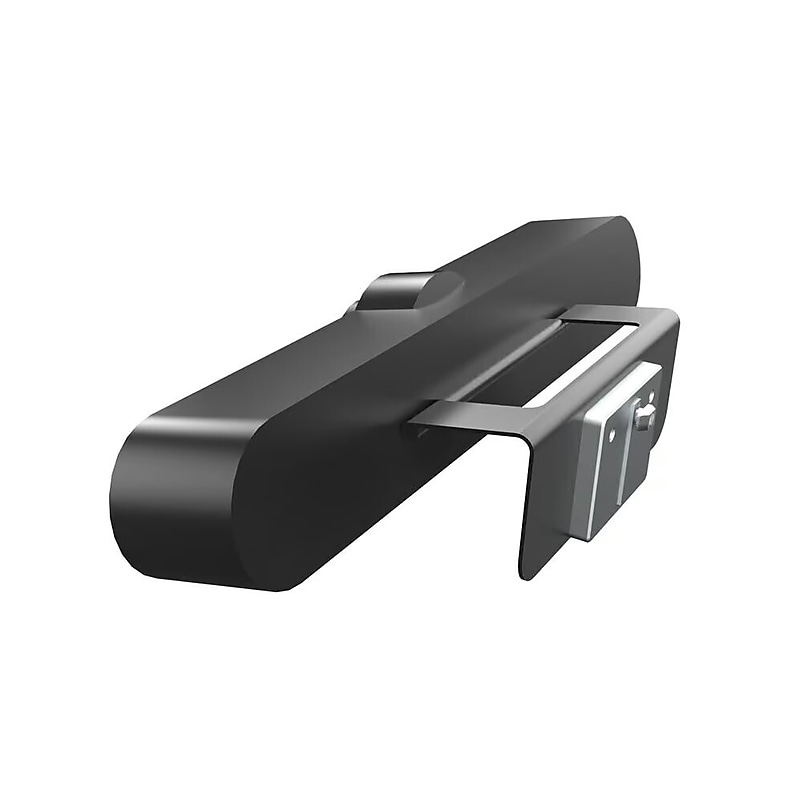
The Logitech 993‑001889 Wall Mount is a purpose-built mounting solution designed specifically for the Logitech MeetUp ConferenceCam. It allows the camera to be securely attached to the wall, providing an optimal height and angle for capturing participants in huddle rooms and small meeting spaces. This bracket offers a clean, clutter-free installation and supports both above and below display mounting positions. Made with durable materials and a sleek profile, it blends seamlessly into professional meeting environments. The bracket also simplifies cable management and enhances the aesthetics of conference setups by removing the need for tabletop placement..This is a wall mount bracket designed specifically for mounting the Logitech MeetUp ConferenceCam to provide optimal camera positioning in video conferencing rooms, especially huddle spaces..The package includes the wall mount bracket, mounting hardware, and an installation guide—everything needed for setup..Fully compatible with all major video conferencing platforms including Zoom, Microsoft Teams, Google Meet, and Skype, when used with the Logitech MeetUp camera..This is a fixed wall mount designed for stable and secure camera installation either above or below the display..The bracket measures approximately 5.83 inches (148 mm) in width, 1.57 inches (40 mm) in height, and 0.59 inches (15 mm) in depth.
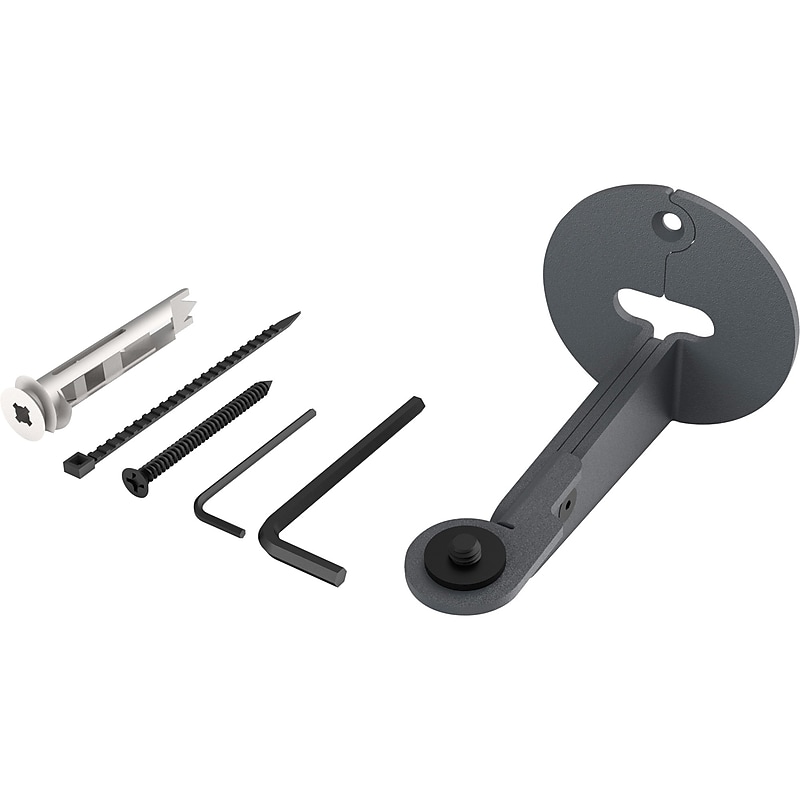
Your eyeline, our focus. You no longer need to compromise on your camera and display positions. With Eyeline Camera Mount you can squeeze your favorite camera between two displays at an ideal height to create a tele-presence-like experience that feels nature to local and remote participants. This also means you can position both displays at the perfect height - no more craning your neck. Wish you were here. Combine Eyeline Camera Mount with a dual-display Heckler AV Cart to create a wide-screen portal to classrooms, production floors, and family. By putting this experience on wheels, the entire organization can share this vital resource. AV Cart Compatible. By installing your camera to either the upper or lower Dual Display bar, you can create an eyeline experience for seated or standing meetings anywhere within your organization. Sleek look. People will look right at your camera mounts - so your camera mounts should look good. Eyeline Camera Mount looks great installed between or beside your displays. Versatility. Compatible with your favorite small camera, including Huddly Go, Huddly IQ, Logitech BRIO, Jabra Panacast, AVer CAM340, and many more. Universal. Eyeline Camera Mount has a universal 1/4"-20 mounting position. Easy Install. Install to drywall in seconds with the included drywall anchor. If you want to feed the cable through the wall, Eyeline Camera mount supports cable pass-thru and will obscure the hole in the wall. Adjustable length. Position the back of your camera directly in front of your displays, allowing your camera's USB cable to immediately tuck out of site between the two displays. In the box Eyeline Camera Mount Drywall anchor Assembly tools.Adjustable to displays screens 4 to 6 inches from the wall.1/4-20 camera-mounting screw.Single screw mounting position.Easy drywall installation
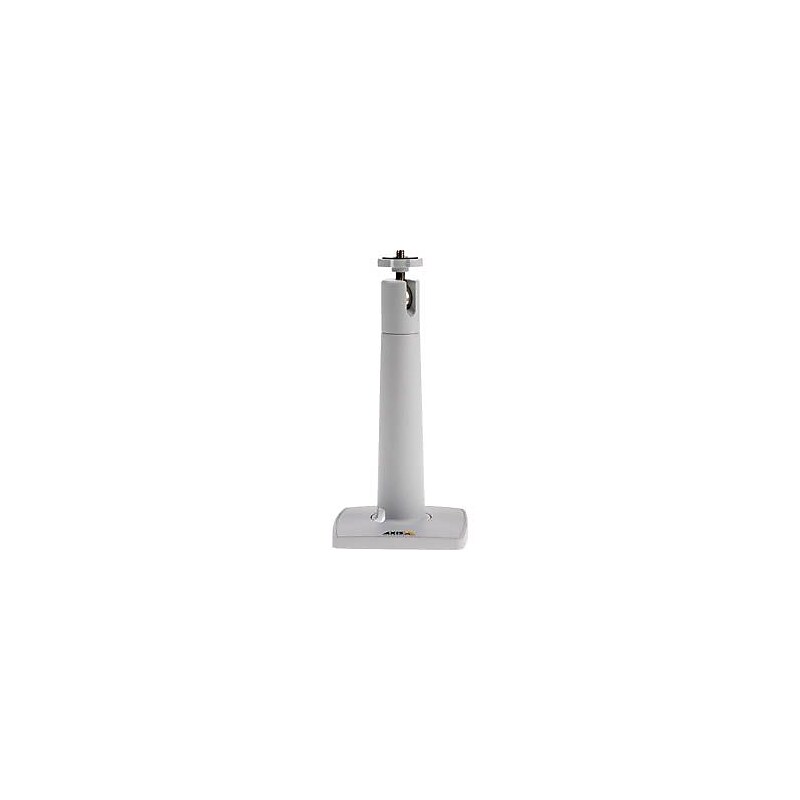
The Axis Communications® T91B21 wall mount in white, is compatible with M1065-L, M1103, M1104, M1113, M1114, M1124, M3007-P, M3007-PV, M3024-LVE, M3025-VE, P1347 and P1353 network cameras..Wall mount is suitable for network camera.Compatible with M1065-L, M1103, M1104, M1113, M1114, M1124, M3007-P, M3007-PV, M3024-LVE, M3025-VE, P1347, P1353 network cameras.Color: White, Material: Metal
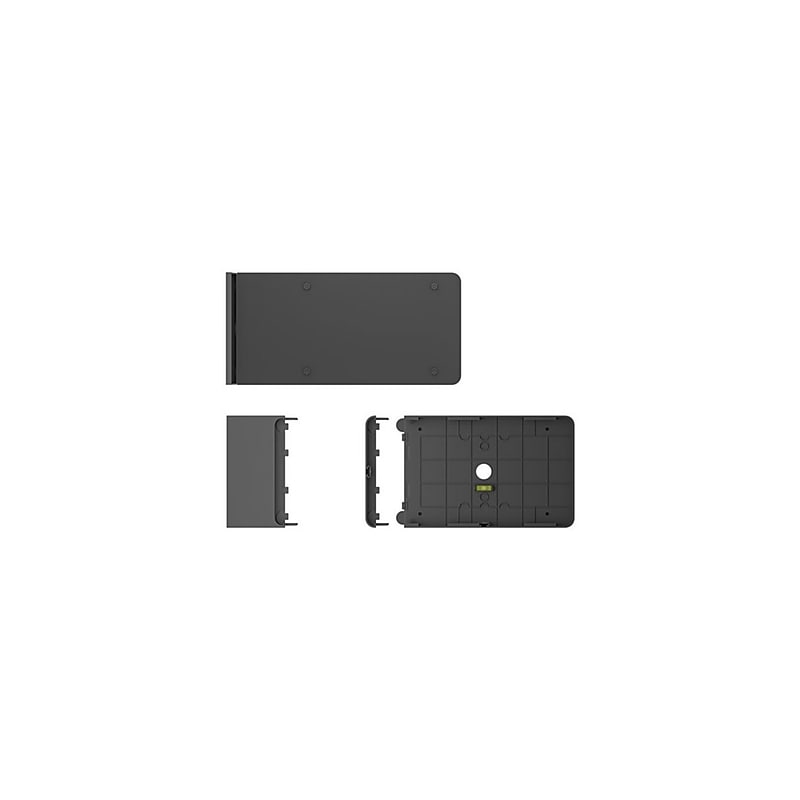
Make it easy to find and get to the right meeting space with Tap Scheduler, a purpose-built scheduling panel that signals availability from a distance. Up close, see meeting details, claim rooms, and book meetings on a spacious 10.1" screen. Easily configure Tap Scheduler as a Microsoft Teams panel, as a Zoom Rooms Scheduling Display, with Meetio, Robin, or other room scheduling solutions in just a few simple steps. Provide a professional install with included glass, mullion, and wall mounts and clean cable management. Count on Tap Scheduler for reliable performance with durable components that are built to last. Remarkably simple to set up and designed for deployment at scale, Tap Scheduler can be added to any room to make the most out of meeting spaces. Make it easy to find and claim the right meeting space with Tap Scheduler, a purpose-built scheduling panel that is easily installed outside any room for fast deployment. Set up Tap Scheduler as a Microsoft Teams panel, as a Zoom Rooms Scheduling Display, with Meetio, Robin, and other leading room scheduling solutions. Quickly find an open room through colored LED lights that show availability at a distance. Up close, see room details, claim the space, or reserve the room on the spacious touchscreen. Easily install Tap Scheduler outside any room with the included glass, mullion, and wall mounts. Multiple routing options hide the single PoE cable for a clean and professional setup. With a 10.1" touchscreen display, flat angle, and low profile, Tap Scheduler allows for easy reading from a variety of heights. With a purposeful design and durable components, Tap Scheduler is built for reliable performance that lasts. Configure Tap Scheduler out of the box in just a few easy steps for fast setup and deployment. With Logitech Sync, you can monitor and manage Tap Scheduler along with your other meeting room devices from one single platform..Make it easy to find and claim the right meeting space with Tap Scheduler, a purpose-built scheduling panel that is easily installed outside any room for fast deployment..Set up Tap Scheduler as a Microsoft Teams panel, as a Zoom Rooms Scheduling Display, with Meetio, Robin, and other leading room scheduling solutions..Quickly find an open room through colored LED lights that show availability at a distance. Up close, see room details, claim the space, or reserve the room on the spacious touchscreen..Easily install Tap Scheduler outside any room with the included glass, mullion, and wall mounts. Multiple routing options hide the single PoE cable for a clean and professional setup..The product does not have megapixels or resolution as it is a mounting accessory, not a camera..With a 10.1” touchscreen display, flat angle, and low profile, Tap Scheduler allows for easy reading from a variety of heights..With a purposeful design and durable components, Tap Scheduler is built for reliable performance that lasts..Configure Tap Scheduler out of the box in just a few easy steps for fast setup and deployment..With Logitech Sync, you can monitor and manage Tap Scheduler along with your other meeting room devices from one single platform..The mounting bracket is approximately 6.5" H x 9.68" W x 2.85" D.Connectivity features are not applicable as it is a physical mounting accessory without electronic components.
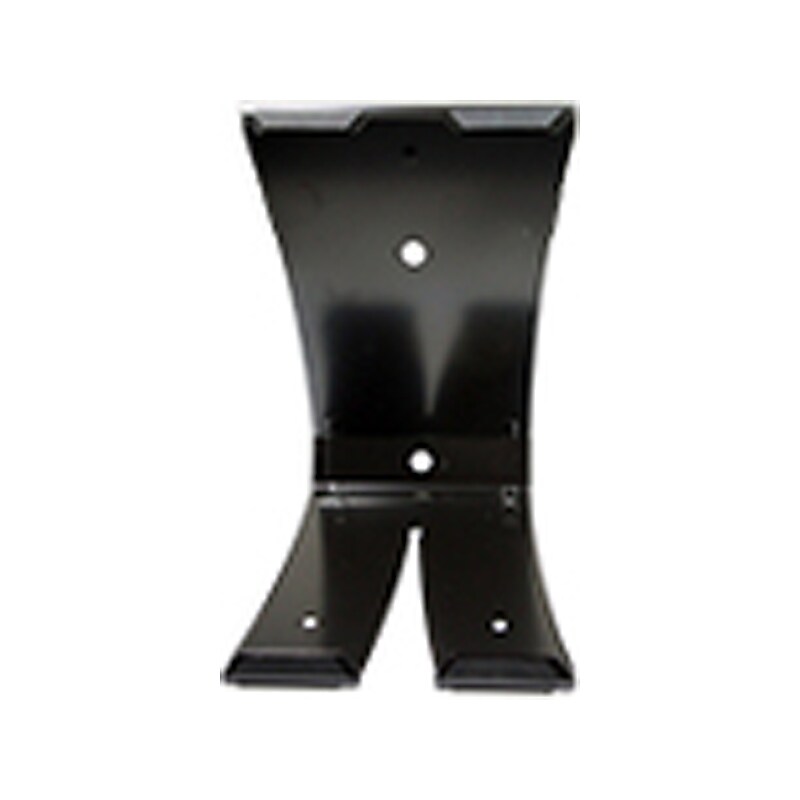
The Logitech replacement camera mount is designed for GROUP video conferencing system. GROUP offers the flexibility to customize conference room set-up with multiple camera mounting options. Use the camera on the table or mount it on the wall..Spare camera mount for the Logitech GROUP videoconferencing system.Dimensions: 8.27"H x 4.72"W x 3.9"D.Dual-purpose mount for wall placement or for elevating the camera on a table.Comes with black finish
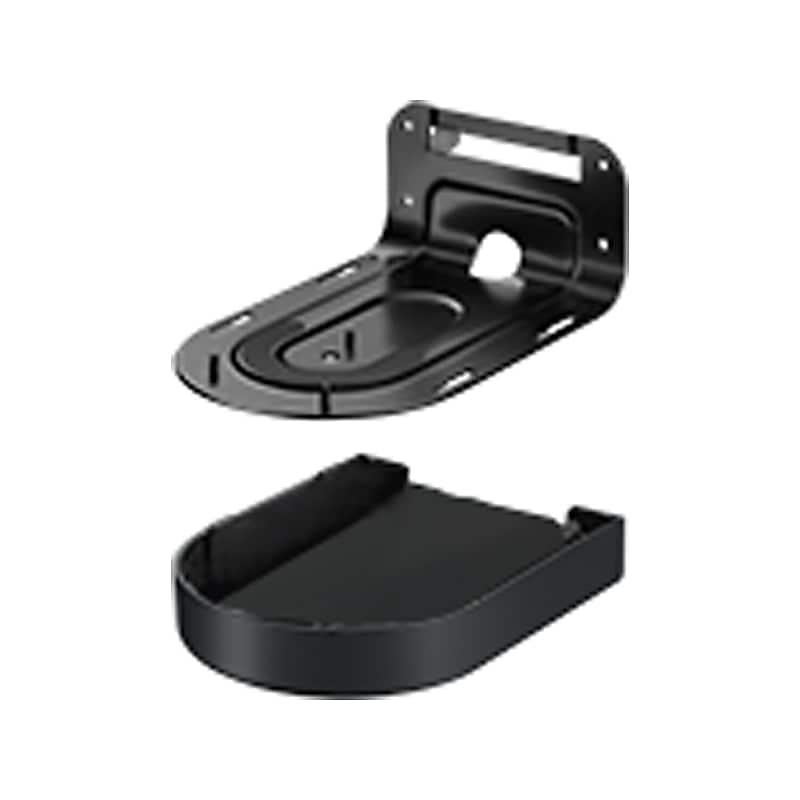
Mount, splitter case and screws for Logitech Rally - premium PTZ camera with Ultra-HD imaging system and automatic camera control..Invertible wall mount with power splitter bay and cable management.Mounting bracket dimensions: 3.46"H x 4.33"W x 6.69"D.Power splitter dimensions: 0.84"H x 3.19"W x 2.38"D
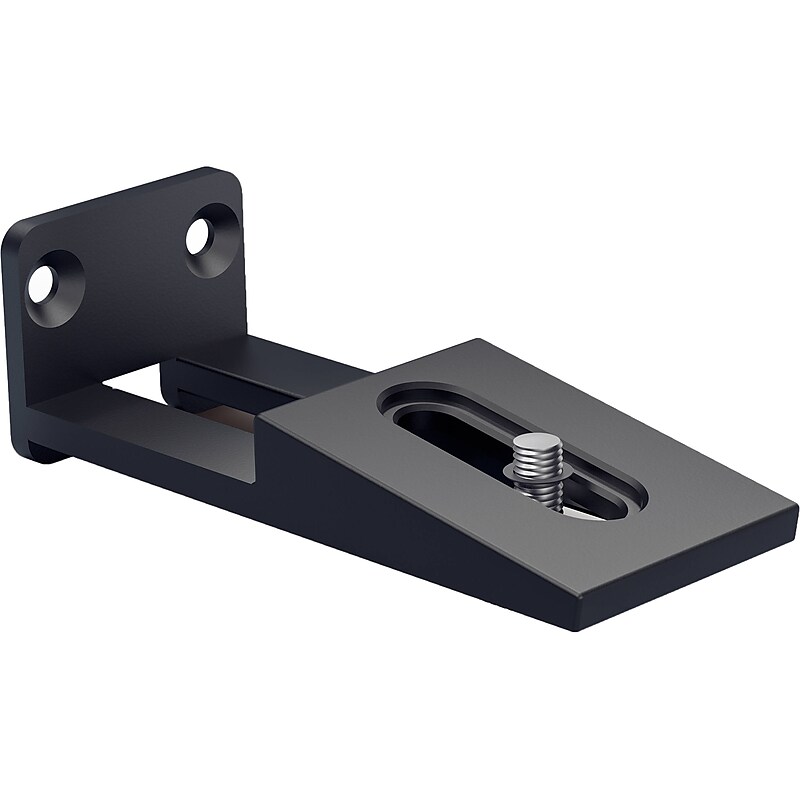
The Jabra PanaCast wall mount can be used to attach the Jabra PanaCast onto a wall. Ideal for rooms where the PanaCast is to be a permanent instalment, the wall mount helps make any room a great way to digitally connect with coworkers..Easy to install wall mount for any room.2 screws attach to the wall.1 screw attaches to the Jabra PanaCast base.Sleek black design to match the Jabra PanaCast video conference camera
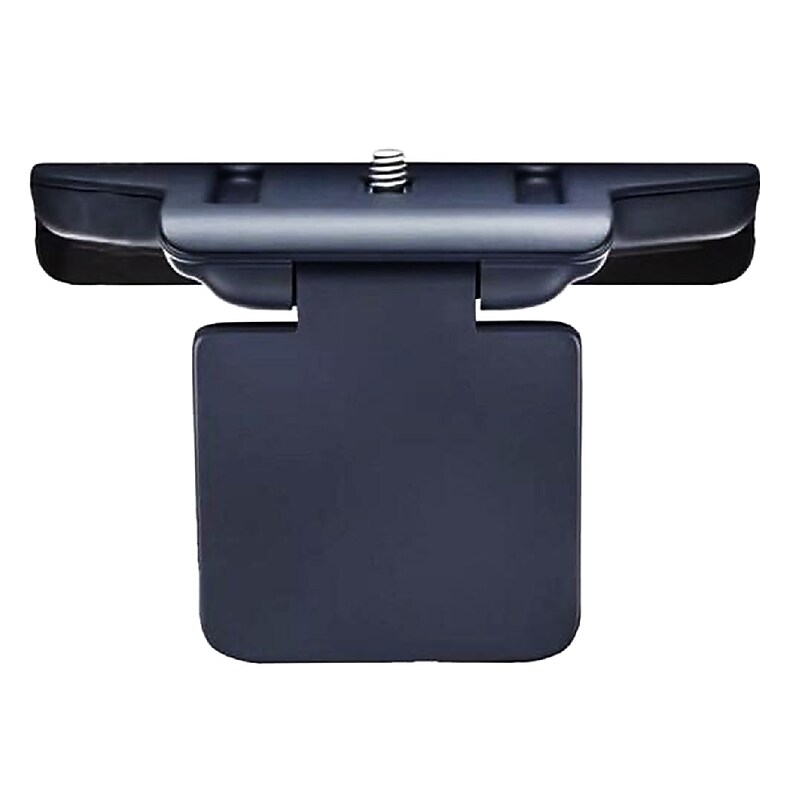
The Poly Studio video bar combines sleek design with professional-grade technology. The high-quality camera lens and fabric-wrapped speaker array deliver crystal-clear video and audio for immersive virtual meetings. The thoughtful design integrates seamlessly into any workspace while maintaining optimal performance..Poly Wall Mount for P15 / R30 Video Bar.Professional wall mounting solution.Easy installation process.Durable construction for long-lasting performance.Adjustable viewing angle.Space-saving design eliminates desk clutter
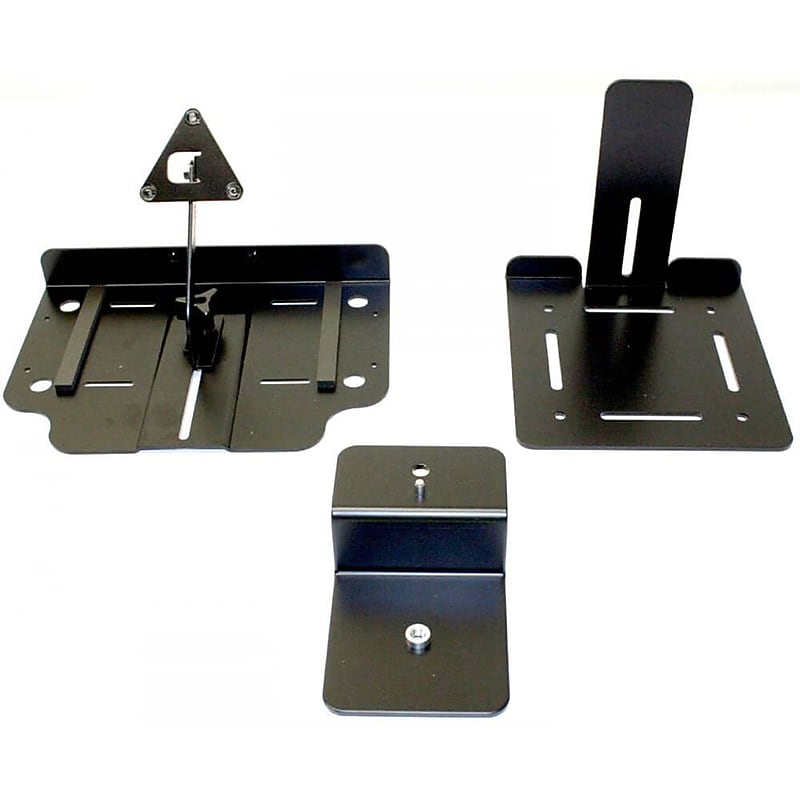
Mount with Confidence—Poly EagleEye IV Camera Mounting Bracket Secure your video conferencing setup with the versatile Poly EagleEye IV Camera Mounting Bracket. Designed to support EagleEye IV, Director, HD, III, and View cameras, this bracket offers flexible mounting options for flat surfaces and thicker displays. With an integrated tripod thread, it adds portability to your camera, making it easy to move between rooms. Whether you're setting up a permanent installation or need mobility, this TAA-compliant bracket delivers stability and convenience for professional environments..Designed as a universal mounting bracket, this accessory securely supports Poly EagleEye cameras on flat surfaces or displays, enhancing flexibility in professional video conferencing setups..Includes one Poly EagleEye IV Camera Mounting Bracket with integrated tripod thread; compatible with multiple EagleEye camera models for versatile installation..Works seamlessly with Poly EagleEye IV, Director, HD, III, and View cameras, supporting enterprise-grade video conferencing systems across various platforms..Features a tripod mounting thread and flat surface compatibility, allowing stable placement on walls, tables, or thick displays for optimal camera positioning.
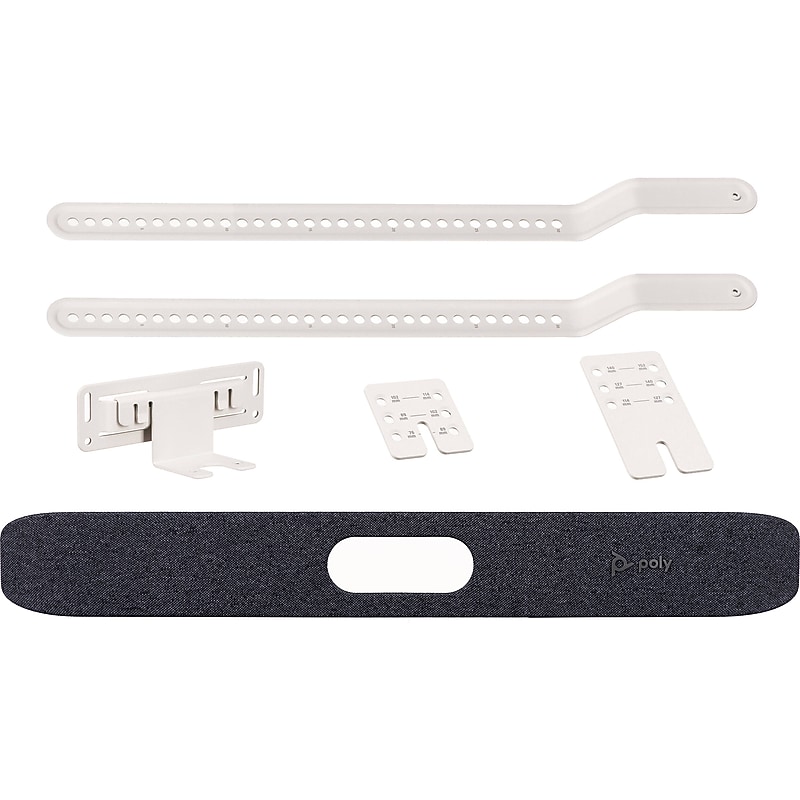
Transform your meetings with the Poly G7500 IP Table Microphone—where clarity meets innovation. Built for high-performance video conferencing, this sleek tabletop microphone delivers exceptional audio quality through advanced beamforming technology that isolates voices and minimizes background noise. Its compact design fits seamlessly into any modern workspace, while Ethernet connectivity ensures stable, high-fidelity sound transmission. Whether you're hosting a boardroom presentation or a global team call, the G7500 microphone integrates effortlessly with platforms like Zoom and Microsoft Teams, making collaboration smooth and professional. Experience the future of conferencing with a device that’s engineered for precision, reliability, and style..Designed specifically for the Poly Studio X30, this inverted VESA/wall mount provides a secure and professional mounting solution for streamlined video conferencing setups..Includes the Poly Inverted VESA / Wall Mount as a standalone accessory, ideal for enhancing the installation flexibility of your Studio X30 system..Compact and lightweight, the mount is engineered to fit the Studio X30 precisely, ensuring a clean and unobtrusive installation.
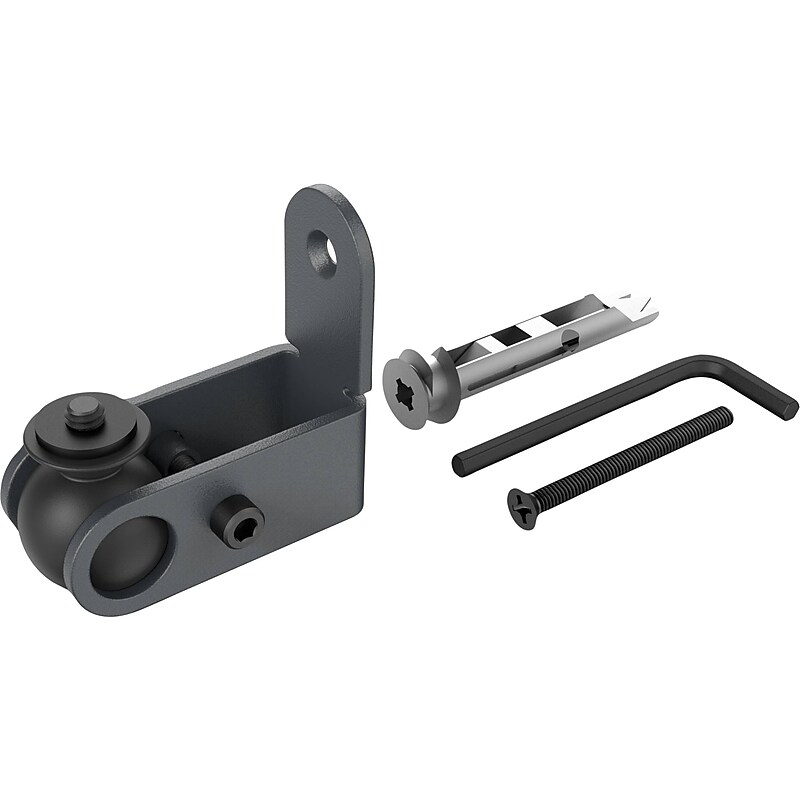
Any angle. You pick. With its patented ball joint you can lock in the perfect camera angle. Get creative. We know your installations can present new mounting challenges. ADA Camera Mount enables you to mount your favorite camera to most any surface, right-side-up, or inverted. Cable management included. Optionally pass Huddly's USB-C cable through your wall without hassle. Just route the cable through a 1/2-inch hole. Our mount trims and hides the hole. ADA compliance built-in. Safely install at any height in any location. ADA Camera Mount is carefully designed to prevent your camera from protruding more than four inches from the wall. Above, below, or beside. Achieve the best view of your audience for each room. Install your Huddly GO or Huddly IQ above, below, or besides your displays then set the perfect camera angle..Scratch & fingerprint-resistant Powdercoat finish.Patented ball pan/tilt/roll ball joint.Single-screw wall mounting.Wall pass-through for USB-C cable
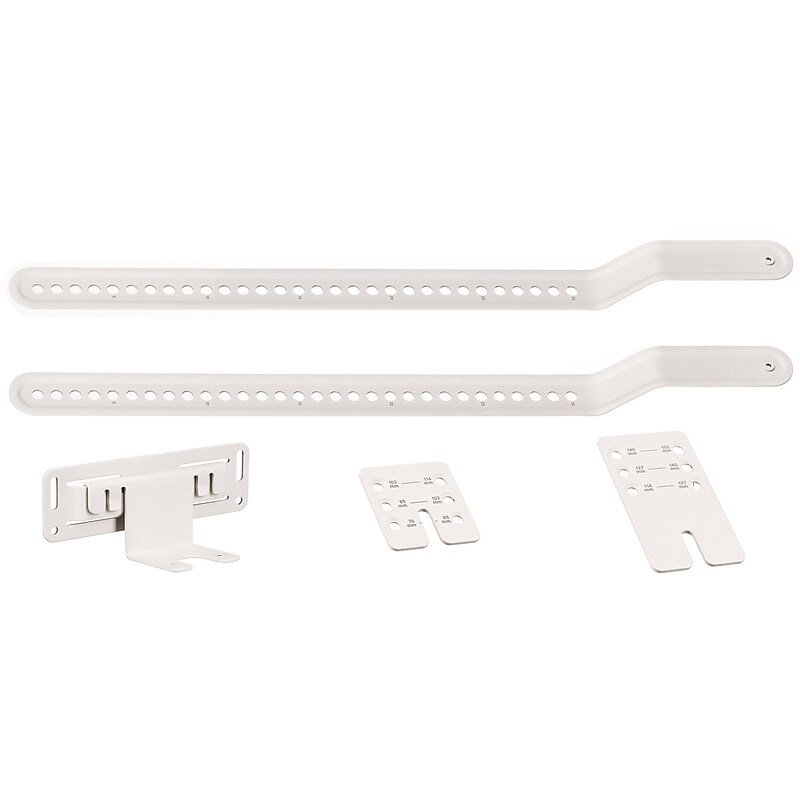
Optimize your video conferencing setup with the HP Poly VESA/Wall Mount, designed specifically for the Poly Studio X30, X32, and V12 video bars. This versatile mounting solution offers both VESA and wall mounting options, allowing you to securely install your video bar above or below a display in either standard or inverted orientation. Whether you're outfitting a meeting room, huddle space, or executive office, this mount ensures a clean, professional look and stable performance. Built with precision and durability, it includes all necessary brackets and installation hardware for quick and easy setup. The mount supports standard VESA patterns, making it compatible with a wide range of displays. Ideal for businesses seeking flexibility and reliability in their AV installations, the HP Poly VESA/Wall Mount enhances the functionality and aesthetics of your conferencing environment. Backed by HP’s trusted quality, it’s the perfect accessory to complete your Poly Studio system..This is a versatile mounting kit designed to securely install Poly Studio X30, X32, and V12 video bars on either a wall or a display using standard VESA patterns.Includes wall mount brackets, VESA mount brackets, and installation hardware for flexible mounting options.Compatible with all major video conferencing platforms when used with supported Poly Studio video bars.Supports both wall mounting and VESA mounting above or below a display, including inverted positioning.Designed to fit Poly Studio X30, X32, and V12 models securely