Dell Computer Accessories
200 results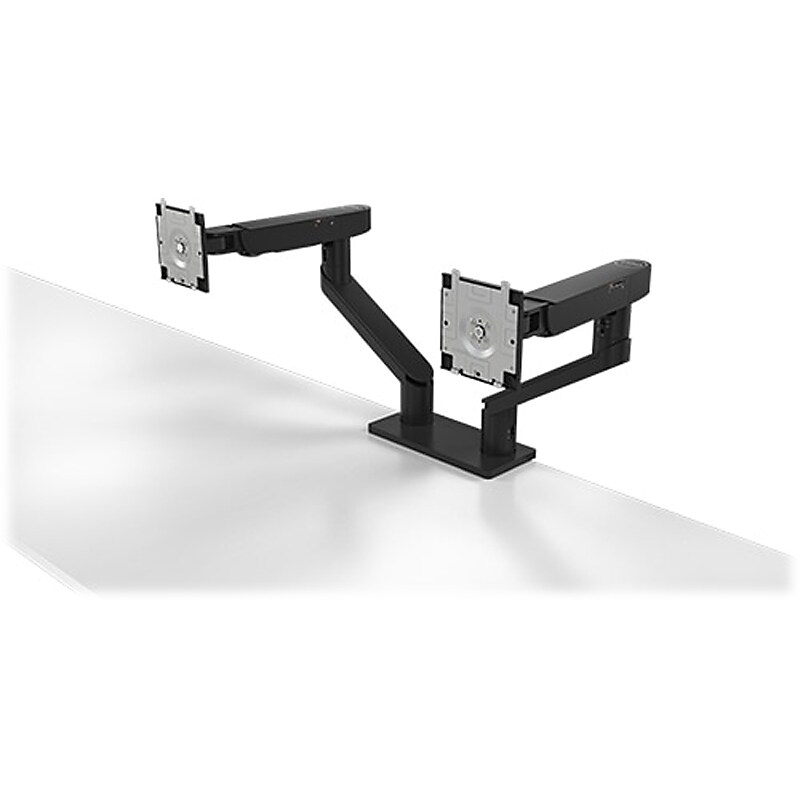
Quickly install this Dell dual monitor arm - MDA20 for a comprehensive monitor and system mounting solution. Dell Quick Release lets you snap on the Dell UltraSharp and P-Series monitors onto the arm easily without tools, and select OptiPlex Micro, Ultra and Wyse systems can be installed as well for an all-in-one solution. Virtually tool-free installation makes deploying the Dell dual monitor arm simple, while the counterbalance indicator on the side lets you replicate identical tension settings across multiple units rapidly. You can install other monitors with optional VESA mount adapter plates for complete versatility with select PC systems..Dual monitor arm is built to minimize wasted space behind the arms so that you get plenty of usable area.Supports 19"-27" monitors weighing between 4.8 to 22.0 lbs..C-clamp is perfect for desk edges, while the grommet mount only needs a 2"Dia. hole to support monitors up to 27" in size.Comes powder-coated in black.Height, tilt, pivot, depth, and swivel adjustments make it easy to move the monitors individually on this dual-monitor arm precisely to your preferred monitor setup.Weight is 19 lbs..Dimensions: 8.27"H x 22.04"W x 15.75"D.VESA mounting pattern: 100 x 100mm.Comes with the World's first swivel switch that allows you to change the swivel angle without having to remove any part of the monitor arm.Simply adjust the swivel angle on the arm to 180 or 360 degrees conveniently with a flip of the switch.Virtually tool-free installation makes deploying simple, while the counterbalance indicator on the side lets you replicate identical tension settings across multiple units rapidly.You can install other monitors with optional VESA mount adapter plates for complete versatility with select PC systems.Ample space in the cable management slot with cable clips keep up to 10 wires in place, offering a clean desk experience.This monitor arm also has an Allen key that is conveniently tucked underneath the arm cover so that you will not lose it.Package includes: dual-monitor arm, Dell VESA adapter plate, Allen key, and documentation.3-year manufacturer limited warranty
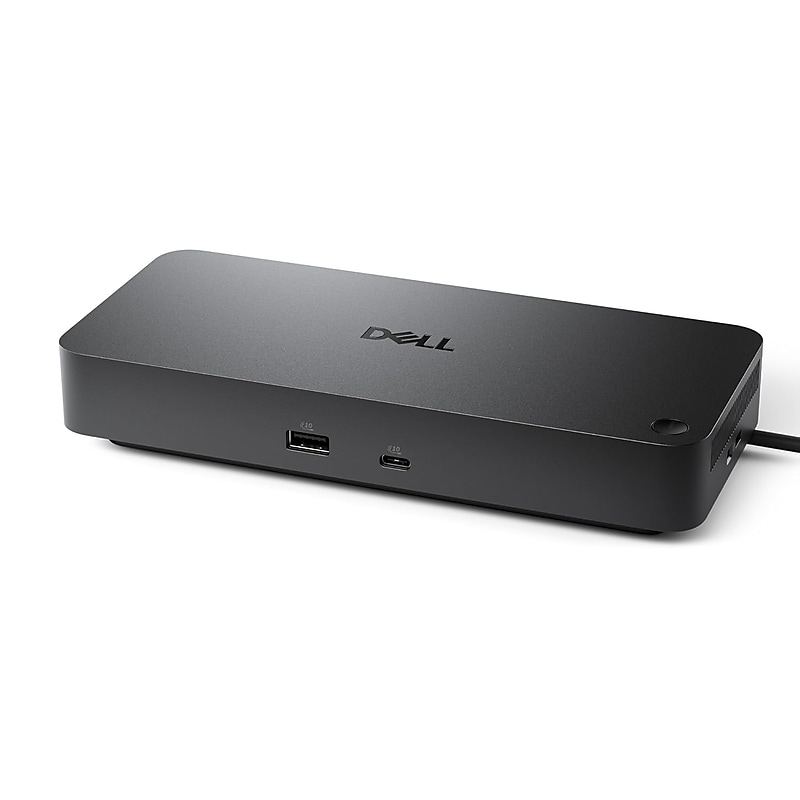
Transform your workspace with the Dell Pro Dock WD25TB4, a high-performance Thunderbolt 4 docking station designed to power, connect, and expand your laptop or desktop setup with ease. Engineered for professionals, it combines speed, power, and versatility in a sleek, compact design..Thunderbolt 4 docking station compatible with Dell laptops and notebooks, designed to expand connectivity and power delivery.Compact and sleek form factor that fits easily on any desk, measuring approximately 5.3 x 2.8 x 1.5 inches (L×W×H).Includes 2 Thunderbolt 4 ports, 2 DisplayPorts, 1 HDMI port, 4 USB-A ports, 2 USB-C ports, and 2.5 Gigabit Ethernet (RJ-45) for versatile.Dell Pro Dock WD25TB4 unit with AC power adapter and required cables for immediate setup.1 HDMI, 2 USB-C, 4 USB-A, 2 DisplayPort, 2 Thunderbolt 4, no VGA ports.1 Year Limited Warranty
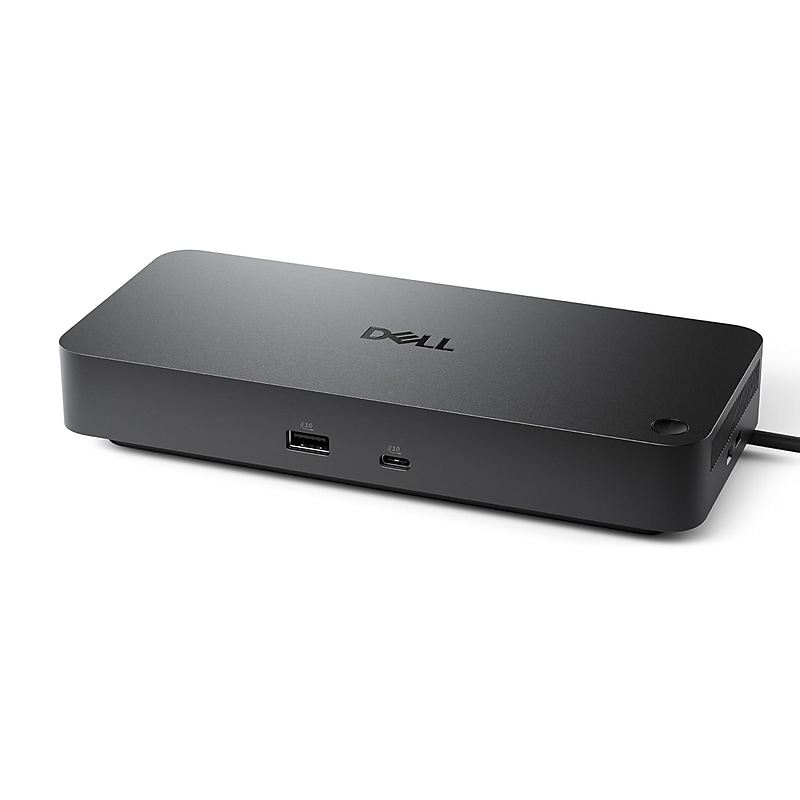
Upgrade your workspace with the Dell Pro Dock WD25TB5, a powerful Thunderbolt 5 docking station designed to expand connectivity, maximize productivity, and deliver high-speed power to your Dell laptops and desktops. Engineered for professionals, it combines performance, versatility, and sleek design in one compact device..Thunderbolt 5 docking station compatible with Dell laptops and desktops for enhanced connectivity and high-speed power delivery.Compact and sleek form factor, approximately 5.3 x 2.8 x 1.5 inches (L×W×H), fits easily on any desk.Includes 2 Thunderbolt 5 ports, 2 DisplayPorts, 1 HDMI port, 4 USB-A ports, 2 USB-C ports, and wired 2.5 Gigabit Ethernet (RJ-45) for versatile connectivity.Dell Pro Dock WD25TB5 unit with AC power adapter and required cables for immediate setup.1 HDMI, 2 USB-C, 4 USB-A, 2 DisplayPorts, 2 Thunderbolt 5 ports, no VGA ports.1 Year Limited Warranty
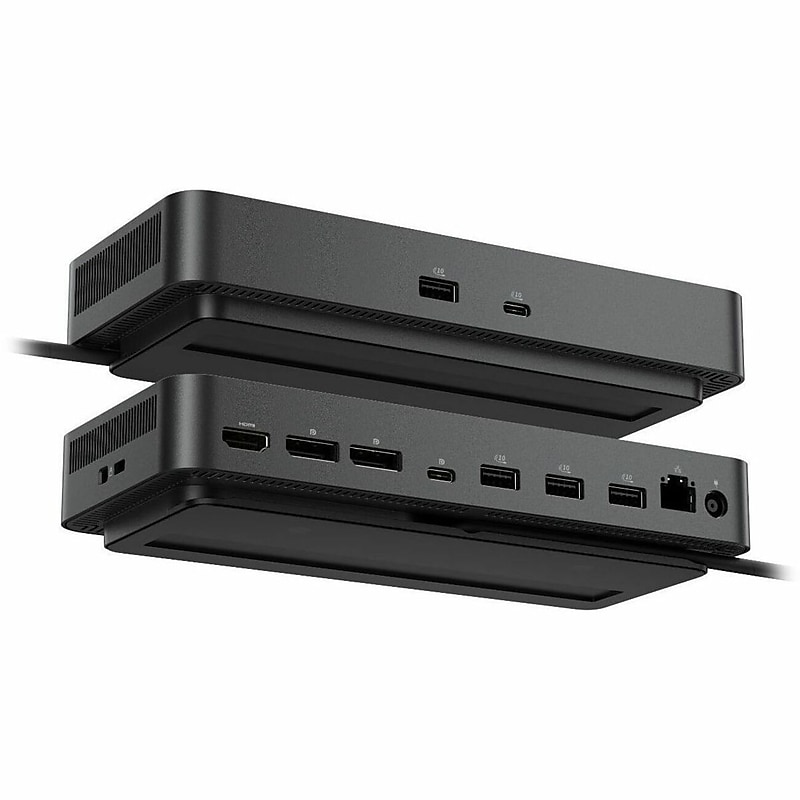
Boost your workspace efficiency with the Dell Pro Dock WD25Z, a high-performance USB-C docking station designed to expand connectivity, streamline your setup, and deliver reliable power to your Dell laptops and desktops. Perfect for professionals, this docking station combines speed, versatility, and sleek design in one compact solution..USB-C docking station compatible with Dell laptops and desktops for expanded connectivity and reliable power delivery.Compact and sleek design, approximately 5.3 × 2.8 × 1.5 inches (L×W×H), fits easily on any desk.Includes 2 USB-C ports, 4 USB-A ports, 1 HDMI port, 2 DisplayPorts, and wired 2.5 Gigabit Ethernet (RJ-45) for versatile connectivity.Dell Pro Dock WD25Z unit with AC power adapter and necessary cables for immediate setup.1 HDMI, 2 USB-C, 4 USB-A, 2 DisplayPorts.1 Year Limited Warranty
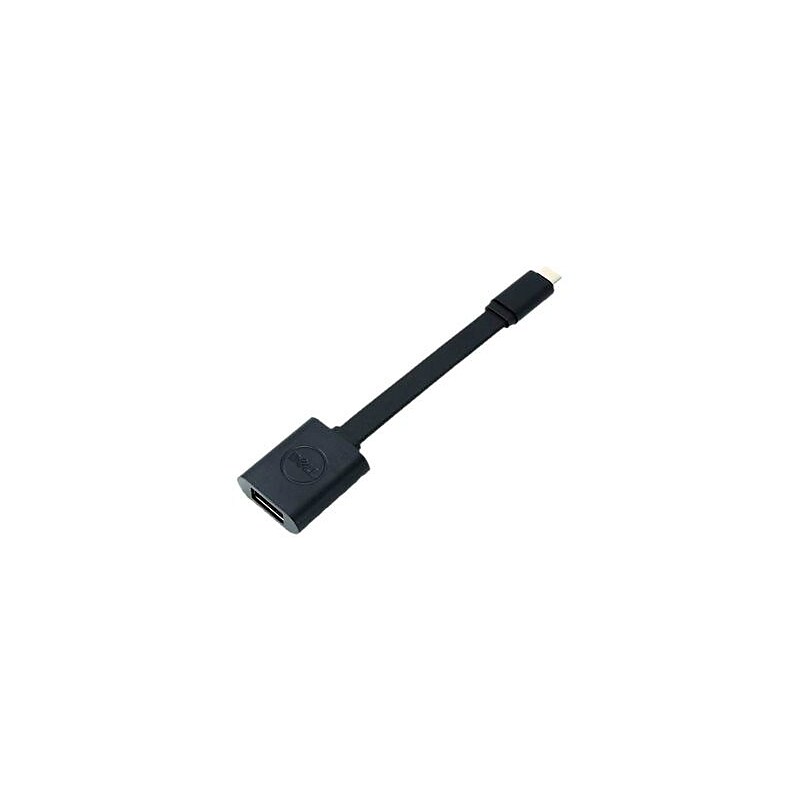
The Dell™ black USB type C to USB 3.0 type A male/female cable allows connecting your computer with USB-C port to new accessories and devices with USB-A 3.0 ports. It is perfect for Smartphone, tablet PC and camera..Black USB type C to USB 3.0 type A male/female adapter connects your USB-C computer to USB-A 3.0 devices.Cable length: 5.2".Male to female connection.Connector on first end: One type C male USB.Connector on second end: One type A female USB.Device supported: Smartphone, tablet PC, Camera
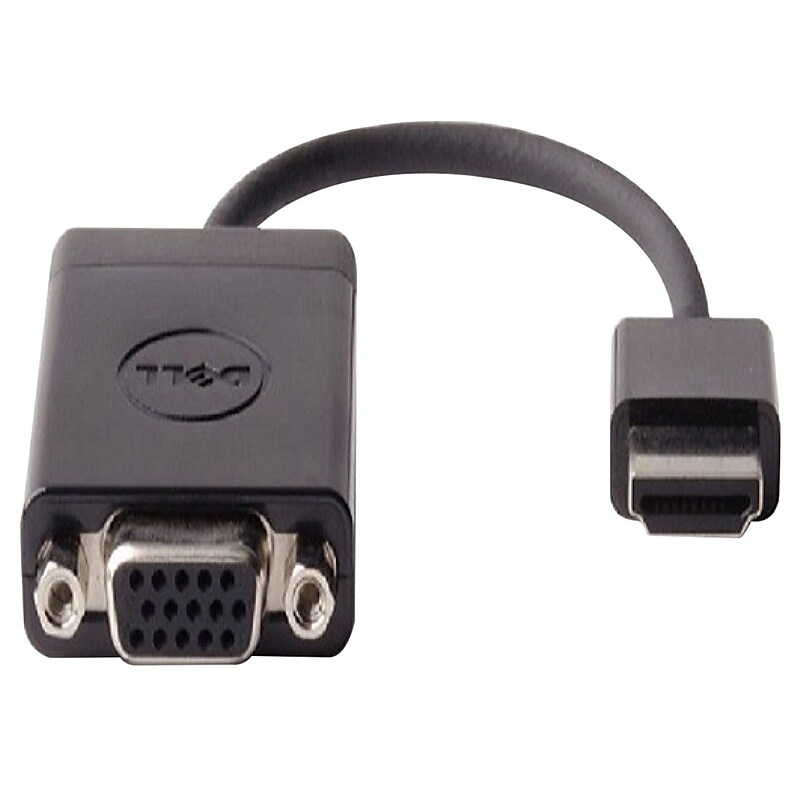
The Dell™ DAUBNBC084 HDMI to VGA adapter lets you to take the video content from your laptop or tablet and allows you to display it on any monitor, projector or HDTV featuring VGA input. This black adapter works well with computers..HDMI to VGA adapter lets you to take the video content from your laptop or tablet.Connector on first end: 1 x HDDB15 VGA female.Connector on second end: 1 x HDMI Type A male.Adapter type: HDMI/VGA
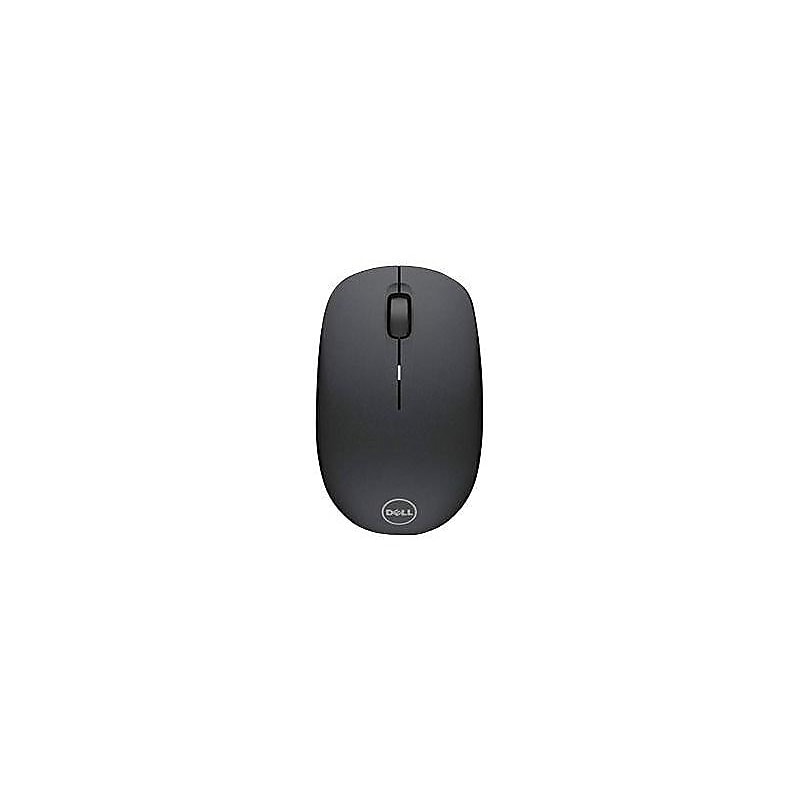
Get the flexibility and precision to complete tasks quickly on the road with this wireless mouse. The USB receiver offers easy plug-and-play installation and flexible operation, while the 1,000 DPI optical sensor lets this mouse track precisely on almost any surface. This Dell mouse boasts a contoured design that fits comfortably in either hand and offers up to one year of use per AA battery..Optical mouse allows you to have complete control over cursor movement and elevate your multiplayer gaming with the gaming mouse.Take this reliable wireless mouse anywhere.Optical mouse allows you to have complete control over cursor movement.Powered by one AA battery.Multi-device mouse for convenience.Optical sensor with 1000 dpi resolution ensures reliable tracking.1-year manufacturer limited warranty.Color: Black.Interface: One 4-pin USB type A.Plug and play, quick setup and easy installation.Perfect for everyday use at home or in the office, comfortable design.Includes one AA battery, USB receiver and documentation.Weight: 2.03 oz..Comes with 1 year warranty.Work in comfort all day and enhance pointer precision for faster productivity with this Dell wireless mouse.
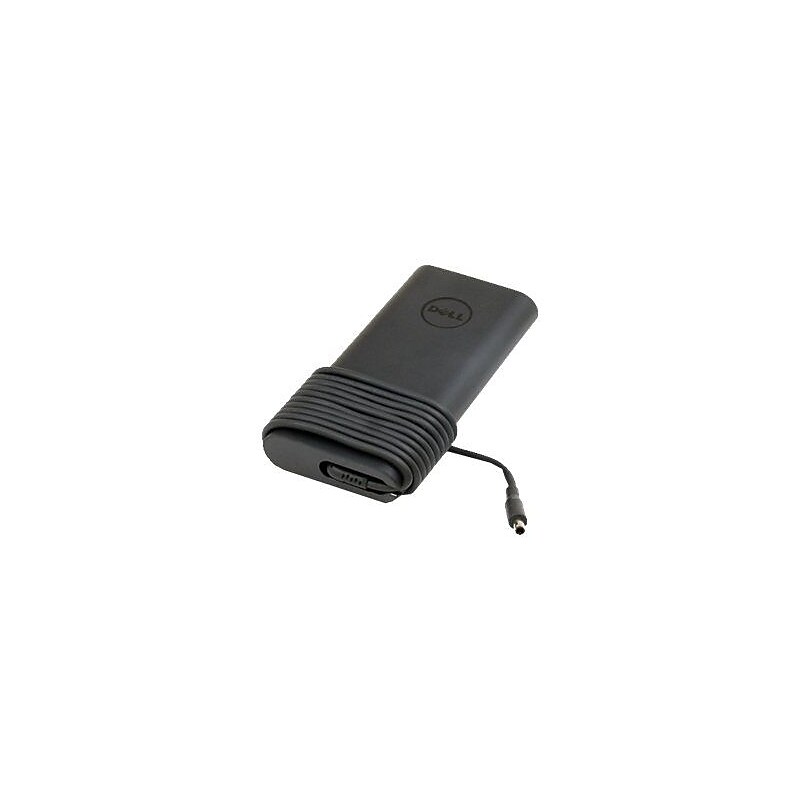
The Dell 332-1829 slim power adapter provides 130 W of power to charge your battery. It comes with a rubber strap for easy cable management. It features a LED indicator to know whether it is ON in dark locations. It is compatible with Dell Precision M3800, XPS 15 (9530) and XPS 15 (9550) notebooks..Compatibility: Dell Notebooks: Precision M3800, XPS 15 (9530), XPS 15 (9550).Input voltage: 120 - 230 VAC, output voltage: 19.5 VDC.Power: 130 W.Output current: 6.67 A.Dimensions: 1 1/2"H x 6 1/2"W x 2 1/2"D.Connector: 4.5 mm.Includes 1 x power cable - 6', power cord included