Small Intuos Tablets
3 results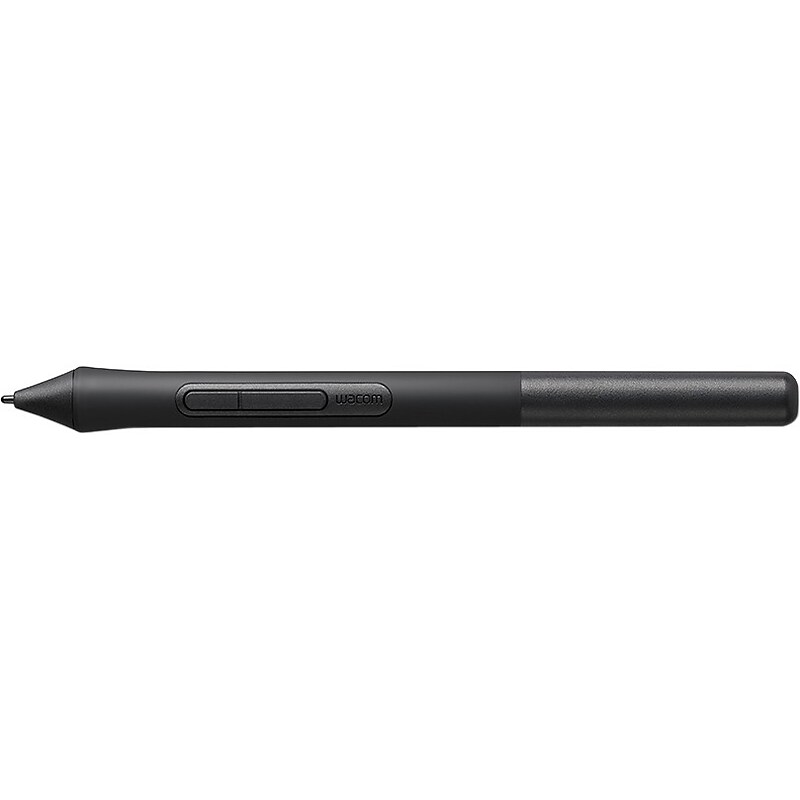
Easy to set up and use, Wacom Intuos is designed for those keen to follow their passion. Perfect for anyone drawing, painting or photo editing with their Mac or PC for the first time, it comes with three unique creative applications to help get you started. A pen tablet designed entirely around your passion, Wacom Intuos gives you all the tools you need to enhance your creativity. Whether you love to draw manga art, paint digital watercolors or retouch your photos, you can tailor the pen tablet to suit your style, your way..Protects screens from annoying smears, scratches and fingerprints.Fully compatible with tablet.Intuos Stylus.Just 8.8mm thin, the tablet is as slim and sleek as a smartphone..2 pen buttons for quick access shortcuts..4 customizable ExpressKeys™ for faster, efficient shortcuts..Wireless connectivity thanks to Bluetooth 4.2..7-inch active tablet area on small model. 10-inch active area for medium models.
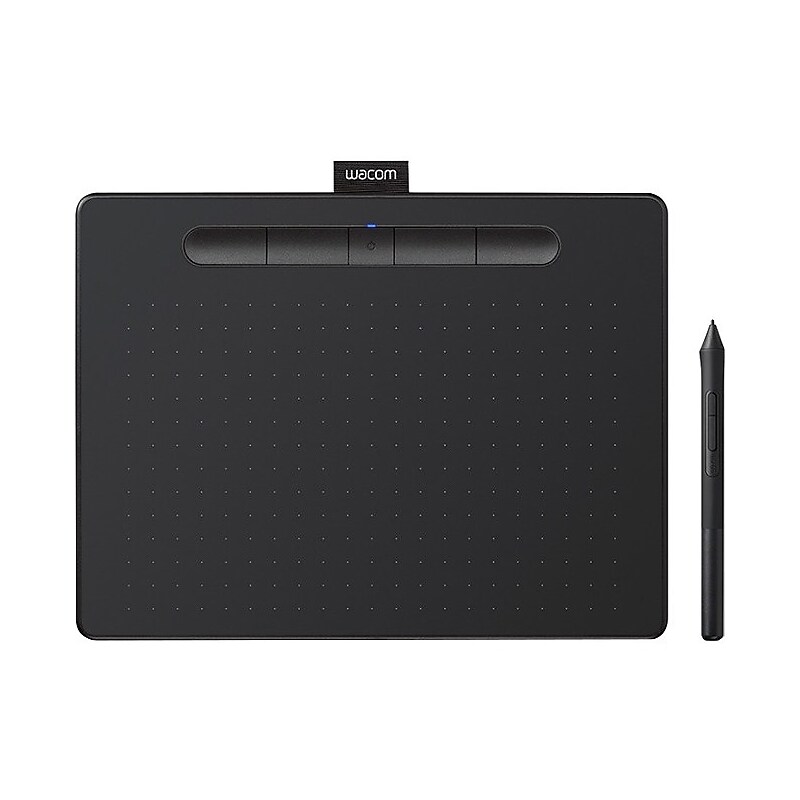
Explore new ways to get creative with Wacom Intuos: With a light, super-accurate pen and free downloadable software to suit your style, Wacom Intuos is built to bring your wildest ideas to life. Live. Dare. Create. Featuring a fresh and vibrant design, the graphics tablet is available in two different sizes - Small and Medium - with or without 4.2 Bluetooth connectivity. Yours is a mighty pen: The first thing you'll notice when using Wacom Intuos is how natural it feels. Thanks to EMR (Electro-Magnetic Resonance) technology, the battery free pen with 4,096 levels of pressure sensitivity provides a natural drawing experience that can keep going as long as you do. Whilst its ergonomic design and light weight make it sit comfortably in your hand, allowing you to experience both precision and control..Graphics tablet to use in any software for digital art, photo-editing and animation - 4096 levels of pressure sensitivity & 2540 lpi.Connect this digital drawing tablet to your computer via USB cable to your Mac (OS x 10.11 or later) or PC (Windows 7 or later).Slim design and compact sized art tablet with a large drawing area (6.0" x 3.7") - perfect for limited desktop areas and gives more room to create.Transparent case provides the ability to customise with photos or ID tag, or simply let your device shine through
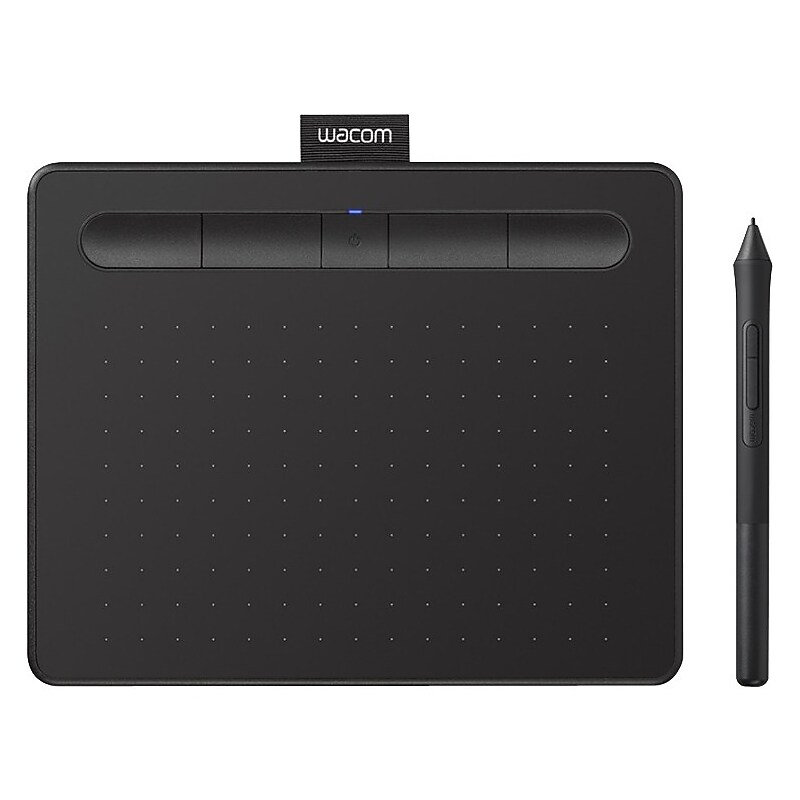
Four customizable ExpressKeys that put your favorite shortcuts like undo or copy/paste at your fingertips.4096 Levels of pressure sensitivity - gives you control and precision when drawing, painting and photo-editing in any software program.Connect wirelessly with Bluetooth to your Mac (OS X 10.11 or later) or PC (Windows 7 or later).Small Compact size (7.87" x 6.3") with larger active area (6.0 x 3.7"), is perfect for limited desktop areas and can be setup for both left and right handed use
You May Also Like
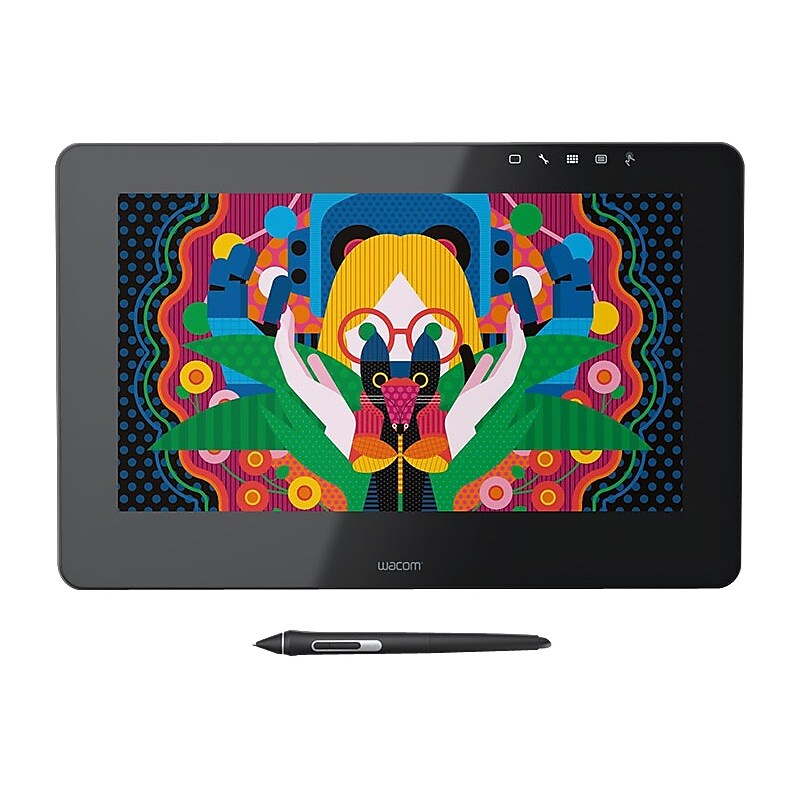
Wacom Cintiq Pro - It's time for growth: Wacom Pro Pen 2 discovers new dimensions A new creative standard: Wacom Cintiq Pro is the ultimate pen-on-screen experience for the next generation of artists, designers and illustrators. Our new larger than ever screens set a whole new standard with breakthrough levels of performance and precision. Feel the detail: Wacom Pro Pen 2 creates a smooth and natural experience so you can draw and design with pixel-perfect precision. Enhanced experience: The all-new 24 32-inch models feature edge-to-edge glass with more canvas to create. Real-world color: Our vision is sharp: Wacom Cintiq Pro 24- 32-inch 4K displays shine even more brightly with a billion colors to deliver spectacular true-to-life images..Screen Size: 24".Touchscreen: Yes.Input Device Type: Pen
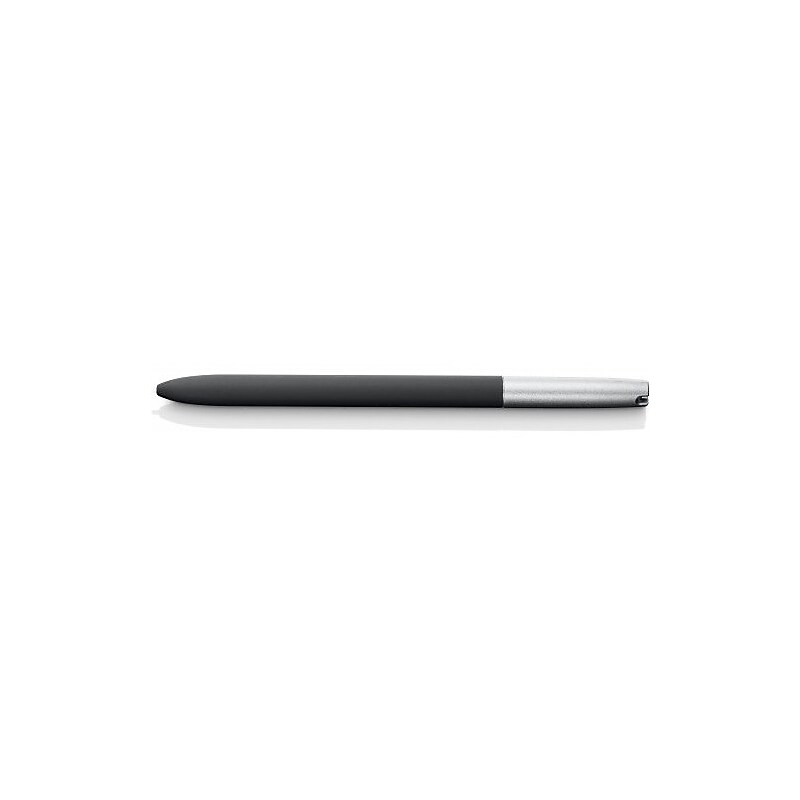
Pen for STU-430 and STU-530 Signature-Pad.Capacitive touch screen technology is impenetrable to contaminants and liquids, for instance, dust, oil, grease and water globules.Fully compatible with signature pad.Black Stylus
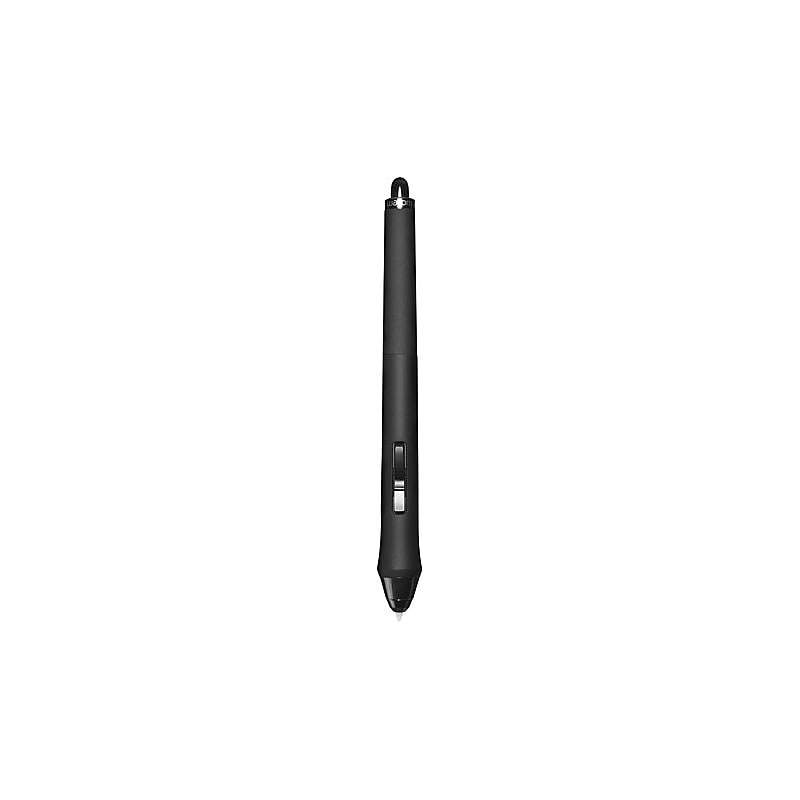
In addition to pressure-sensitivity and tilt-sensitivity, the Intuos4 Art Pen is also sensitive to rotation. Rotating the barrel in supporting applications such as Corel Painter or Adobe Photoshop creates a unique effect..Both the tablet shape and surface have been completely re-engineered to enable ergonomic, consistent strokes, even over long periods of time..Workflow, that is. This professional tablet takes into consideration the many aspects of a professional's workflow, software integration points, and equal demand for both performance and comfort..In addition to pressure-sensitivity and tilt-sensitivity, Intuos4 art pen is also sensitive to rotation.Rotating barrel in supporting applications such as corel painter or adobe photoshop creates a unique effort.Weight: 0.48 oz.Compatibility: Wacom Intuos4 Tablet, Wacom Cintiq 21 Tablet
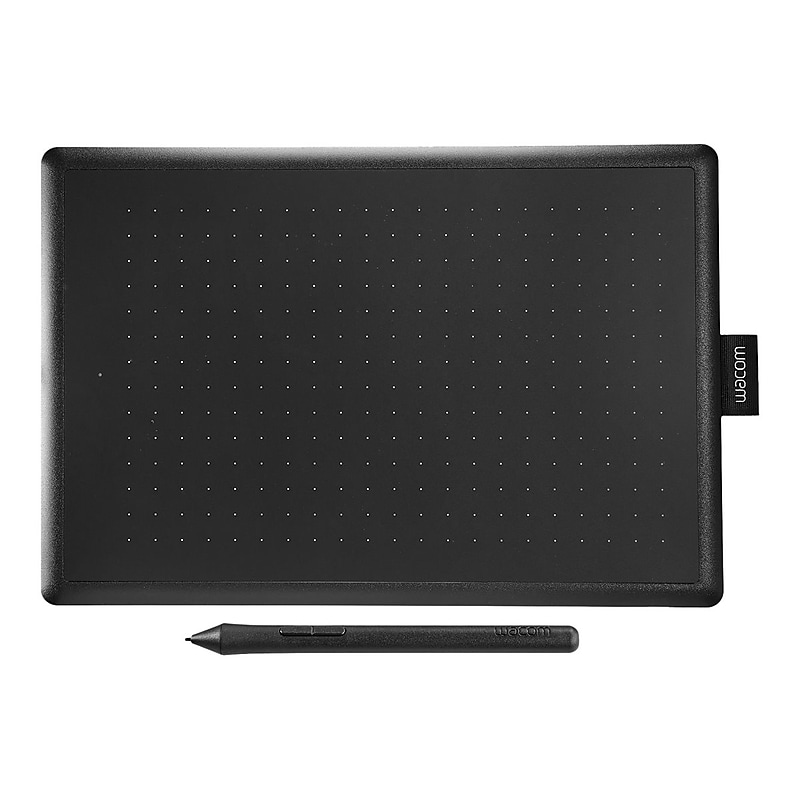
Available with a black top and red bottom, this medium-sized entry level creative pen tablet features an 8.5 x 5.3" active area that allows you to draw, make handwritten notes, and interact with compatible computer applications as though you were using a pen and paper. The included stylus has up to 2048 levels of pressure sensitivity, so you can press harder for thick lines and softer for light ones. It also uses electromagnetic resonance technology, so you never have to worry about changing the pen's batteries or keeping it charged. Simply connect the One by Wacom Creative Pen Tablet to the USB Type-A port of your compatible Windows, Mac, or Chromebook system using the included cable to get started..Perfect for kids or beginning artists; This easy to use graphic tablet is great for drawing, anime/ manga and editing photos;.Replaces your mouse and turns your computer into a digital drawing canvas.Battery free, pressure sensitive pen helps you to draw thicker and thinner lines depending on how hard you push on the pen.It also is battery free and requires no charging, so it's always ready whenever you want to create art.Compact and portable with an active working area of (8.5 inches x 5.3 inches) and can be configured for both left or right handed use with very simple set up/installation.Compatible with any program including: Adobe Photoshop, paint tool Sai, illustrator, Corel draw, Corel Painter, sketchbook, manga Studio, clip Studio paint, OSD and more.Connects to Mac (OS X 10.10 and above) or PC (Windows 7 and above) via USB cable.What's in the box: Pen tablet, pressure sensitive pen, USB cable, 3 standard replacement pen nibs, nib removal tool, and quick start guide..MFR #CTL672K1A.Wacom Creative Pen Tablet for Students can help turn your creative ideas into digital works.
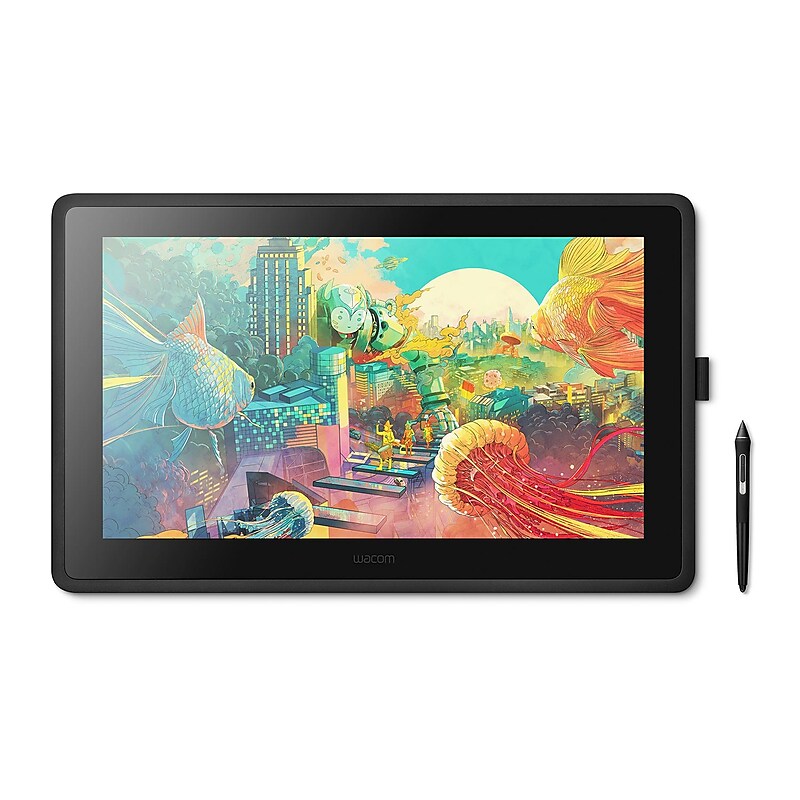
The Wacom Cintiq 21.5" creative pen display has Vibrant color, HD clarity and ergonomic design together with the super-responsive Pro Pen 2, offer a truly natural experience and help take your creative ideas to the next level..Pen display.21.5" UHD LCD display with IPS technology, 1920 x 1080 resolution, 16:9 aspect ratio.Operating system: PC, Windows 7 or later; Mac OS X 10.12 or later.Dimensions: 22.4 "H x 14.1"W x 1.6"D acitve area: 18.7" x 10.6".Viewing angle: 176 deg (horizontal), 176 deg (vertical).Contrast ratio 1000:1, color gamut: 72% NTSC, brightness: 210 cd/sq. m.Response time: 25 ms, display colors: 16.7 million.Stylus pressure levels: 8192, stylus tilt: 60 deg, stylus technology: Electromagnetic resonance (EMR).Includes: Wacom Cintiq 22 pen display, Adjustable Stand, Wacom Pro Pen 2.Also Includes detachable pen holder with 3 replacement nibs standard) and nib removal tool, HDMI cable (2 m), USB 2.0 cable (2 m), AC adapter (60 W), power cable (1.8 m).Comes with 1 year limited warranty
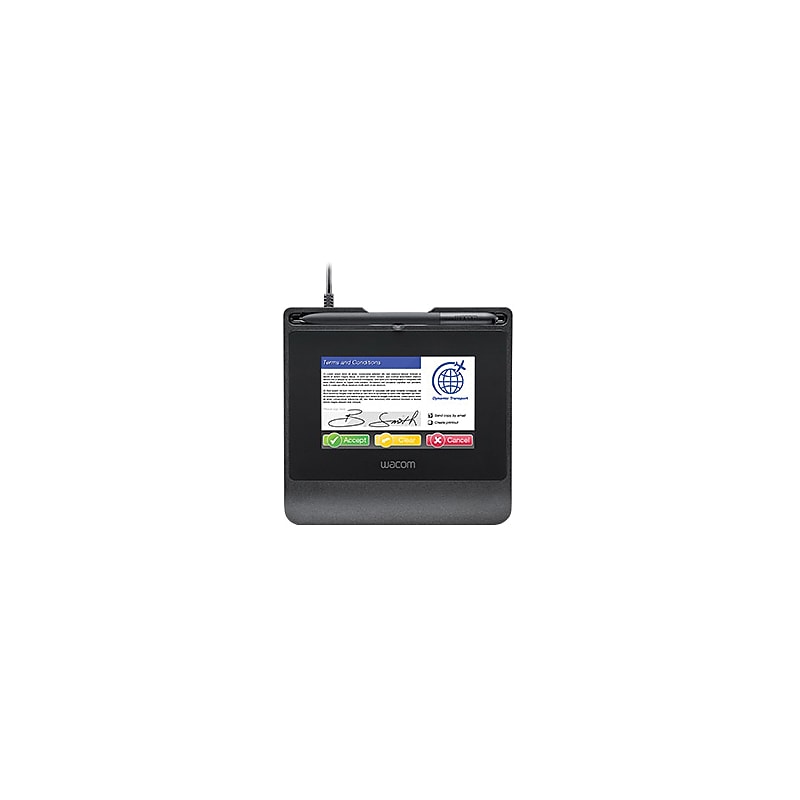
The Wacom® STU-540 5" color LCD signature terminal display with pen, has 800 x 480 pixels Amorphous TFT anti-glare etched glass 16.7M colors LCD screen for high clarity images. It features AES256/RSA2048 encryption, security lock slot, patented cordless, battery-free pen with 1024 levels of pressure sensitivity to capture the unique signature profile, including biometric data. This terminal display in black, has USB 2.0 and RS-232 ports for easy connection. It supports patented electromagnetic resonance method reading technology..5" Signature terminal display comes with pen.Has 5" 800 x 480 pixels Amorphous TFT anti-glare etched glass of 16.7M colors LCD screen.Power supply: USB bus powered, consumption: 2.5 W maximum.Interfaces/ports: USB 2.0, RS-232.Dimensions: 6.41" x 6.18" x 0.39".Reading technology: Electromagnetic resonance (EMR), pen pressure levels: 1024 (non-interpolated), pen report rate: 200 points per second.Coordinate resolution: 2540 lpi/0.01 mm/pt (non-interpolated), coordinate accuracy: +/- 0.5 mm (center).Comes in black color.Security: AES256/RSA2048 encryption, security lock slot.Comes with battery-free pen and cordless pen.Weight: 0.6 lbs..Comes with 1 year warranty
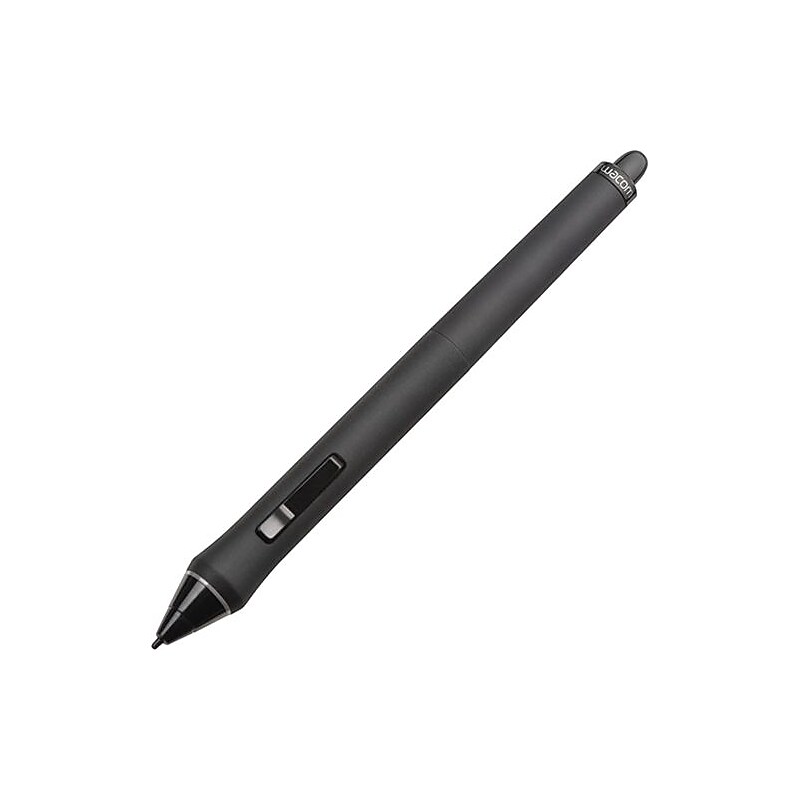
WACOM KP501E2 Grip Pen For Wacom Intuos4 Wireless Pointing Device.2nd generation wacom tip sensor.Cordless, battery-free.Pressure levels: 2048.Tilt sensitivity: +/- 60 deg.Dimensions: 6.2"(L) x 0.6"(D)
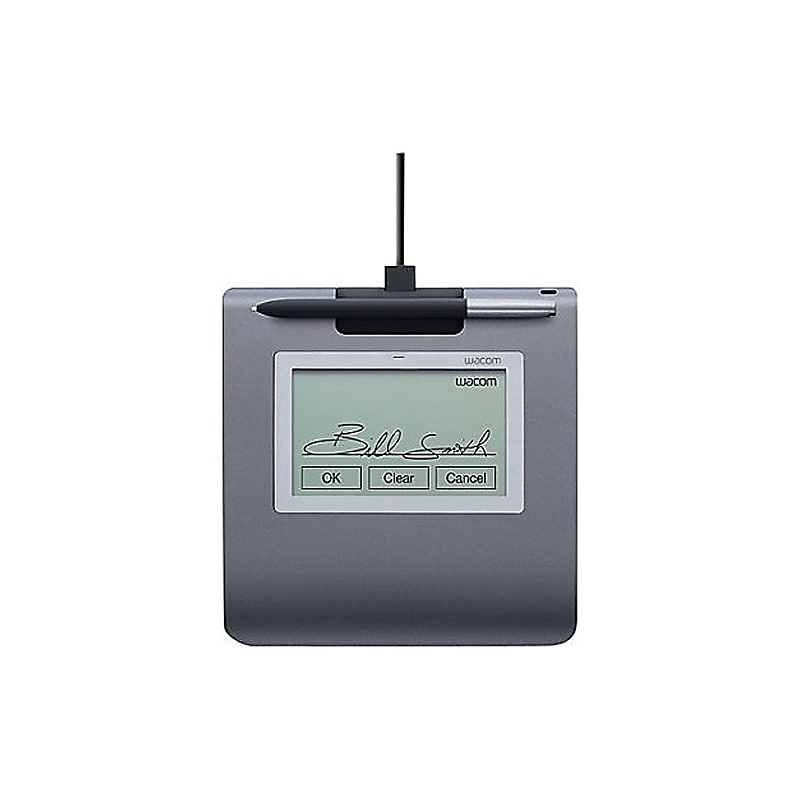
The Wacom® STU-430 silver colored electromagnetic signature pad features 4-pin USB 2.0 type A interface and has 4.5"easily readable transflective LCD screen with 320 x 200 native resolution, that captures long signatures. It features AES 256 bit encryption and RSA 2048 bit key exchange encryption. This signature pad supports real time signature capture and is compatible with Windows® 8, 7, Vista as well as XP operating systems. It measures 0.42" x 6.35" x 6.86" and has 3.77" x 2.36" active area. This electromagnetic signature pad comes with UP-610A-89A-1 cordless and battery-free pen, STJ-A-337 USB cable, UM-0558 quick start guide and PKB-A038 pen tether..Signature pad to capture longer signatures.Color: Silver.Dimensions: 0.42"H x 6.35"W x 6.86"D, 3.77" X 2.36" active area, 5.53"L x 0.35"D pen.Power supply: 1 W maximum consumption, via USB.Interface: 4 pin USB 2.0 type A.Display: 4.5" LCD screen, 320 X 200 native resolution, 0.118" X 0.118" pitch H/V, F-STN positive reflective, tempered glass plate.Pad and pen: Electromagnetic resonance technology, 2540 lpi resolution, 200 points per sec report rate, 0.2" H reading, integrated pen storage.Encryption: AES 256 bit, RSA 2048 bit key exchange.Screen is large enough to capture longer signatures as well as to accommodate soft buttons in addition to the signature area.Transflective LCD is easily readable in varying light conditions.Small and robust, extremely durable design.Real time signature capture without internal pad memory.Supported operating systems: Windows® 8, 7, Vista, XP.Temperature: 41 to 104 deg F operating, -4 to 140 deg F storage, Humidity: 30 - 80% no condensing operating, 30 - 90% no condensing storage.Includes (UP-610A-89A-1): Cordless and battery-free pen, (STJ-A-337) USB cable, (UM-0558) quick start guide, (PKB-A038) pen tether.Weight: 0.61 lbs, 0.015 lbs pen.Comes with 3 years warranty
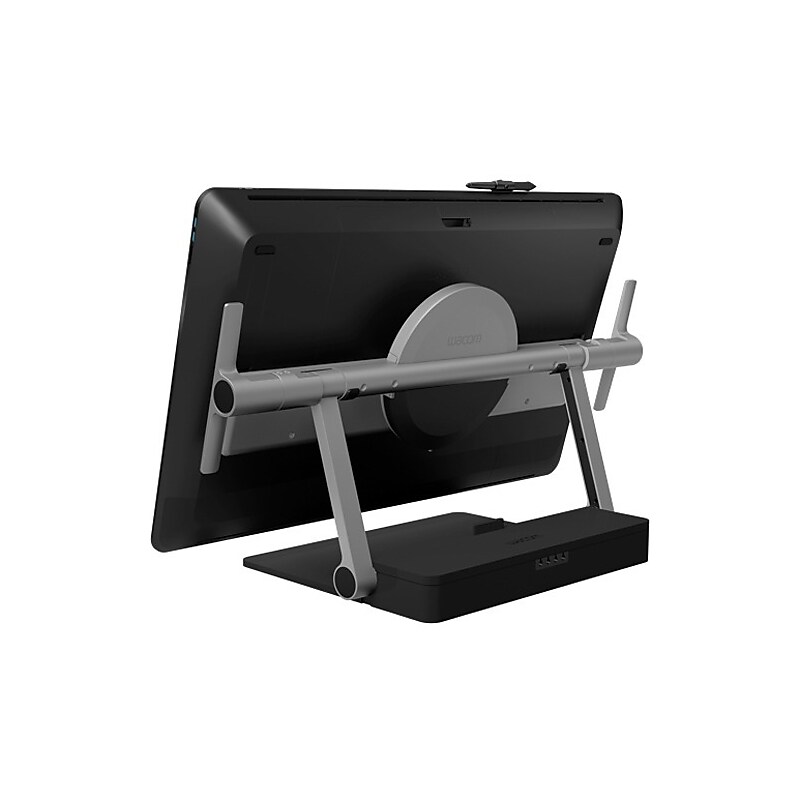
Wacom Tablet PC Stand.Form Factor: Desktop.Tablet PC Stand.Desktop
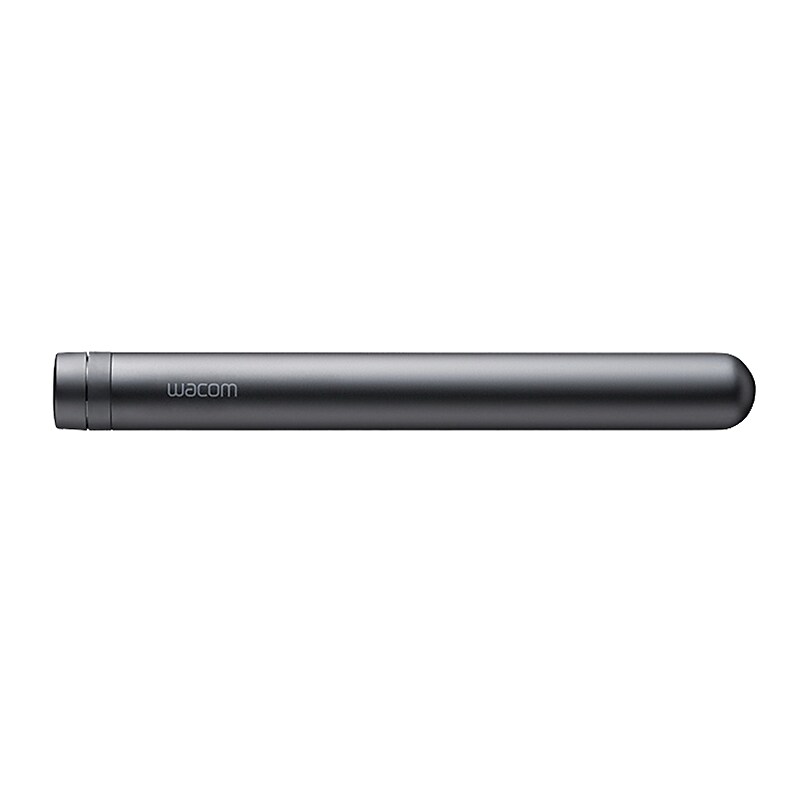
The Wacom® Bamboo Duo Series KP504E pro pen 2 in black, features sensitive pressure points, tilt-response and lag-free tracking. It comes with a protective case and three replaceable nibs. The pro pen 2 is compatible with Wacom Intuos Pro PTH660, PTH860, Cintiq® Pro DTH1320, DTH1620, Mobile Studio Pro DTHW1320 and DTHW1620 graphic tablets..A black pro pen 2 is compatible with Wacom Intuos Pro PTH660, PTH860, Cintiq® Pro DTH1320, DTH1620, Mobile Studio Pro DTHW1320, DTHW1620 graphic tablet.Pressure levels: 8192.Tilt-response and virtually lag-free tracking, protective case with three nibs and a nib removal hole is included.Includes Pro Pen 2, Pro Pen 2 case, color rings, one felt nib, two POM nib and quick start guide.Weight: 10 g.Pro Pen 2 with pen case is designed for the Wacom Intuos Pro, Cintiq Pro, and Mobile Studio Pro graphical tablets.
The Wacom® Bamboo Duo Series KP504E pro pen 2 in black, features sensitive pressure points, tilt-response and lag-free tracking. It comes with a protective case and three replaceable nibs. The pro pen 2 is compatible with Wacom Intuos Pro PTH660, PTH860, Cintiq® Pro DTH1320, DTH1620, Mobile Studio Pro DTHW1320 and DTHW1620 graphic tablets..A black pro pen 2 is compatible with Wacom Intuos Pro PTH660, PTH860, Cintiq® Pro DTH1320, DTH1620, Mobile Studio Pro DTHW1320, DTHW1620 graphic tablet.Pressure levels: 8192.Tilt-response and virtually lag-free tracking, protective case with three nibs and a nib removal hole is included.Includes Pro Pen 2, Pro Pen 2 case, color rings, one felt nib, two POM nib and quick start guide.Weight: 10 g.Pro Pen 2 with pen case is designed for the Wacom Intuos Pro, Cintiq Pro, and Mobile Studio Pro graphical tablets.
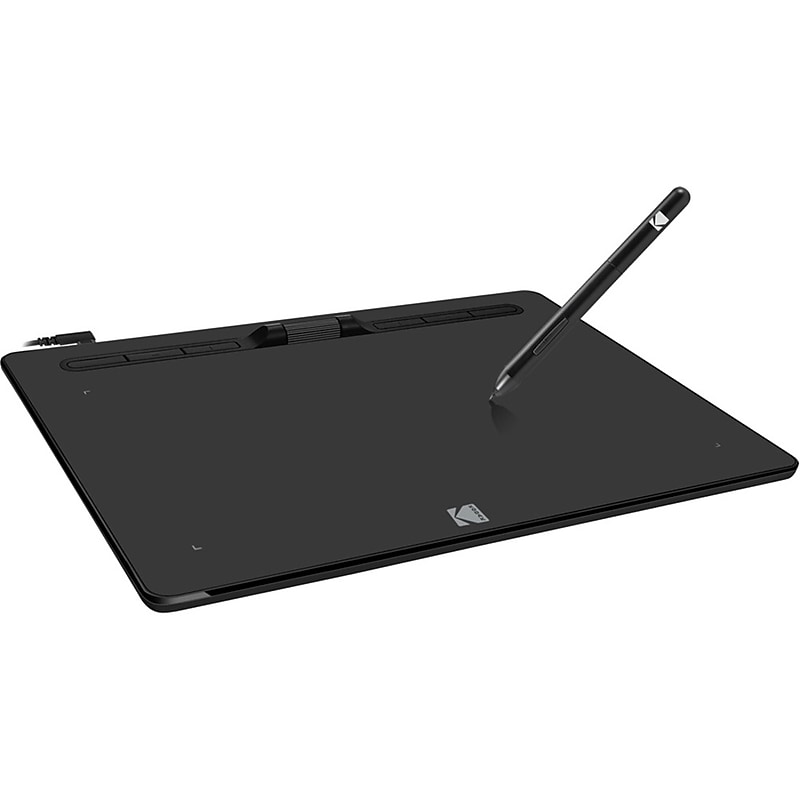
Perfect for art, business, presentations, and projects. The Cybertablet features 8192 levels of pressure sensitivity to imitate the subtleties of a brush stroke and other writing tools, while its multiple programmable hot keys provide various shortcuts to commonly used computer tasks. Plus, the drawing area allows increased precision and detail..Advanced Graphic Tablet for PC & Mac – Fully compatible with Windows 10/8/7/Vista/XP and macOS X 10.7+, ideal for artists, designers, and professionals..8192 Levels of Pressure Sensitivity – Achieve ultra-precise brush strokes and pen control for digital art, handwriting, and detailed illustrations..High-Resolution Drawing Surface – 5080 LPI (Lines Per Inch) resolution ensures crisp, accurate input for creative and technical work..Large Active Area (10 x 5.625 inches) – Spacious workspace for enhanced drawing precision and comfort during long sessions..Battery-Free Passive Stylus – No charging required; enjoy uninterrupted creativity with a lightweight, ergonomic pen..Customizable Hot Keys – Multiple programmable buttons for quick access to frequently used tools and shortcuts..Fast Response Rate (RPS ≥ 200) – Smooth, lag-free performance for real-time sketching, editing, and annotation..Perfect for Art, Business & Presentations – Versatile tool for digital drawing, note-taking, e-signatures, and interactive presentations..Complete Accessory Kit Included – Comes with stylus pen, USB Type-C cable, and quick start guide for easy setup..Plug-and-Play Simplicity – Easy installation and intuitive use for beginners and professionals alike..The Cybertablet K10 is an advanced graphic tablet that offers both PC and Mac.
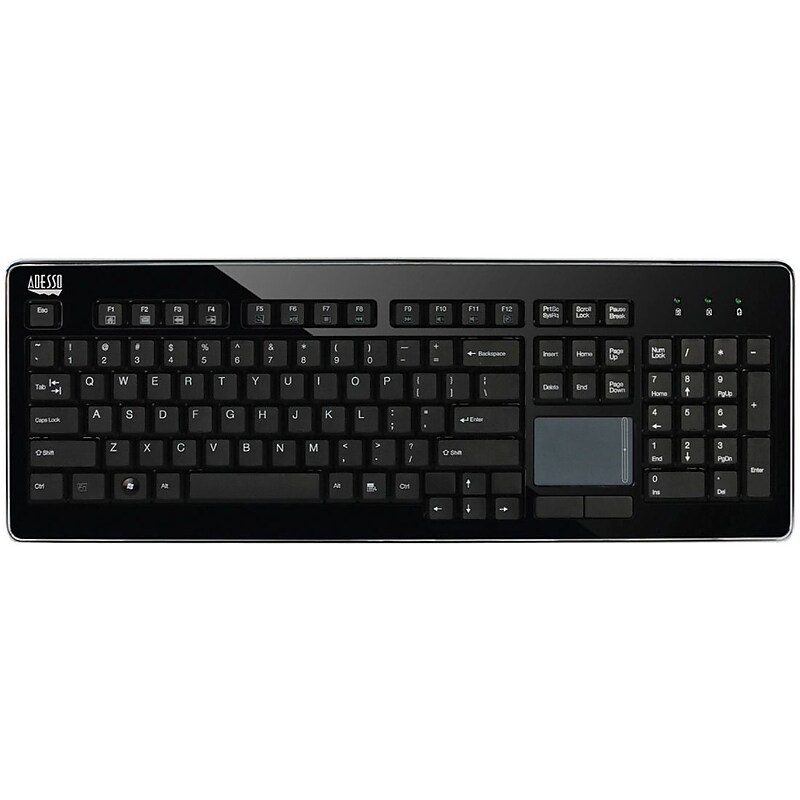
Wireless touchpad keyboard with an elegant design for enhanced aesthetics.USB Dongle enabled 2.4 GHz Wireless RF technology transmits signals within 30' radius.104 low profile keys offer a switch life of 5 million cycles for long-term use.Requires Windows 8/ 7/ Vista/ XP/ 2000 to operate.Dimensions: 0.9"H x 18"W x 6.5"D.Requires 2 x AAA batteries to operate.1-year limited warranty.Certifications and standards: FCC, RoHS.The Adesso WKB-4400UB Wireless SlimTouch USB Desktop TouchPad Keyboard features an integrated Glindpoint touchpad for easy navigation and cursor control while working.
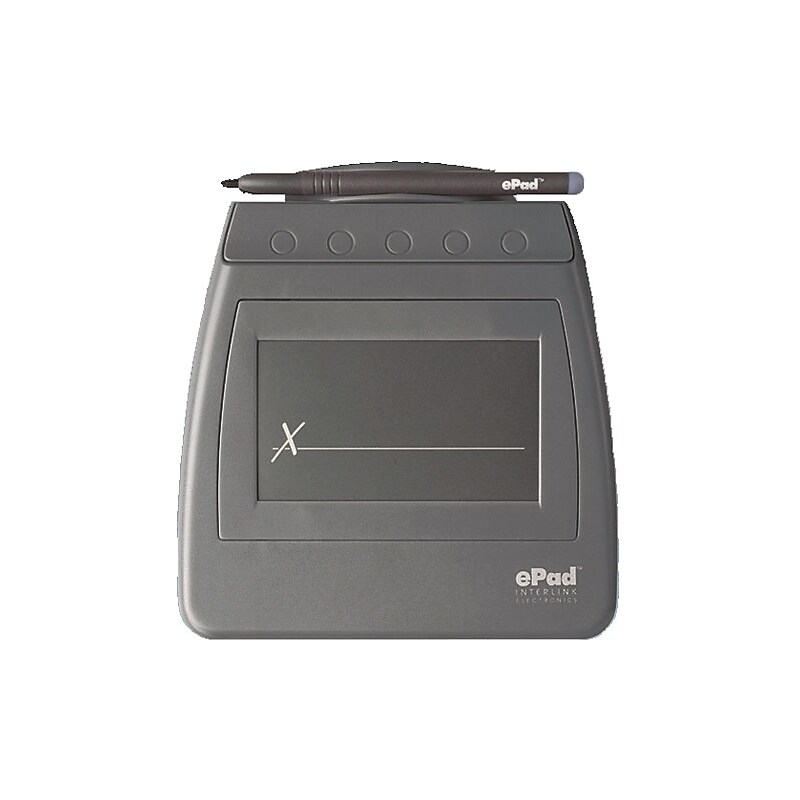
ePadLink® ePad® VP9811 Black electronic signature capture pad in black color has semiconductor FSR to capture legally-bound esignatures with optimum accuracy. Features plug-ins for popular desktop document formats and powerful SDKs that helps to integrate with any platforms. Comes with IntegriSign Desktop eSignature Software for Acrobat, MS Word and Excel. Provides USB interface to communicate with host system or other terminal computers. Offer easy transport with compact ergonomic design..USB 2.0 interface.Semiconductor FSR touch technology.COM interface and Java software developer kit.Captures signature speed and pressure.3 1/2"(L) x 2.09"(W) eSigning surface.Tethered passive stylus actuator.Bundled with IntegriSign desktop software.Produces legally-binding eSignatures.Supports Windows 2000 SP4, XP, Vista 32 and 64 bit, Windows 7 operating system.Offers plug-ins for adobe acrobat - 5.0 to 9.0, outlook - 2000/2002 (XP), Word and Excel - 2000/2002 (XP)/2003/2007.0.263 lbs.6"(H) x 0.55"(W) x 5 3/4"(D).1 Year Warranty.ePadLink® ePad® USB Electronic signature capture pad effectively captures electronic signatures to give significant performance. Reads data at a rate 100 counts per sec.
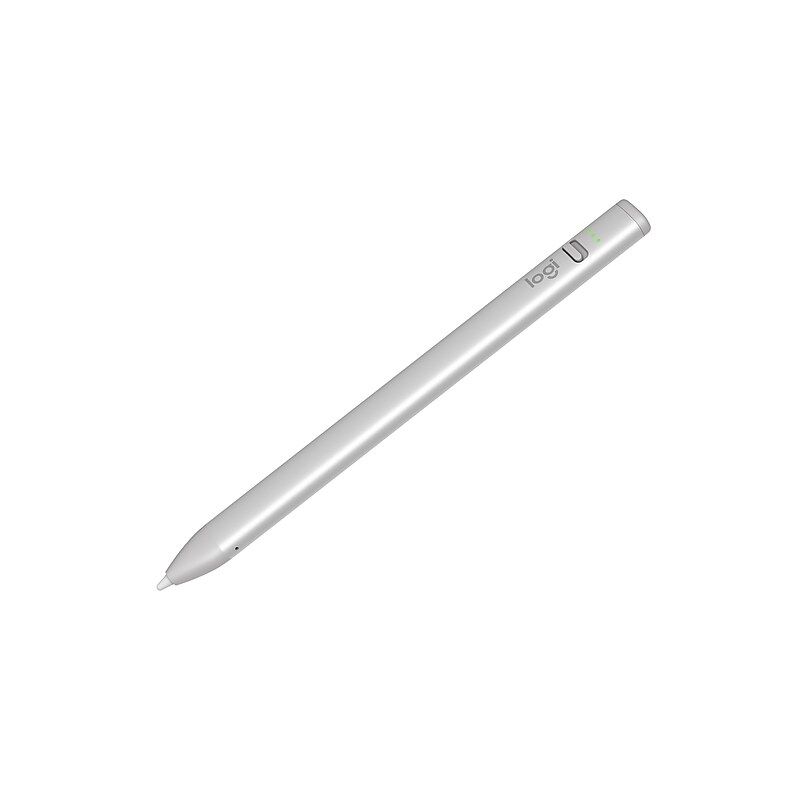
Sketch, write, and annotate with Logitech Crayon for iPad, powered by Apple Pencil technology. Logitech Crayon is a versatile, pixel-precise digital pencil for iPad (all models 2018 and later) that seamlessly boosts your productivity and lets you add a touch of flair to any task or project. Simply slide the off/on button down and start writing right away — it's that easy. Logitech Crayon connects to iPad instantly with no complex Bluetooth pairing or other delays..Pixel-precise digital pencil for all iPad models (2018 and later).With no small or detachable pieces, it has a unibody design that's built to last.Has a smart tip which dynamically adjusts line weight as you naturally write, just like a regular pencil.The flat shape stays exactly where you leave it and prevents it from rolling off desks or getting lost underneath shelves.Powered by Apple Pencil technology so you can start creating, collaborating, and learning on countless apps instantly.Connects to iPad instantly with no complex Bluetooth pairing or other delays.Powered with a rechargeable lithium battery (provides with up to seven hours of active writing time).Always know whether your device is active or not - just slide the physical on/off button down and start writing instantly.With 4' drop protection, it can hold up to the busiest of lifestyles, and clumsiest of kids (or adults).Charge via iPad USB-C cable.1-year manufacturer limited warranty
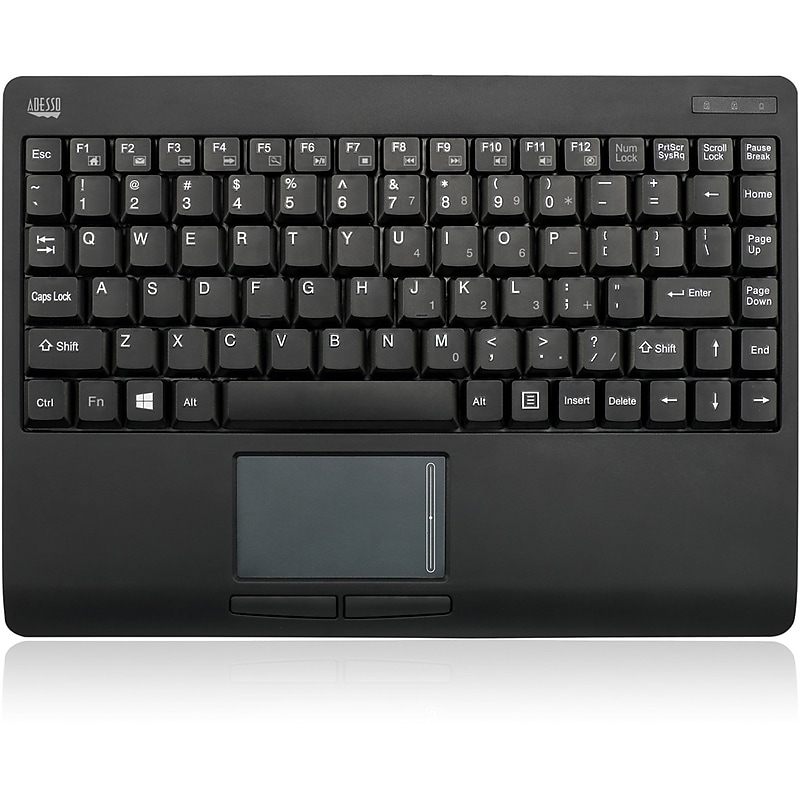
Wireless RF Wireless Technology This 2.4GHz wireless device fits perfectly with your computer and allows you to work freely with no space constraints of wires, offering 30 feet (10m) of wireless freedom. Built-in GlidePoint TouchPad (By Cirque) Featuring a GlidePoint touchpad by Cirque, the WKB-4110UB supports essential gestures such as scrolling, tap to click, and dedicated left and right click buttons, all with pinpoint precision. Power Saving Switch and Easy Connect Button The Power ON/OFF Switch allows users to turn keyboardpower off when keyboard is not in use, saving and exte-nding battery life. The Connect button quickly makes keyboard's 2.4GHz RF signal available for simple pairingto receiver. Membrane Key Switch The quiet membrane keys offers you fast and comfortable typing and a lifecycle of more than five million keystrokes per key..The quiet membrane keys offers you fast and comfortable typing and a lifecycle of more than five million keystrokes per key..The Connect button quickly makes keyboard's 2.4GHz RF signal available for simple pairing to receiver..The Power ON/OFF Switch allows users to turn keyboard power off when keyboard is not in use, saving and extending battery life..This touchpad offers the same great functions of traditional touchpad along with advanced multi-touch gestures, to control your device and applications easier and with minimal hand strain. Use two fingers to Pinch Zoom In or Out, Scroll, Drag or Rotate; three finger options include Swipe Backward or Forward..2.4 GHz RF wireless technology - With 2.4 GHz RF wireless technology and 65000 IDs on 12 channels you can enjoy 30 feet of wireless freedom.