Unmanaged Switches
99 results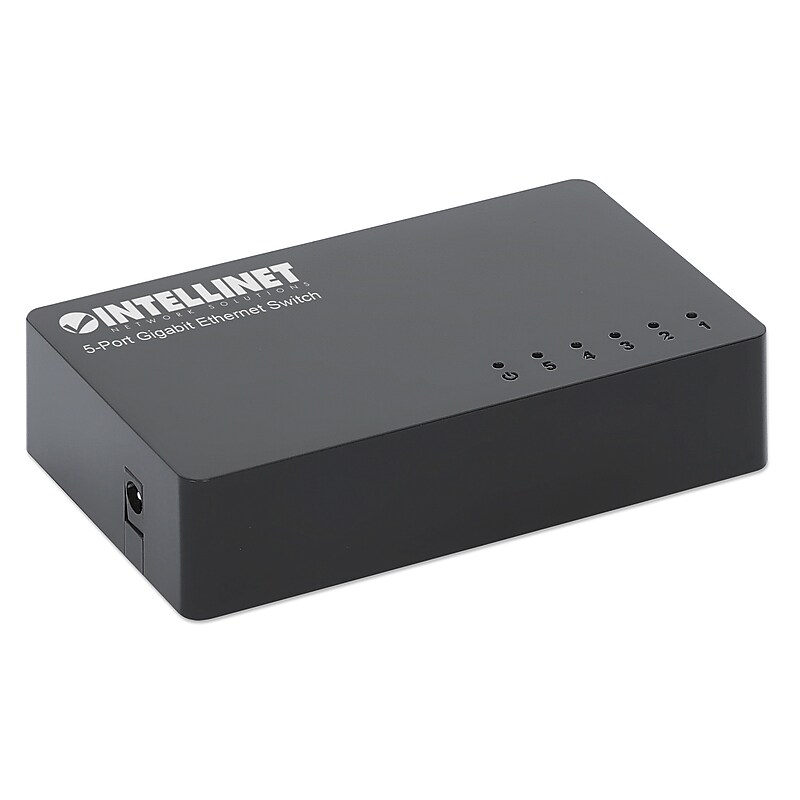
The 5-Port Gigabit Ethernet Switch from Intellinet Network Solutions® is ideal for home offices and small-size businesses looking for a durable switch that is reliable and easy to install. Small and powerful, this Gigabit Switch is easy to install and connects up to 5 computers, servers, printers, switches, or any other Ethernet devices at 10, 100 or 1000 Mbps over Ethernet cables, and it works with any operating system. The auto features of this switch make installation plug and play and hassle-free. Plus, it has Green Ethernet technology, allowing it to monitor power usage and turn off unused ports to save electricity..Compact switch with 5 Gigabit ports to expand your network in an instant.Easy plug-and-play installation - simply power it up and start using it.Green Ethernet power-saving technology deactivates unused ports.Five 10/100/1000 auto-sensing ports automatically detect optimal network speeds.Supports any combination of 10-Mbps, 100-Mbps, or 1-Gbps network devices.Switch fabric of 10 Gbps.Supports 2k MAC address entries with Auto-Learning and Auto-Aging.Buffer memory of 1.5 MBytes.Supports jumbo frames up to 16 KBytes.Ultra-compact design.Fanless design is ideal for silent operation.Store and forward switching architecture.Fully NDAA-compliant.3-year warranty.Includes power adapter and quick instruction guide.WARNING: This product can expose you to chemicals including Cadmium, which is known to the State of California to cause cancer and birth defects or other reproductive harm. For more information, go to www.P65Warnings.ca.gov
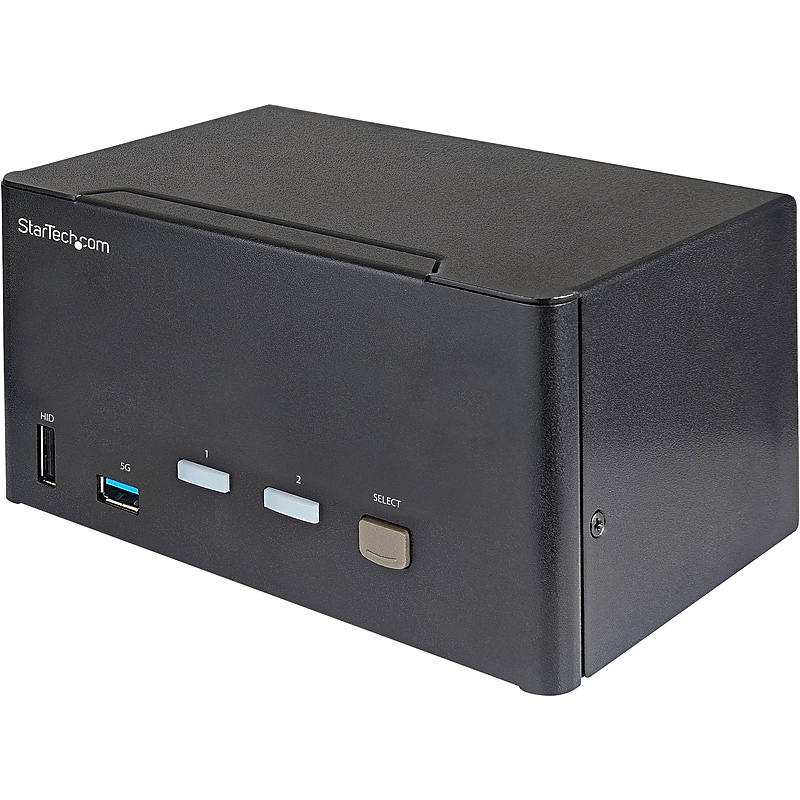
The StarTech DisplayPort KVM switch supports resolutions up to 4K at 60Hz. It drives three large monitors at the full 4K resolution. Includes USB emulation for faster switching times to avoid disrupting your workflow. With support for digital audio (with supporting displays and sources) and separate 3.5 mm stereo audio, the DisplayPort 1.2 KVM switch delivers full audio compatibility..DisplayPort KVM switch supports resolutions up to 4K at 60Hz; it drives three large monitors at the full 4K resolution.Contains three 20 pin DisplayPort Female, two 9 pin USB 3.0 A Female, four USB Type-A (4 pin; HID Port) USB 1.1, 3.5 mm Audio Female, six 20 pin DisplayPort Female, two 9 pin USB 3.0 B Female.Dimensions: 3.9"H x 6.3"W x 3.9"D.Features large buttons and an easily accessible front-mounted integrated USB 3.0 port 5Gbps (USB 3.1/3.2 Gen 1) for sharing USB devices between connected computers.Switch between two computers with three monitors using USB and DisplayPort video from a single keyboard, monitor, and mouse using keyboard hotkeys or push buttons to switch between active computers.DisplayPort triple screen KVM switch supports up to 4K at 60Hz on three monitors for applications like CAD/CAM, video editing and content creation; works with major brands including Dell, HP, and Lenovo.The integrated USB 3.0 hub shares two peripherals (in addition to keyboard and mouse) among attached computers as if they were directly connected to your host computer, eliminating the cost of duplicate devices such as printers and scanners.While supporting Windows, this DP KVM switch is also compatible with Mac and Linux operating systems.The front-panel pushbuttons make it easy to switch between systems and activate the auto-scan feature.The hotkey functionality makes accessing each system quickly, while a buzzer sound confirms the switch.2-year manufacturer limited warranty
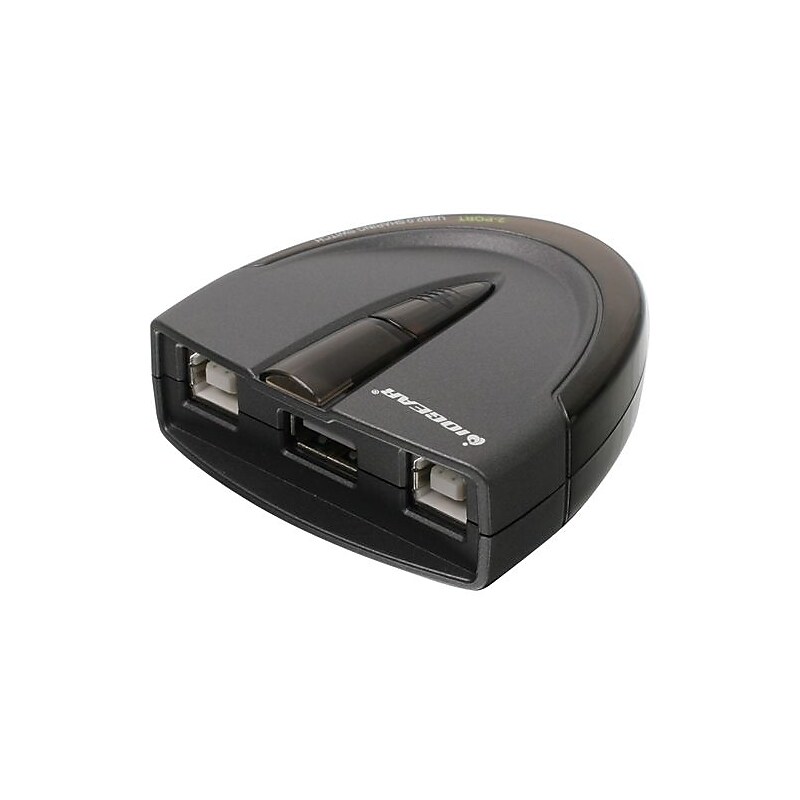
Iogear® 4-Port USB 2.0 automatic printer switch includes active-port LED lights to indicate which computer has access to the USB device. Switch has switch-lock function which prevents other users from switching the USB device..2-ports.Number of USB ports: 3.Direct: USB type-B to type A, connectors: console: 1 x USB type A, device side: 2 x USB type B.POP information: 4 x 10" peg hook, 3 x 6" peg hook.Requirements: Microsoft Windows XP (32-bit) SP3/Vista SP2/7/8, Mac OS X v10.3.5 or later, available USB port (USB 2.0 port for high-speed mode).Interfaces: 3 x USB 2.0.Automatically switch from one computer to another when connecting to a USB printer or multi-function printer, switch-lock function prevents other users from switching the USB device and ensures data access consistency.Simply press a button to switch a USB device between computers, no software installation required, no external power supply needed.Status indicators: Port status, host.Power consumption: 5 VDC, 2.5 watts, power source: USB bus powered.Operating temperature: 41 - 104 deg F, Operating humidity: 0 - 80%.Certifications and standards: RoHS.Warranty: 3 years limited.Iogear® 4-Port USB 2.0 automatic printer switch has data transfer rate up to 480 Mbps and automatically switch from one computer to another when connecting to a USB printer.