Solid State Drives (SSDs)






Trending now














Whether you're working at an office, attending school or managing home files, having a reliable storage solution is essential. A solid state drive can greatly improve your experience by providing fast and efficient access to your data. Gone are the days of waiting long minutes for a computer to start up. With an SSD near me, you can find a wide variety of options at your local Staples and enjoy quicker boot times and faster access to your files and applications. This is especially helpful for anyone looking to boost their productivity or enjoy smooth technology experiences.
Efficient data storage for every need
The primary purpose of a solid state drive is to deliver faster data access speeds and increased durability compared to traditional hard drives. Unlike mechanical hard drives, SSDs have no moving parts which means they are less prone to damage and data loss due to impact or drops. They're perfect for keeping important documents safe, and for seamlessly running software on computers and gaming consoles. Solid state drives helps reduce load times in games, making the experience more immersive and enjoyable. Additionally, solid state drives use less power, making them more efficient and eco-friendly. Whether you are targeting fast file transfers or simply a more responsive system, an SSD has got you covered.
Variety of solid state drive options
Solid state drives come in many varieties, each catering to different storage needs and preferences. The most common form factors are 2.5-inch, mSATA, M.2 and PCIe, which fit diverse device interfaces. Some users may prefer an external SSD for easy portability, while others might choose an internal drive for permanent installation. There's also a range of storage capacities, starting from smaller sizes like 256GB, all the way up to multiple terabytes. Depending on your needs, you can select a model that balances capacity, speed and price requirements. Looking for an SSD near me leaves you with numerous options at your local Staples, ensuring you find the perfect fit for personal or professional use.
Find the perfect solid state drive setup
- 2.5-inch SSD: Ideal for laptops and desktops, providing a good balance between performance and cost.
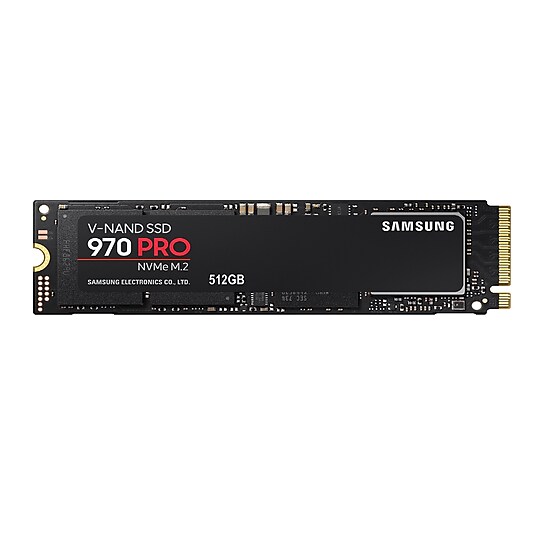
- M.2 SSD: Great for small form factor devices where space and weight are a concern, offering fast read/write speeds.
- PCIe SSD: Suited for high-performance needs, like gaming or video editing, delivering the fastest data transfer rates.
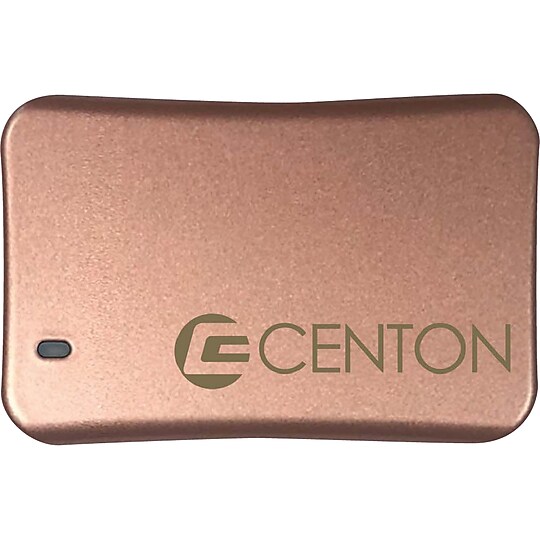
- External SSD: Perfect for users who need portability and convenience for data transfer between different systems.
Enhancing your setup with complementary products
To maximize the potential of your solid state drive, consider combining it with other compatible devices and accessories. A reliable computer or accessories like a powerful graphics card can help unleash your SSD's full speed capabilities. When using SSDs with gaming consoles, you'll enjoy quick game load times and smoother gameplay. Including a robust power supply ensures steady performance, while a cooling solution helps maintain optimal temperatures and protect drive longevity. By choosing the right components alongside SSDs, you can create a highly efficient and long-lasting tech environment.