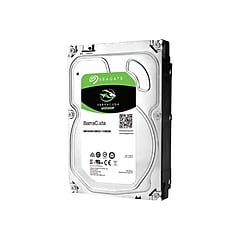
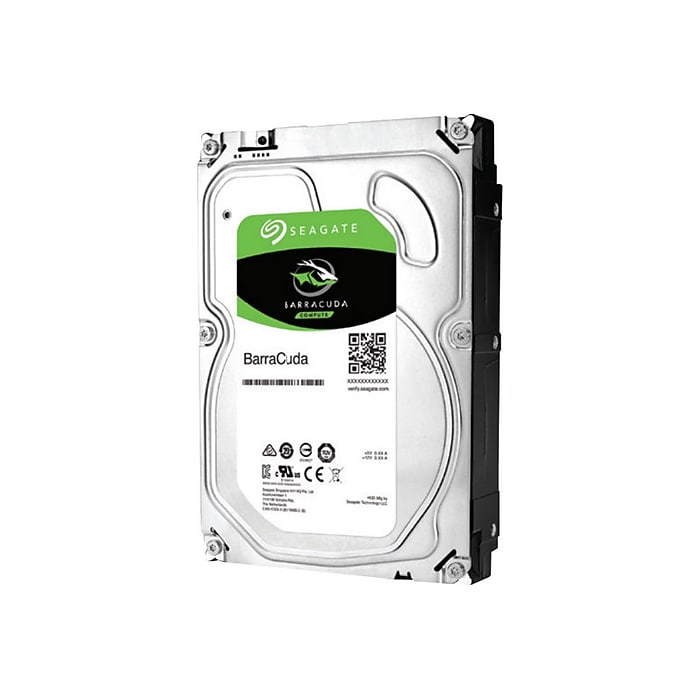
Seagate BarraCuda ST2000DMA08 2TB HDD 3.5 Inch SATA 6Gb/s 7200 RPM 256MB Cache 3.5-Inch Internal Hard Drive
$65.99

Highlights
View all details
- Internal hard drive with 2TB storage capacity compatible with MAC & PC
- Connects through SATA 3 port with 6Gb/s transfer rate
- Has 3.5" form factor, dimensions: 1.03"H x 4.01"W x 5.79"D
Seagate BarraCuda ST2000DMA08 2TB HDD 3.5 Inch SATA 6Gb/s 7200 RPM 256MB Cache 3.5-Inch Internal Hard Drive
Item #: 715789Model #: ST2000DMA08
$65.99
Free Returns
Online. In store. Always free.
Learn More
Add to list
Consider these alternatives
Page 1 of 1
No reviews yet
Price is $169.99
1
1
2
3
4
5
6
7
8
9
10
11
12
13
14
15
16
17
18
19
20
21
22
23
24
25
26
27
28
29
30
Over 30

No reviews yet
Price is $239.99
1
1
2
3
4
5
6
7
8
9
10
11
12
13
14
15
16
17
18
19
20
21
22
23
24
25
26
27
28
29
30
Over 30
About this product
Maximize storage potential for important files with this Seagate Barracuda 2GB internal hard drive.
Save more games, music, and movies on this internal hard drive. The 3.5-inch form factor and SATA 6.0 connectivity make the storage device simple to install in most computer systems. Rely on the 7200 rpm rotational speed and multi-tiered caching technology to optimize data delivery for quick app launches and fast file transfers at speeds of up to 6 Gbps. For extra versatility, this Seagate desktop hard drive works with both PC and Mac machines.
- Internal hard drive with 2TB storage capacity compatible with MAC & PC
- Connects through SATA 3 port with 6Gb/s transfer rate
- Has 3.5" form factor, dimensions: 1.03"H x 4.01"W x 5.79"D
- Can provide up to 210MB/s data transfer rate
- Meets or exceeds Halogen-free, RoHS standards
- Advanced Power modes help save energy without sacrificing performance
- 2-year manufacturer limited warranty
Reliable and Eco-Friendly
Enjoy reliable use from this Seagate Desktop internal hard drive thanks to its inclusion of AcuTrac servo technology and a fast 7200rpm speed. For extra peace of mind, this HDD boasts RoHS compliance, which means no hazardous materials went into its manufacture. The low power consumption design and a 70 percent recyclable build deliver extra eco-friendliness to help your company meet its sustainability goals.
Seamless Compatibility
The 3.5-inch form factor and SATA 6.0 interface make it simple to add this Seagate Desktop hard drive to your computer's expansion bay. Compatibility with Windows 2000 Pro, XP, Vista and 7 plus Power Mac G5, MacOS 10.2 and Linux give you plug-and-play connectivity with a wide array of computers.
What's in the Box
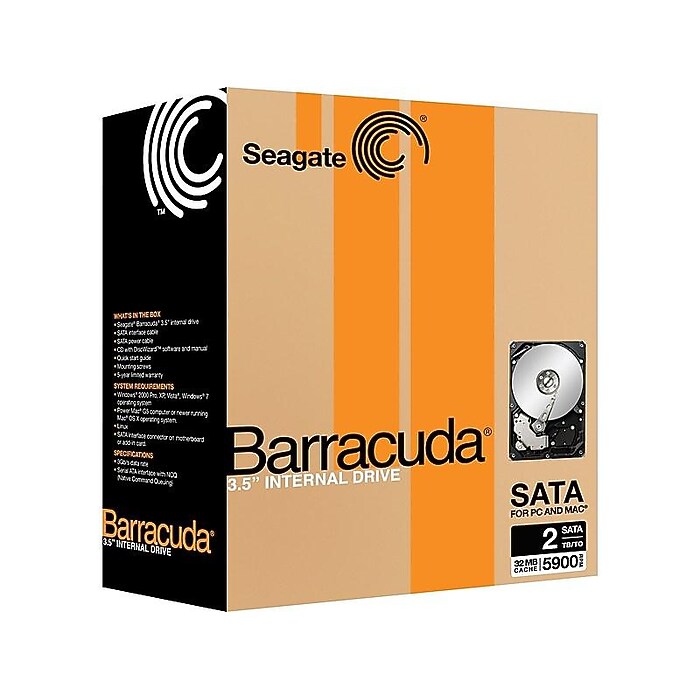
This package includes one Seagate Desktop 2TB internal hard drive. This device fits easily into any available standard hard drive slot without the need for additional hardware, and you can connect it to an SATA card for easy installation in older systems.
Frequently bought together
Page 1 of 4

Price is $279.99, Regular price was $439.99, You save 36%
Delivery fees may apply
30-min pickup
1
1
2
3
4
5
6
7
8
9
10
11
12
13
14
15
16
17
18
19
20
21
22
23
24
25
26
27
28
29
30
Over 30
Add to list


NeeDoh Nice Ice Baby, Assorted Colors, 4/Pack (MPTNCBND) is In-store only
Price is $7.99
Unit of measure 4/Pack
See alternate delivery items
30-min pickup
Add to list
Price is $154.99, Regular price was $299.99, You save 48%
Free delivery by Tue, Jun 09
30-min pickup
1
1
2
3
4
5
6
7
8
9
10
11
12
13
14
15
16
17
18
19
20
21
22
23
24
25
26
27
28
29
30
Over 30
Add to list
Price is $18.49
Unit of measure 100/Box Price per unit $0.18/File Folder
Delivery by Tue, Jun 09
30-min pickup
1
1
2
3
4
5
6
7
8
9
10
11
12
13
14
15
16
17
18
19
20
21
22
23
24
25
26
27
28
29
30
Over 30
Add to list

NeeDoh Dohnuts, Color Chosen at Random (DNND) is In-store only
Price is $6.99
See alternate delivery items
30-min pickup
Add to list
















Compare similar items
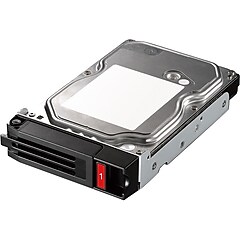
| Attributes | Seagate BarraCuda ST2000DMA08 2TB HDD 3.5 Inch SATA 6Gb/s 7200 RPM 256MB Cache 3.5-Inch Internal Hard Drive | Buffalo 4TB 3.5" Internal SATA Hard Drive (OP-HD4.0N) | HPE 4 TB 3.5 in Internal Hard Drive, SATA (872491-B21) | HP® 801888-B21 4TB SATA/600 3.5" Internal Hard Drive | Dell 1.2TB 2.5" SAS Internal Hard Drive (400-ATJL) |
|---|---|---|---|---|---|
Your product Seagate BarraCuda ST2000DMA08 2TB HDD 3.5 Inch SATA 6Gb/s 7200 RPM 256MB Cache 3.5-Inch Internal Hard Drive Price is $65.99 Out of Stock | Price is $169.99 |  Price is $621.66 |  Price is $652.05 |  Price is $425.37 | |
| Delivery Information | Data not available | Free delivery by Fri, Jun 12 | Free delivery by Fri, Jun 12 | Free delivery by Thu, Jun 11 | Free delivery by Fri, Jun 12 |
| Available in my store | No | No | No | No | No |
| Hard Drive RPM | 7200 RPM | 7200 RPM | 7200 RPM | 10000 RPM | |
| Internal Hard Drive Capacity | 2TB | 4TB | 4TB | 1.2TB | |
| Internal Hard Drive Interface | SATA | SATA | SATA | SAS | |
| Drive Bay (Inches) | 3.5 | 3.5 | 3.5 | 2.5 | |
| Gaming | Gaming | Non Gaming | Non Gaming | Non Gaming | |
| SED | Non-SED Hard Drive | Data not available | Data not available | Non-SED Hard Drive | |
| Warranty Information | 2 Year | Data not available | 1 Year | Data not available | |
| Depth in Inches | 5.79 | Data not available | 5.79 | Data not available | |
| Width in Inches | 4.01 | Data not available | 4.16 | Data not available | |
| Height in Inches | 1.03 | Data not available | 1.16 | Data not available | |
| Internal Hard Drive Compatibility | PC & Mac | Data not available | PC | PC | |
| Data Transfer Rate (Gbps) | 6 | Data not available | Data not available | 1.2 | |
| Add To Cart | Add To Cart | Add To Cart | Add To Cart |