


Once you receive your Tax ID Number, you will need to add it to your account profile in order for your orders to be tax exempt.
1. Click here to access your profile settings or select Account Overview from the Personalized Account icon in the top right corner.
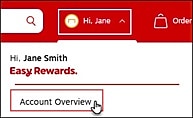
Then select View all from the Profile tile.
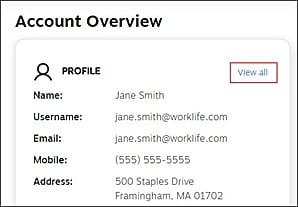
2. Select the Tax Exempt Number tile, located under Settings.
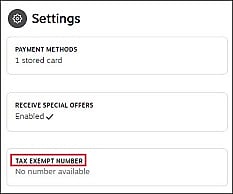
3. Once the Tax Exempt Number drawer opens from the right side, enter your tax exempt number in the field then select Save.
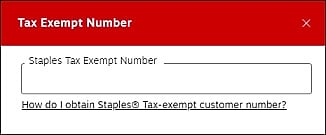
A message will display confirming you’ve successfully added your tax exempt number.