


Save anywhere from 15% to 50% on the original price.
Tested to meet manufacturer quality standards with warranties included.
Reduce your carbon footprint from production, transport, and packaging.
Our team chooses trusted vendors and offers certified, grade-A refurbished tech.








































Vendor Warranties & Processes
BlairTech Warranty includes all BlairTech PCs come with a standard 1-year warranty covering parts and labor from the original shipment date. The BlairTech warranty covers hardware defects that are not already covered by the original manufacturer. BlairTech free technical support is included to help resolve any concerns with your device. For full warranty details click here.
Joy Systems Warranty includes a one- year Limited Warranty with Technical Support to the original end-user (purchaser), excluding accessories. Joy Systems’ warranty ensures the product will be free of defects related to materials and/or workmanship from the date of shipment. Joy Systems’ warranty will cover costs related to parts; labor and shipping that are associated with the in-house repair of the defective hardware. Accidental damage is NOT covered under the warranty, and all damage caused by the end-user will void the warranty. The warranty applies to the original end-user(s) within the continental United States (excluding AK, HI, PR). All warranty replacements will be shipped using FEDEX GROUND, UPS GROUND, or USPS FIRST CLASS MAIL, with no exceptions. For full warranty details click here.
Our vendors are carefully selected based on their reliability, experience, and adherence to industry standards. This ensures you receive top-tier refurbished products, all backed by our commitment to customer satisfaction and quality.
In today’s world, having the right technology is essential whether you're working from home, studying for school or managing tasks at the office. It's great to have reliable devices, especially when you don't want to break the bank. Refurbished tech offers an amazing opportunity to access high-quality equipment without a huge investment. By opting for refurbished tech, you can enjoy the benefits of fantastic devices that have been professionally restored to like-new condition. Plus, using certified refurbished products is not just budget-friendly, it's also a smart choice for the environment.
Get top performance with refurbished tech
Refurbished tech is an excellent choice for those looking for high-quality devices at a more affordable price. Certified refurbished products go through rigorous testing and repair processes to ensure they meet high standards of performance and reliability. You can find options like refurbished laptops and refurbished printers that work like new but cost a fraction of the price. This makes them perfect for students, small business owners and families who need good tech without spending a lot of money. Staples refurbished tech is a great way to make sure you're getting products you can rely on day in and day out.
Explore a variety of certified refurbished options
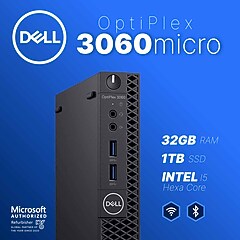
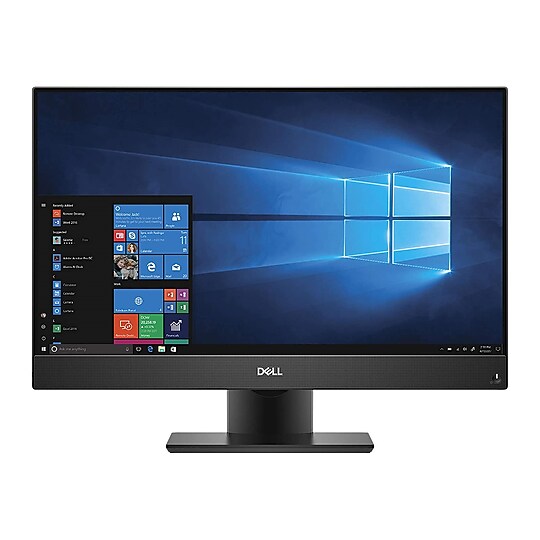
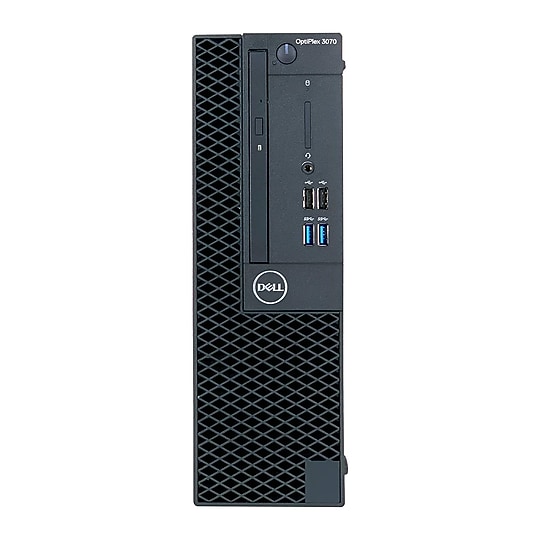
When it comes to certified refurbished products, there's a diverse selection to choose from. If you need to upgrade your workspace, consider opting for desktop computers or computer monitors. For printing needs, you can't go wrong with refurbished printers and all the necessary printer parts available. Don't forget about Staples certified remanufactured ink and toner for your printing supplies. These options let you maintain the same level of quality while saving money and being kind to the environment. With Staples refurbished tech, it's easy to find exactly what you need.
Discover different types of refurbished tech
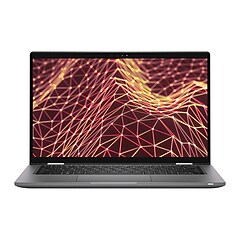
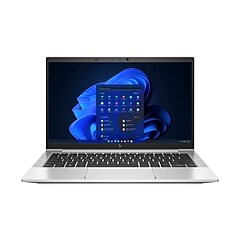
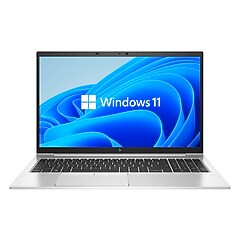
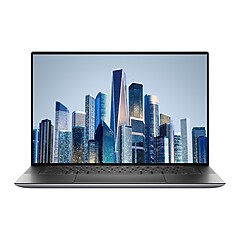
- Certified refurbished laptops: Perfect for school, work and even gaming, these laptops offer speed and performance at a lower cost.
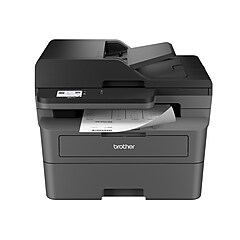
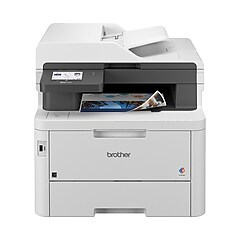
- Refurbished printers: Whether for home or office, refurbished printers ensure you get clear prints every time.
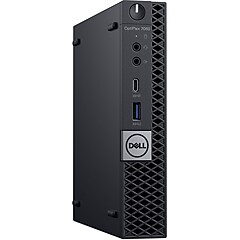
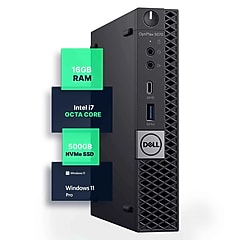
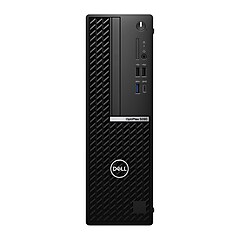
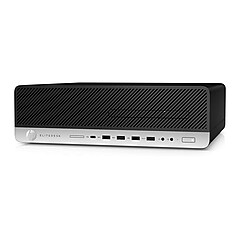
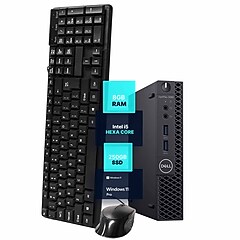
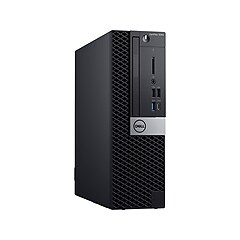
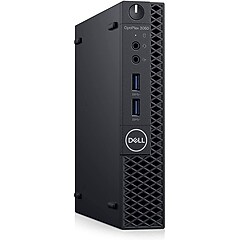
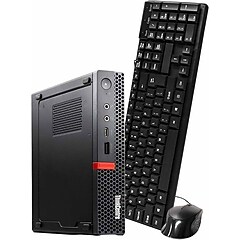
- Refurbished desktop computers: Great for those who need a powerful machine for design work or heavy-duty calculations.
- Refurbished computer monitors: Ideal for clear displays and ease of viewing at work or home.
- Refurbished fax machines: Still a valuable asset in many office settings for fast document transmission.
Complementing your refurbished tech with maintenance solutions
Keeping your certified refurbished tech in tip-top shape is easy with the right maintenance solutions. Routine care, such as computer cleaning & maintenance, is crucial for performance and longevity. Staples offers an array of computer parts & components to suit various repair and upgrade needs. Don't forget that using Staples recycling services is a fantastic way to dispose of old tech when you upgrade, helping you stay organized and eco-friendly. All these resources work together to ensure your tech products remain efficient and dependable over time.