ClickShare Wall Mounts
2 results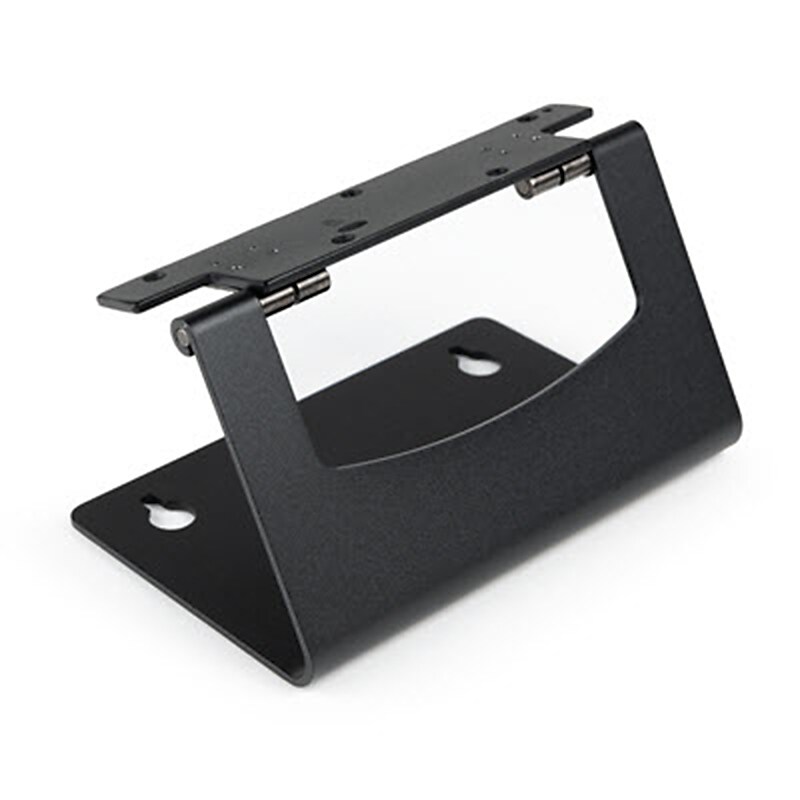
Use this Wall Mount from Barco to mount your ClickShare Bar or ClickShare Bar Pro to a wall. This sturdy mount has a tilting hinge for adjustment and offers a sturdy mounting mechanism for your meeting bar. The bar has several mounting threads, and the wall side has passthrough holes..Mount ClickShare Bar/Bar Pro on Wall.Multiple Mounting Holes.Tilting Hinge for Adjustments.Compact, Durable Construction
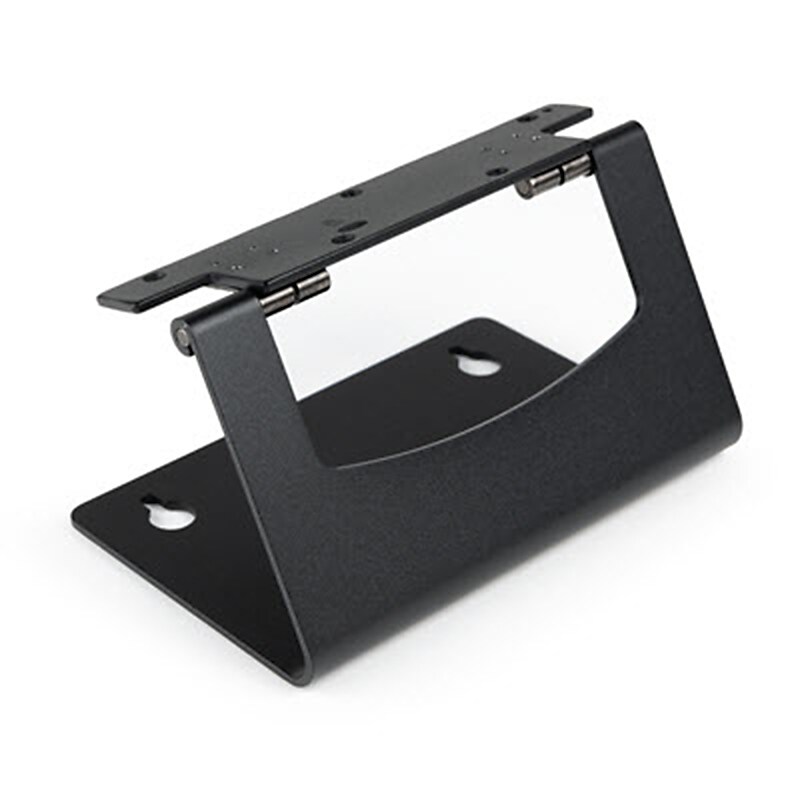
Use this Wall Mount from Barco to mount your ClickShare Bar or ClickShare Bar Pro to a wall. This sturdy mount has a tilting hinge for adjustment and offers a sturdy mounting mechanism for your meeting bar. The bar has several mounting threads, and the wall side has passthrough holes..Mount ClickShare Bar/Bar Pro on Wall.Tilting Hinge for Adjustments.Multiple Mounting Holes.Compact, Durable Construction
You May Also Like
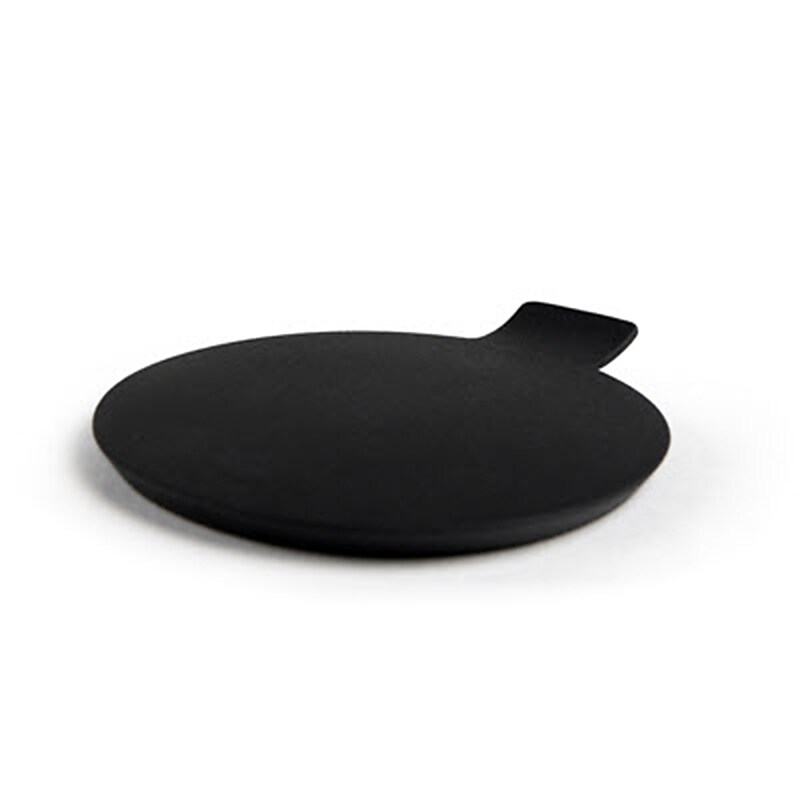
Use this Barco Privacy Cover to create temporary privacy or to protect your ClickShare Bar or ClickShare Bar Pro camera lens when not in use. This snap-in cover is simple to install and is intended to provide temporary seclusion while shielding the lens from dust and fingerprints..For ClickShare Bar/ClickShare Bar Pro.Protects from Dust and Fingerprints.Temporary Privacy When Needed.Easy Snap-In Installation
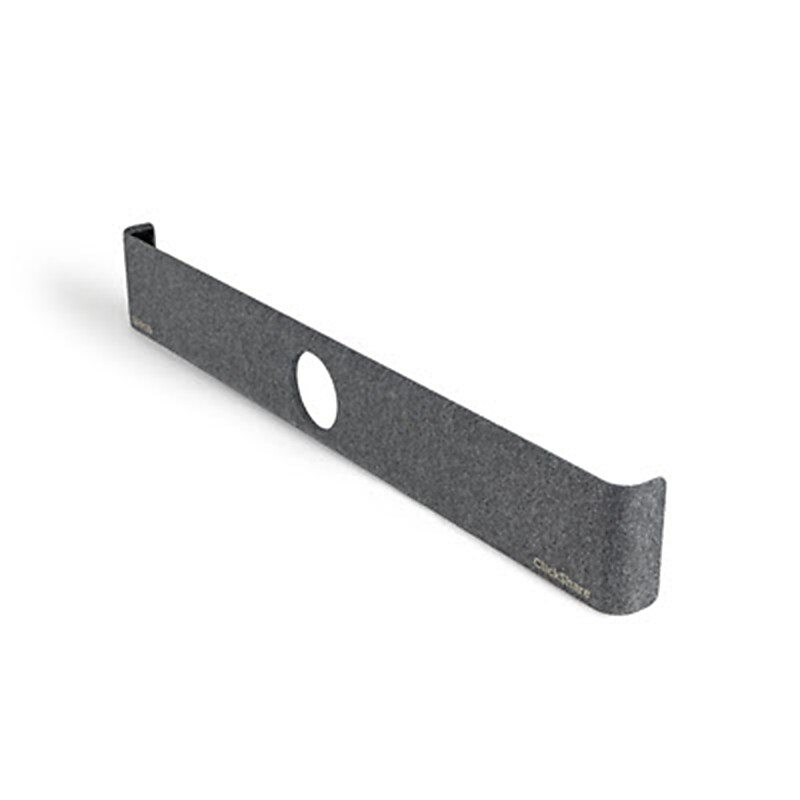
With this Barco Front Cover, you may add an extra or replacement cover to your ClickShare Bar or ClickShare Bar Pro. The front speaker on the soundbar may be easily replaced with this snap-on cover..For ClickShare Bar / Pro.Replaces Front Speaker Cover.Soft Cover Design.Easy Snap-On Install
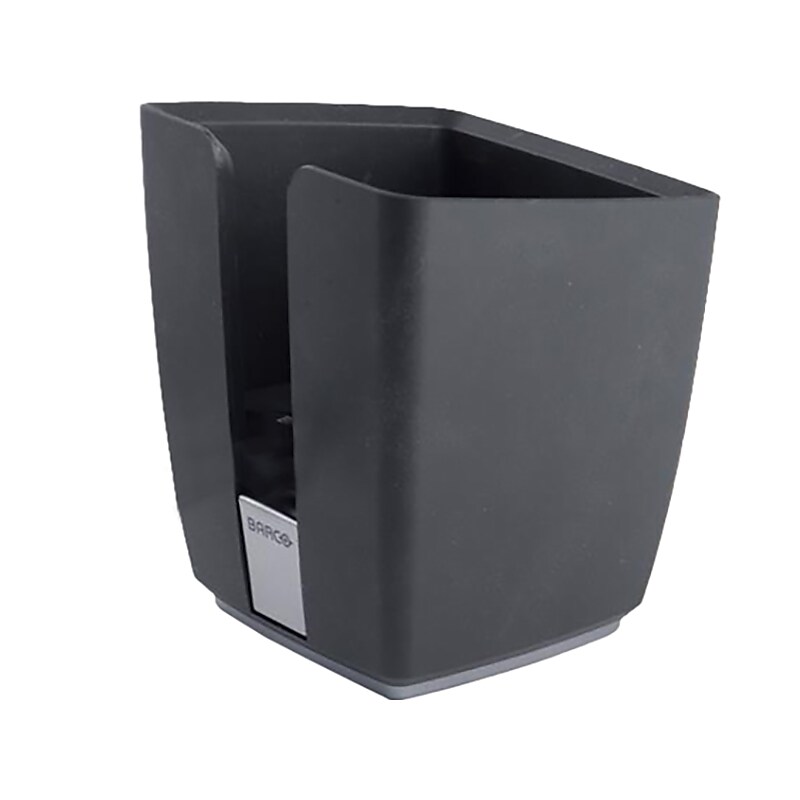
The classy Barco ClickShare tray is designed to hold the Barco ClickShare buttons. Up to four buttons fit in one tray. When the button is not in use store it in the tray..Tray is great for holding buttons.Dimensions: 5.2"H x 4.89"W.Comes in black.Holds up to four buttons
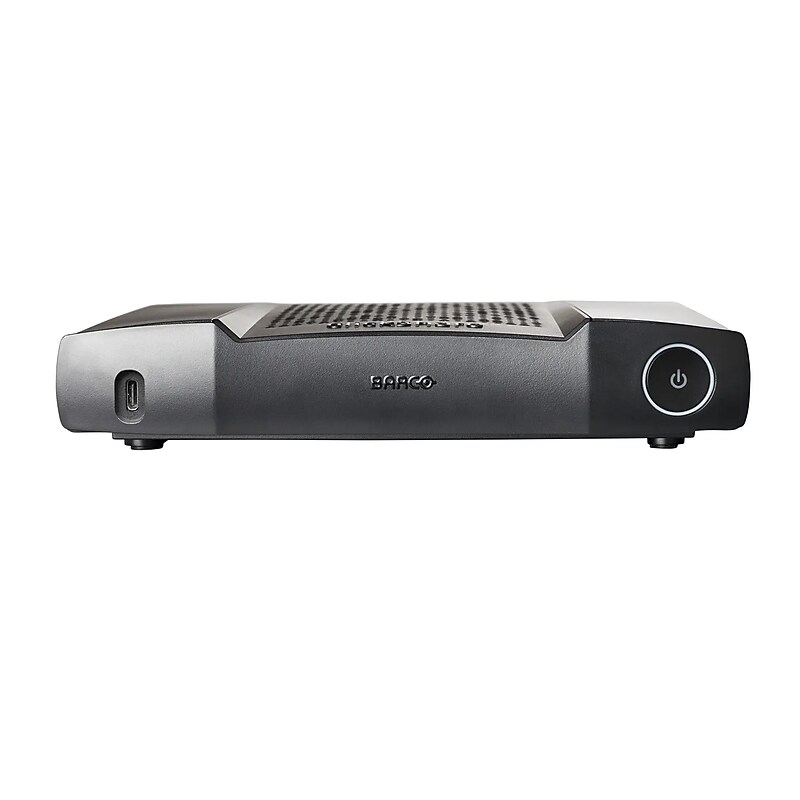
Make conducting team meetings in your office's conference room more intuitive and incorporate both in-person and virtual participants, using the second-generation version of the Barco ClickShare C-10 base unit and button. This conference system features full bring-your-own-device compatibility for Windows or Mac operating systems and extends to laptops, tablets, and phones using it's upgraded USB 3.0 technology. Screen sharing and control can be achieved via the button or software application..Intuitive Screen Sharing Two users can share screens simultaneously in full HD resolution without cables.The C-10 has enhanced security with cloud management capabilities and a wide range of connectivity options in order to be integrated into any preexisting interface.The base unit features a USB-A and a USB-C DisplayPort 1.2 port for integration into your meeting space, both with USB 3.0 technology.Local view of room display
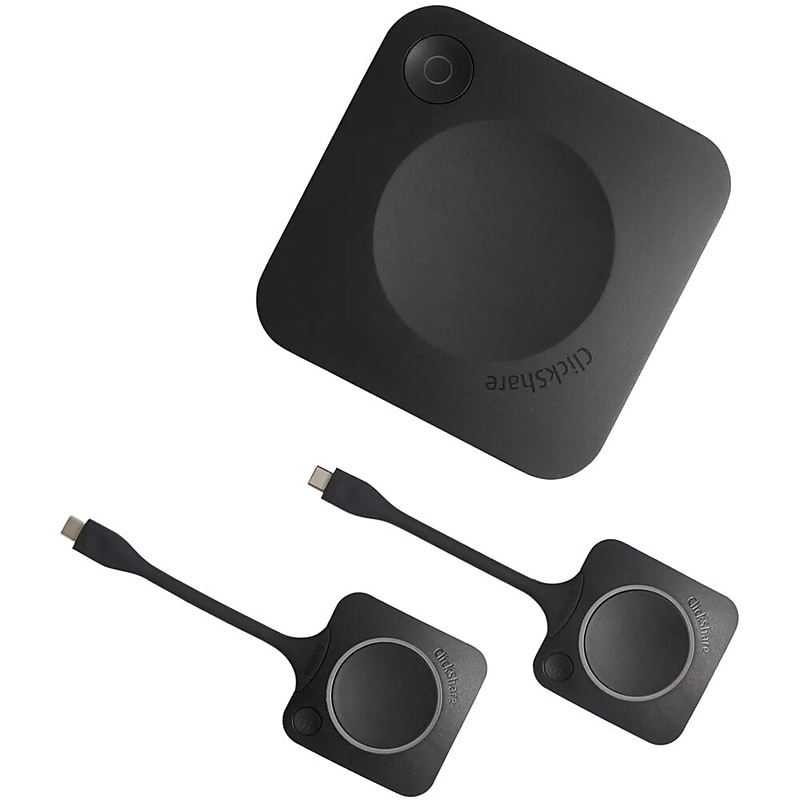
ClickShare CX-30 enables wireless conferencing in medium-sized meeting spaces. When you walk into the meeting room, ClickShare automatically connects you to room devices like cameras, mics, speakers, sound bars and displays. Start a meeting from your laptop within seconds, using your preferred video conferencing platform. Make hybrid meetings easy, with just one click on the ClickShare Button or the ClickShare App, both for employees and guests..Interactive features: touchback, annotation and blackboarding.TAA Compliant Gen 2.Increased collaboration with 2 sources on screen.Run video meetings from your laptop with Button or App.100% secure, encrypted and cloud-managed
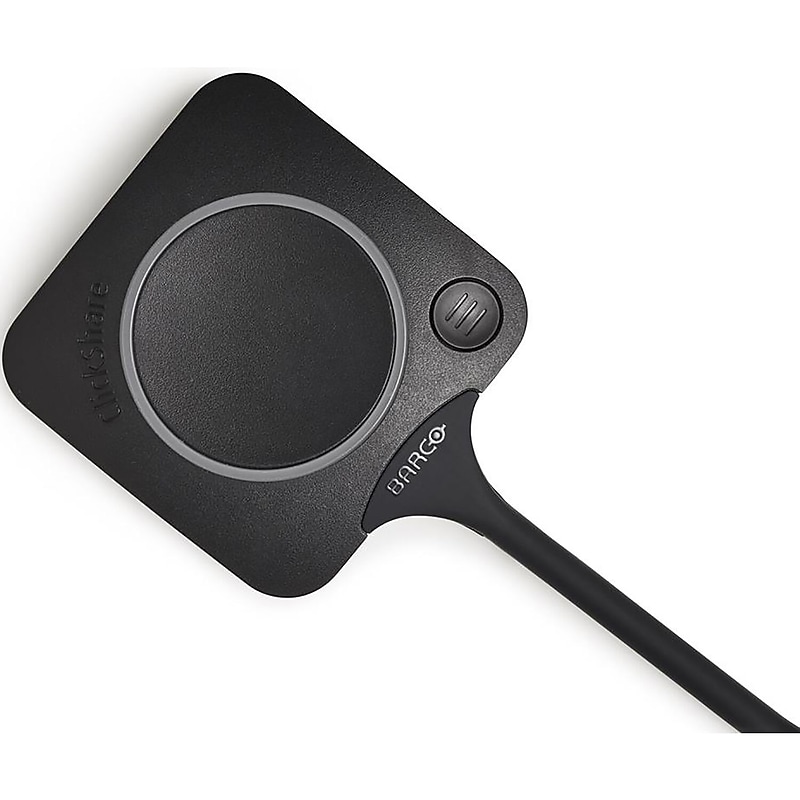
The ClickShare Conferencing Button instantly gives you access to wireless conferencing, a more immersive, interactive and guest-friendly meeting experience. Set up your remote meeting with your preferred UC solution. Plug in the USB-C device in your laptop, click and in less than 7 seconds, you are automatically connected to meeting room cameras, microphones, soundbars and any other AV peripherals. You get richer audio, have wider views of the room and can add video to your mix. With the additional Quick Button you can bring the big screen back to your device, a feature called 'local view'. The Quick Button also activates advanced power functionalities like ideation, moderation, snapshots, control of AV equipment...Alternatively, you can share content with the ClickShare Collaboration App with a similar advanced set of collaboration features at your disposal: pause, window selection, extended desktop, ideation and moderation..Iconic ClickShare component.USB-C device to start wireless conferencing and content sharing.Additional Quick Button with collaboration features.Ultra-fast setup.Iconic ClickShare device to join meetings in one click
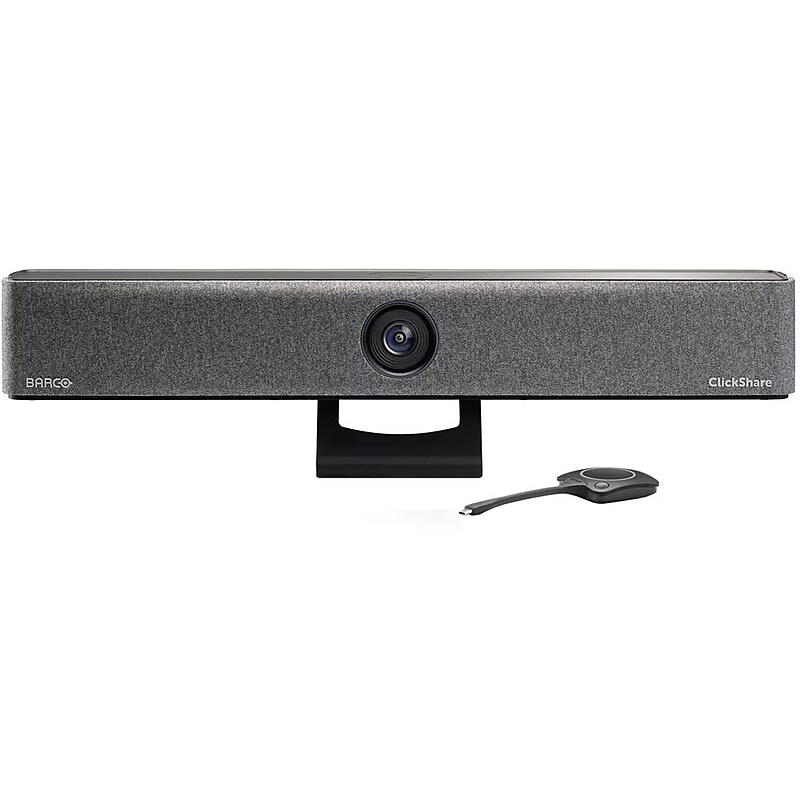
The ClickShare All-in-One Video Bar Core from Barco equips your conference space with a video and audio sharing solution for your next hybrid meeting. The core features a UHD 4K camera with an ultrawide 120° field of view and 3x digital/ePTZ zoom. Six built-in microphones and two speakers deliver a seamless audio experience..Features a 4K camera with a resolution of 3840 x 2160 pixels, which translates to approximately 8.3 Megapixels..Equipped with two 10W stereo speakers for crystal-clear audio and six beamforming MEMS microphones with echo and background noise cancellation, it ensures clear communication even in noisy environments, with a pickup range of up to 13 feet (4 meters)..It has dimensions of 600 mm Width x 100 mm Height x 100 mm Depth (23.6 inches in Width x 3.9 inches in Height x 3.9 inches in Depth) and weighs approximately 2.5 kg (5.5 lbs.)..Supports multiple connectivity options, including USB-C (using DisplayPort 1.2 mode), USB-A, HDMI, and LAN (Ethernet)..It comes with the ClickShare Desktop App, essential for wireless conferencing and content sharing, ensuring seamless integration with various platforms and simplifying the user experience..Deliver up to UHD 4K video at 30 fps for a clear image..Windows 10 or higher and macOS 11 or higher operating systems are compatible with the video bar..The built-in AI technology in the camera enables group framing and composition modes with up to four participants, ensuring everyone stays in frame for a professional conferencing experience.
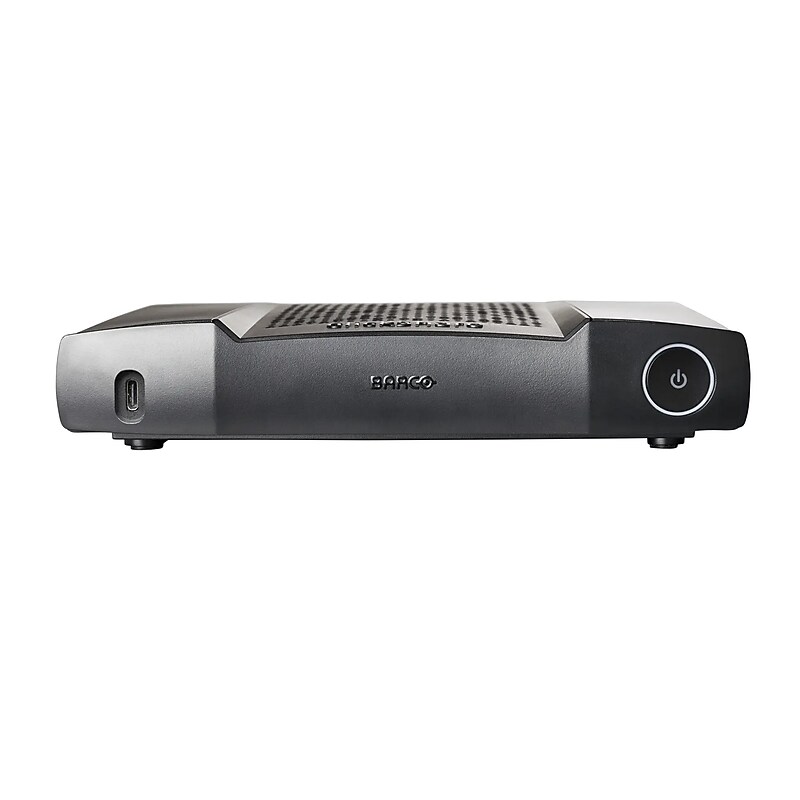
ClickShare CX-50 2nd generation brings flexible, premium wireless conferencing to high-impact meeting rooms. ClickShare automatically connects to room devices (cameras, mics, speakers, all-in-one bars). You can start a video meeting from your laptop, using any conference tool. Create a space where minds meet, with only one click. With ClickShare, the agnostic wireless room system, you start a hybrid meeting from your laptop, using any conference tool. No cables, no mess. Everyone is heard, and everyone is seen, no matter where they are..Dual screen support.Wireless and wired alternatives for 4K content support.Switch between BYOM and UC mode.Single USB-C for power and video output.Full BYOD support.Premium wireless conferencing for high-impact rooms
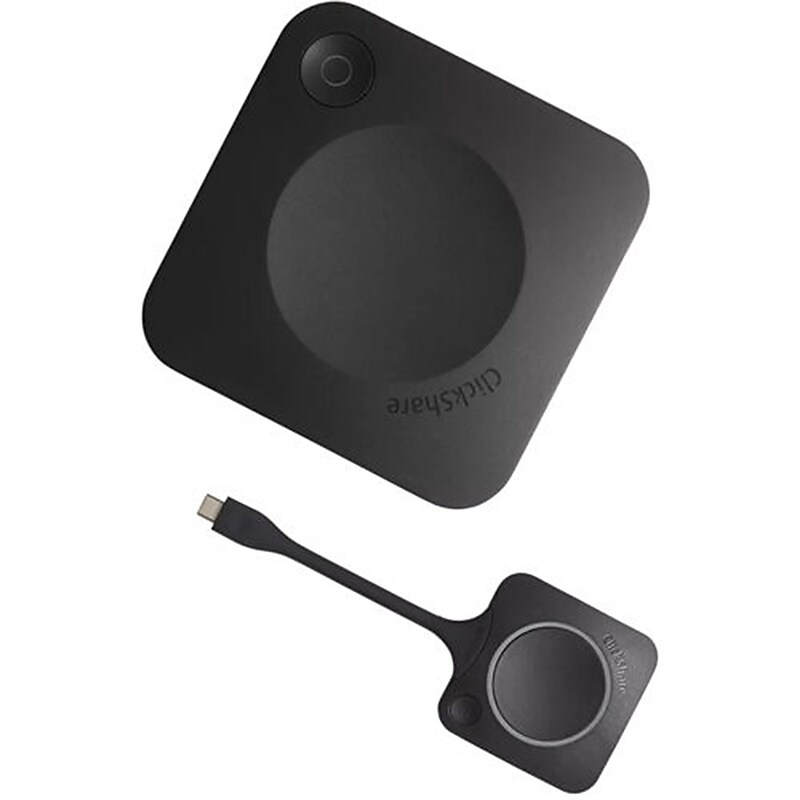
Introducing the newest generation Clickshare C-10. Technology can help to make meeting participants engaged, inspired and active. ClickShare C-10 adds interactive features to full BYOD, easy wireless presentation in any medium to large meeting room. It is the wireless presentation hub that makes your meetings flow with one click in the ClickShare Button or ClickShare App, from any laptop or mobile device..Interactive features: touchback, annotation and blackboarding.Increased collaboration with 2 sources on screen.Iconic ClickShare Button for employees and guests.100% secure, encrypted and cloud-managed.Interactive wireless presentation for any meeting space
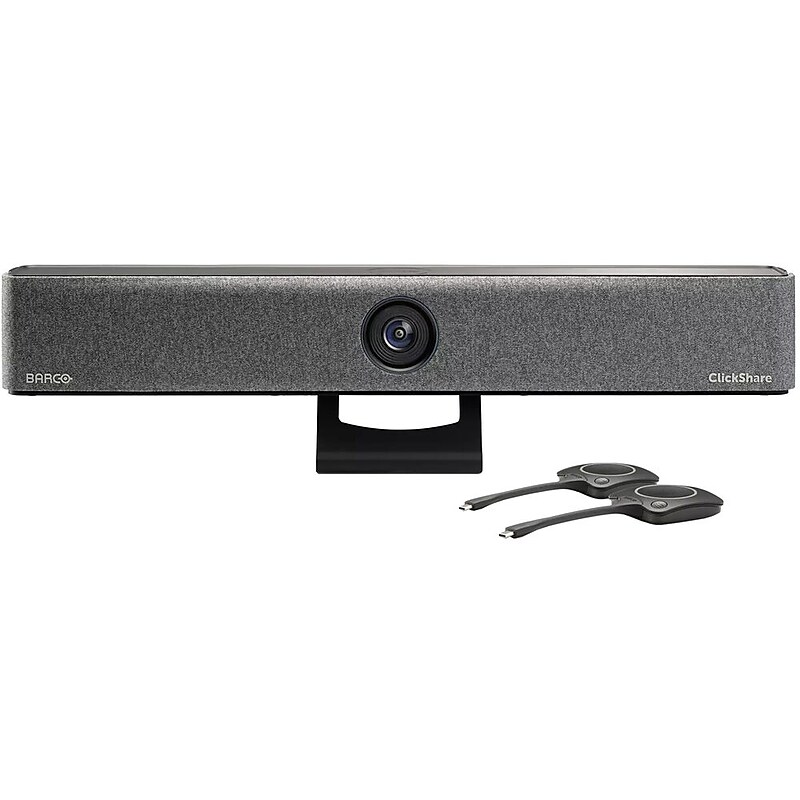
ClickShare Bar Pro is a premium, carbon-neutral video bar that enables effortless wireless conferencing in medium-sized meeting rooms with any video conferencing platform. This all-in-one solution guarantees meeting equity with its advanced AV and interactive capabilities while bringing flexibility, simplified installation and a reduced Total Cost of Ownership to IT Managers..A 4K UHD camera offers around 8.3 megapixels, providing detailed and clear video quality for professional conferencing and meetings..Equipped with six beamforming MEMS microphones for clear audio and two 10W stereo speakers for high-quality sound, it ensures an immersive conferencing experience within a 15-foot range..Measures 4 inches in length, 25.2 inches in width, and 3.9 inches in height.Offers versatile connectivity options, including USB-C (DisplayPort 1.2 mode), USB-A, HDMI, and LAN..The ClickShare software enables wireless conferencing and content sharing, ensuring seamless integration with various devices and platforms.
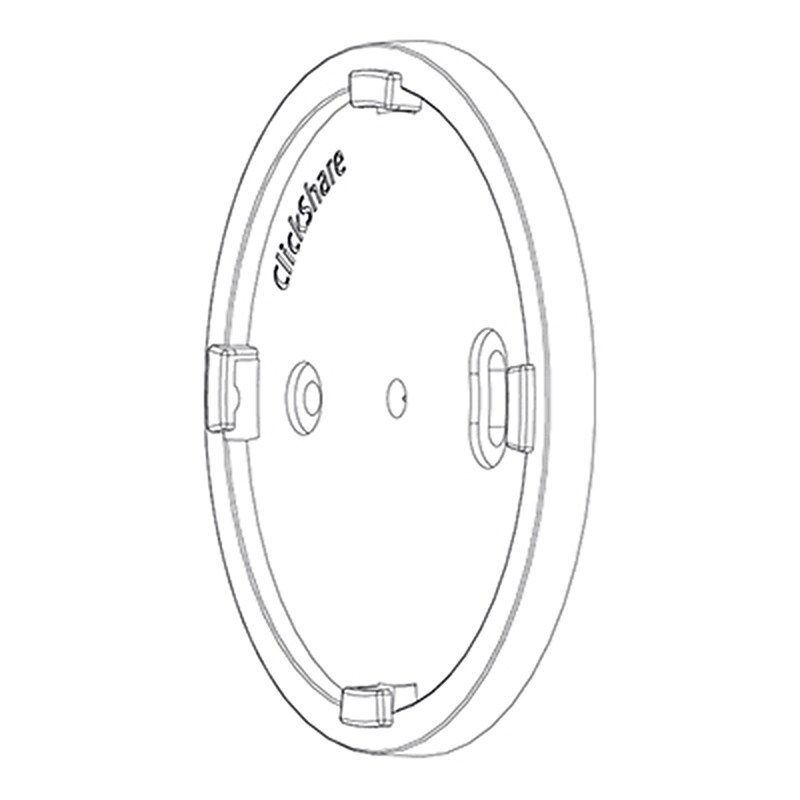
Use this Barco Wall Mounting Kit to install your ClickShare conferencing system. This multipurpose kit is perfect for easily attaching your network accessories without calling in a professional. Compatible with the ClickShare C-5, C-10, CX-20, and CX-30, the compact kit weighs less than 1 ounce..For ClickShare C-5, C-10, CX-20 & CX-30.No Need for Professional Assistance.Weighs Just Under 1 oz.Mounts Networking Accessories Easily
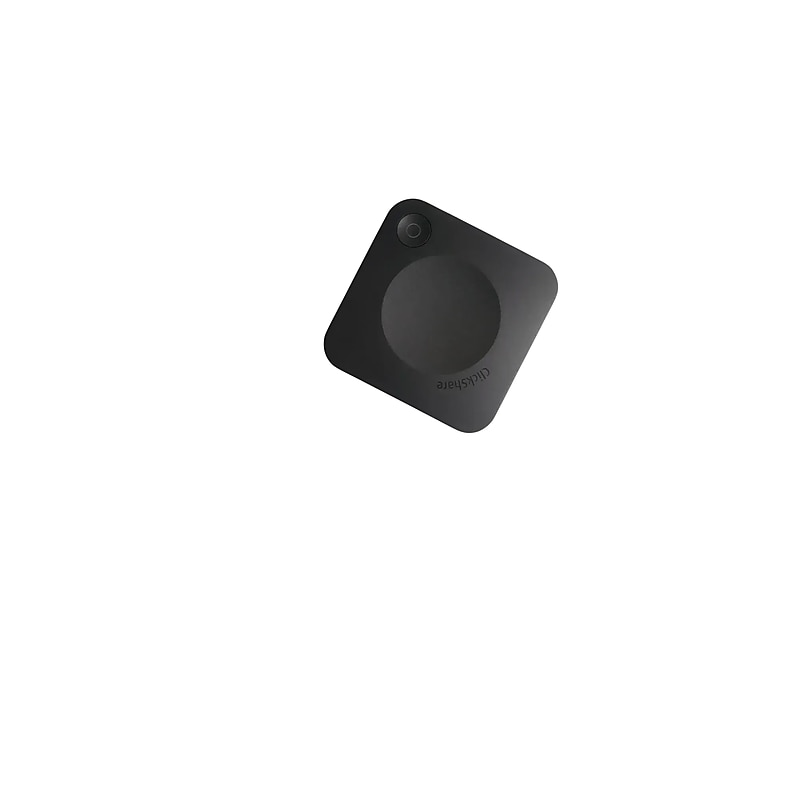
Start a huddle meeting in seconds and easily share content from your device with Barco's ClickShare C-5 Gen 2. This Bring-Your-Own-Device conferencing system is an intuitive content-sharing hub that allows users to collaborate wirelessly in meeting rooms to ensure that hybrid meetings flow smoothly with a single click in the ClickShare app from any laptop or mobile device. The ClickShare C-5 Gen 2 supports screen mirroring with Airplay, Google Cast, and Miracast with enhanced security and seamless integration. Usable as a stand-alone solution or in combination with your existing conference room, the Windows- and macOS-compatible system is designed to perfectly fit your business and evolve with it, making it a smart investment for your meeting room or conference room ecosystem. When you register your ClickShare C-5 you will receive an enhanced five-year SmartCare warranty that includes higher service levels, analytics, cloud access, and a knowledge base..Bring-Your-Own-Device Conference System.Intuitive Content Sharing.Windows & macOS Compatible.Wirelessly Collaborate in Meeting Rooms.Airplay, Google Cast & Miracast Support
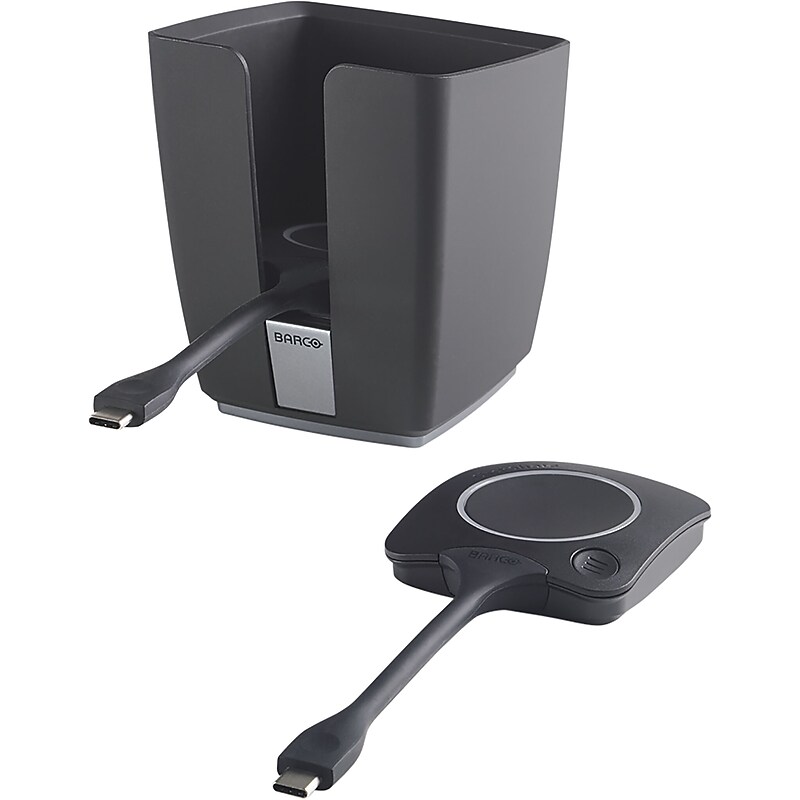
Great things happen when people click. When collaborating with colleagues, partners or customers, you often need more than one ClickShare Conferencing Button to share content in the meeting room. Having multiple ClickShare Conferencing Buttons present is a must. Creating clutter-free and clean workplaces at the same time is a nice extra. That is why we have launched this package including the ClickShare Tray and two Conferencing Buttons. Fully equip your meeting rooms with a practical and stylish Tray and additional Buttons..Stylish tray for ClickShare Buttons.For clutter free meeting rooms.Always have the Buttons ready for sharing
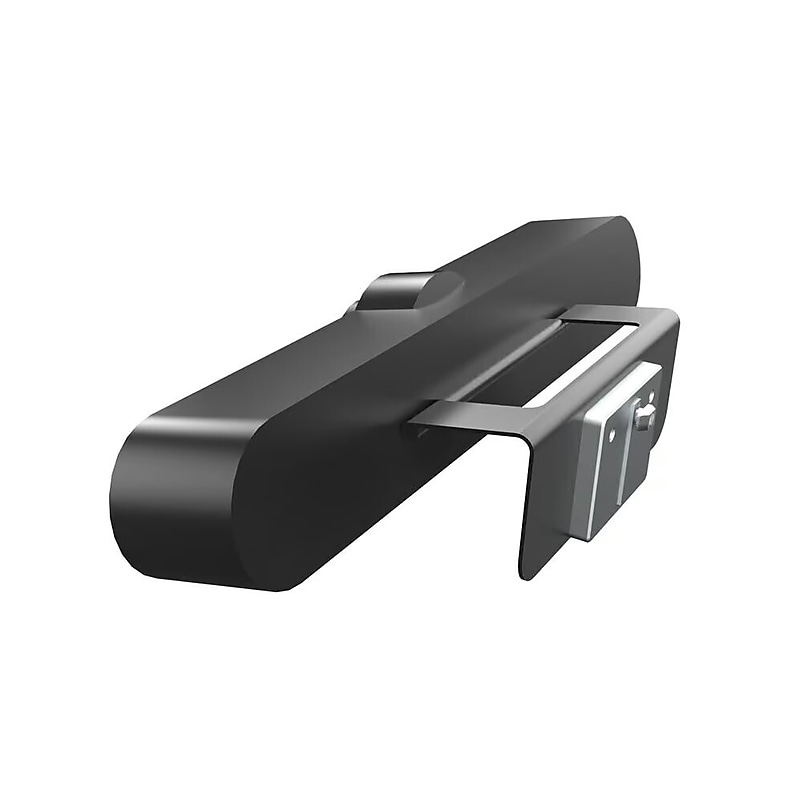
The Logitech 993‑001889 Wall Mount is a purpose-built mounting solution designed specifically for the Logitech MeetUp ConferenceCam. It allows the camera to be securely attached to the wall, providing an optimal height and angle for capturing participants in huddle rooms and small meeting spaces. This bracket offers a clean, clutter-free installation and supports both above and below display mounting positions. Made with durable materials and a sleek profile, it blends seamlessly into professional meeting environments. The bracket also simplifies cable management and enhances the aesthetics of conference setups by removing the need for tabletop placement..This is a wall mount bracket designed specifically for mounting the Logitech MeetUp ConferenceCam to provide optimal camera positioning in video conferencing rooms, especially huddle spaces..The package includes the wall mount bracket, mounting hardware, and an installation guide—everything needed for setup..Fully compatible with all major video conferencing platforms including Zoom, Microsoft Teams, Google Meet, and Skype, when used with the Logitech MeetUp camera..This is a fixed wall mount designed for stable and secure camera installation either above or below the display..The bracket measures approximately 5.83 inches (148 mm) in width, 1.57 inches (40 mm) in height, and 0.59 inches (15 mm) in depth.
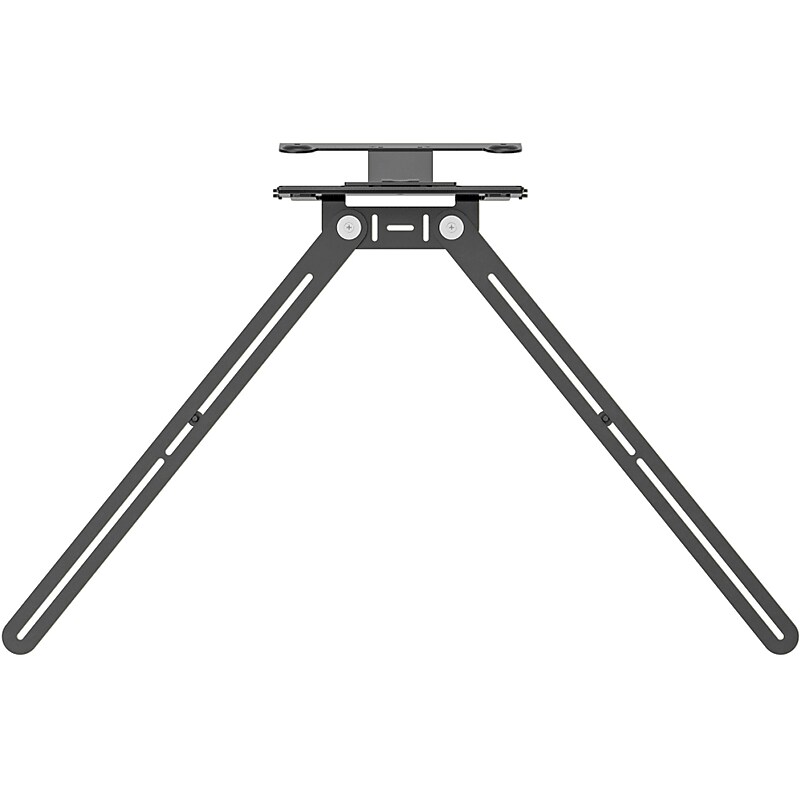
Float Rally Bar Mini or Rally Bar above or below a TV or monitor for a sleek installation and minimal footprint. Flexible and flush mounting depths and thoughtful cable routing. Fits most displays with a versatile swing-arm design. Optimizes viewing angle for above-display installations with 10 degrees tilt down adapter..Swing-arm design TV mount for video bars.Compatible with wall- or cart-mounted displays up to 98" with VESA mounting points.Mount compatible devices above or below the display.Adjust mounting depth by up to 2" to fit a wide range of display thicknesses and wall standoffs.Whether mounted above the display or below, thoughtful routing keeps cables securely connected and out of sight.Package contents: VESA-compatible TV mount, mounting plate for rally bar, mounting plate for rally bar mini, and fasteners and mounting hardware.2-year manufacturer limited warranty
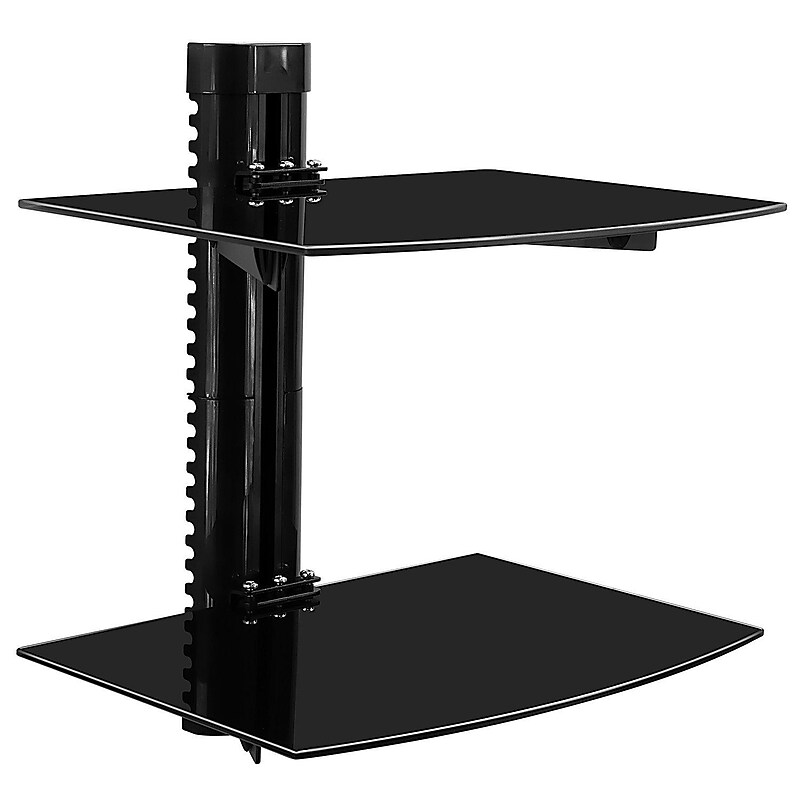
Mount-It! MI-892 floating wall mounted shelves allow you to get rid of your floorstanding TV furniture and complement the look of your wall mounted flat screen television. The single shelf allows you to place DVD players, cable boxes and other AV components on the wall. Use multiple of these units to design a complete home theater system. The shelving system is very durable and can carry up to 22 pounds of weight. Made from sturdy Aluminum and tempered glass. Its large surface area can easily hold gaming systems and BluRay DVD players..Floating wall dual mounted shelf with 14.2" x 9.8" Shelves.Glass Shelf has silk black coat finish.Height-adjustable shelf allows you to adjust the height of the shelf to best accommodate your components.11" of Height Adjustment.Weight capacity of 44 lbs..Supported by manufacturer's limited lifetime warranty