Logitech Camera Mounts
12 results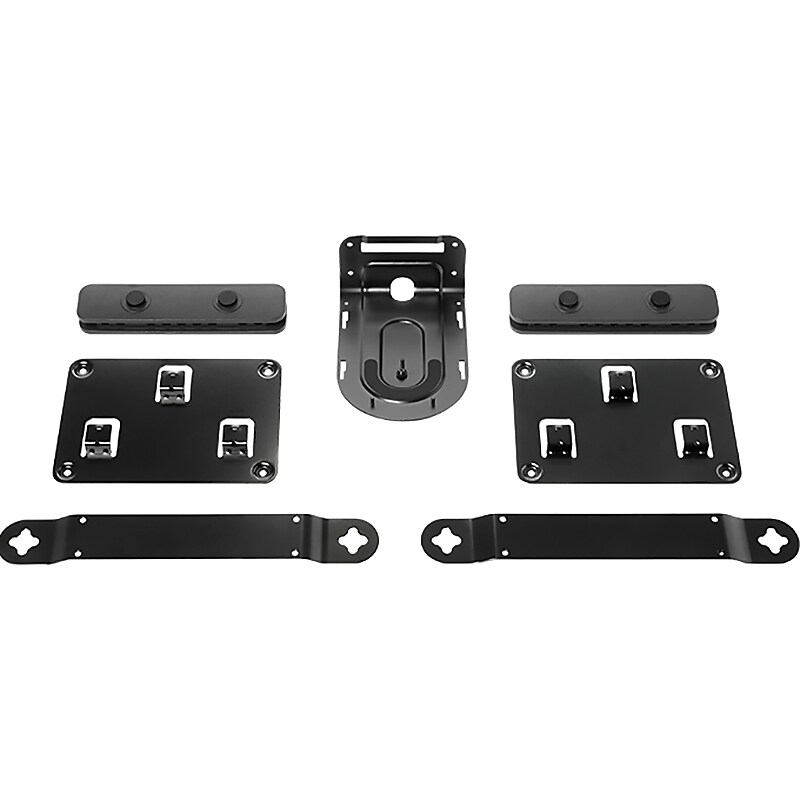
Achieve a streamlined installation of each Rally system component with included brackets and mounting hardware. Camera bracket provides a secure, stable wall mount above or below the display, or cleverly inverts for near-ceiling installations. Mount speakers directly to the wall with low-profile brackets. Position hubs on a wall or beneath a table with ventilated hardware, then secure connections with the cable retention brackets for a professional appearance..Sleek, secure, and flexible mounting system designed for Logitech Rally systems only.Package contains: two speaker brackets, camera bracket, table hub bracket, display hub bracket, two cable retainers, and fasteners documentation.Invertible camera bracket supports wall mounting and near-ceiling installation.Cable retainers for Table Hub and Display Hub keep cables plugged in.Ventilated brackets secure hubs under the table or to the wall.Low-profile speaker brackets provide a floating appearance.Secure connection with robust cable retention brackets.System requirements: Logitech Rally or Logitech Rally Plus.2-year manufacturer limited warranty
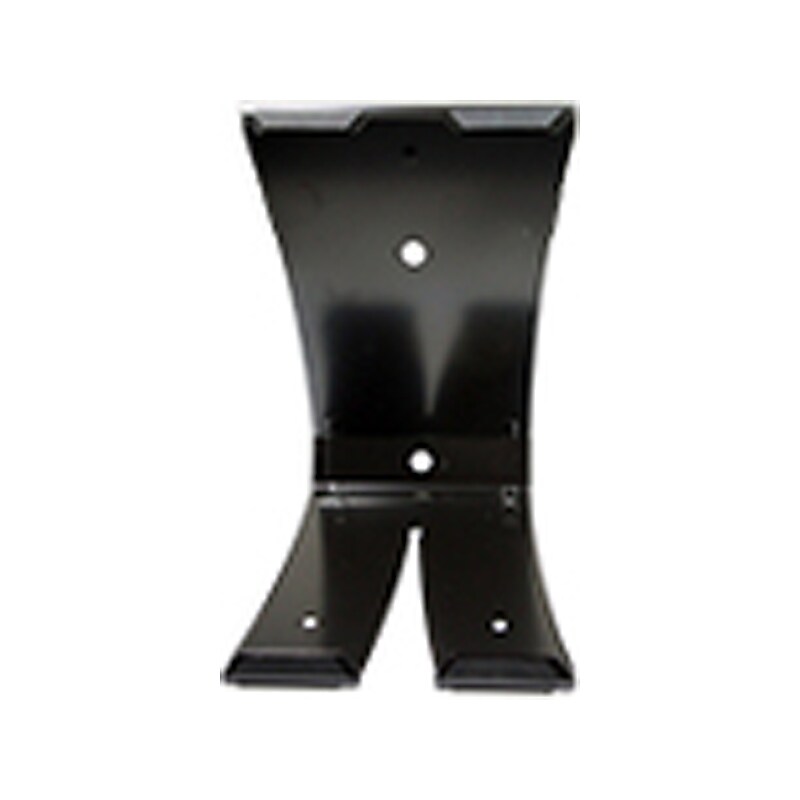
The Logitech replacement camera mount is designed for GROUP video conferencing system. GROUP offers the flexibility to customize conference room set-up with multiple camera mounting options. Use the camera on the table or mount it on the wall..Spare camera mount for the Logitech GROUP videoconferencing system.Dimensions: 8.27"H x 4.72"W x 3.9"D.Dual-purpose mount for wall placement or for elevating the camera on a table.Comes with black finish
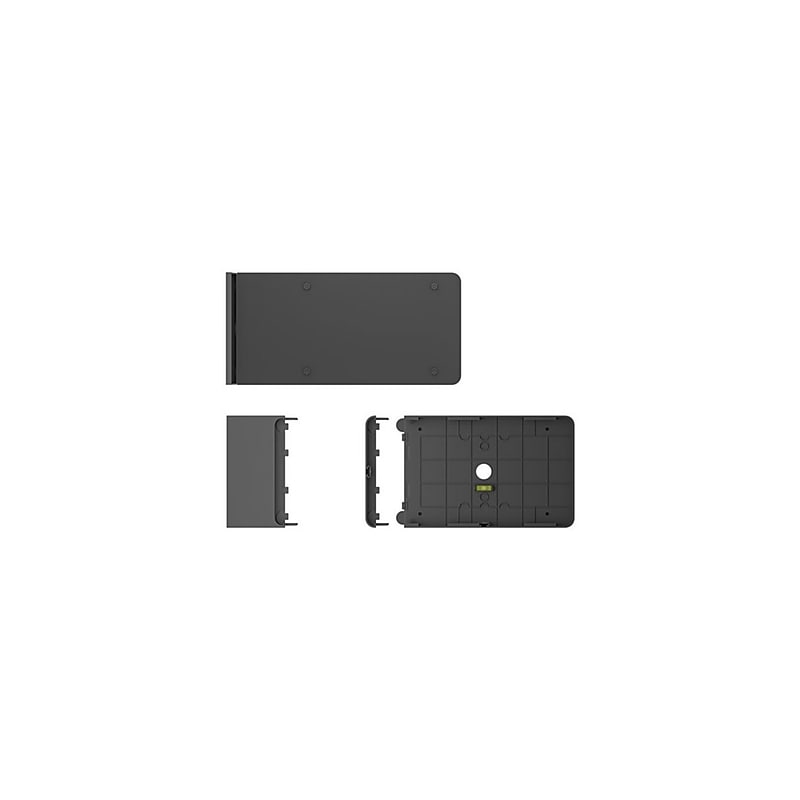
Make it easy to find and get to the right meeting space with Tap Scheduler, a purpose-built scheduling panel that signals availability from a distance. Up close, see meeting details, claim rooms, and book meetings on a spacious 10.1" screen. Easily configure Tap Scheduler as a Microsoft Teams panel, as a Zoom Rooms Scheduling Display, with Meetio, Robin, or other room scheduling solutions in just a few simple steps. Provide a professional install with included glass, mullion, and wall mounts and clean cable management. Count on Tap Scheduler for reliable performance with durable components that are built to last. Remarkably simple to set up and designed for deployment at scale, Tap Scheduler can be added to any room to make the most out of meeting spaces. Make it easy to find and claim the right meeting space with Tap Scheduler, a purpose-built scheduling panel that is easily installed outside any room for fast deployment. Set up Tap Scheduler as a Microsoft Teams panel, as a Zoom Rooms Scheduling Display, with Meetio, Robin, and other leading room scheduling solutions. Quickly find an open room through colored LED lights that show availability at a distance. Up close, see room details, claim the space, or reserve the room on the spacious touchscreen. Easily install Tap Scheduler outside any room with the included glass, mullion, and wall mounts. Multiple routing options hide the single PoE cable for a clean and professional setup. With a 10.1" touchscreen display, flat angle, and low profile, Tap Scheduler allows for easy reading from a variety of heights. With a purposeful design and durable components, Tap Scheduler is built for reliable performance that lasts. Configure Tap Scheduler out of the box in just a few easy steps for fast setup and deployment. With Logitech Sync, you can monitor and manage Tap Scheduler along with your other meeting room devices from one single platform..Make it easy to find and claim the right meeting space with Tap Scheduler, a purpose-built scheduling panel that is easily installed outside any room for fast deployment..Set up Tap Scheduler as a Microsoft Teams panel, as a Zoom Rooms Scheduling Display, with Meetio, Robin, and other leading room scheduling solutions..Quickly find an open room through colored LED lights that show availability at a distance. Up close, see room details, claim the space, or reserve the room on the spacious touchscreen..Easily install Tap Scheduler outside any room with the included glass, mullion, and wall mounts. Multiple routing options hide the single PoE cable for a clean and professional setup..The product does not have megapixels or resolution as it is a mounting accessory, not a camera..With a 10.1” touchscreen display, flat angle, and low profile, Tap Scheduler allows for easy reading from a variety of heights..With a purposeful design and durable components, Tap Scheduler is built for reliable performance that lasts..Configure Tap Scheduler out of the box in just a few easy steps for fast setup and deployment..With Logitech Sync, you can monitor and manage Tap Scheduler along with your other meeting room devices from one single platform..The mounting bracket is approximately 6.5" H x 9.68" W x 2.85" D.Connectivity features are not applicable as it is a physical mounting accessory without electronic components.
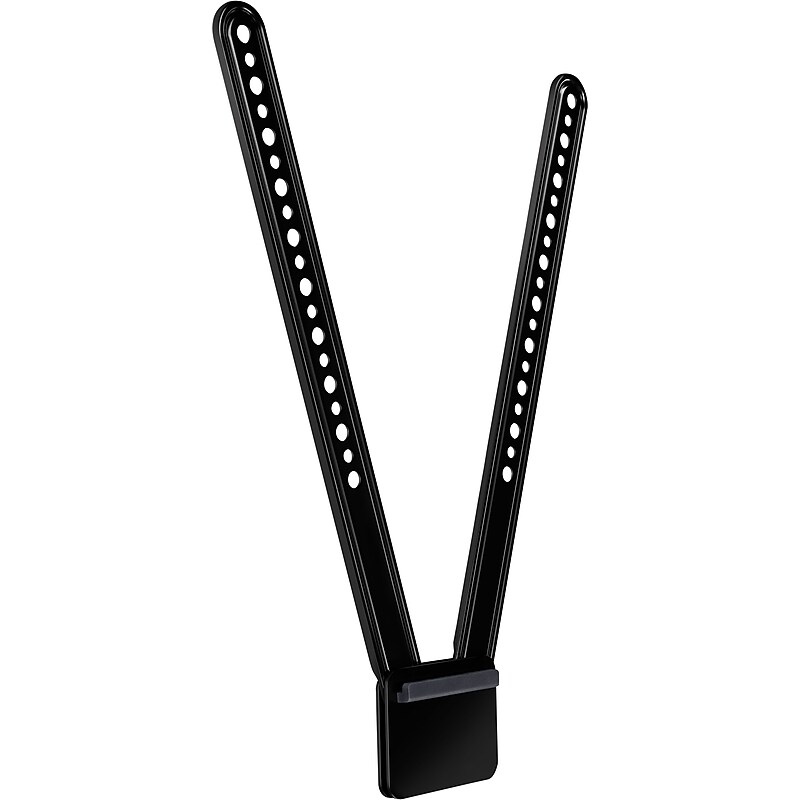
The Logitech TV mount for MeetUp Huddle Room ConferenceCam works above or below a flat-panel TV for convenience, depending on your configuration. This mount attaches to standard VESA mounting points found on many televisions for extra efficiency. The off-set, swing-arm design gives your staff a natural video experience. By helping your conference camera face forward, this mount can capture everyone in the room, so people on the other end of the meeting have a full view of who's talking..Swing-arm design works above or below TV for convenience.Hardware fits most flat-panel TVs for versatility.400 x 83 x 16 mm (15.75. x 3.25 x 0.63 inches).The Logitech TV mount for MeetUp Huddle Room ConferenceCam lets you attach a camera to your office television.
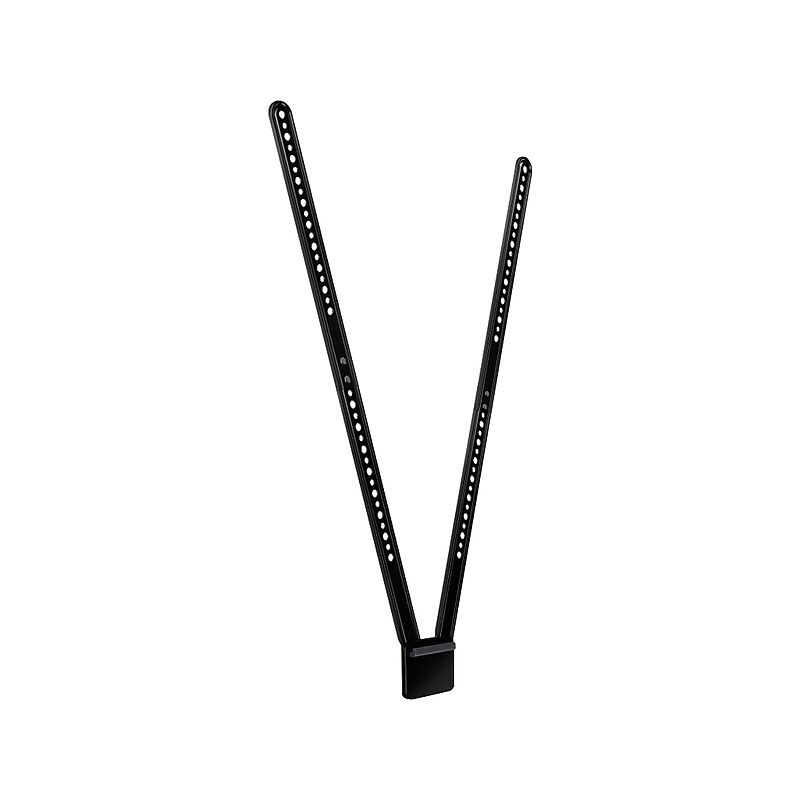
Logitech TV Mount XL for MeetUp securely holds the Logitech MeetUp ConferenceCam on a flat-panel monitor and attaches to the industry-standard VESA mounting points available on most TVs and monitors. The TV mount's unique design allows MeetUp cam to be mounted above or below a monitor. Attaching MeetUp below the TV tends to provide the most natural video experience, but this mount offers both options. The TV Mount XL features a swing arm design and multiple mounting holes to fit almost any flat-panel monitor up to 90" in size..Adjustable TV mount with a swing arm design for mounting conference camera to a flat-panel monitor.Dimensions: 27.55"H x 3.25"W x 0.63"D.TV mount is fully compatible with up to 90" TVs and MeetUp ConferenceCam.Mounting pattern: VESA standard with alternating 0.31" and 0.24" holes.Package contents: TV mount, mounting hardware, and user documentation.2-year manufacturer limited warranty
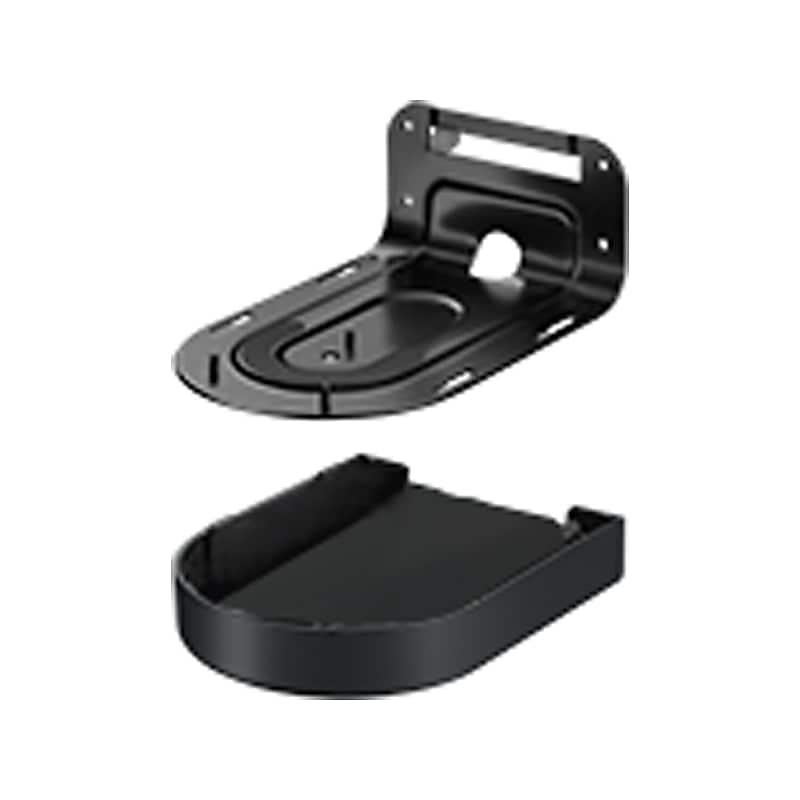
Mount, splitter case and screws for Logitech Rally - premium PTZ camera with Ultra-HD imaging system and automatic camera control..Invertible wall mount with power splitter bay and cable management.Mounting bracket dimensions: 3.46"H x 4.33"W x 6.69"D.Power splitter dimensions: 0.84"H x 3.19"W x 2.38"D
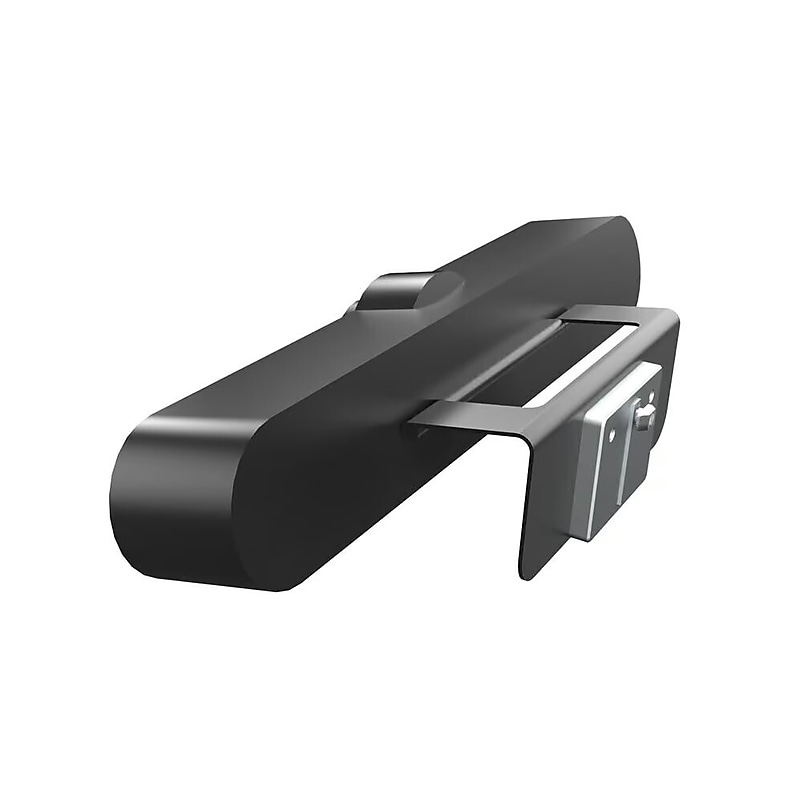
The Logitech 993‑001889 Wall Mount is a purpose-built mounting solution designed specifically for the Logitech MeetUp ConferenceCam. It allows the camera to be securely attached to the wall, providing an optimal height and angle for capturing participants in huddle rooms and small meeting spaces. This bracket offers a clean, clutter-free installation and supports both above and below display mounting positions. Made with durable materials and a sleek profile, it blends seamlessly into professional meeting environments. The bracket also simplifies cable management and enhances the aesthetics of conference setups by removing the need for tabletop placement..This is a wall mount bracket designed specifically for mounting the Logitech MeetUp ConferenceCam to provide optimal camera positioning in video conferencing rooms, especially huddle spaces..The package includes the wall mount bracket, mounting hardware, and an installation guide—everything needed for setup..Fully compatible with all major video conferencing platforms including Zoom, Microsoft Teams, Google Meet, and Skype, when used with the Logitech MeetUp camera..This is a fixed wall mount designed for stable and secure camera installation either above or below the display..The bracket measures approximately 5.83 inches (148 mm) in width, 1.57 inches (40 mm) in height, and 0.59 inches (15 mm) in depth.
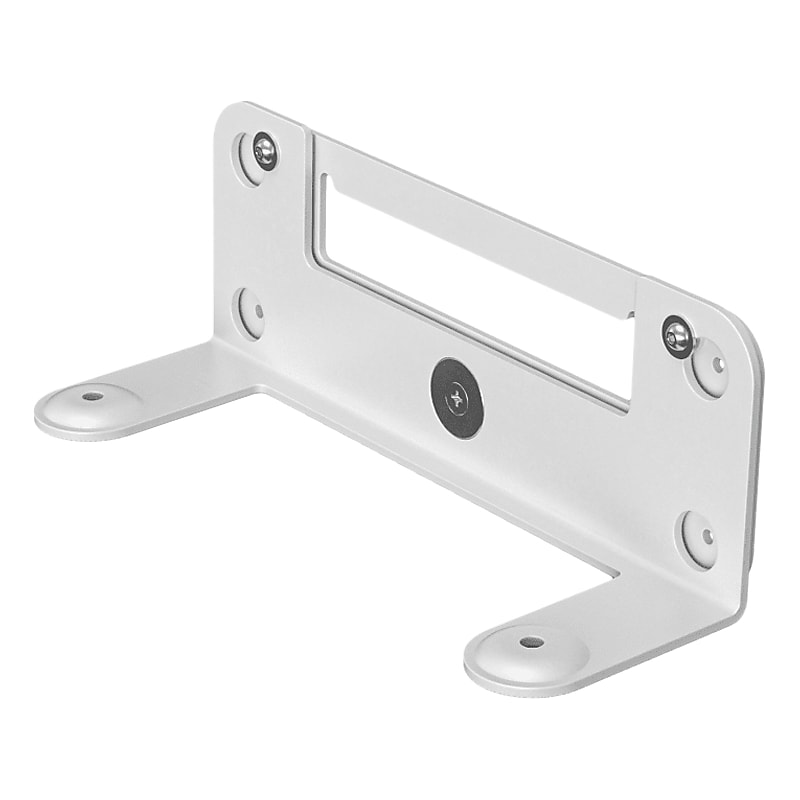
Mount Rally Bar Mini or Rally Bar on the wall for a finished appearance and minimal footprint. Works with video bar's built-in cable retention cover for a secure connection. Optimizes viewing angle for elevated placement with 10 degrees tilt down adapter..Wall mount for video bars.Dimensions: 3.94"H x 9.29"W x 3.31"D.VESA-compatible mounting kit for Rally Bar and Rally Bar Mini.The built-in angle adjustment lets you precisely align the level of video bar with the display.Works with video bar's built-in cable retention cover, so cables can run up, down, or both and stay securely connected.Also compatible with mobile carts with a standard VESA mounting pattern.Package contents: wall mount, tilt down adapter, screws, and documentation
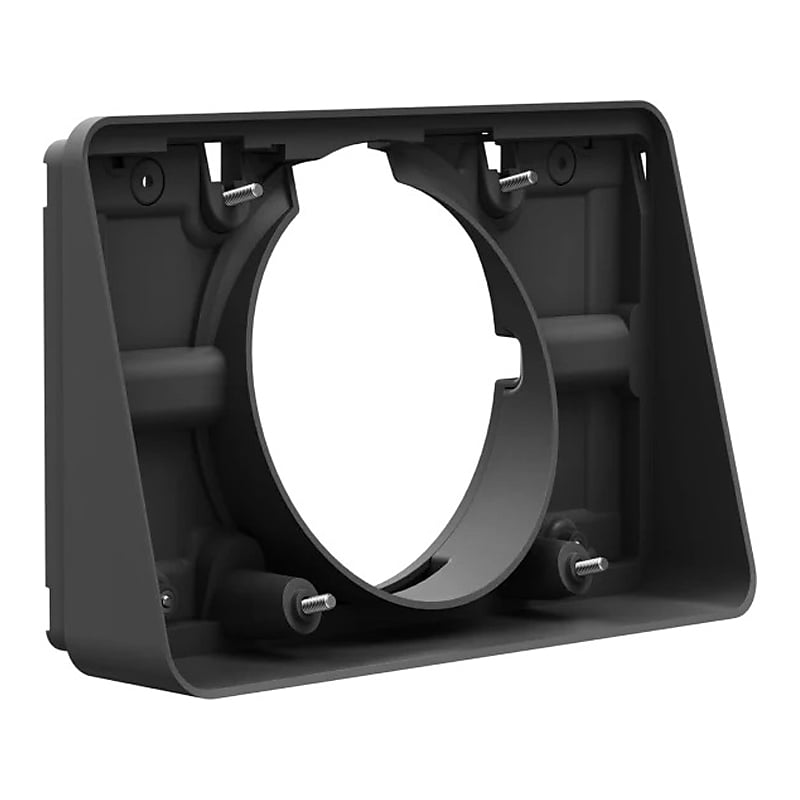
Perfect for lower height placements or angled viewing, Tap Scheduler angle mount offers more flexibility in how and where you place Tap Scheduler. The angle mount adds a 14 degrees angle to the device's mounting bracket, making it easier for people to read a room's meeting schedule..Angle plinth dimensions: 5.2"H x 8.4"W x 2.16"D, reversible interface dimensions: 4.79"H x 8.19"W x 0.41"D.Mounts Logitech Tap Scheduler at a comfortable angle for viewing.Comes in graphite.Includes: angle plinth, reversible interface, mounting hardware, and documentation.2-year manufacturer limited warranty
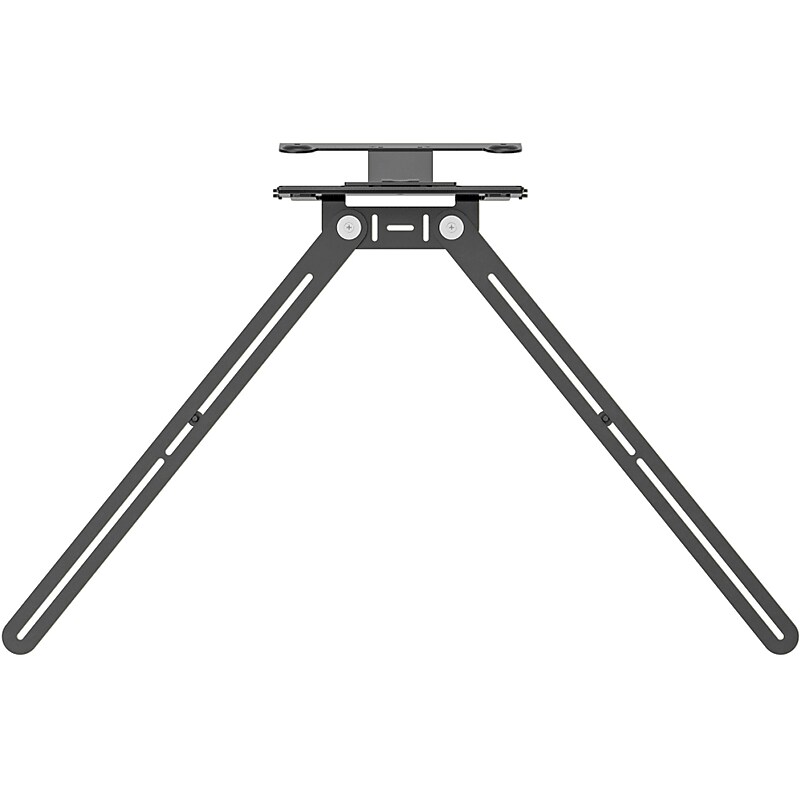
Float Rally Bar Mini or Rally Bar above or below a TV or monitor for a sleek installation and minimal footprint. Flexible and flush mounting depths and thoughtful cable routing. Fits most displays with a versatile swing-arm design. Optimizes viewing angle for above-display installations with 10 degrees tilt down adapter..Swing-arm design TV mount for video bars.Compatible with wall- or cart-mounted displays up to 98" with VESA mounting points.Mount compatible devices above or below the display.Adjust mounting depth by up to 2" to fit a wide range of display thicknesses and wall standoffs.Whether mounted above the display or below, thoughtful routing keeps cables securely connected and out of sight.Package contents: VESA-compatible TV mount, mounting plate for rally bar, mounting plate for rally bar mini, and fasteners and mounting hardware.2-year manufacturer limited warranty
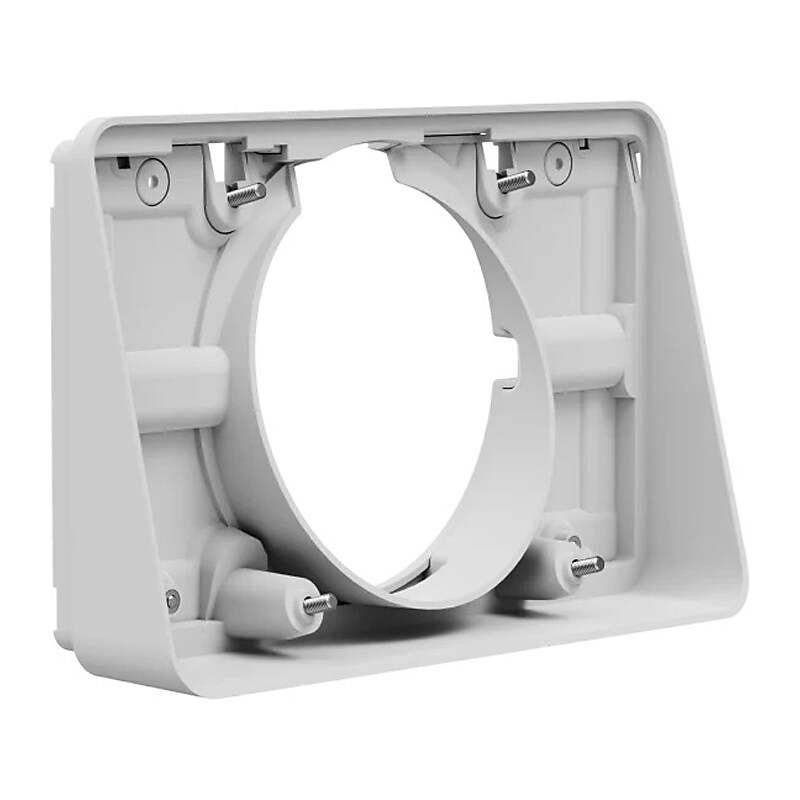
Perfect for lower height placements or angled viewing, Tap Scheduler angle mount offers more flexibility in how and where you place Tap Scheduler. The angle mount adds a 14 degrees angle to the device's mounting bracket, making it easier for people to read a room's meeting schedule..Angle plinth dimensions: 5.2"H x 8.4"W x 2.16"D, reversible interface dimensions: 4.79"H x 8.19"W x 0.41"D.Mounts Logitech Tap Scheduler at a comfortable angle for viewing.Comes in off-white.Includes: angle plinth, reversible interface, mounting hardware, and documentation.2-year manufacturer limited warranty
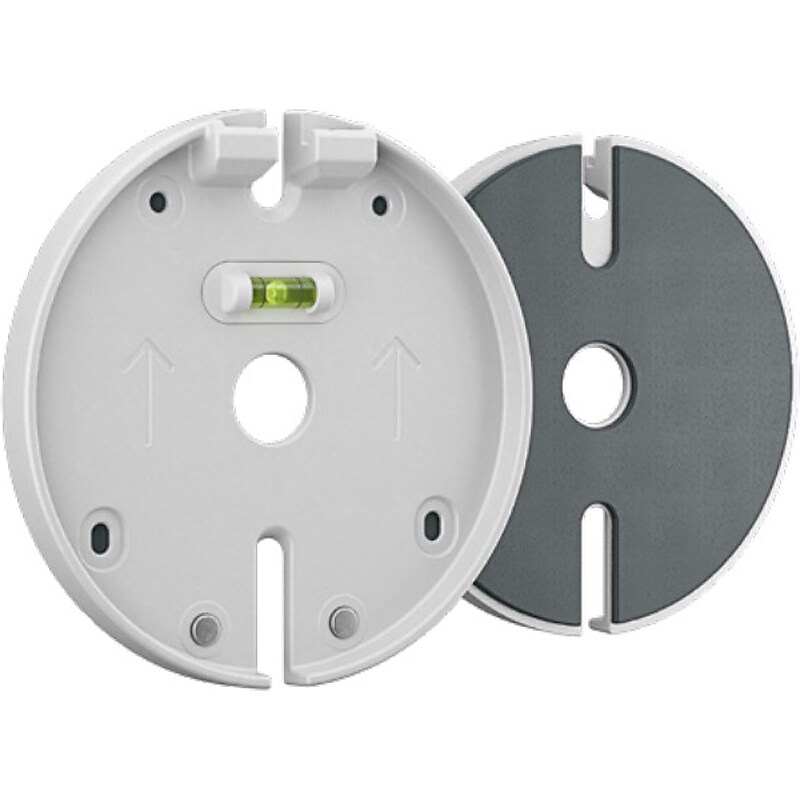
Securely mount Logitech Scribe whiteboard camera to glass surfaces and easily share notes and drawings into video meetings..Dimensions: 0.55"W x 4.49"Dia..Securely mount Logitech Scribe whiteboard camera to glass surfaces (not compatible with frosted glass).Comes in white.2-year manufacturer limited warranty