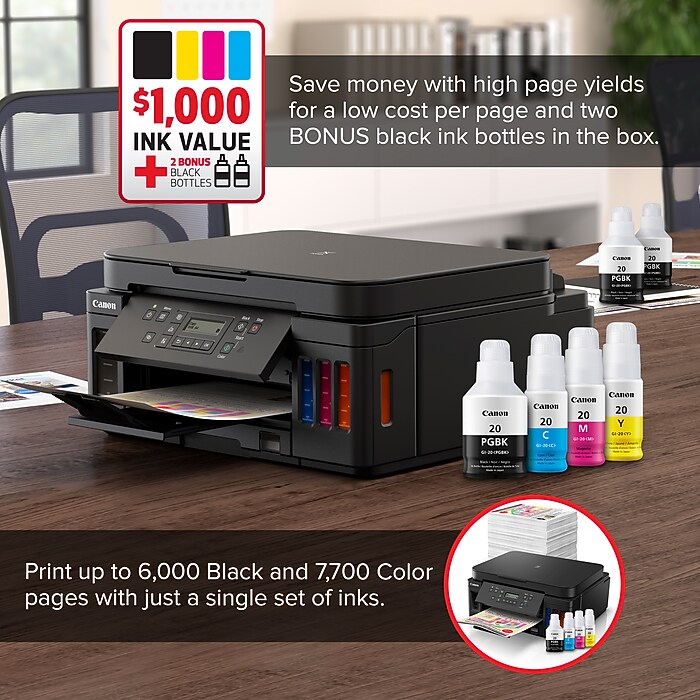
1. Page yield of included ink bottles used for initial setup is lower than the replacement ink bottles, as a certain amount of ink is consumed to fill into the print head during setup (charging the print head initially). Page yield is the estimated value based on Canon individual test method using the ISO/IEC 24712 chart and continuous printing simulation with the replacement ink bottles after initial setup. Page yield of color inks is an average yield of cyan, magenta and yellow inks combined. Page yield varies significantly depending on content printed, ink levels maintained in all four reservoirs, and other factors. Up to 6,000 (black)/7,700 (color) printed page yields are approximate using ‘default printing mode’, up to 8,300 (black)/7,700 (color) printed page yields are approximate using ‘economy printing mode’ via Windows/Mac OS driver or printer copy setting, based off document pages printed. 2. Wireless printing and scanning requires a working network with wireless 802.11b/g/n capability, operating at 2.4GHz. Wireless performance may vary based on terrain and distance between the printer and wireless network clients. 3. Claim of up to two (2) years of ink based on average monthly document print volumes of 200 pages continuous printing using ‘default printing mode’. 4. The inkjet G6020 saves up to 80% on the cost of ink compared to high-yield laser cartridges, with a low cost-per-print of less than 2 cents per page.