Customer Reviews for JBL TUNE Flex Wireless Active Noise Canceling Earbuds, Bluetooth, White (JBLTFLEXWHTAM)


JBL TUNE Flex Wireless Active Noise Canceling Earbuds, Bluetooth, White (JBLTFLEXWHTAM) is In-store only
Item # : 24569999
Model # : JBLTFLEXWHTAM
- Pair of high-comfort earbuds for all-day u
- Completely wireless, so you'll enjoy freedom of movement
Price is $60.99
30-min pickup
See alternate delivery items
Add to list
209 reviews
Most helpful positive review
Posted Feb 18, 2026
Battery last super long!
From the time I got this headphones the case was showing only one bar. I did not charge the case until 3 weeks later when I hear it saying battery low. Now that they’re 3 bars I wonder how long it will last me. I use the ear attachments to get the most out of noise cancelling. The sound is very good and in all I’m happy with the product.
VS
Most helpful critical review
Posted Mar 14, 2026
The quality of sound is good but I find that it easily falls out of my ears even after changing the ear bud size. Since it's touch controlled, every time I have to push it back in it either pauses my music, stops my music to tell me it's on a new setting or skips the ssong. The earphones also don't block out any outside noise whatsoever.
Elliefmarie
Reviewed at:
jbl.com
Posted Mar 14, 2026
The quality of sound is good but I find that it easily falls out of my ears even after changing the ear bud size. Since it's touch controlled, every time I have to push it back in it either pauses my music, stops my music to tell me it's on a new setting or skips the ssong. The earphones also don't block out any outside noise whatsoever.
0up votes 0
0down votes 0
Report
Response from Staples :
Call us now at: +44 161 222 3325
Monday - Friday: 08.00-17.00
Saturday - Sunday: 09:00-15:00
March 14, 2026
Jack9191
Reviewed at:
jbl.com
Posted Feb 25, 2026
Dont buy !!
Terrible quality gifted it to my wife and they stopped working with in two weeks of use
0up votes 0
0down votes 0
Report
Response from Staples :
For further support, we welcome you to contact our JBL Customer Support team:
https://support.jbl.com/gb/en/
Thank you.
February 25, 2026
Khushnood
Reviewed at:
jbl.com
Posted Feb 23, 2026
My experience with these buds
It has an impressive battery life and a great mic. It charges quickly, and each bud has a feature to beep through the app when it's lost. However, if the case is lost, you can't trace it. Considering that these are quite expensive buds, there should be some sort of feature to trace the case when lost.
One major drawback is that around PC labs, it disconnects. The conne...
One major drawback is that around PC labs, it disconnects. The conne...
Read full review
0up votes 0
0down votes 0
Report
Response from Staples :
For further support, we welcome you to contact our JBL Customer Support team:
https://support.jbl.com/gb/en/
Thank you.
February 23, 2026
Aise27
Reviewed at:
jbl.com
Posted Feb 18, 2026
Battery last super long!
From the time I got this headphones the case was showing only one bar. I did not charge the case until 3 weeks later when I hear it saying battery low. Now that they’re 3 bars I wonder how long it will last me. I use the ear attachments to get the most out of noise cancelling. The sound is very good and in all I’m happy with the product.
0up votes 0
0down votes 0
Report
KLFo
Reviewed at:
jbl.com
Posted Feb 4, 2026
Ok. If you don’t mind tinny sound
I bought these after I stood accidentally on my Apple AirPods. Didn’t have the money to buy Apple so opted for JBL. I wasn’t impressed by the sound, the fit or the fact that I had to enter the app to change settings. They’re now in a drawer and I’ve bought second hand Apple airpods
0up votes 0
0down votes 0
Report
reviewer1234567890
Reviewed at:
jbl.com
Posted Jan 22, 2026
I love it the ANC but great ear buds overall
I love these earbuds! The JBL Tune Flex is reasonably priced and performs better than more expensive brands I've tried. The ANC is the best part—it keeps things quiet even when my cousin and grandma are at it again. 10/10 for sound and sanity!
0up votes 0
0down votes 0
Report
TL20
Reviewed at:
jbl.com
Posted Jan 21, 2026
Overall Good but Doesn't Fit Well
Good for the price. I like the ease of use and that you don't need the app to operate these. The rubber tips don't fit my ear very well, however. I think I may need to get third party in between sizes. One ear fits well and the other feels really loose. Because of this, I can't really tell how well the noise cancellation is. Right now I don't hear a difference between n...
Read full review
0up votes 0
0down votes 0
Report
Reviewed at:
jbl.com
Posted Jan 12, 2026
These are the worst design ever. It is really difficult to get them out because there is no where to grab so there needs to be a different design because I get frustrated Everytime trying to take them out...
0up votes 0
0down votes 0
Report
Response from Staples :
Thanks for your feedback. We appreciate your input and we'll make sure to forward it to the appropriate team.
January 13, 2026
Buddy11
Reviewed at:
jbl.com
Posted Dec 31, 2025
Mostly Good - Good Value
Sound appears good.
Range appears to be good.
Battery longevity is good.
Case battery is good.
Calls work good.
ANC does not work well.
Range appears to be good.
Battery longevity is good.
Case battery is good.
Calls work good.
ANC does not work well.
0up votes 0
0down votes 0
Report
a_m_l
Reviewed at:
jbl.com
Posted Dec 28, 2025
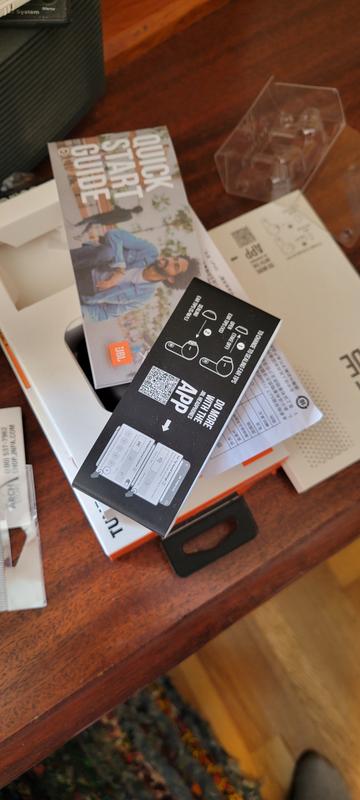
I'll probably never use these. They'll just sit in a drawer as a festering disappointment as a waste of time and money. While trying to set these up it twice decided to Facetime someone named Hannah from my contacts, even after going through some work and trying to find where in the App it has a setting to disable voice commands.
I just wanted to listen to some music, n...
I just wanted to listen to some music, n...
Read full review
0up votes 0
0down votes 0
Report
Response from Staples :
Thanks for your feedback. We're always looking for ways to improve. Here are some troubleshooting steps that might help isolate the issue with your JBL Tune Flex. First, forget/unpair the headphones on your device, then manually pair the headphones with your device and see if this resolves your problem. If that doesn't resolve the issue, the next step is a reset. With both earbuds on, and not charging, tap two times and hold the button on the third tap for more than 5 seconds. You may need to 'forget' the headphones in Bluetooth settings on your phone/tablet in order to pair them again. If the issue remains, please contact us at (800) 336-4525 Mon-Fri: 9:00 am - 11:00 pm (EST) Sat-Sun: 9:00 am - 5:00 pm (EST)
December 30, 2025
Adam56
Reviewed at:
jbl.com
Posted Dec 24, 2025
I got it as a Christmas present, so far I'm satisfied with JBL products, but the noise cancellation of this Tune Flex is terrible, as if it doesn't exist, and the sound quality is much worse than, for example, the JBL 520BT. The sound is very "cheap", it's hard to take it out of the case and it's very sensitive to touches. I don't recommend it at all.
0up votes 0
0down votes 0
Report
Response from Staples :
We appreciate you taking the time to provide us with your feedback. We're sorry to hear that our JBL Tune Flex didn't meet your expectations. We'll make sure to share your feedback with the appropriate team. If you need more help with your unit, please contact our customer support for further assistance. https://support.jbl.com/us/en/#contact
December 27, 2025
Adapt
Reviewed at:
jbl.com
Posted Dec 12, 2025
Adaptable
These have the volume capabilities needed when using sound canceling and ambient aware features. My last earbuds (not JBL) were too quiet and I couldn't really use them in public, these are very adaptable for any space. I also put one of these through the wash on accident and after recharging it has worked perfectly ever since, it even matches volume/quality to the non-...
Read full review
0up votes 0
0down votes 0
Report
Amy89
Reviewed at:
jbl.com
Posted Dec 7, 2025
Not charging
Had for just over a year and the left ear bud will not charge,
0up votes 0
0down votes 0
Report
Response from Staples :
Call us now at: +44 161 222 3325
Monday - Friday: 08.00-17.00
Saturday - Sunday: 09:00-15:00
For a solution.
December 7, 2025
Randallthegreat
Reviewed at:
jbl.com
Posted Dec 4, 2025
Zero stars - turned off to JBL as a brand entirely
They aren’t designed for human ears first of all. The smallest earbud attachment is way too large. The material they made the earbud out of feels cheap and slick. The touch controls are ill placed and I always press something I don’t mean to when constantly adjusting the earbud because it doesn’t fit.
Most annoyingly the earbuds activate Siri every time I touch them. ...
Most annoyingly the earbuds activate Siri every time I touch them. ...
Read full review

0up votes 0
0down votes 0
Report
Response from Staples :
Thanks for your feedback. We appreciate your input and we'll make sure to forward it to the appropriate team.
December 6, 2025
Al567
Reviewed at:
jbl.com
Posted Nov 27, 2025
Horrible
Not loud at all, if there is background noise you can’t hear music from the, and the noise canceling doesn’t work at all. And they barely stay in your ear, they fall out very often
0up votes 0
0down votes 0
Report
Response from Staples :
Thanks for reaching out. To achieve the best seal, sound, and secure fit with your JBL Tune Flex TWS, you must create a tight seal within your ear canal. To do this, angle the ear tip slightly downward to make it easier to insert into your ear canal, gently twist the earbud to fit it securely into the shape of your ear, and continue twisting the earbud into your ear canal. If you need more help, please contact our customer support.
November 29, 2025
KOFI
Reviewed at:
jbl.com
Posted Nov 14, 2025
DONT BUY THESE
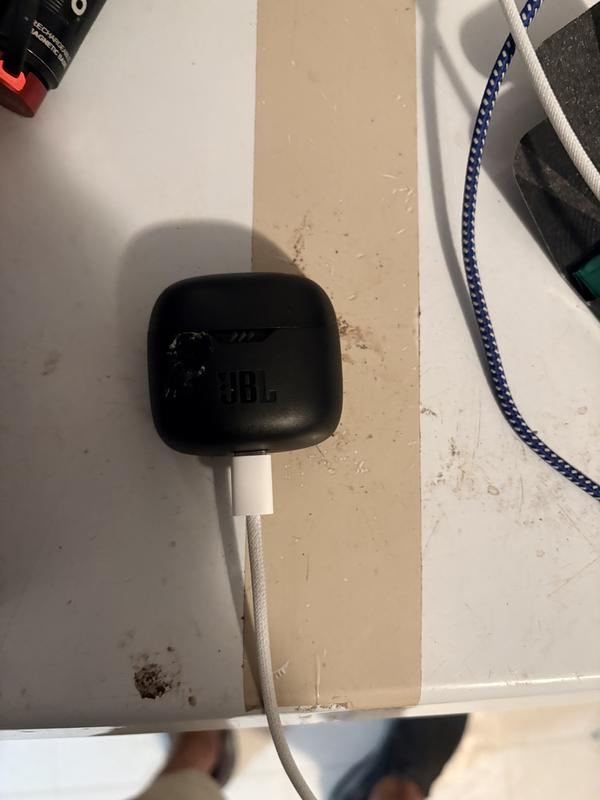
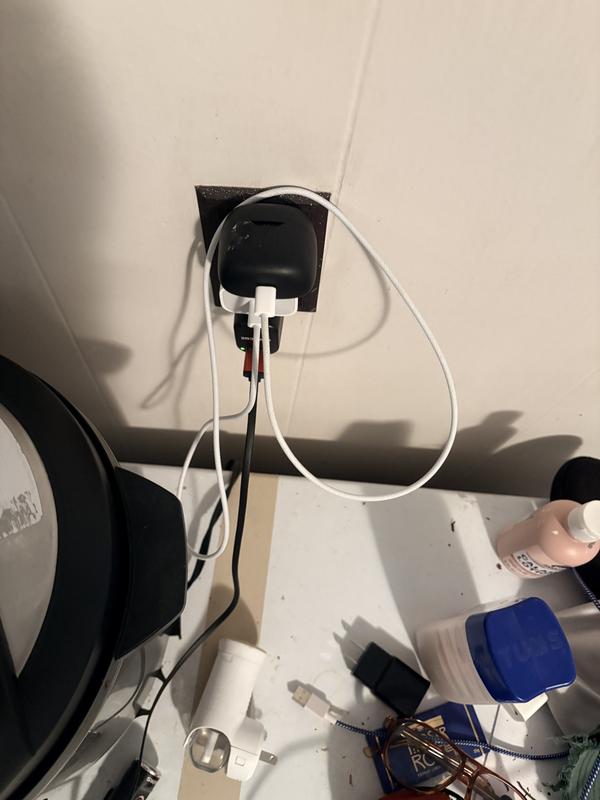
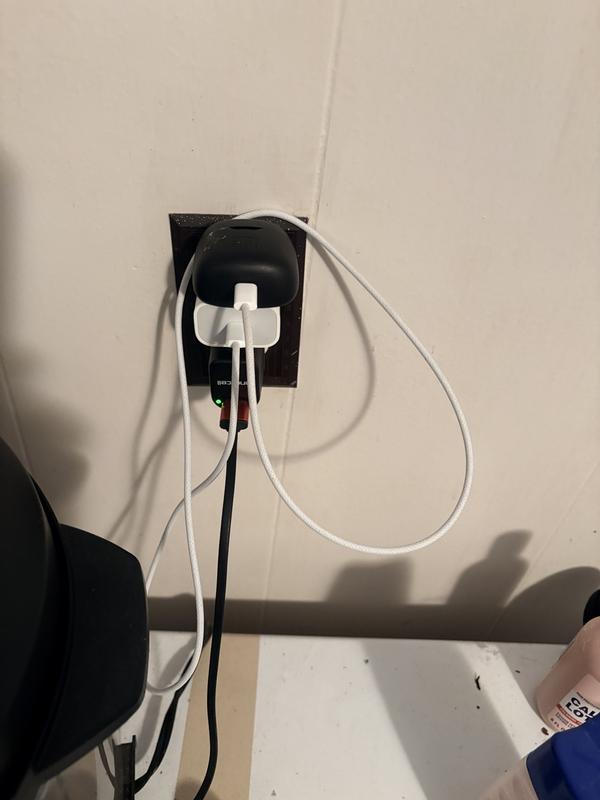
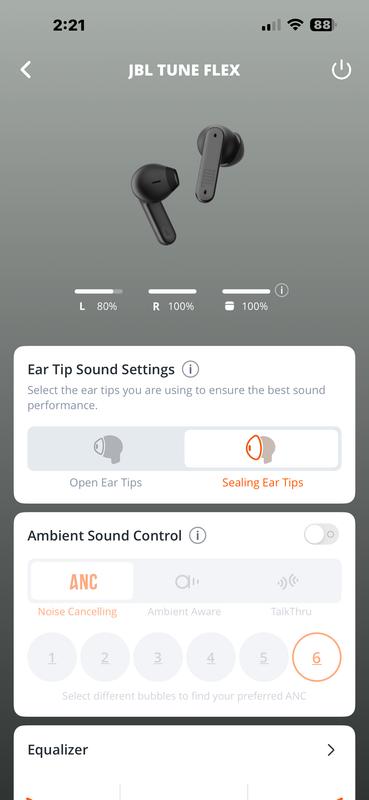
I have had these flex tune JBL headphones for a little over a year. They worked wonderfully until the first update. And then every update since then has only proven, well nothing positive. They don’t charge evenly, I have cleaned the case the Connections everything the way that they have specified to do so. They sometimes make very loud high-pitched noises which no one ...
Read full review
0up votes 0
0down votes 0
Report
Response from Staples :
Thanks for bringing this to our attention. We'd like to work with you directly to address the issues you're experiencing with your JBL Tune Flex. If needed, we'd also like to get more information so we can check your options. Please contact our customer support service via our official website or toll-free hotline.
November 14, 2025
Reviewed at:
jbl.com
Posted Nov 9, 2025
JBL TUNE FLEX
Great for talking or conference calls. Not good for music lovers
0up votes 0
0down votes 0
Report
Fatboy 84
Reviewed at:
jbl.com
Posted Oct 31, 2025
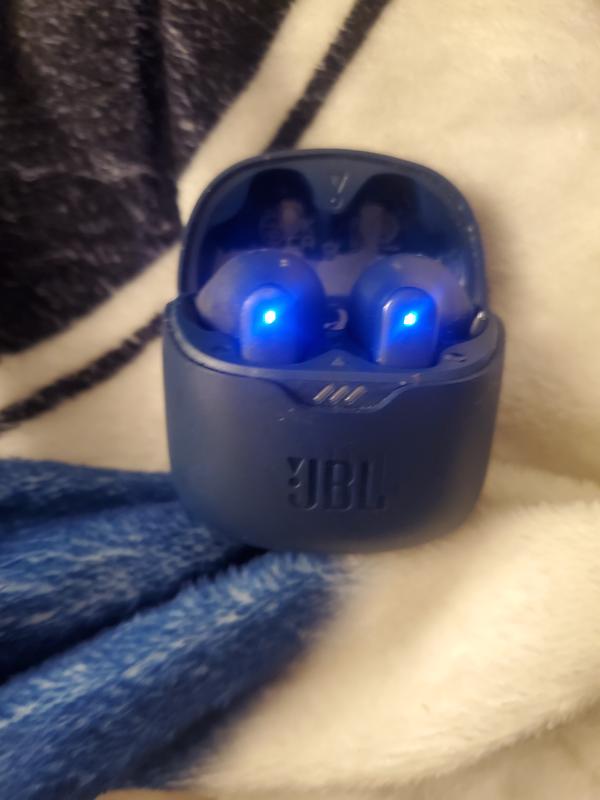
There ok
Both for work there ok they don't like to stay in my ears tho
0up votes 0
0down votes 0
Report
CmonJeffrey09
Reviewed at:
jbl.com
Posted Oct 31, 2025
Great product but with flaws
Great product. My only concern is the left ear piece. The right ear piece is clear and has great sound quality. Unfortunately the left ear piece is full of static. I would rate this a 5/5 but the left ear piece shot it down 2 stars.
0up votes 0
0down votes 0
Report
Mike015
Reviewed at:
jbl.com
Posted Oct 30, 2025
Instructions Reuired
No instructions ame with the buds. Need instructions on how to use them???
0up votes 0
0down votes 0
Report
Response from Staples :
Thank you for your question. You can search for the JBL Tune Flex on our website. Below the documents section, you will find and be able to download the quick start guide.
November 7, 2025