Customer Reviews for Samsung NeoQLED QN90F Series 85" Smart 4K Ultra AI Enabled TV (QN85QN90FAFXZA)


Samsung NeoQLED QN90F Series 85" Smart 4K Ultra AI Enabled TV (QN85QN90FAFXZA) is Out of stock
Item # : IM1SG8838
Model # : QN85QN90FAFXZA
- Built for indoor use with a massive 85-inch glare-free display.
- Displays brilliant 4K Ultra HD visuals on a smart Neo QLED platform.
Price is $3,083.99
Add to list
579 reviews
Most helpful positive review
Posted Apr 14, 2026
Worth the comeback to Samsung.
Great brightness and can't see my windows behind me on the TV while watching content. I love the soap opera effect and this does good, would like to find a way to project more of it. If you don't like it then it is easily removed. The OS is outstanding, not lagging and very responsive, I was almost wanting more than 100 Mbps but the way the OS runs and how smooth made ...
Read full review
VS
Most helpful critical review
Posted Mar 23, 2026
TV has a line down through it
the TV has a line down the middle of it to my house I was not able to take it down and return it anyone up on the bracket . I've had to live with it I'm not happy
This reviewer received a free product or coupon in exchange for an unbiased review of the product
Reviewed at:
Samsung US
Posted Apr 14, 2026
Worth the comeback to Samsung.
Great brightness and can't see my windows behind me on the TV while watching content. I love the soap opera effect and this does good, would like to find a way to project more of it. If you don't like it then it is easily removed. The OS is outstanding, not lagging and very responsive, I was almost wanting more than 100 Mbps but the way the OS runs and how smooth made ...
Read full review


0up votes 0
0down votes 0
Report
DB873D
This reviewer received a free product or coupon in exchange for an unbiased review of the product
Reviewed at:
Samsung US
Posted Apr 13, 2026
AWESOME PRPDUCT with needed improvements
A 65‑inch Samsung Neo QLED gives you excellent brightness, strong HDR, vivid but accurate colours, and great upscaling, so it looks superb in bright Indian living rooms and for OTT or sports. Gaming performance is also top‑tier thanks to 120 Hz panels, VRR, and low input lag
0up votes 0
0down votes 0
Report
FukAppl
This reviewer received a free product or coupon in exchange for an unbiased review of the product
Reviewed at:
Samsung US
Posted Apr 10, 2026
Great Picture!
it's the brightness is the brightness resolution of this TV is phenomenal lots of Samsung TVs over 30 probably and this is my favorite one. The contrast between the light and dark colors is mind-blowing! The refresh rate is great. This TV is a perfect viewing pleasure.
0up votes 0
0down votes 0
Report
Cliff
This reviewer received a free product or coupon in exchange for an unbiased review of the product
Reviewed at:
Samsung US
Posted Apr 10, 2026
Best TV quality I've seen yet
The picture quality is superb the brightness is perfect the blacks are amazing and all around the most beautiful picture I have ever seen on a TV, I couldn't be happier.


0up votes 0
0down votes 0
Report
Anu K
This reviewer received a free product or coupon in exchange for an unbiased review of the product
Reviewed at:
Samsung Australia
Posted Apr 10, 2026
Bought a few weeks ago and have no regret for the investment.
0up votes 0
0down votes 0
Report
Response from Staples :
Thank you for your feedback! We’re glad to hear you’re happy with your purchase and that it’s been a worthwhile investment. Enjoy your viewing experience!
Moe, April 10, 2026
cBoop94
This reviewer received a free product or coupon in exchange for an unbiased review of the product
Reviewed at:
Samsung US
Posted Apr 8, 2026
Excellent TV
This TV is absolutely top tier. The colors are incredible vibrant and accurate, deep blacks really stand out, making everything look sharp and immersive. Gaming on the PlayStation 5 Pro feels next level… super smooth, fast, extremely bright with excellent HDR performance, and visually stunning. It has all the perks for pairing with PS5/Pro: full VRR, 4K HDR, and HDMI 2....
Read full review


0up votes 0
0down votes 0
Report
Artgod
This reviewer received a free product or coupon in exchange for an unbiased review of the product
Reviewed at:
Samsung US
Posted Apr 6, 2026
Great All Around TV!
I love this tv. Fell in love when I saw online and then finally in my house. Every picture and everything is watch is so clear and beautiful. Very colorful when necessary, the movie modes are awesome and made several movies look even better, despite the fact that the AI does a very good job as well. Refresh rate is awesome, although It took awhile for the AI to get some...
Read full review
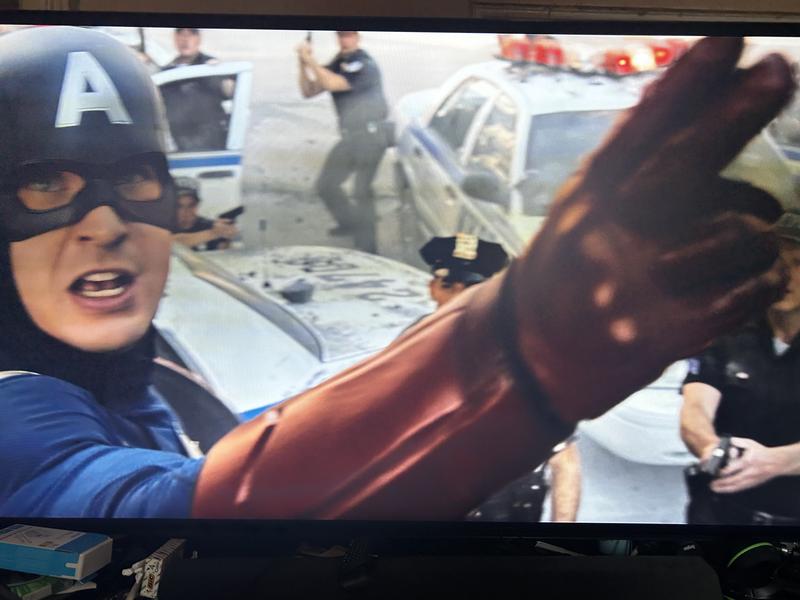

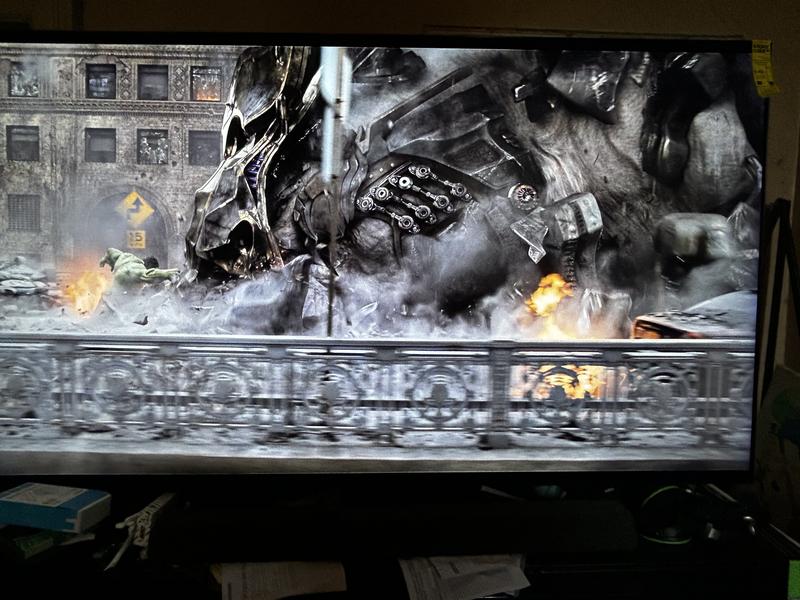
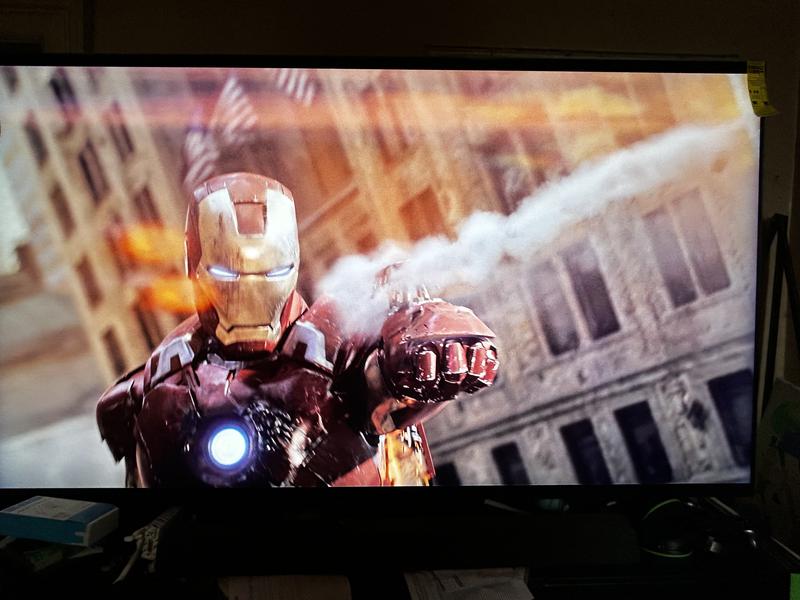
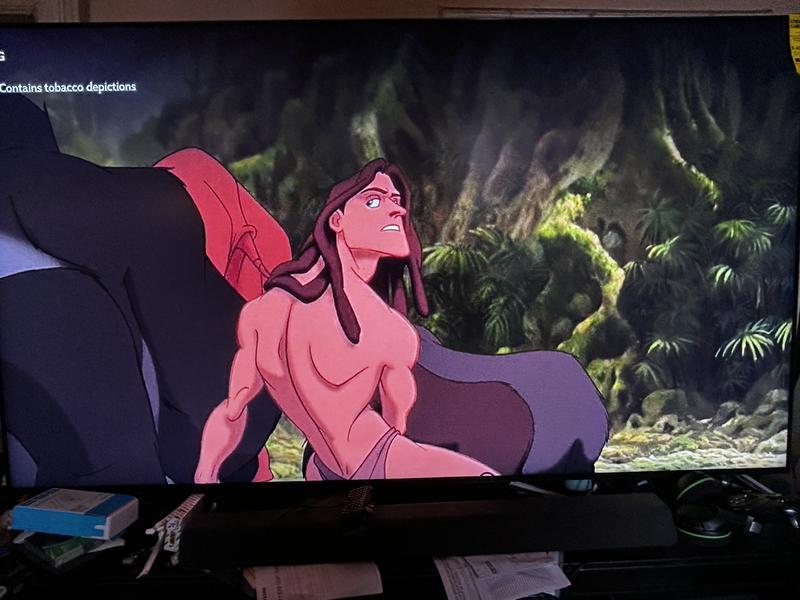
0up votes 0
0down votes 0
Report
Mamaw
This reviewer received a free product or coupon in exchange for an unbiased review of the product
Reviewed at:
Samsung US
Posted Apr 6, 2026
Love the non glare
Love the 85 “ perfect for watching tv. Love the non glare. Colors bright.
0up votes 0
0down votes 0
Report
J4ever2074
This reviewer received a free product or coupon in exchange for an unbiased review of the product
Reviewed at:
Samsung US
Posted Apr 6, 2026
TV is ok
The picture is just ok. I have a 6 year old samsung tv that looks exactly the same as this 4K and it's only a 1080p. I'm very disappointed.
0up votes 0
0down votes 0
Report
Response from Staples :
Hi,
We appreciate your input on the picture quality of Samsung’s QN90F TV. If the image isn’t meeting your expectations, there are several adjustments you can make to improve your viewing experience.
First, please ensure your TV is running the latest firmware, as updates may include important picture quality enhancements. Go to: Home > Left directional button > Settings > Support > Software Update > Update Now
Then, select a Picture Mode that best fits your environment: Home > Home > left directional key > Settings > All Settings > Picture > Picture Mode
1. Standard – Default mode for general viewing
2. Dynamic – Brighter and clearer in well-lit rooms
3. Eco – Optimized for energy saving
4. Movie – Best for watching in dark environments
5. Filmmaker Mode – Preserves content exactly as intended by creators
You can also enhance your experience by enabling AI Mode, which automatically adjusts picture and sound based on your surroundings and usage patterns: Settings > All Settings > Advanced Features > AI Mode Settings > AI Mode
If these adjustments don’t improve your picture quality, feel free to contact Samsung Customer Support at 1-800-SAMSUNG (8AM – 9PM EST Mon – Fri, 8AM – 6PM Sat – Sun). You can also LiveChat with an agent or find helpful guides by visiting the ‘Support’ section of our website.
~ Samsung Specialist
April 6, 2026
Joshua
This reviewer received a free product or coupon in exchange for an unbiased review of the product
Reviewed at:
Samsung US
Posted Apr 6, 2026
Great tv
Great television with great brightness and resolution. Refresh rate is good for viewing and contrast is perfect.
0up votes 0
0down votes 0
Report
Bruc
This reviewer received a free product or coupon in exchange for an unbiased review of the product
Reviewed at:
Samsung US
Posted Apr 6, 2026
Fast boot-up
Last Used App function doesn't work; don't care for the remote control; Tried to connect a Samsung soundbar but had too many weaknesses so I sent it back and bought another brand.
0up votes 0
0down votes 0
Report
Chris
This reviewer received a free product or coupon in exchange for an unbiased review of the product
Reviewed at:
Samsung US
Posted Apr 5, 2026
Top of the line
Amazing picture and quality. this has the most amazing picture quality. evrey setting and feature needed for every set up. Matte screen is incredible and leaves me impressed by how it does not show any reflections and shows nothing but the quality of picture coming from it.
0up votes 0
0down votes 0
Report
Chirs
This reviewer received a free product or coupon in exchange for an unbiased review of the product
Reviewed at:
Samsung US
Posted Apr 5, 2026
Great TV with all the bells & whistles
I love this TV, I had previously ordered the 70" class and received a damaged set, so I updated to this set. This set looks so much better with so many more bells and whistles, you wouldn't know until you spend some time with this set....it's cool. Love the wake-up mode when you enter the room with a screen saver with weather and other informative information displayed....
Read full review
0up votes 0
0down votes 0
Report
LUV IT
This reviewer received a free product or coupon in exchange for an unbiased review of the product
Reviewed at:
Samsung US
Posted Apr 5, 2026
Best Gets Better
Provides quick response to pixel updates from Internet streaming sources. Ultra high resolution displays excellent contrast for color vibrancy with brightness on subject matter.
0up votes 0
0down votes 0
Report
Dave
This reviewer received a free product or coupon in exchange for an unbiased review of the product
Reviewed at:
Samsung US
Posted Apr 5, 2026
Very pleased
Picture is fantastic, it was a shock seeing all the facial blemishes and wounds (news, crime and medical shows). Replaced a 52 inch tv. Sound is great as well, sound bar was worth the cost
0up votes 0
0down votes 0
Report
TayS
This reviewer received a free product or coupon in exchange for an unbiased review of the product
Reviewed at:
Samsung US
Posted Apr 5, 2026
This has some impressive features.
This is an outstanding product! The TV exceeded my expectations, delivering vibrant brightness and sharp contrast even in direct sunlight. I wholeheartedly recommend this TV to anyone seeking quality and performance.
0up votes 0
0down votes 0
Report
Sammy
This reviewer received a free product or coupon in exchange for an unbiased review of the product
Reviewed at:
Samsung US
Posted Apr 5, 2026
Best tv i have ever bought
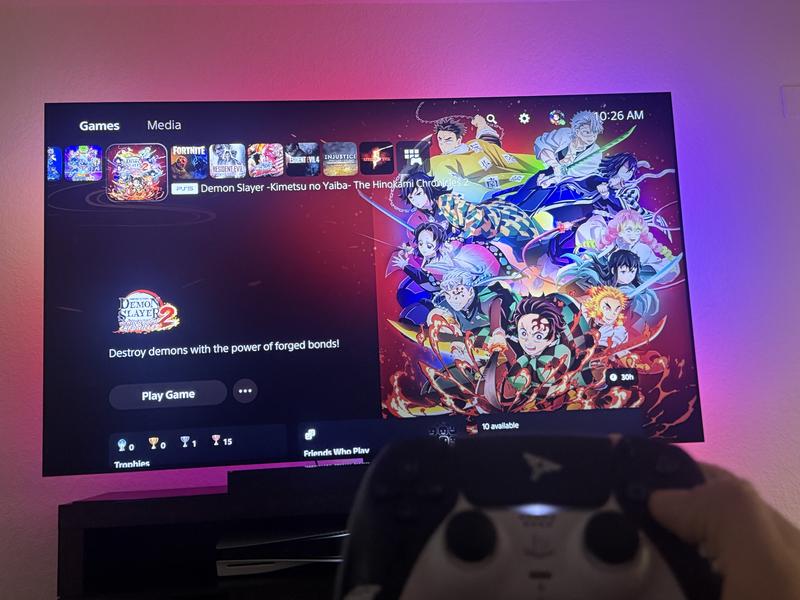
Everything on this tv, from the glare-free screen, to the brightness, the high frame rate and hdr for video games, the resolution, even the stand has a crevice for the cords on the back and a cover so that theres no cords hanging behind the tv. It detects motion and turn on, the ai built in is also great, with bixby or alexa. Theres so much u can do that i didnt even kn...
Read full review
0up votes 0
0down votes 0
Report
Schnmom
This reviewer received a free product or coupon in exchange for an unbiased review of the product
Reviewed at:
Samsung US
Posted Apr 5, 2026
65 inches tv
I love my 65” tv it clear pictures! Also sound is great! It worth to buy Samsung 65” inches tv!
0up votes 0
0down votes 0
Report
Neo 1
This reviewer received a free product or coupon in exchange for an unbiased review of the product
Reviewed at:
Samsung US
Posted Apr 5, 2026
Gaming features for 120hz
Great tv for the money excellent picture and adaptation to a variety of differnt setups
0up votes 0
0down votes 0
Report
Donl
This reviewer received a free product or coupon in exchange for an unbiased review of the product
Reviewed at:
Samsung US
Posted Apr 5, 2026
Great picture quality!
The overall picture is phenomenal! Light years ahead of the Sony Bravia that we had before with regard to the image quality.
0up votes 0
0down votes 0
Report