
Customer Reviews for Samsung Neo QN80F 75” Smart QLED 4K UHD AI TV (QN75QN80FAFXZA)


Samsung Neo QN80F 75” Smart QLED 4K UHD AI TV (QN75QN80FAFXZA) is Out of stock
Item # : IM1SG8870
Model # : QN75QN80FAFXZA
- Elevate your home entertainment with a stunning 75" display that turns any room into a cinematic experience for movies, sports, and gaming
- Enjoy Samsung’s Neo QLED technology with Mini LED backlighting for incredible brightness, deep blacks, and vibrant colors all powered by Smart Tizen OS for seamless streaming and control
Price is $1,693.49
Add to list
350 reviews
Most helpful positive review
Posted Apr 21, 2026
Great TV choice
Awesome picture. Great sound. Easy to setup. Took less than 5 minutes on my phone to set up.
VS
Most helpful critical review
Posted Apr 6, 2026
Disappointing
Quality of image is disappointing. I have a 15 year old 55" Samsung with higher picture quality than this TV.
AW25
This reviewer received a free product or coupon in exchange for an unbiased review of the product
Reviewed at:
Samsung US
Posted Apr 21, 2026
Great TV choice
Awesome picture. Great sound. Easy to setup. Took less than 5 minutes on my phone to set up.
0up votes 0
0down votes 0
Report
Sway
This reviewer received a free product or coupon in exchange for an unbiased review of the product
Reviewed at:
Samsung US
Posted Apr 20, 2026
Amazing
Best tv ever. I loved it since day 1. It's great!!
0up votes 0
0down votes 0
Report
This reviewer received a free product or coupon in exchange for an unbiased review of the product
Reviewed at:
Samsung US
Posted Apr 20, 2026
Overall a pretty darn good TV
I upgraded/upsizee from a Sony tv. I will say the Samsung is better in every way except operating system. The Samsung is a little laggy especially upon start up. That is why it only gets 4 stars. Brightness, clarity, resolution etc etc is all as good or better
0up votes 0
0down votes 0
Report
CountryD
This reviewer received a free product or coupon in exchange for an unbiased review of the product
Reviewed at:
Samsung US
Posted Apr 20, 2026
Bigger & Brighter
Great picture quality and brightness especially for sports programs. Our previous set had issues with glare for daytime programs, not this one, crystal clear day or night.
0up votes 0
0down votes 0
Report
Cfont61
This reviewer received a free product or coupon in exchange for an unbiased review of the product
Reviewed at:
Samsung US
Posted Apr 20, 2026
The Neo QLED is superior in Samsung line of produc
The quality of the product is impressive. And accessibility is very good.
0up votes 0
0down votes 0
Report
Juice1909
This reviewer received a free product or coupon in exchange for an unbiased review of the product
Reviewed at:
Samsung US
Posted Apr 20, 2026
Amazing Picture Clarity
Couldn’t be happier with the purchase of this Tv for my theater room, picture clarity& resolution is amazing, brightness makes the picture pop! Filmmaker mode is ideal for movie time as well. Overall 10/10 for me.
0up votes 0
0down votes 0
Report
JimmieD
This reviewer received a free product or coupon in exchange for an unbiased review of the product
Reviewed at:
Samsung US
Posted Apr 20, 2026
Good picture, not great like expected
I expected a lot better picture quality. NEO QLED…..I thought was just short of OLED…..NOT
0up votes 0
0down votes 0
Report
Response from Staples :
We appreciate your input on the picture quality of Samsung’s QN80F TV. If the image isn’t meeting your expectations, there are several adjustments you can make to improve your viewing experience.
First, please ensure your TV is running the latest firmware, as updates may include important picture quality enhancements. Go to: Home > Left directional button > Settings > Support > Software Update > Update Now
Then, select a Picture Mode that best fits your environment: Home > Home > left directional key > Settings > All Settings > Picture > Picture Mode
1. Standard – Default mode for general viewing
2. Dynamic – Brighter and clearer in well-lit rooms
3. Eco – Optimized for energy saving
4. Movie – Best for watching in dark environments
5. Filmmaker Mode – Preserves content exactly as intended by creators
You can also enhance your experience by enabling AI Mode, which automatically adjusts picture and sound based on your surroundings and usage patterns: Settings > All Settings > Advanced Features > AI Mode Settings > AI Mode
If these adjustments don’t improve your picture quality, feel free to contact Samsung Customer Support at 1-800-SAMSUNG (8AM – 9PM EST Mon – Fri, 8AM – 6PM Sat – Sun). You can also LiveChat with an agent or find helpful guides by visiting the ‘Support’ section of our website.
~ Samsung Specialist
April 20, 2026
LIVING ROOM TV
This reviewer received a free product or coupon in exchange for an unbiased review of the product
Reviewed at:
Samsung US
Posted Apr 16, 2026
Good enough tv.
Apps are really slow, [Netflix, youtube]
Brightness, 10/10
Clarity, 10/10
Contrast, 10/10
Resolution, 10/10
Upscale, 8/10
Brightness, 10/10
Clarity, 10/10
Contrast, 10/10
Resolution, 10/10
Upscale, 8/10

0up votes 0
0down votes 0
Report
WEBZ
This reviewer received a free product or coupon in exchange for an unbiased review of the product
Reviewed at:
Samsung US
Posted Apr 15, 2026
Best TV ive ever owned. You won't be disappointed
Super bright and clear the upscale is fantastic. The contrast and resolution is on point. The smart features are perfect. Best tv ive ever owned

0up votes 0
0down votes 0
Report
MickeyMouth
This reviewer received a free product or coupon in exchange for an unbiased review of the product
Reviewed at:
Samsung US
Posted Apr 14, 2026
Excellent TV
Love it! Perfect! Great features! Get yourself one!
0up votes 0
0down votes 0
Report
DMB6
This reviewer received a free product or coupon in exchange for an unbiased review of the product
Reviewed at:
Samsung US
Posted Apr 14, 2026
Great features
Brightness clarity contrast resolution upscaling are very good.
0up votes 0
0down votes 0
Report
Honey
This reviewer received a free product or coupon in exchange for an unbiased review of the product
Reviewed at:
Samsung US
Posted Apr 10, 2026
Loved it
Amazing Quality 👏 loved every minute! Easy to used
0up votes 0
0down votes 0
Report
Invincibal
This reviewer received a free product or coupon in exchange for an unbiased review of the product
Reviewed at:
Samsung US
Posted Apr 8, 2026
TV of the Future.
I was only thinking of purchasing a larger tv i wasn't really going to buy one, but after seeing it in person I had to have it. It makes my video games look amazing! I already had a 2018 Q series 55 inch in 4k , but this 65 inch model that I just got crushed it! I highly recommend it.
0up votes 0
0down votes 0
Report
Lost Samsung Customer
This reviewer received a free product or coupon in exchange for an unbiased review of the product
Reviewed at:
Samsung US
Posted Apr 6, 2026
Disappointing
Quality of image is disappointing. I have a 15 year old 55" Samsung with higher picture quality than this TV.
0up votes 0
0down votes 0
Report
Response from Staples :
We appreciate your input on the picture quality of Samsung’s QN80F TV. If the image isn’t meeting your expectations, there are several adjustments you can make to improve your viewing experience.
First, please ensure your TV is running the latest firmware, as updates may include important picture quality enhancements. Go to: Home > Left directional button > Settings > Support > Software Update > Update Now
Then, select a Picture Mode that best fits your environment: Home > Home > left directional key > Settings > All Settings > Picture > Picture Mode
1. Standard – Default mode for general viewing
2. Dynamic – Brighter and clearer in well-lit rooms
3. Eco – Optimized for energy saving
4. Movie – Best for watching in dark environments
5. Filmmaker Mode – Preserves content exactly as intended by creators
You can also enhance your experience by enabling AI Mode, which automatically adjusts picture and sound based on your surroundings and usage patterns: Settings > All Settings > Advanced Features > AI Mode Settings > AI Mode
If these adjustments don’t improve your picture quality, feel free to contact Samsung Customer Support at 1-800-SAMSUNG (8AM – 9PM EST Mon – Fri, 8AM – 6PM Sat – Sun). You can also LiveChat with an agent or find helpful guides by visiting the ‘Support’ section of our website.
~ Samsung Specialist
April 6, 2026
LuckyLopez
This reviewer received a free product or coupon in exchange for an unbiased review of the product
Reviewed at:
Samsung US
Posted Apr 5, 2026
Great TV
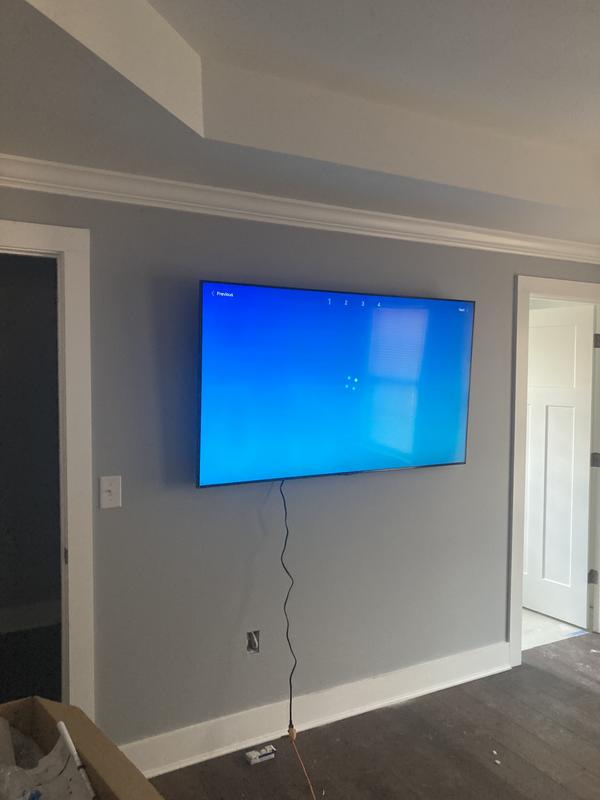
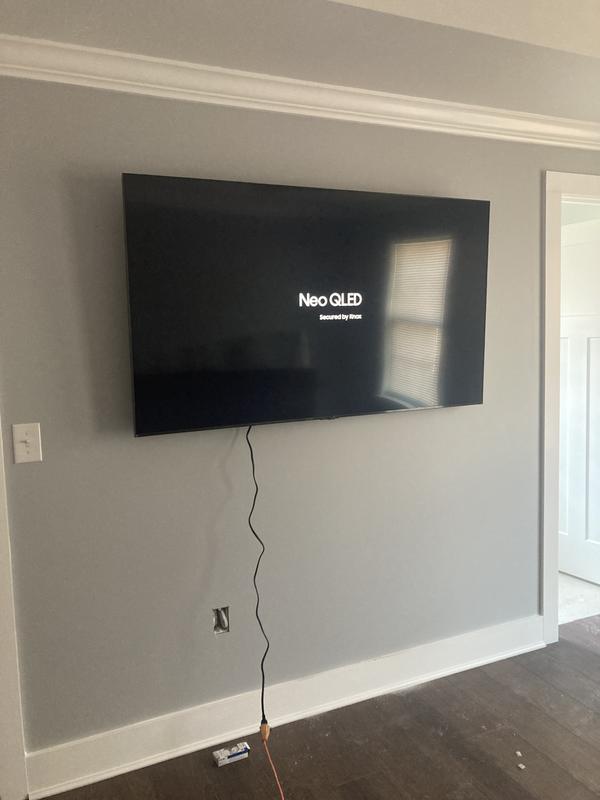
I’ve really enjoyed this TV so far. The picture quality looks great, it’s bright, clear, and the colors really stand out. Everything feels smooth and easy to use, and it definitely makes my setup feel more updated. I also like that it feels current with the newer features that are out right now, so it doesn’t feel outdated at all. Overall, I’m very happy with it and it ...
Read full review
0up votes 0
0down votes 0
Report
Dick
This reviewer received a free product or coupon in exchange for an unbiased review of the product
Reviewed at:
Samsung US
Posted Apr 5, 2026
I like the video.
In the extra Samsung channels, many have the audio out of sync with the video. Bloomberg is really noticeable and is concerning. I have the added sound system, but turning it off seems to not change the problem.
0up votes 0
0down votes 0
Report
Vince
This reviewer received a free product or coupon in exchange for an unbiased review of the product
Reviewed at:
Samsung US
Posted Apr 5, 2026
Love the new tech
Love the picture quality of this TV but what I appreciate about it the most are the apps and the user interface. I love the channel options on Samsung TV plus and all the apps. I like how easy it is to navigate as well.
0up votes 0
0down votes 0
Report
David
This reviewer received a free product or coupon in exchange for an unbiased review of the product
Reviewed at:
Samsung US
Posted Apr 5, 2026
Excellent picture quality.
The QLED picture quality is incredible. Some reviews insist you get the soundbar and surround bar but I think the sound is much improved form last years model.
0up votes 0
0down votes 0
Report
JRTv
This reviewer received a free product or coupon in exchange for an unbiased review of the product
Reviewed at:
Samsung US
Posted Apr 4, 2026
Great TV!
Awesome brightness and clarity. Excellent contrast on images. Perfect resolution, even when upscaling.
0up votes 0
0down votes 0
Report
Do not have one ?
Reviewed at:
Samsung Canada
Posted Apr 1, 2026
So far I like it but still learning how to use it. Should have a more detailed user manual.
0up votes 0
0down votes 0
Report