




Cables



Trending now
































What do laptops, desktop computers, TVs, game systems, and sound systems all have in common? That's right - they need cables! Whether it is for work or play, your essential tech devices need cables to connect to each other, Ethernet cables to connect to the internet, and of course, power cables to power your devices.
Audio/visual connections
Whether adding a second monitor for your desktop computer or connecting your laptop to a projector for a meeting, audio/video cables ensure you can either duplicate or extend your screen and let you carry your audio to different systems. The most crucial factor to consider for audio/visual cords is what connections are available to your device. Most recent machines will have HDMI or DisplayPort, whereas older machines will often use DVI. However, having two different ports between your connecting devices is relatively common. For example, you might have an HDMI port on your laptop or computer and a DVI port on the monitor, projector, or other external display devices you are connecting. No matter your devices' connectors, you can find the right cables or converter cable options here.
Connecting to the internet
Using cables to hard-wire into your internet is the best option for ensuring performance and stability. Use Ethernet cables to connect to your network and increase reliability. Specific cord length needs, and speed requirements are the primary considerations to keep in mind when choosing an Ethernet cable. You should consider how far from your router you will be working, so you can strike a balance between an Ethernet cable that is long enough to reach without any extra length getting in the way and creating a hazard. As for speed, CAT5 Ethernet cables can support up to 100 Mbps, whereas CAT6 Ethernet cables support up to 1000 Mbps (1GbE).
Turn it on!
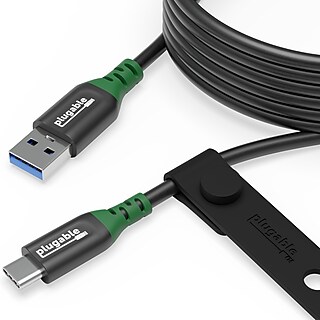
Powering your devices is fundamental. First, check for the type of power cable your device needs. If it isn't clear from looking, then look up your device cables requirement and should have it listed. Display devices such as TVs and monitors will have standard AC power cords, but portable devices such as smartphones will have various options based on brand and model. Second, consider how far you need your cable to reach your power source and select the appropriate length. You may also consider any additional features to enhance durability or protect charging devices from power surges.