














Trending now





























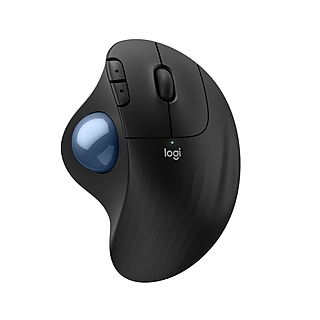
A computer mouse is an indispensable part of your computer system. However, they have come a long way from the standard models of yesteryear that simply had two buttons and a trackball underneath. Today's computer mice greatly increase productivity and ease of use, while coming in models that cater to different types of users.
Smoother Scrolling and Convenient Connectivity
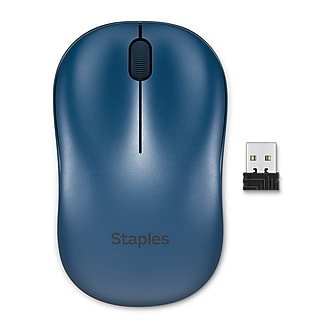
A modern-day computer mouse will operate the cursor with either laser, optical or Bluetooth technology. Optical and laser mice offer the advantage of not needing a mouse pad to function properly. They are ideal for people who are frequently on-the-go, or those who use their laptop while flying or visiting a coffee shop. Computer mice that use laser technology are known for achieving greater precision, making them an ideal choice for gamers or media editors. A Bluetooth wireless mouse will deliver the latest in precision and convenience, as they operate wirelessly and on a variety of surfaces. There are also laser and optical mice that connect wirelessly through a nano receiver that plugs into a USB port.
Additional Features For Power Users
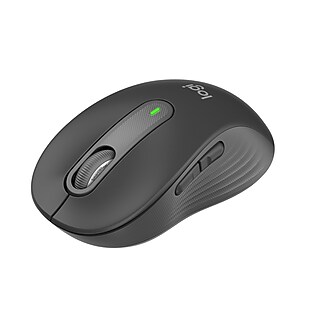
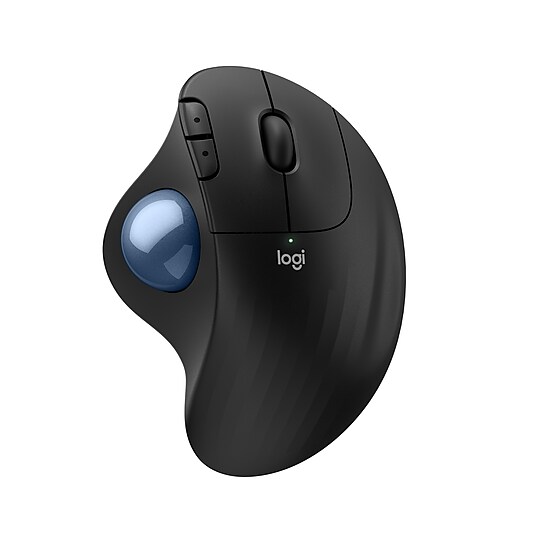
People who frequently use the web or multimedia applications can choose from models that have more than two buttons for quick access to certain functions. Some computer mice have buttons you can program, making them operate essentially as function keys or hotkeys that save precious time. Many come with scroll wheels for faster browsing of web pages, and some scroll wheels also function as an extra button.
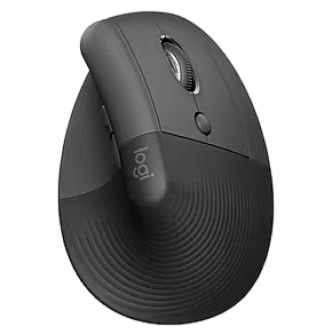
Certain computer mouse models are ergonomically designed for greater comfort, allowing heavy computer users to prevent fatigue or discomfort during extended sessions. They also come in many different colors to add some spice to your workspace, and even fun multicolored designs that can serve as an extension of your personality.
What Does DPI Mean?
DPI stands for Dots Per Inch, and in the case of computer mice, refers to how sensitive they are. In other words, the higher the DPI, the less the user has to move the mouse for the cursor to travel a certain distance. People who play lots of computer games will want a higher DPI so that they can aim and fire faster, especially when playing first-person shooters such as the Call of Duty series. Those who use their computer mainly for office applications or media editing should opt for a lower DPI so that the cursor won't jump across the monitor screen with small movements of the mouse.
Are There Computer Mice Made Specifically For Gamers?
Absolutely. Look for models with additional buttons on the side for easy and convenient access. Some also have a tactile feedback feature for greater enjoyment, or to let the user know that something important is happening onscreen. Many also come with colorful LED lights, plus an ergonomic design to reduce discomfort during long gaming sessions.
Are There Any Advantages to Traditional Wired Mice?
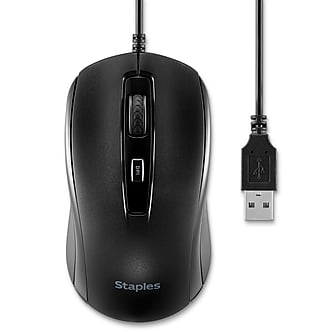
Yes. A computer mouse that connects via a wire has the advantage of being powered by the computer it is hooked up to, meaning that there are no batteries to replace or recharge, as in a wireless mouse.